Pixel Film Studios today introduces TextLight — a plugin for Final Cut Pro and Motion that paints cinematic, animated light across titles in real time. A traveling band of light sweeps across the letterforms as a glint, a color wash, or both. Volumetric god-ray shafts burst from the letters wherever the sweep illuminates them. Neon outer and inner glow, anamorphic streaks, multi-point lens flares, and a prism-edge color fringe complete the finish. Thirteen light and finish effects in total, all 100% GPU-accelerated via Metal, all composited directly onto the type with real-time 4K playback. Inside the same purchase: a full 3D text extrusion engine with eight edge styles and 40-plus HDRI reflection maps. Two plugins, one price. $29.95.
Title design for film, broadcast, and social content runs on contrast — the difference between a title card that feels produced and one that feels functional. Light has always been the fastest path to that contrast. A beam of light moving across letters, god-ray shafts bursting from illuminated type, the neon glow of a tube-lit sign — these are the visual signatures of title work that reads as deliberate rather than assembled. Producing them in Final Cut Pro has historically required either compositing software round-trips or rigid presets with fixed looks and no real controls. TextLight is the first tool that builds the full set of cinematic title-light effects directly into Final Cut Pro as a native plugin with real-time playback and parameter-level control over everything.
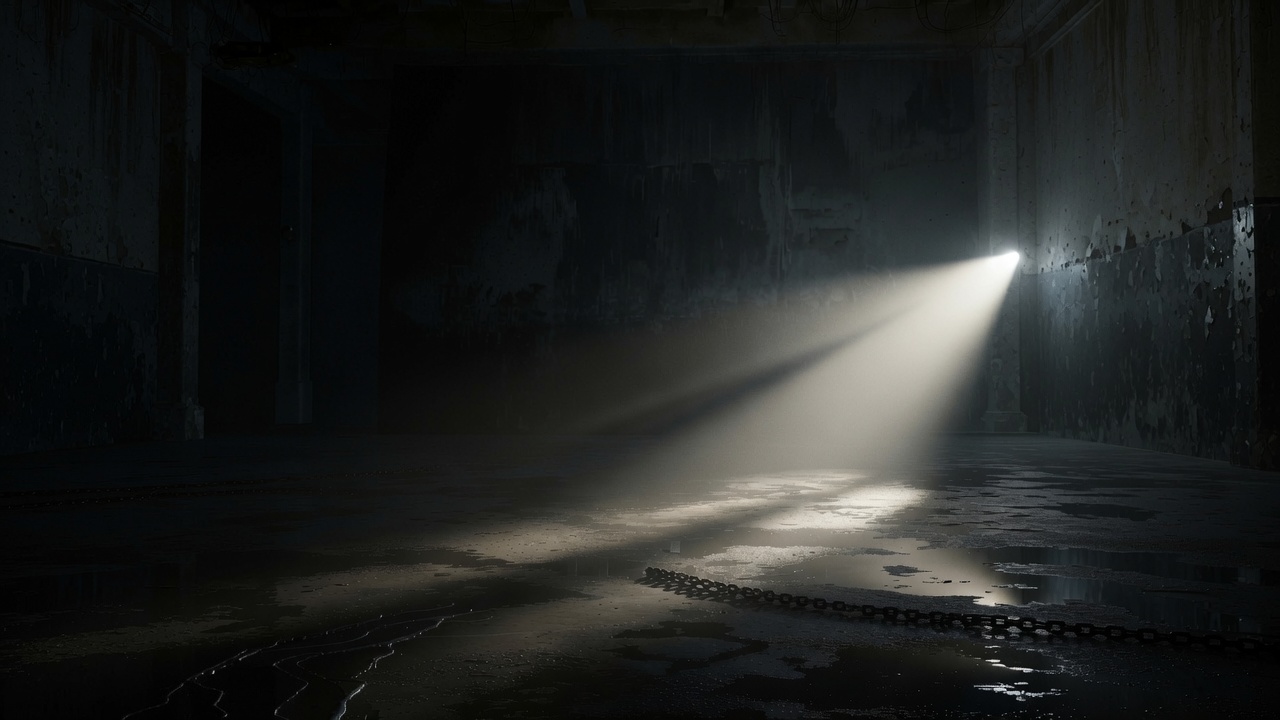
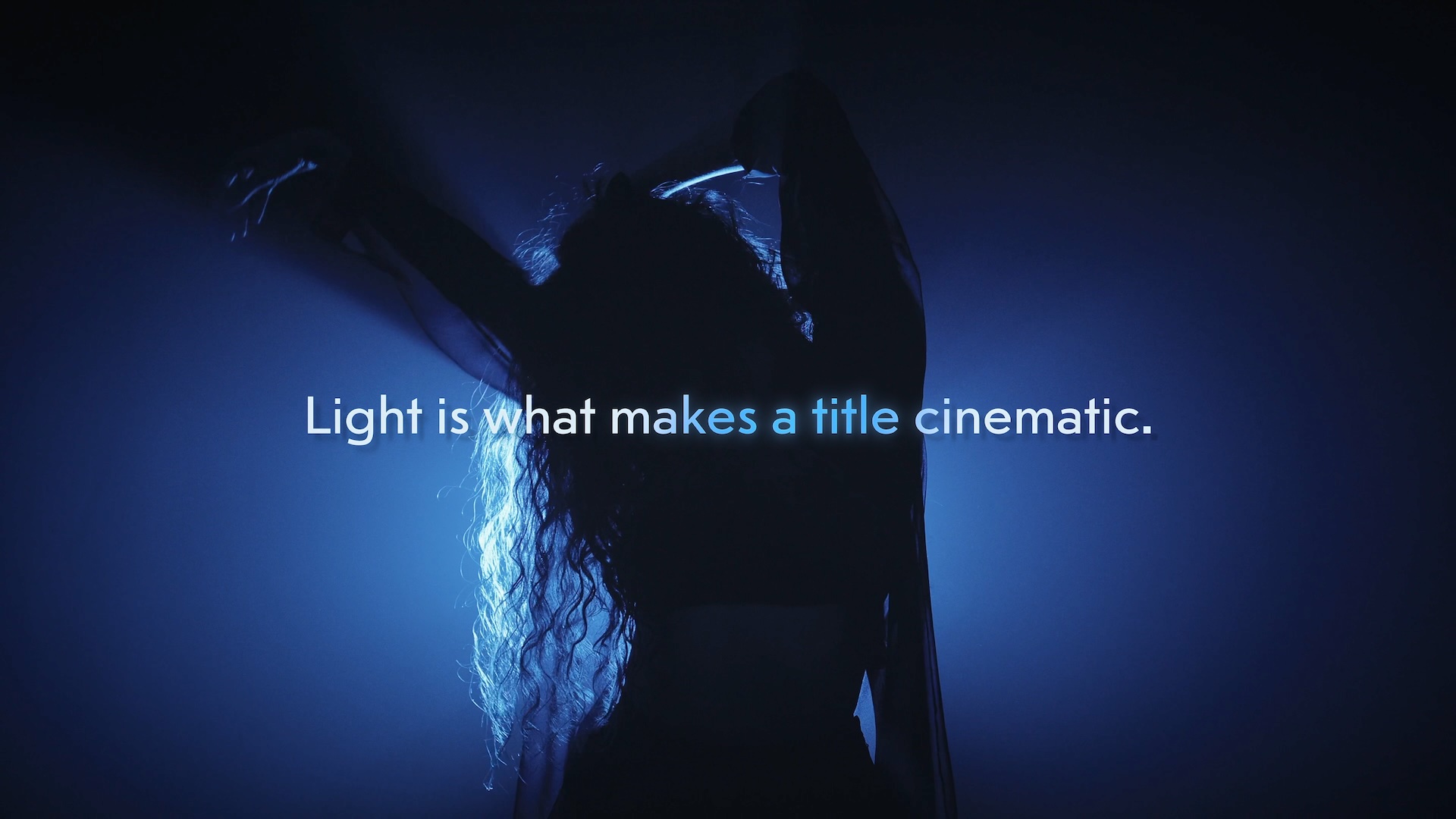
The Light Sweep: A Beam That Travels Your Type
The center of TextLight is the Light Sweep — a band of light that moves across the title frame after frame, illuminating the letters it passes over as a glint, a color wash, or both at the same time. It is the visual move the plugin is built around: letters that catch the light as it passes, the kind of thing a cinematographer achieves with a practical light source moving through frame, replicable here at any speed, any angle, on any title card, without a studio.
The sweep band ships in two profiles: comet (a bright leading edge that trails off as it passes) and twin-line (two parallel bands that bracket the type with light). Width, softness, angle, and speed are all adjustable. Run it on a continuous loop — the glint loops back and starts again, automatically — or keyframe the band's position to the edit, placing it on the beat, on the cut, on the vocal hit. The timing is yours.
- Light Sweep — a travelling glint that loops or follows keyframes, illuminating letterforms as it passes.
- Color Wash — tints the sweep band to wash a color across the letters as it moves, adding a chromatic shift to the light.
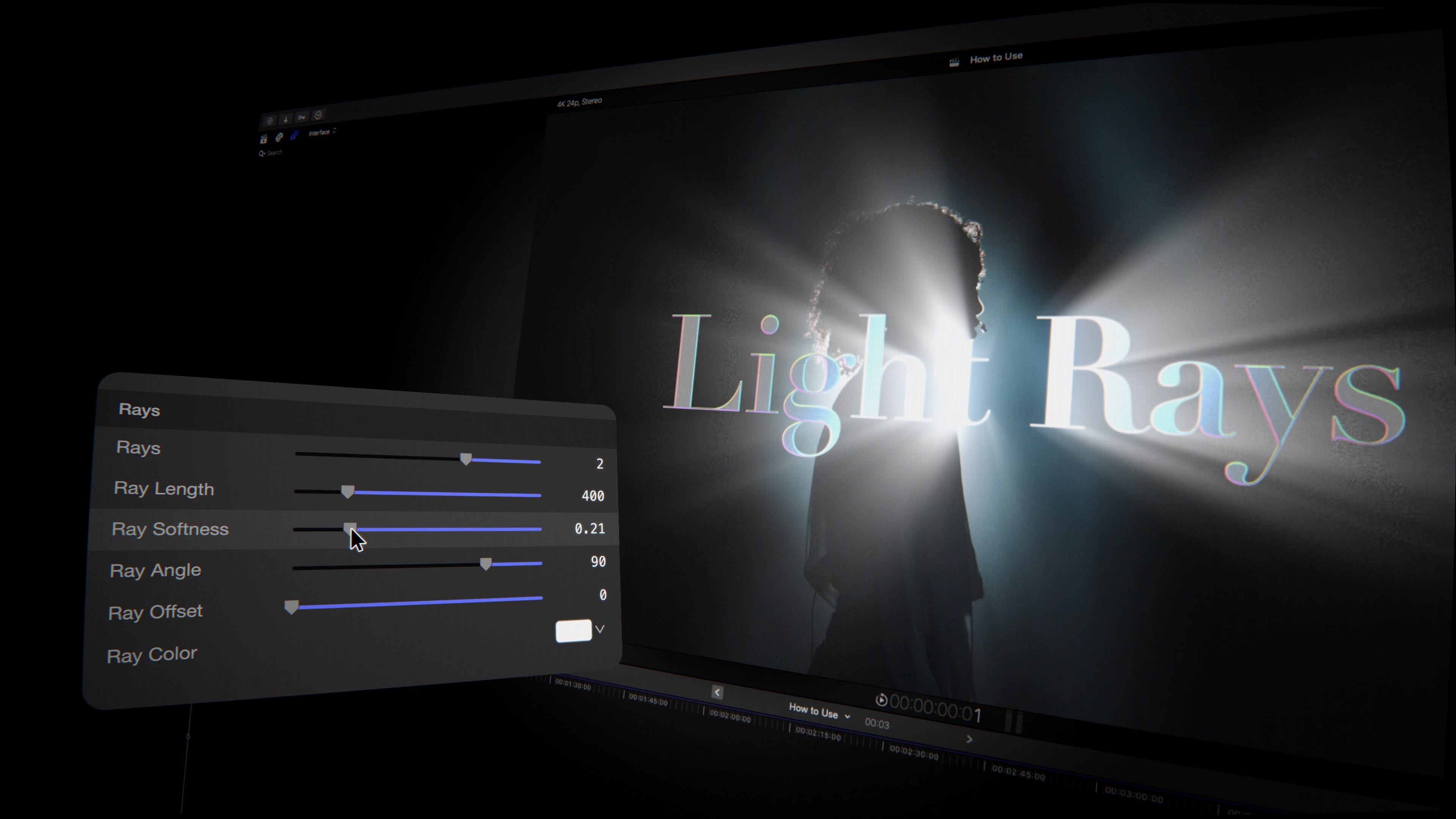
God-Ray Shafts: The Sweep Made Visible as Volume
When the Light Rays effect is active, the sweep becomes visible as volumetric light. Where the band crosses a letter, shafts of light burst outward from those letterforms — not from the whole word at once, but precisely from the letters the sweep is currently illuminating. The rays track the sweep as it moves. A title card goes from lit type to type that is actually radiating light, frame by frame.
Length, softness, angle, and offset are fully adjustable so the shafts can be aimed — down like sun through a canopy, upward like footlights catching smoke, horizontal like backlight through fog. The effect works independently of the sweep too: with the Light Rays enabled but the sweep parked at a fixed position, the rays emanate from the lit area continuously, holding as a static volumetric effect rather than tracking movement.
- Light Rays — volumetric god-ray shafts that burst from the letterforms wherever the sweep illuminates them; length, softness, angle, and offset all adjustable.
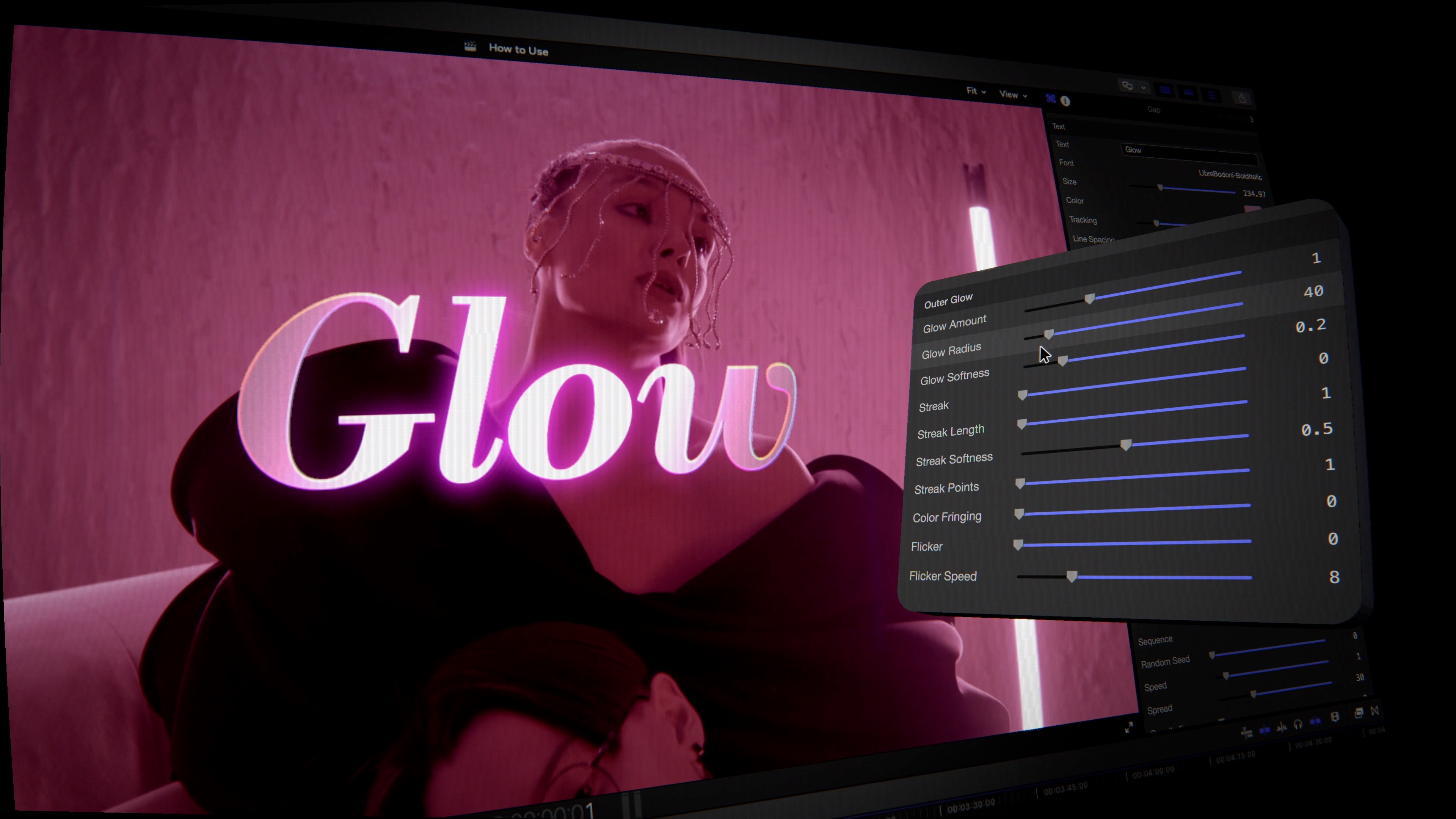
The Full Finish: Glow, Streaks, Flares, and Fringe
TextLight's third effect layer builds the complete cinematic finish around the light core — the effects that take a lit title card from convincing to definitive. Outer and inner glow. Anamorphic streaks. Multi-point lens flares. A prism-edge color fringe. A flicker parameter for the living-neon feel of tube lighting. All of them composited together in a single GPU pass.
- Outer Glow — a soft neon halo around the letterforms with adjustable radius and softness; the ambient light spill that makes lit text read as actually luminous rather than just bright.
- Inner Glow — light that fills the inside of the letterforms, neon-tube style; the look of type lit from within rather than from a source in front of it.
- Anamorphic Streaks — multi-point lens flares in cross and star configurations, riding the sweep band and appearing where the light is most intense.
- Color Fringing — a subtle prism edge along the glow and streak boundaries; the chromatic aberration that cinematographers introduce deliberately to make a practical light source read as real.
- Flicker — a randomized brightness variation that gives the glow and inner light the living, irregular pulse of a neon tube or a practical lamp on a dimmer.
The 3D Plugin: Extrusion, Eight Edge Styles, Forty-Plus HDRIs
TextLight ships as two plugins. The first — the 2D effects system described above — works on any text layer in Final Cut Pro. The second is a 3D text plugin that adds genuine depth to the letterforms and then surfaces all of the same light effects on three-dimensional type.
The extrusion is real: independently adjustable front-face and back-edge depth, so the letters have actual volume rather than the flat-shadow approximation common in video title tools. Eight edge profiles control how the face transitions to the side: bevel, round, concave, step, convex, ridge, chisel, and square. The combination of extrusion depth and edge style determines whether the text reads as carved stone, stamped metal, molded plastic, or a custom profile specific to a particular project's look.
Forty-plus HDRI reflection maps slide across the 3D letterforms, replacing or supplementing the direct illumination with environmental reflections — the specific quality of metallic, glossy type that catches the room it's in, or catches a horizon, or catches an abstract light field the editor places there. Combined with the sweep's color wash, the god-ray shafts, and the glow finish, the 3D plugin delivers a complete cinematic type treatment — extrusion, reflection, and animated light — inside a single Final Cut Pro clip.
- 3D Extrusion — real depth with independently adjustable front and back edges; not a shadow approximation but actual extruded volume.
- Eight Edge Styles — bevel, round, concave, step, convex, ridge, chisel, and square control the face-to-side transition.
- Reflections — 40-plus HDRIs that slide across glossy, metallic type; environmental reflection maps for metallic, glass, and custom looks.
"The title card is the first thing an audience reads. It sets the register for everything that follows. TextLight is about giving editors the tools to make that moment feel cinematic — light that actually moves, rays that actually burst from the letters, glow that makes the type feel luminous rather than just white. And then the 3D is there when the project calls for it: real extrusion, real reflections, the look of a title that was designed rather than typed. All of it real-time. All of it inside Final Cut Pro."
— Dave Austin, Founder & CEO, Pixel Film Studios
Availability and Pricing
TextLight is available today at pixelfilmstudios.com for $29.95. One-time purchase, no subscription. Includes both the 2D effects plugin and the 3D extrusion plugin. Requires macOS Ventura 13.0 or later and Final Cut Pro 10.8 or later. Works in Motion as well as Final Cut Pro. Universal binary — native Apple Silicon and Intel. Real-time 4K playback, 100% GPU-accelerated via Metal. Installs via the PFS Installer app or by manual download from the customer account page.
About Pixel Film Studios
Founded in 2011, Pixel Film Studios is the leading developer of professional visual effects, titles, transitions, and generators built exclusively for Apple Final Cut Pro and Motion. Over the past 14 years, the company has shipped more than 2,000 products and fulfilled millions of orders for video editors, content creators, broadcast designers, and post-production professionals in over 100 countries. Learn more at pixelfilmstudios.com.
Press Contact
Colin Bauer
Director of Communications, Pixel Film Studios
[email protected]