Loading deals…
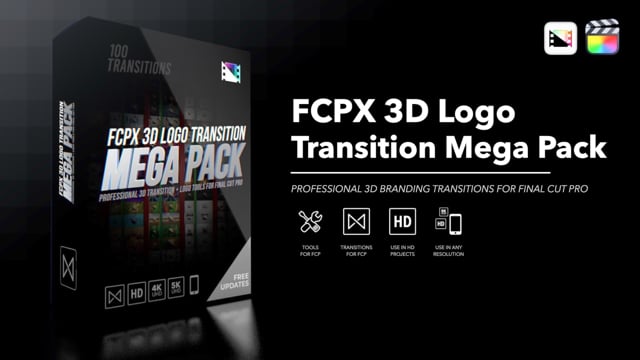
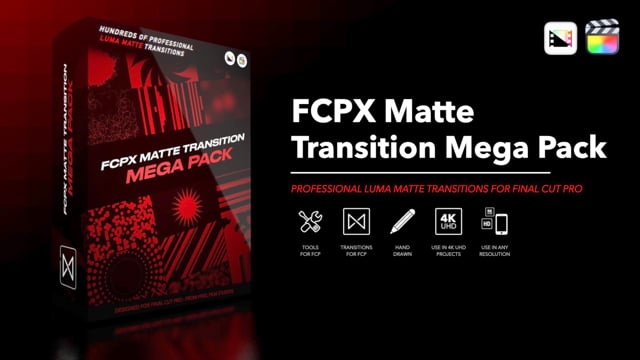
Transition Mega Packs
Staff Picks
Hot Transitions


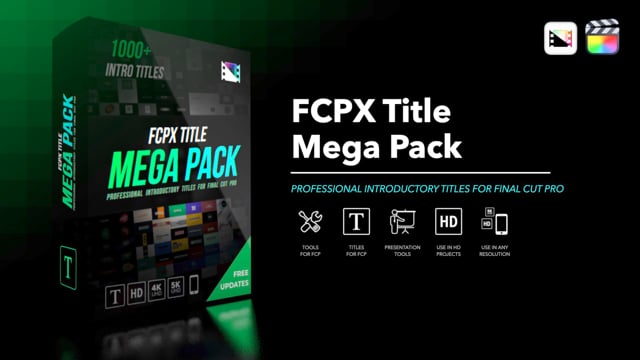
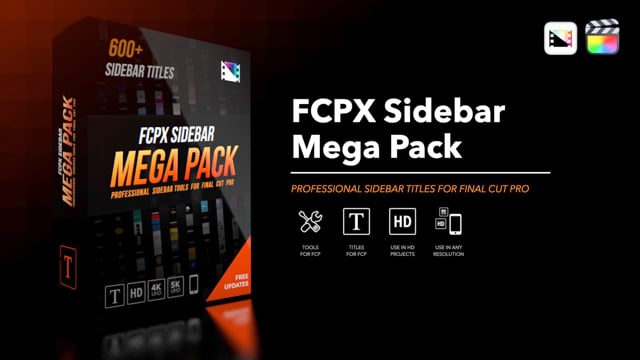
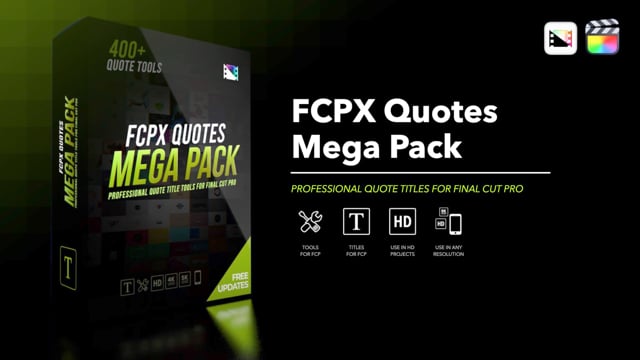
Title Mega Packs


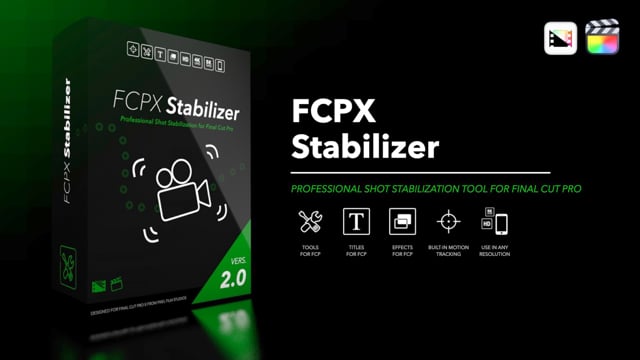
Effect Mega Packs


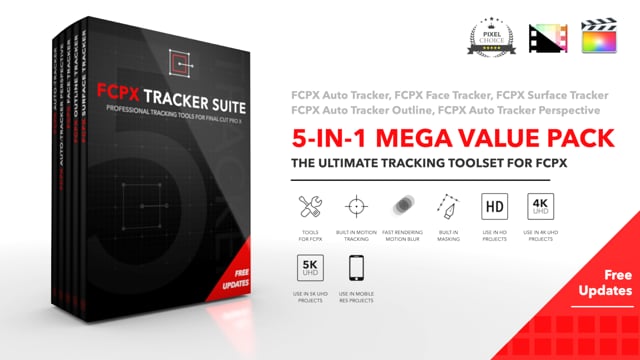
Tool Mega Packs
Unlock the entire PFS film library — 2,000+ plugins for Final Cut Pro. No subscription, no recurring fees. Includes all film & motion plugins. Audio products sold separately.
The PFS Installer app is the only way to download and install your Pixel Film Studios plugins. Sign in, click Install, and your plugin is ready in Final Cut Pro.
macOS 13 Ventura or later · Legacy version available for macOS 10.15 – 12 · Free

From download to Final Cut Pro in four easy steps. No technical knowledge required.
Download the PFS Installer .dmg file. Open it, drag the app to your Applications folder, and launch it from there.
All downloads require you to be signed in. Enter the same email and password you used when you purchased your plugins. Your entire purchase history loads automatically.
Head to the Devices tab. If your Mac isn't already activated, click "Activate This Mac". You can have up to 3 Macs active on your account at once.
In My Downloads, find any plugin you own and click Install. The app downloads and installs it directly into Final Cut Pro. Open Final Cut Pro and the plugin is ready to use.
All plugin downloads and installs happen inside the app. Sign in, click Install, and your plugin appears in Final Cut Pro — no file management required.
Every plugin you've ever purchased is listed automatically. Filter by category or search by name to find exactly what you need.
When a plugin is updated, an orange "Update" badge appears. Keep all your plugins current with a single click — no re-purchasing required.
Activate up to 3 Macs on your account. Use PFS plugins in your home studio and editing suite with the same license.
Browse and purchase new plugins right inside the app. Find something you like? Buy it and install it without ever opening a browser.
Access FCP tutorials, plugin how-to guides, and a full FAQ library — all inside the app, without leaving your workflow.
Here's what you'll find in each tab of the PFS Installer.
View your profile, change your password, manage active sessions, and see exactly where plugins are installed on your Mac.
Discover and purchase new plugins without leaving the app. Browse by category, search for specific effects, and buy with one click using your saved payment method.
PFS Installer is available in two versions: the recommended version for macOS 13 Ventura or later, and a legacy version for older Macs running macOS 10.15 Catalina through macOS 12 Monterey.
macOS 13+ (recommended) or macOS 10.15 – 12 (legacy) · Apple Silicon & Intel · Free
Download the free PFS Installer and get your entire library set up in minutes.
Download for Mac — FreeSign in to your Pixel Film Studios account to download the PFS Installer app.
Select the version that matches your Mac.
Quick bot check to keep downloads secure — this only takes a second.
Powered by Cloudflare Turnstile
Your download is starting.
Open the .dmg file and drag the app to Applications.