Professional Light Sweep Effects
TextLight
Light that moves through your type.
Light that moves through your type.
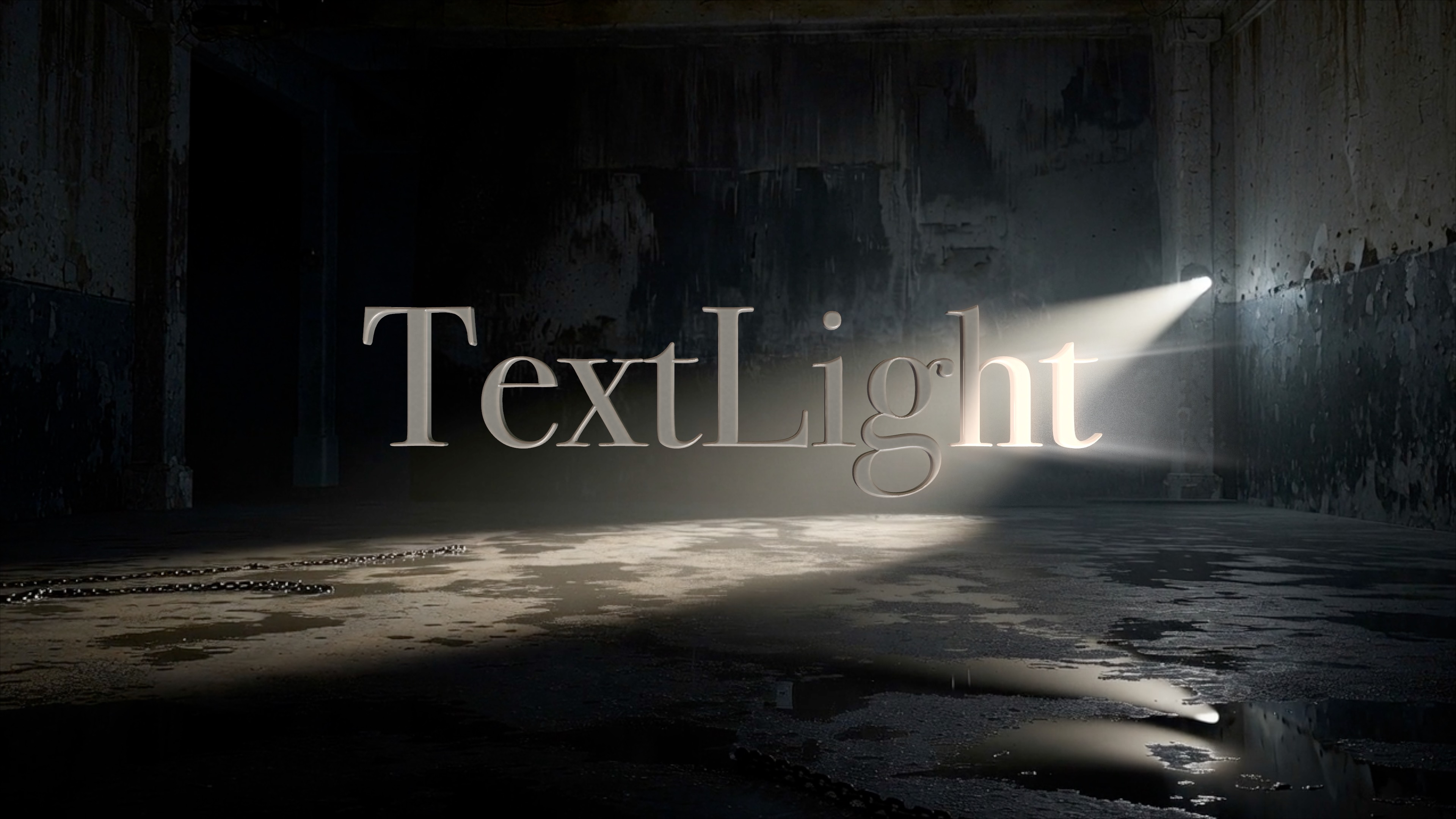
Watch the Video
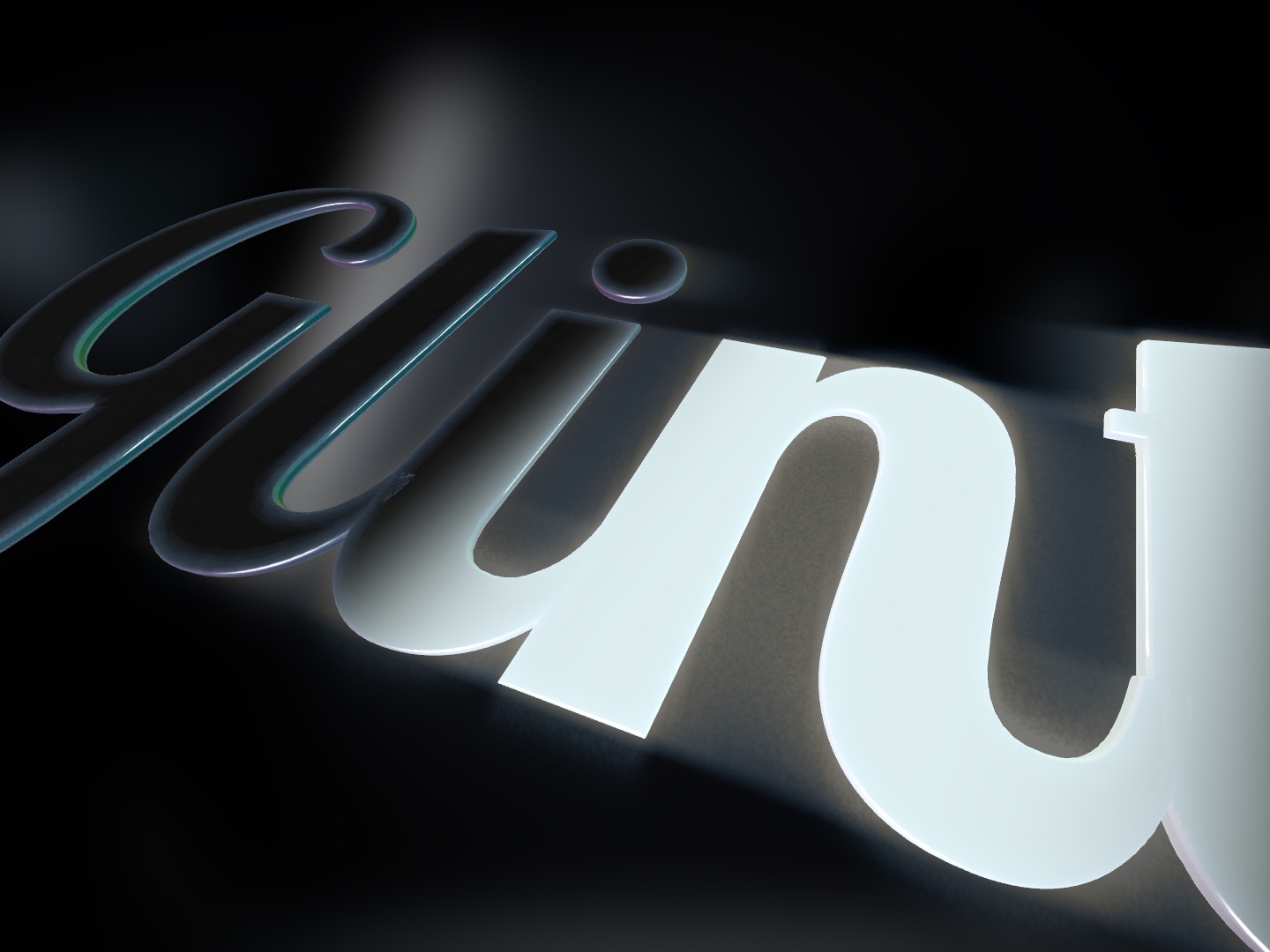
A glint travels the letters on a loop you pace — or on keyframes you place to hit the beat.
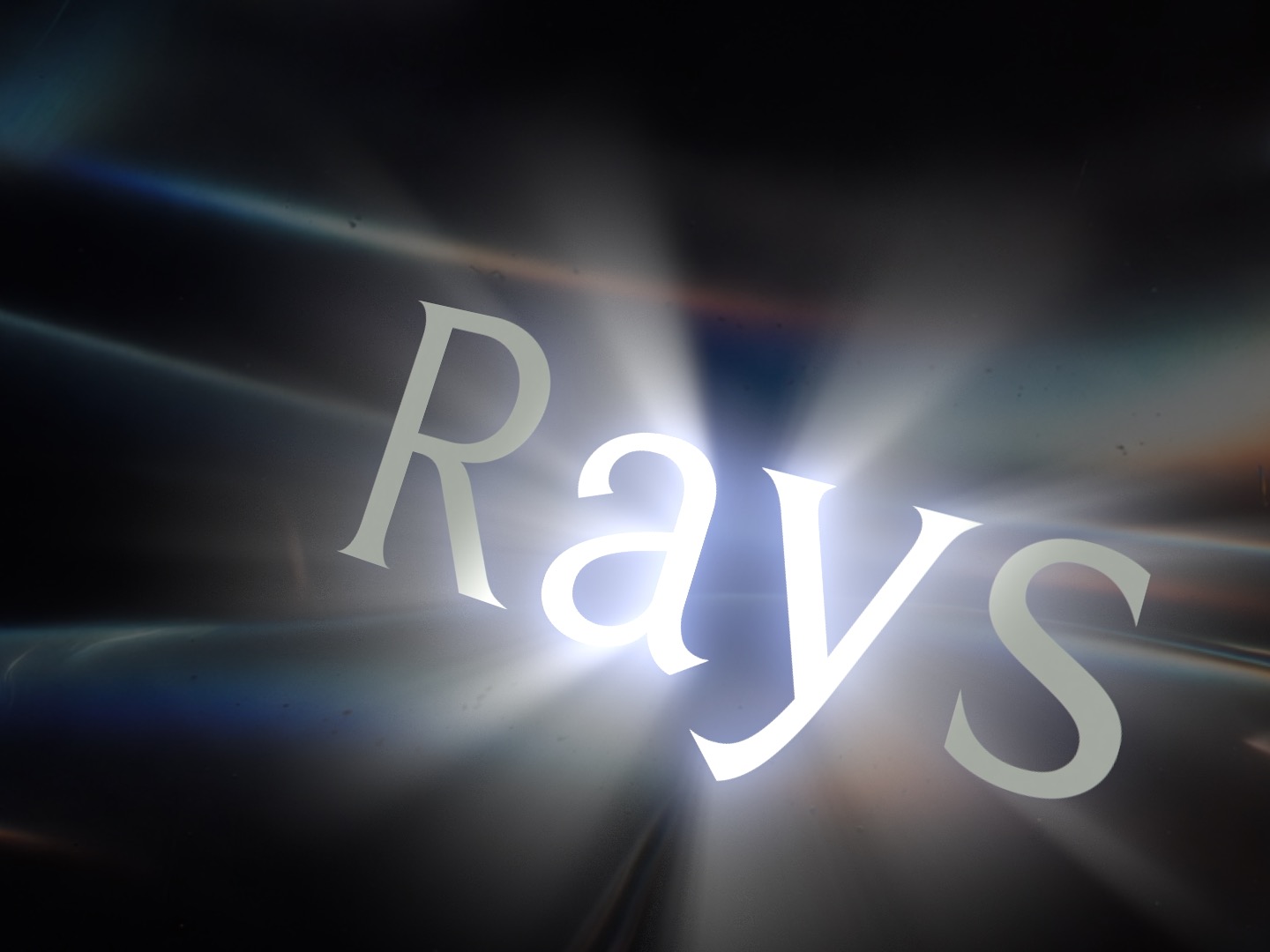
God-ray shafts burst from the letterforms and ride the sweep.
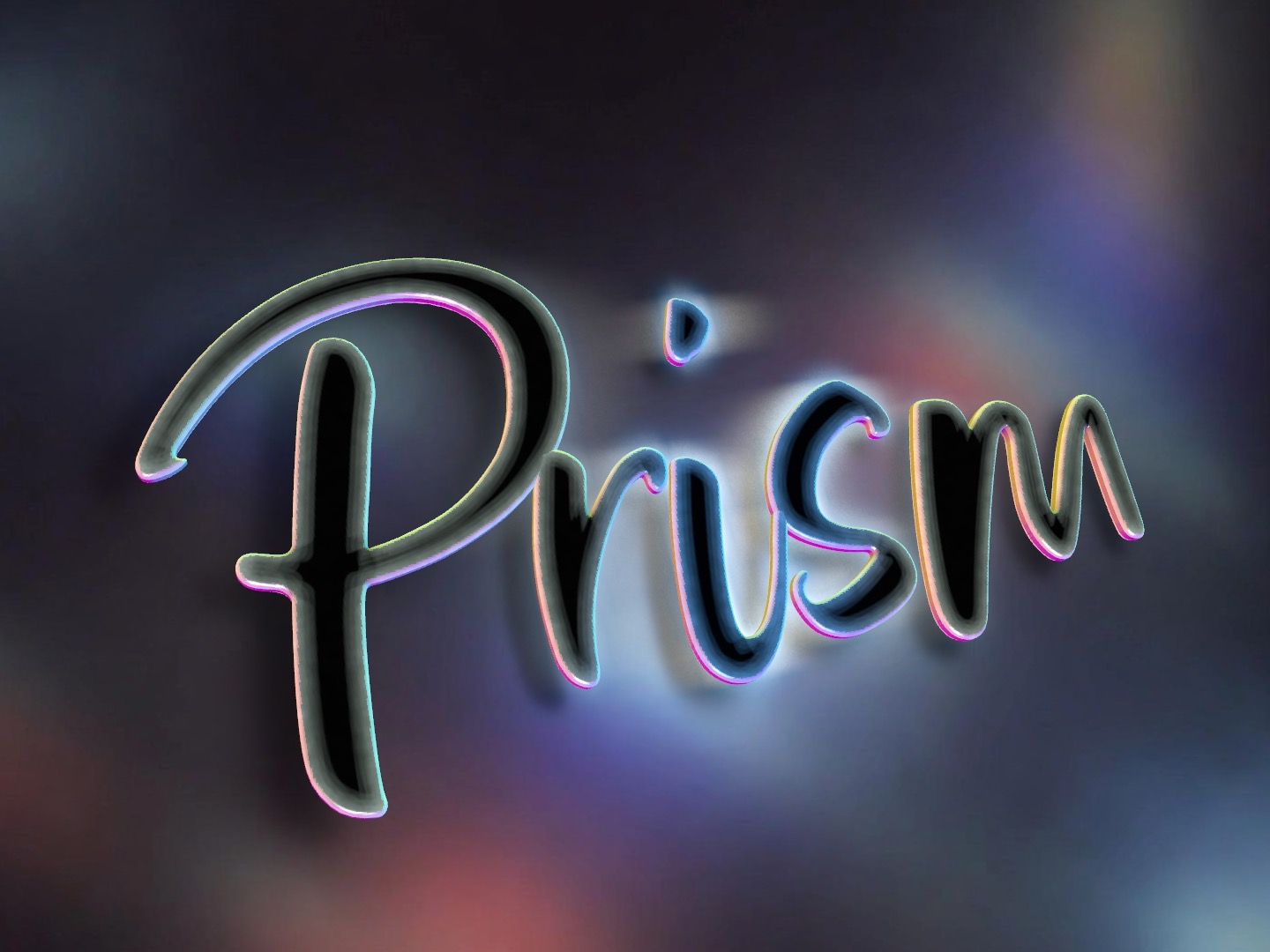
A soft halo with anamorphic, multi-point flares and a prism-edge fringe.
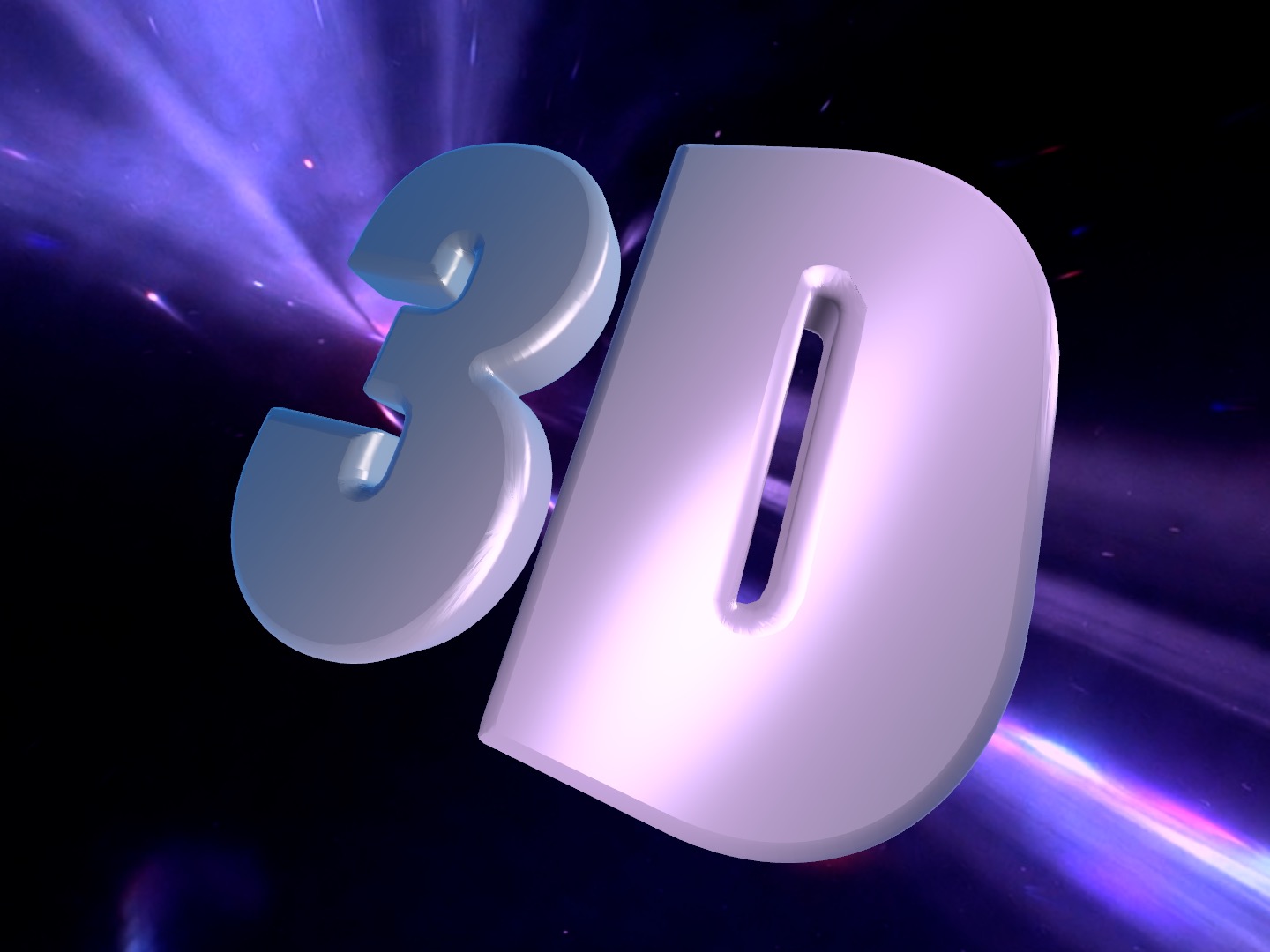
Genuine extrusion with crumple-proof bevels and eight edge styles.
Set it on a loop, or keyframe it to the beat. Glint, colour wash, or both. Shape the band with comet or twin-line profiles, set the width, softness, angle and speed, and let it ride across the type frame after frame. It's the look TextLight is built around — and nothing else in the suite does it.
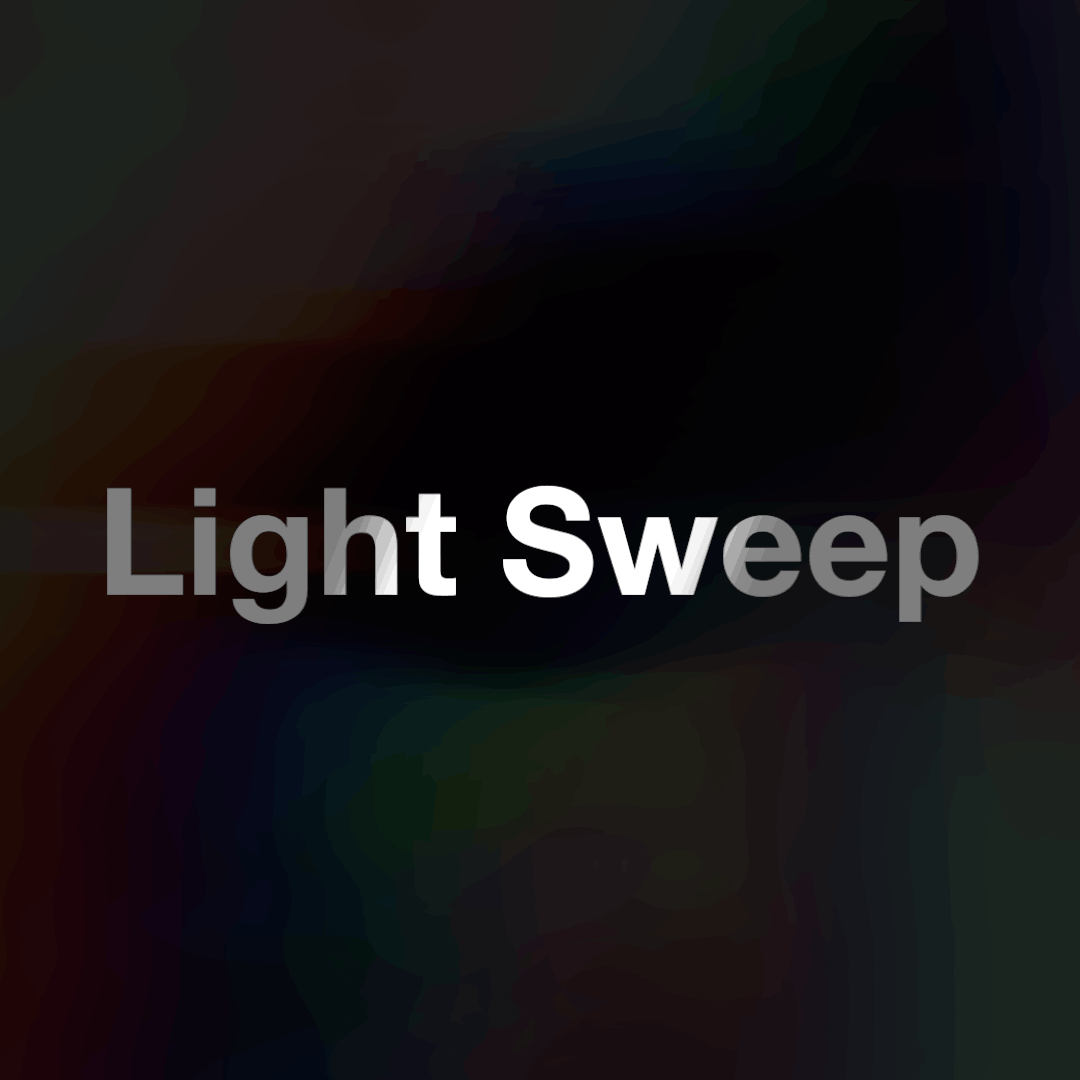
Light Sweep A travelling glint that loops or follows your keyframes.
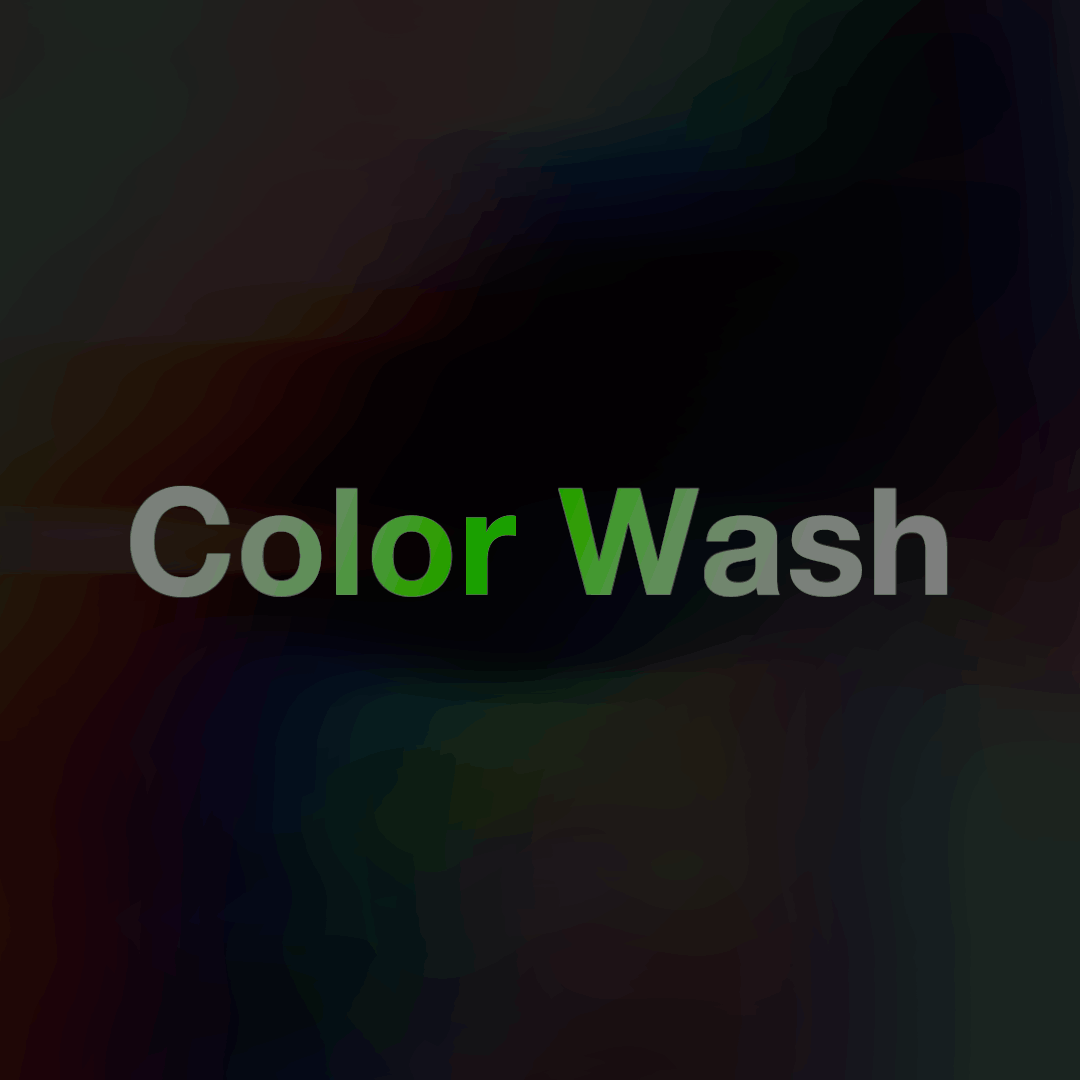
Color Wash Tint the band to wash color across the letters as it passes.
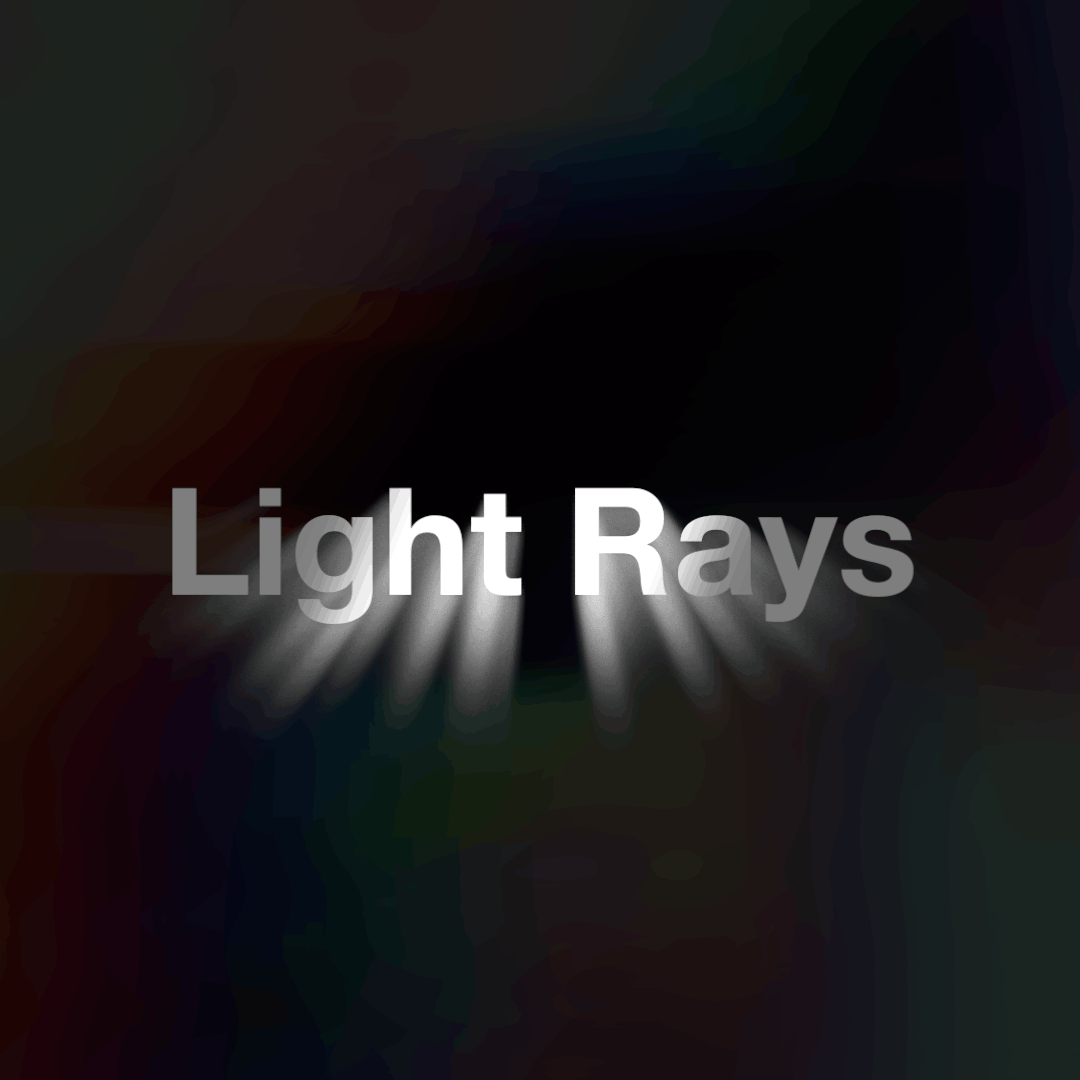
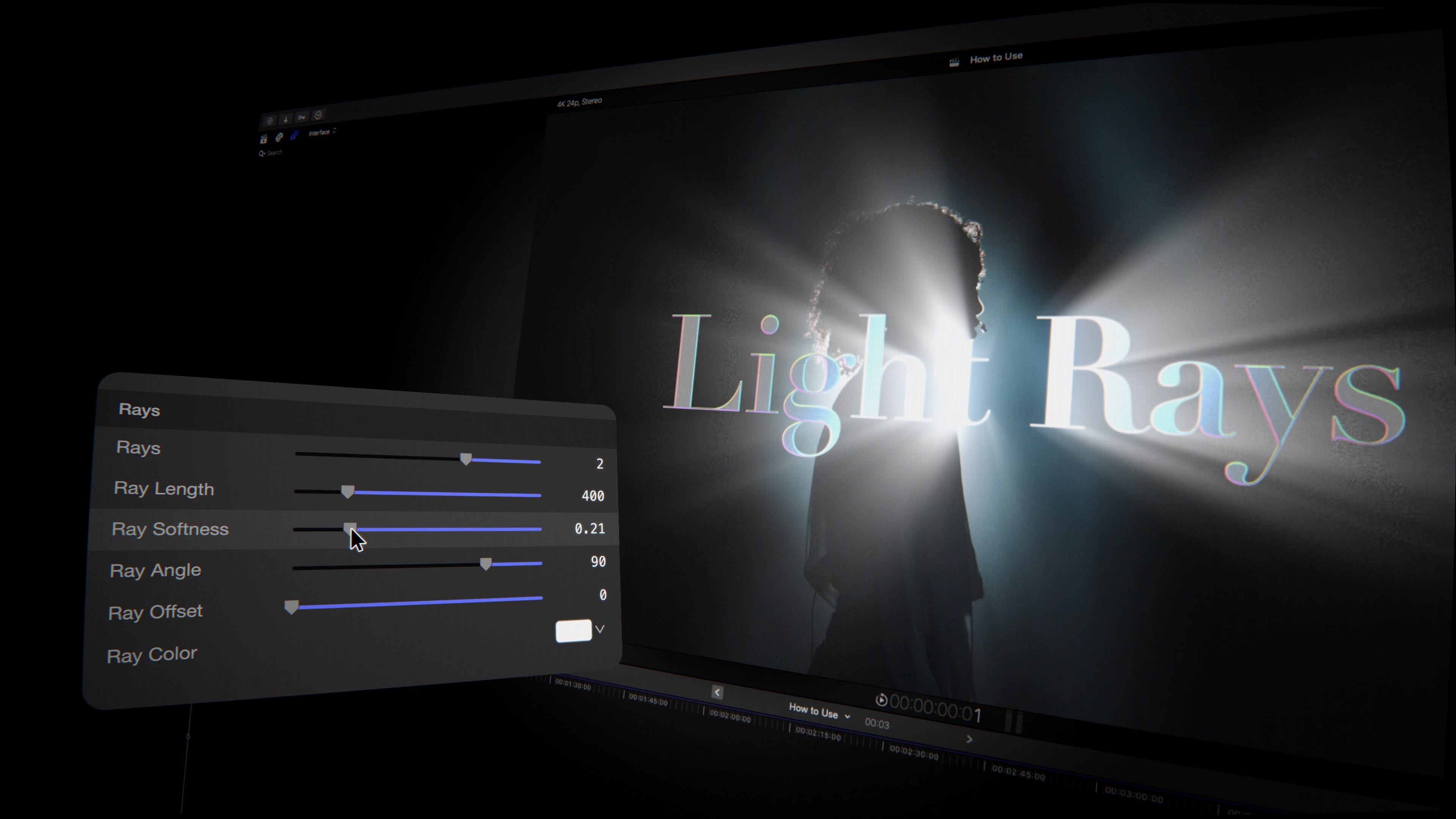
Light Rays Volumetric god-ray shafts that burst from the letters.
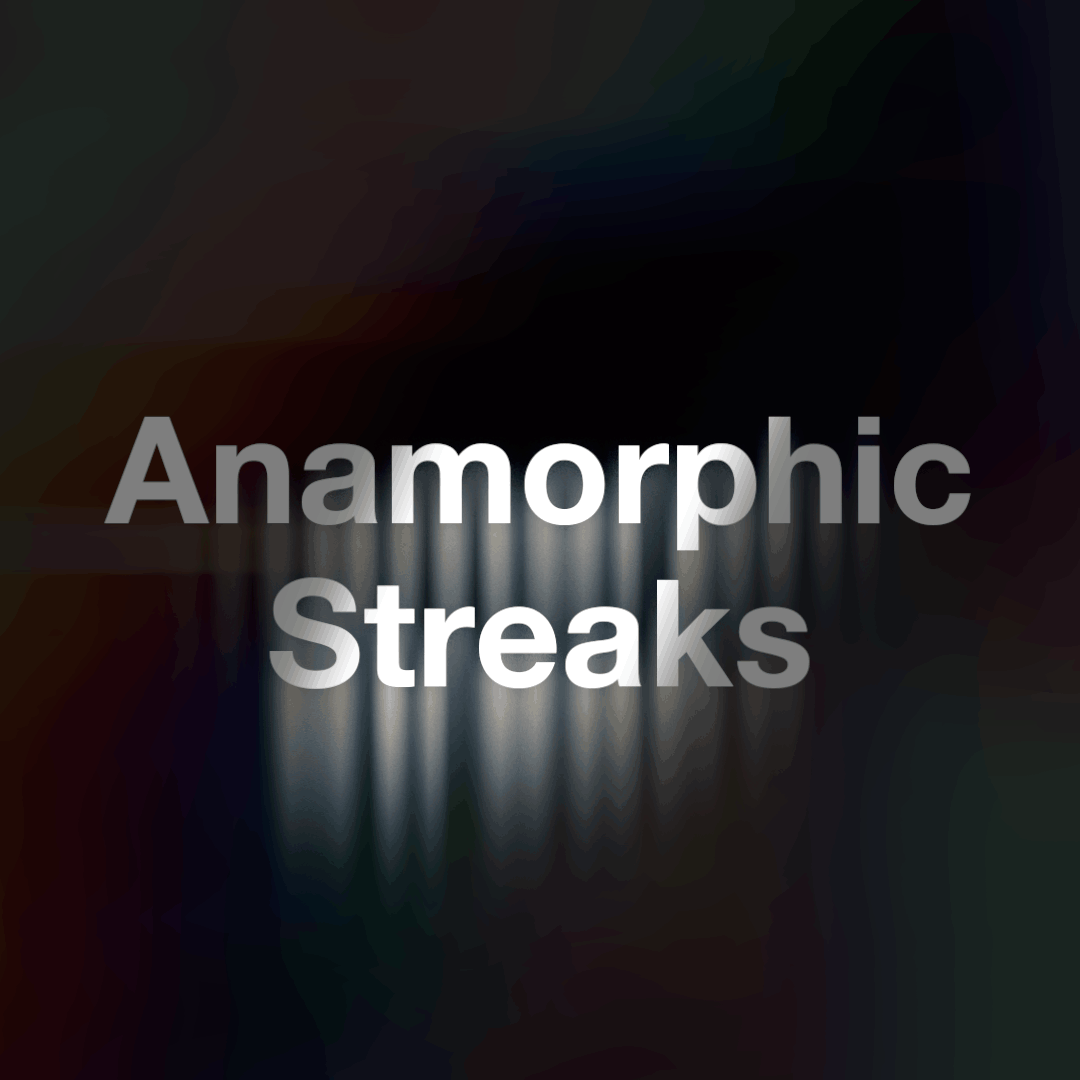
Anamorphic Streaks Multi-point lens flares that ride the sweep.
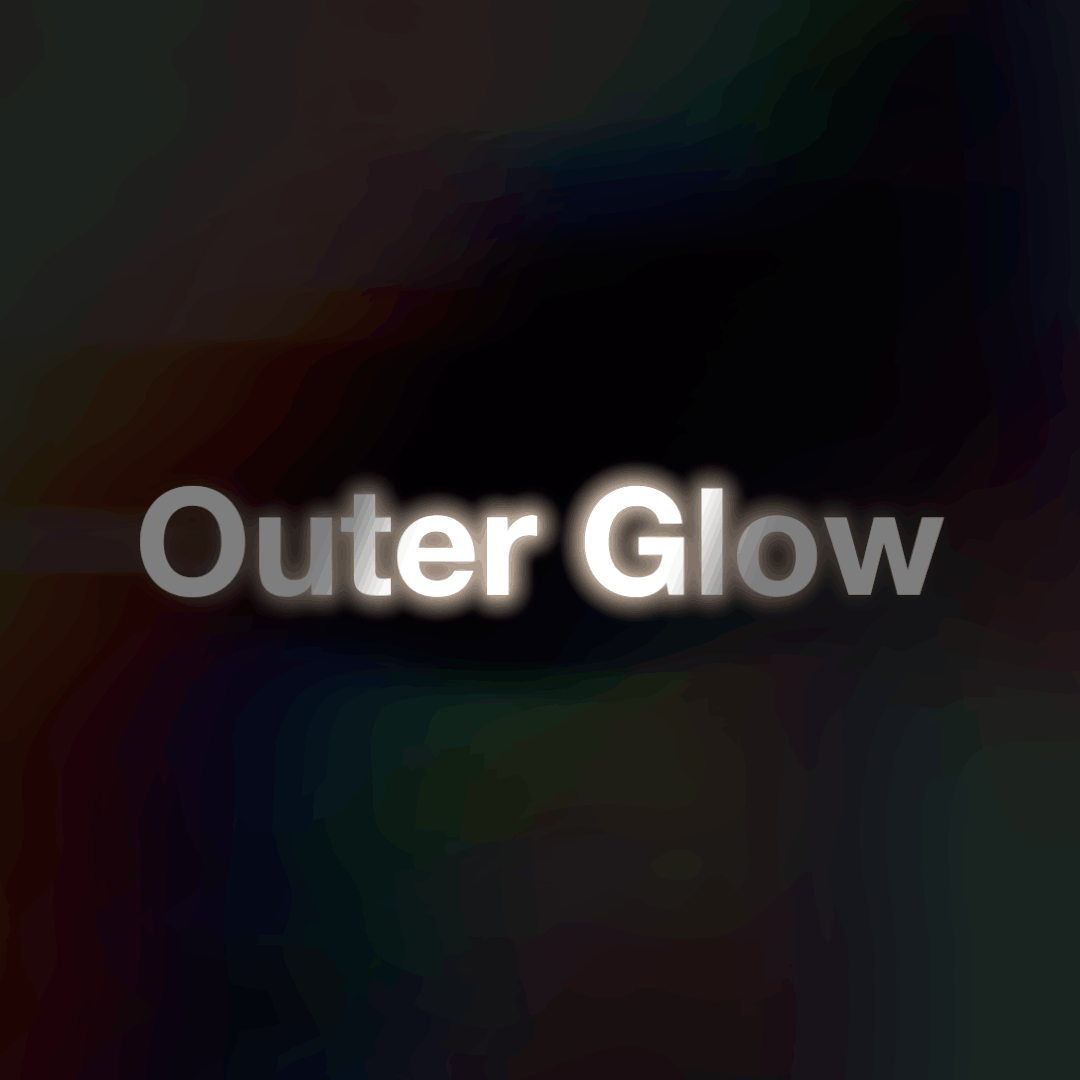
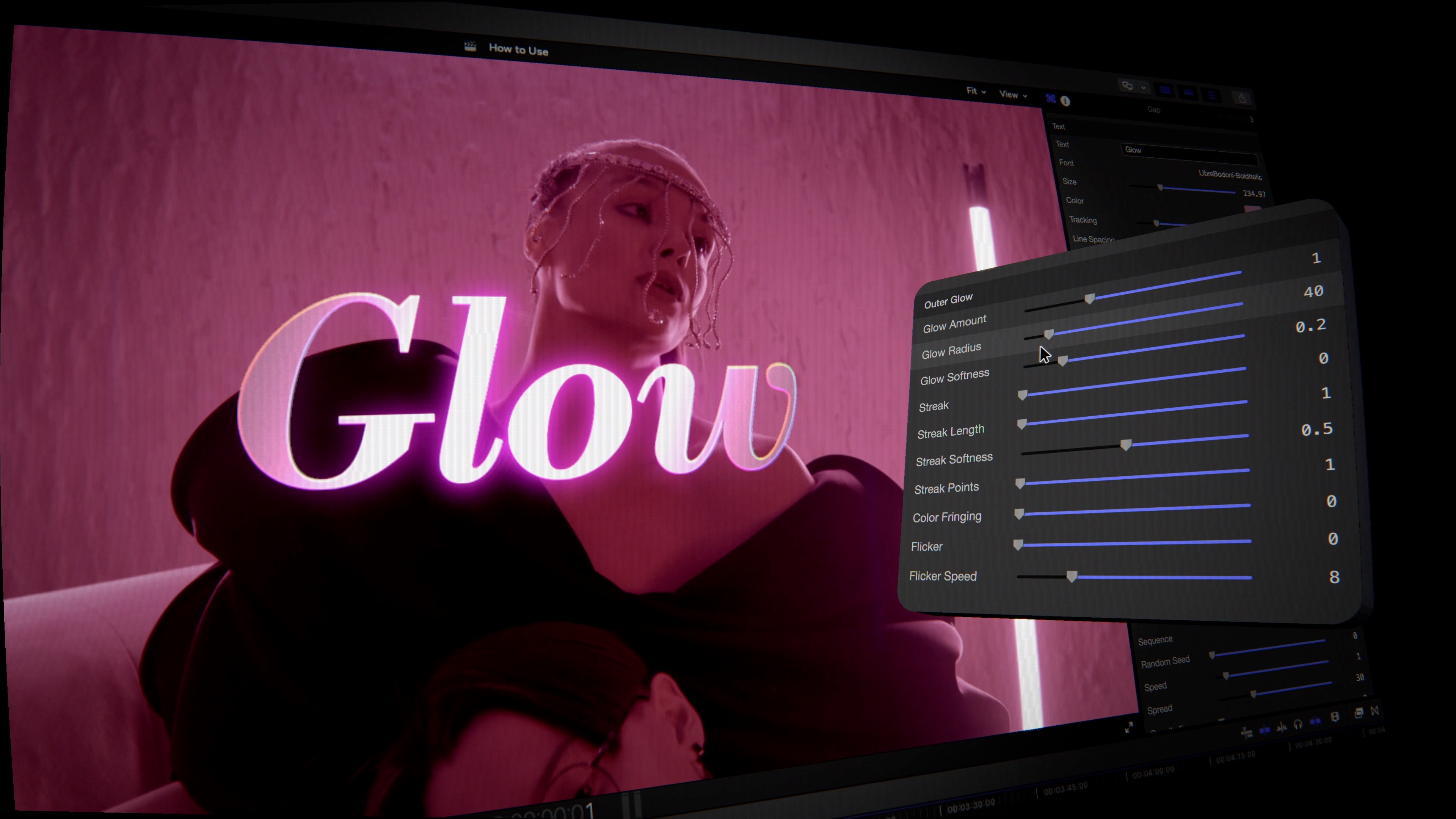
Outer Glow A soft neon halo with adjustable radius and softness.
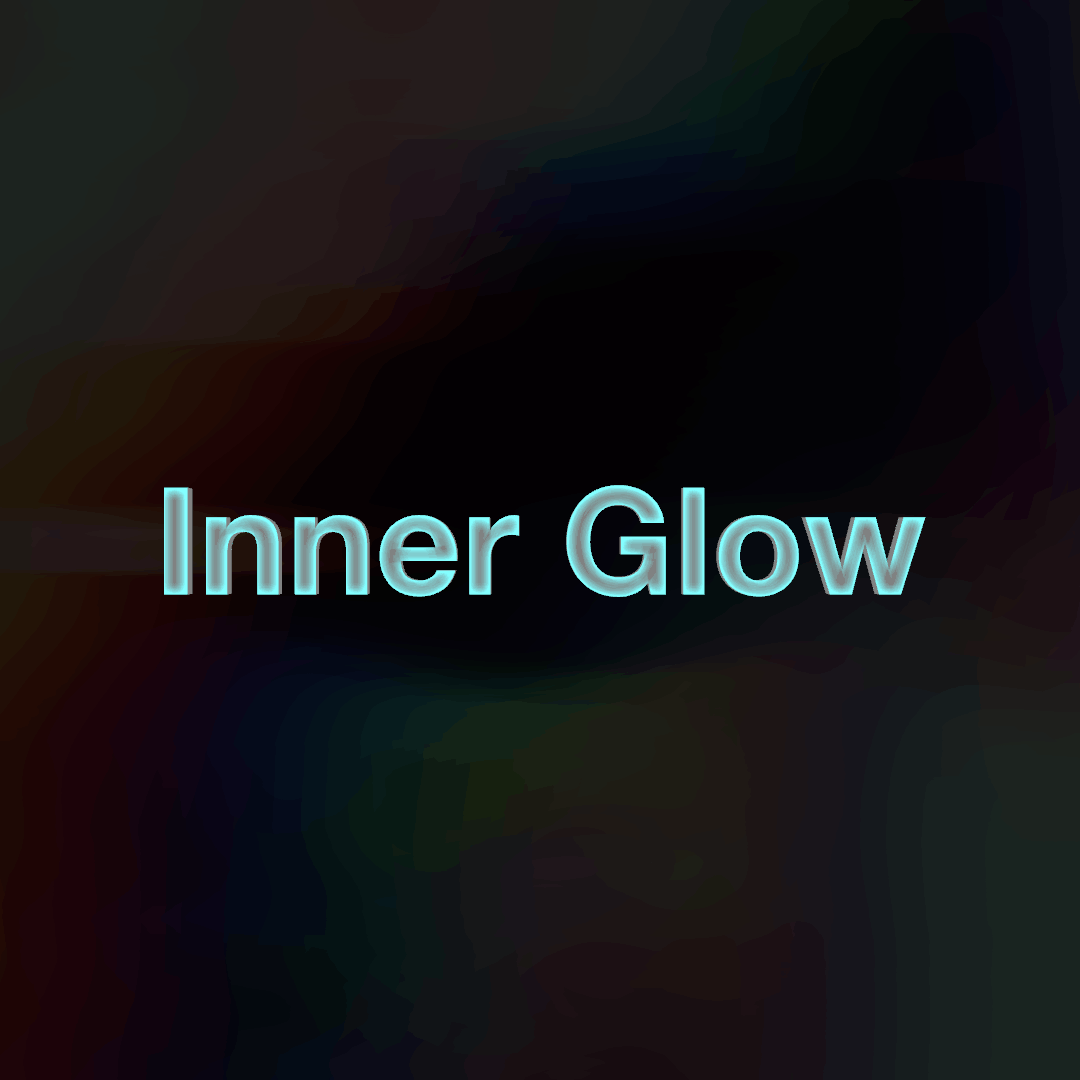
Inner Glow Light that lives inside the letterforms, neon-tube style.
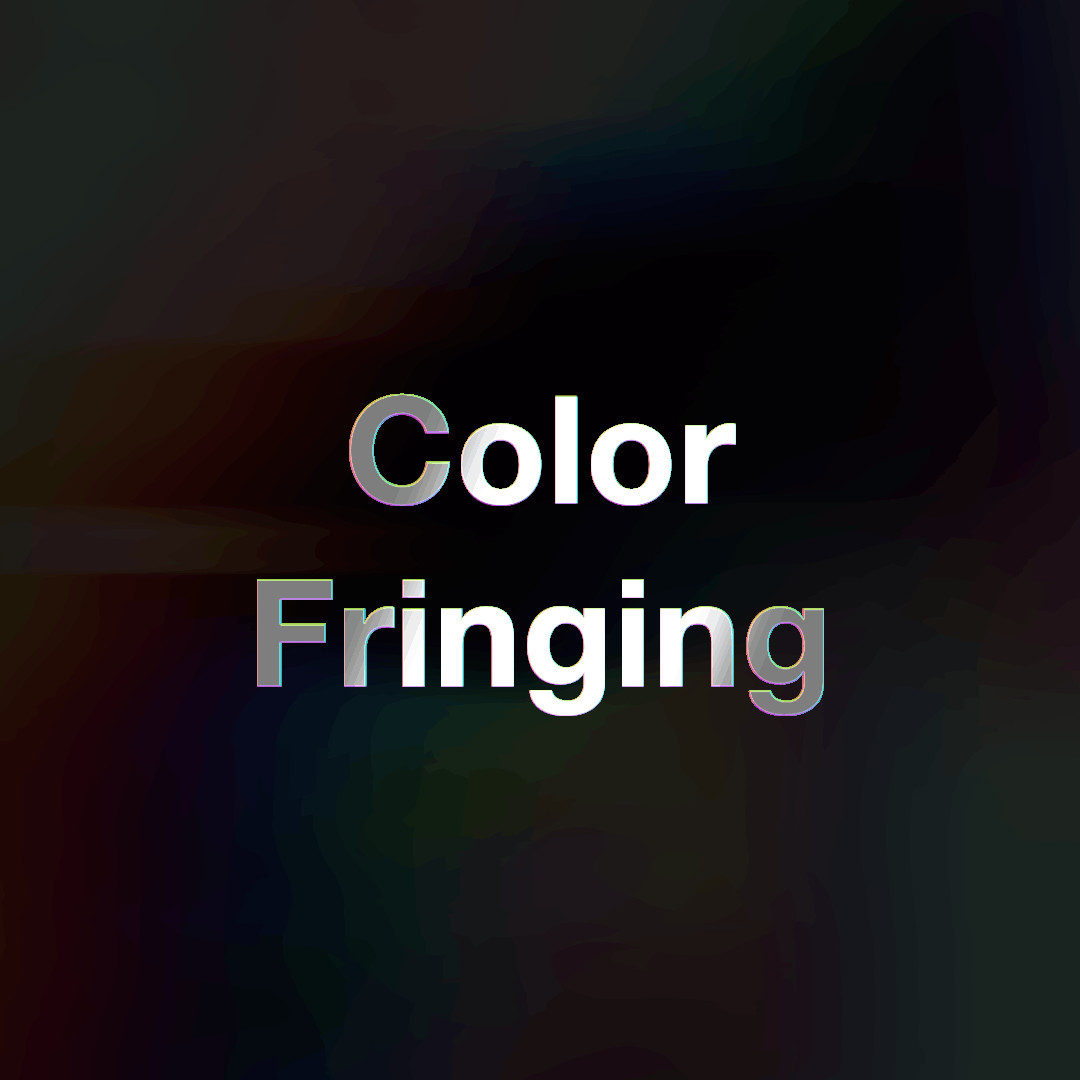
Color Fringing A subtle prism edge along the glow and streaks.
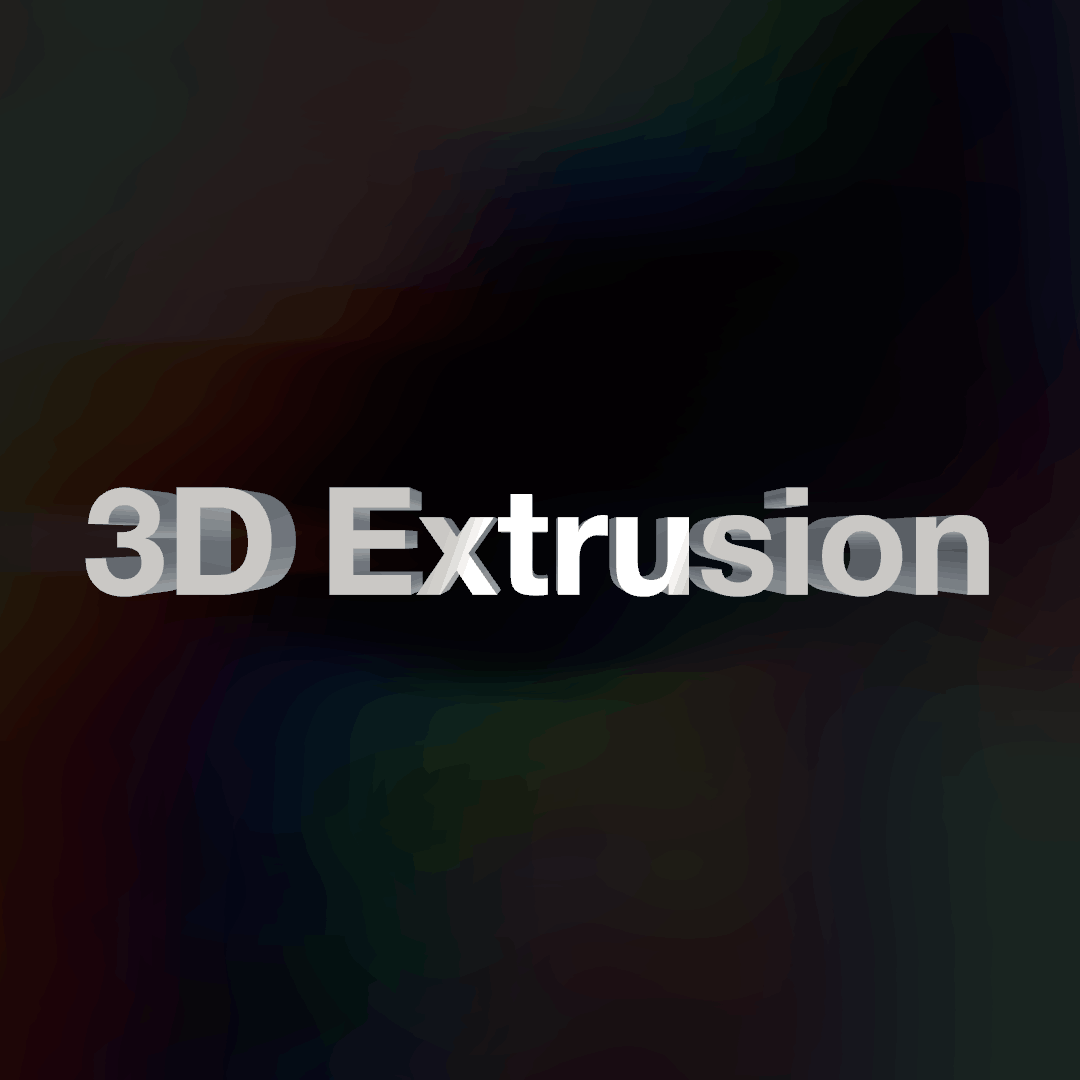
3D Extrusion Real depth with independently adjustable front and back edges.
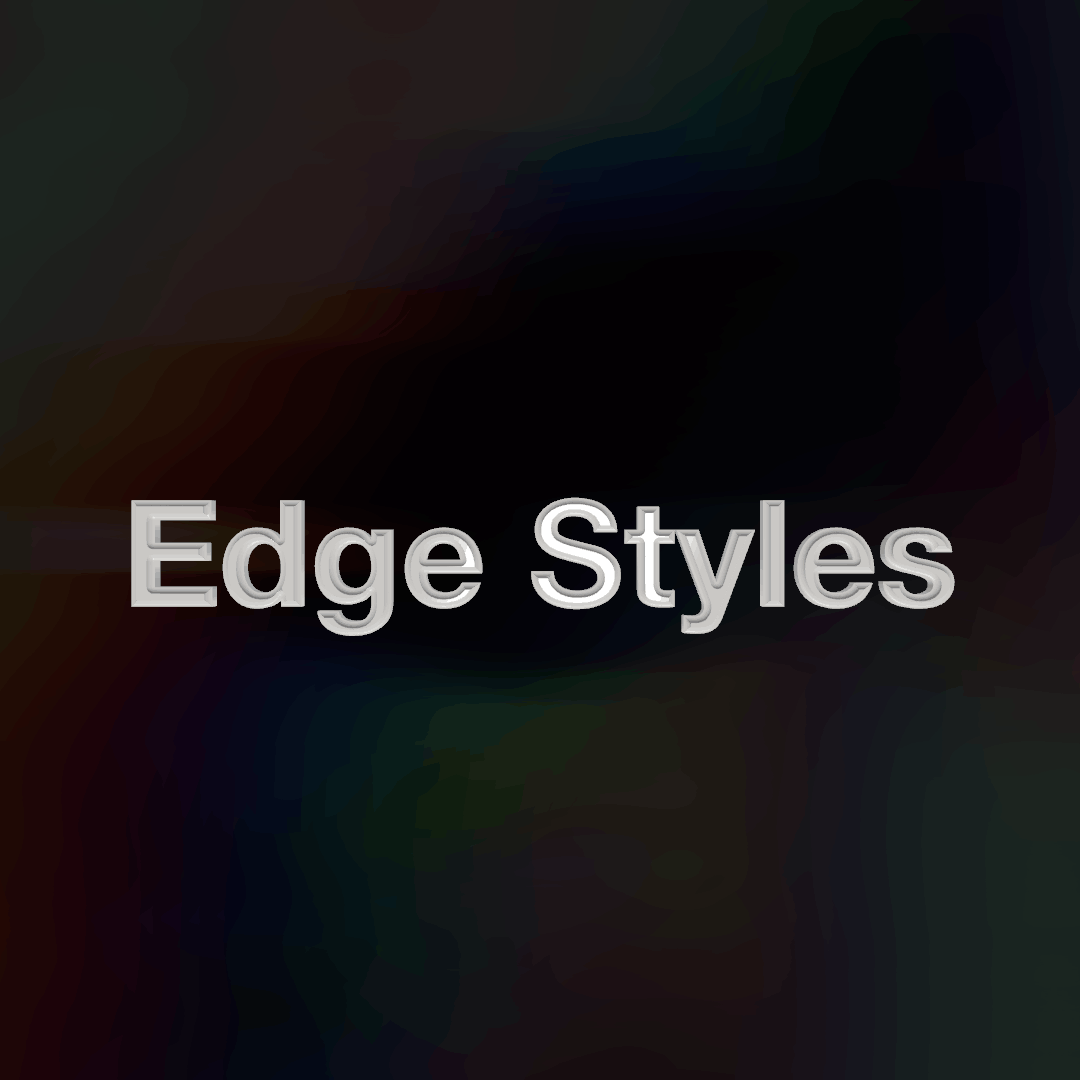
Eight Edge Styles Bevel, round, concave, step, convex, ridge, chisel and square.
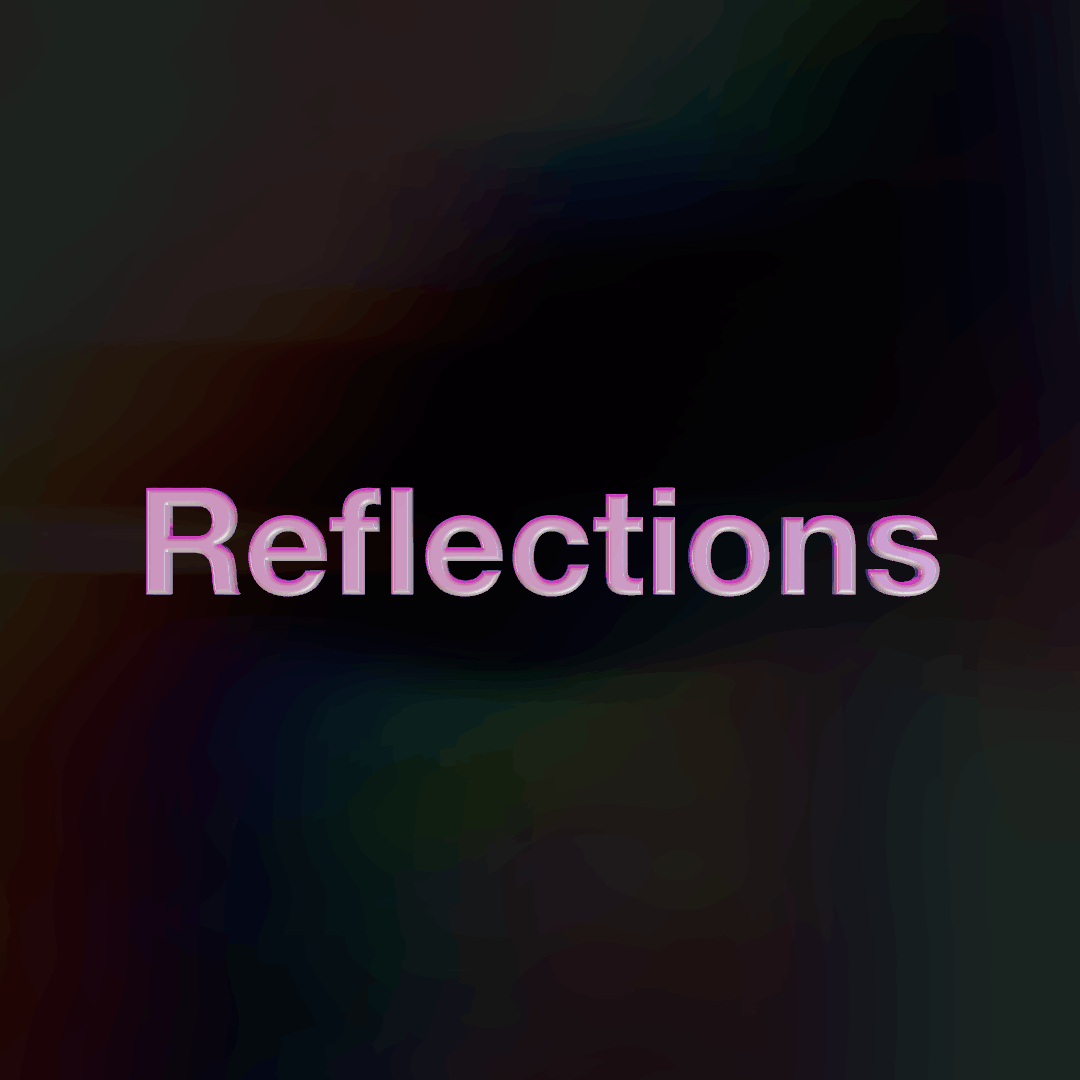
Reflections 40+ HDRIs that slide across glossy, metallic type.
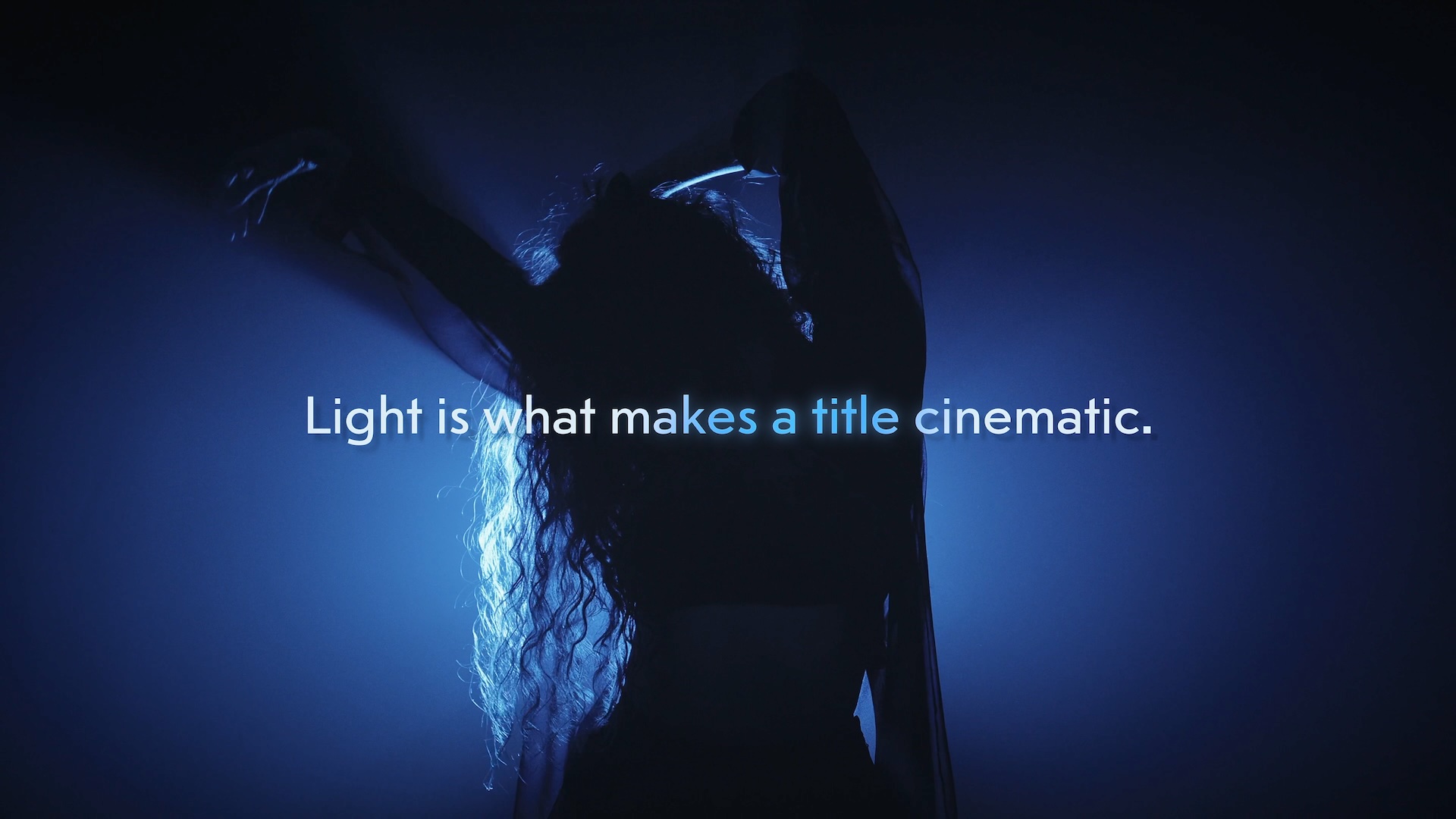
The sweep, made visible as volumetric light. Set length, softness, angle and offset to aim the shafts; with the sweep on, only the letters the band is lighting throw rays. It's the difference between text that's lit and text that is the light.
The lens-flare finish that sells a title card. Add multi-point flares for cross and star shapes, a touch of colour fringing for a prism edge, and flicker for a living-neon feel. All baked for speed, all GPU-accelerated, with preview matching export. 1 6 : 9
| Compatibility | Final Cut Pro 10.8+ |
| macOS | macOS Ventura 13.0 or later |
| Chip Support | Apple Silicon & Intel |
| Output Formats | HD, 4K, 5K, Vertical |
| License | Single User, 3 Machines |
| Updates | Free for Life |