Pixel Film Studios today introduces FontDraw — a plugin for Final Cut Pro and Motion that animates text stroke by stroke, as if an invisible hand were writing it on screen, then with a single switch builds it into genuine extruded 3D geometry with studio lighting and reflection environments. Fourteen hand-drawn brush styles — marker, chalk, pencil, crayon, watercolor, dry brush, spray, splatter, and more — each tracing the natural contour of every letter rather than simply fading or wiping the text into view. FontDraw 3D adds real beveled extrusion with eight edge profiles, forty reflection environments, and a full studio lighting rig with key, fill, rim, and ambient controls. Two complete title production tools in a single plugin. $39.95.
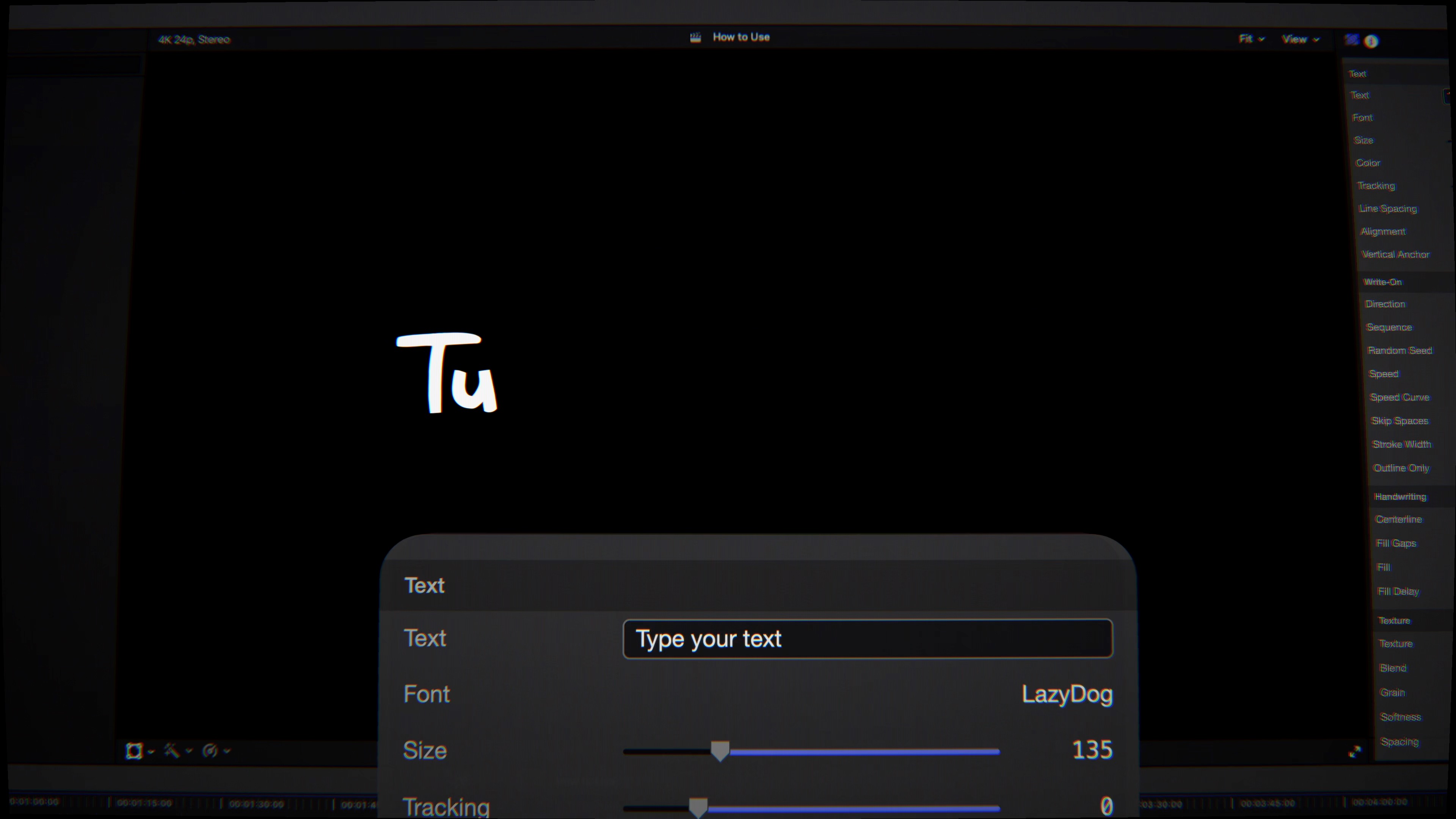
The write-on effect — text appearing as if being handwritten in real time — is one of the most distinctive and versatile looks in motion graphics. It appears in explainer video, whiteboard animation, documentary lower thirds, social media content, wedding titles, educational content, and anywhere that a personal, handcrafted visual quality is appropriate. Producing it convincingly has historically required either rigged Motion templates that offer limited control, or After Effects with path-based stroke animation, or actual handwriting filmed on camera. FontDraw produces it natively inside Final Cut Pro from any text, with any of fourteen brush styles, with adjustable timing and reveal direction, in real time.
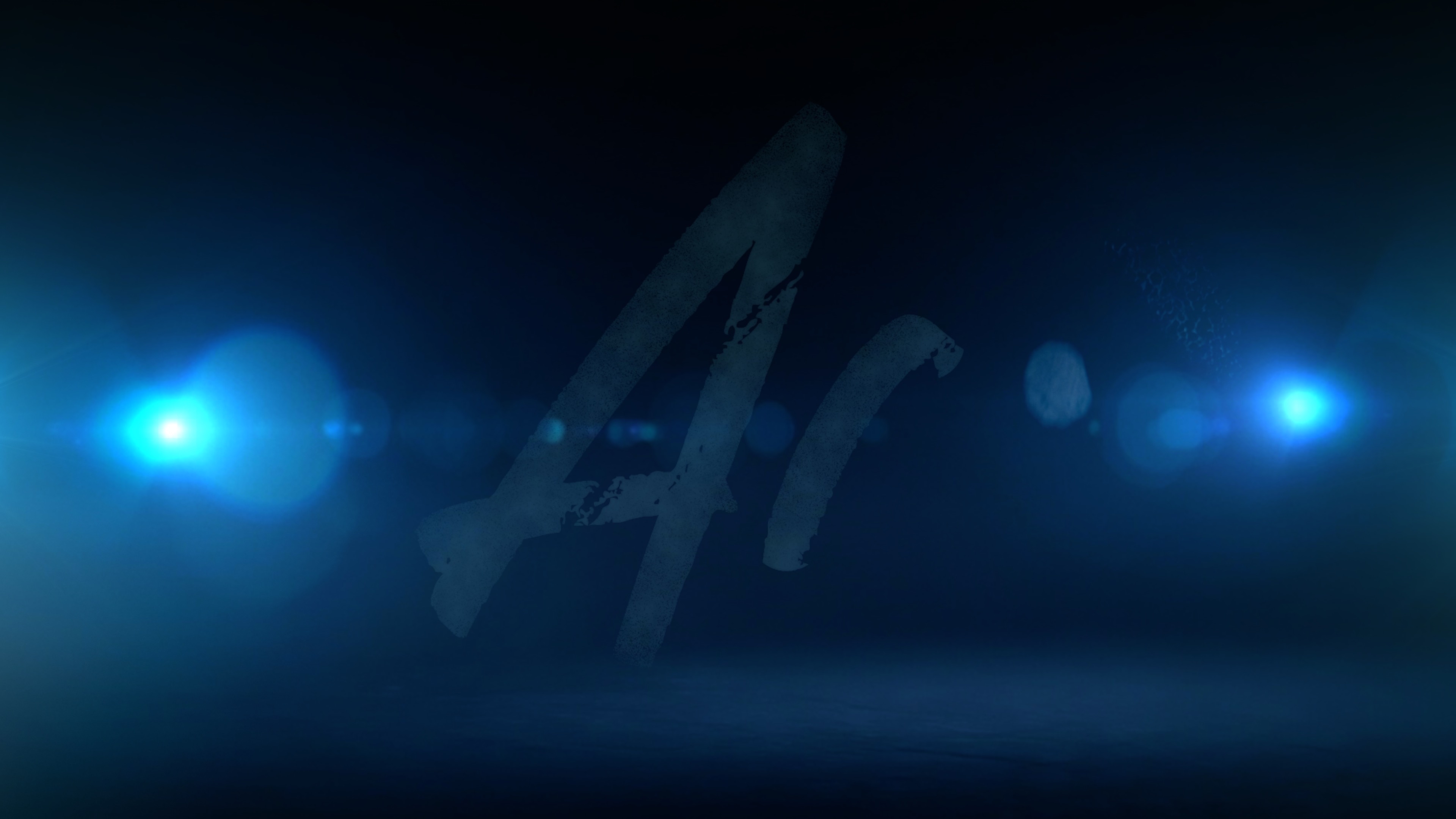
The Write-On: Every Letter, One Stroke at a Time
FontDraw's write-on engine traces the natural path of each character, following the true stroke order and contour of every letter the way a hand would — not a simple left-to-right wipe that reveals pre-formed letters, but a genuine per-stroke animation that follows the skeletal path of each character. The result reads as authentic handwriting because the animation itself follows the logic of handwriting: curves where a hand would curve, directionality where a pen would travel, stroke starts and ends where a brush would lift and set down.
Four reveal directions are available: left to right (the natural reading direction), center outward (both ends growing simultaneously from the middle), ends to center (converging inward), and fully random with a seed value that keeps the randomization consistent across renders. Timing can be shaped as constant speed across all strokes, accelerating through the reveal, decelerating into it, or following a custom curve — giving complete control over whether the writing feels rushed or deliberate, building in energy or easing to a rest.
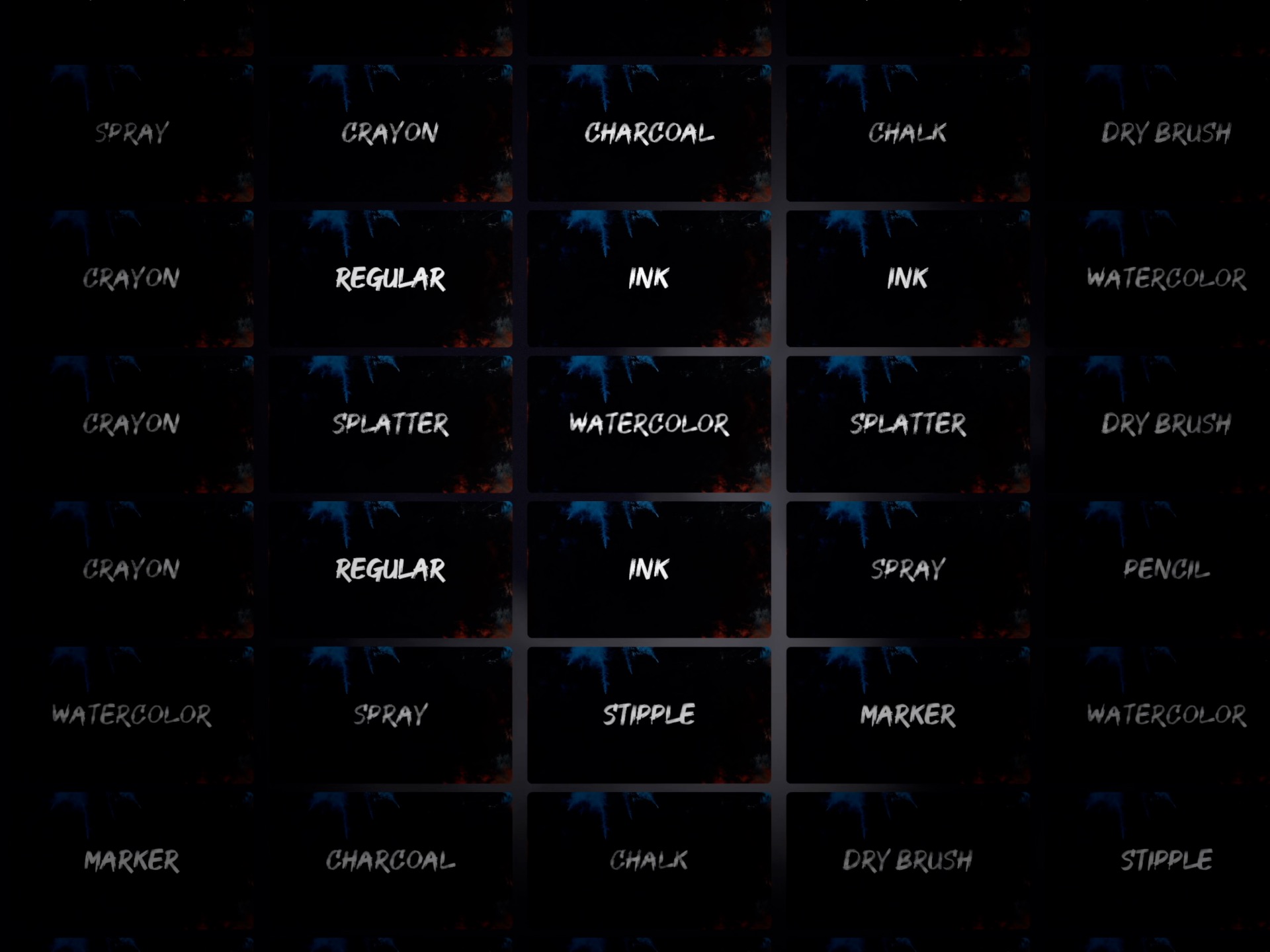
Fourteen Brush Styles
Every brush in FontDraw produces a visually distinct line quality — not a single stroke texture recolored, but fourteen genuinely different mark-making styles built from different rendering approaches. Each one is appropriate for a different aesthetic context.
- Marker — bold, juicy felt-tip strokes with rounded ends. The definitive choice for whiteboard animation, explainer video, and any context where a clean, confident hand-drawn line is appropriate.
- Chalk — textured, matte line with the irregular coverage of chalk on a blackboard. Reads as both vintage and educational, with the characteristic uneven opacity that makes chalk marks feel physical.
- Pencil — a fine graphite line with subtle tooth. The precise, detailed mark of a sketchbook or technical drawing, appropriate for callouts, annotations, and hand-drawn diagram aesthetics.
- Crayon — waxy, uneven coverage with the childlike quality of a wax crayon. Playful and accessible, ideal for family content, educational material, and any context where a light, handmade quality is appropriate.
- Dry Brush — streaky, low-ink bristle marks with the energetic, hand-painted character of a nearly-dry brush dragged across paper. Reads as expressive and artistic, suited to title sequences and branded content with a craft aesthetic.
- Watercolor — soft, translucent washes that bleed slightly at the edges. The fluid, organic quality of watercolor pigment on paper — ideal for lifestyle, beauty, and any content where a soft, handmade look is required.
- Spray — airbrushed, scattered particles with soft graffiti edges. Street art energy, stencil quality, and the slightly ragged boundary of spray paint on a surface.
- Splatter — energetic flicks and droplets. Bold, messy, and attention-grabbing — for titles that need to feel urgent, raw, or deliberately rough.
- Ink and six additional brush styles — completing the full library of fourteen distinct mark-making textures, each usable as a finished look or as the base for a custom brush created from any uploaded image.
Custom brushes are supported: any image can be loaded as a brush texture, giving the write-on engine an unlimited range of mark-making possibilities beyond the fourteen built-in styles.
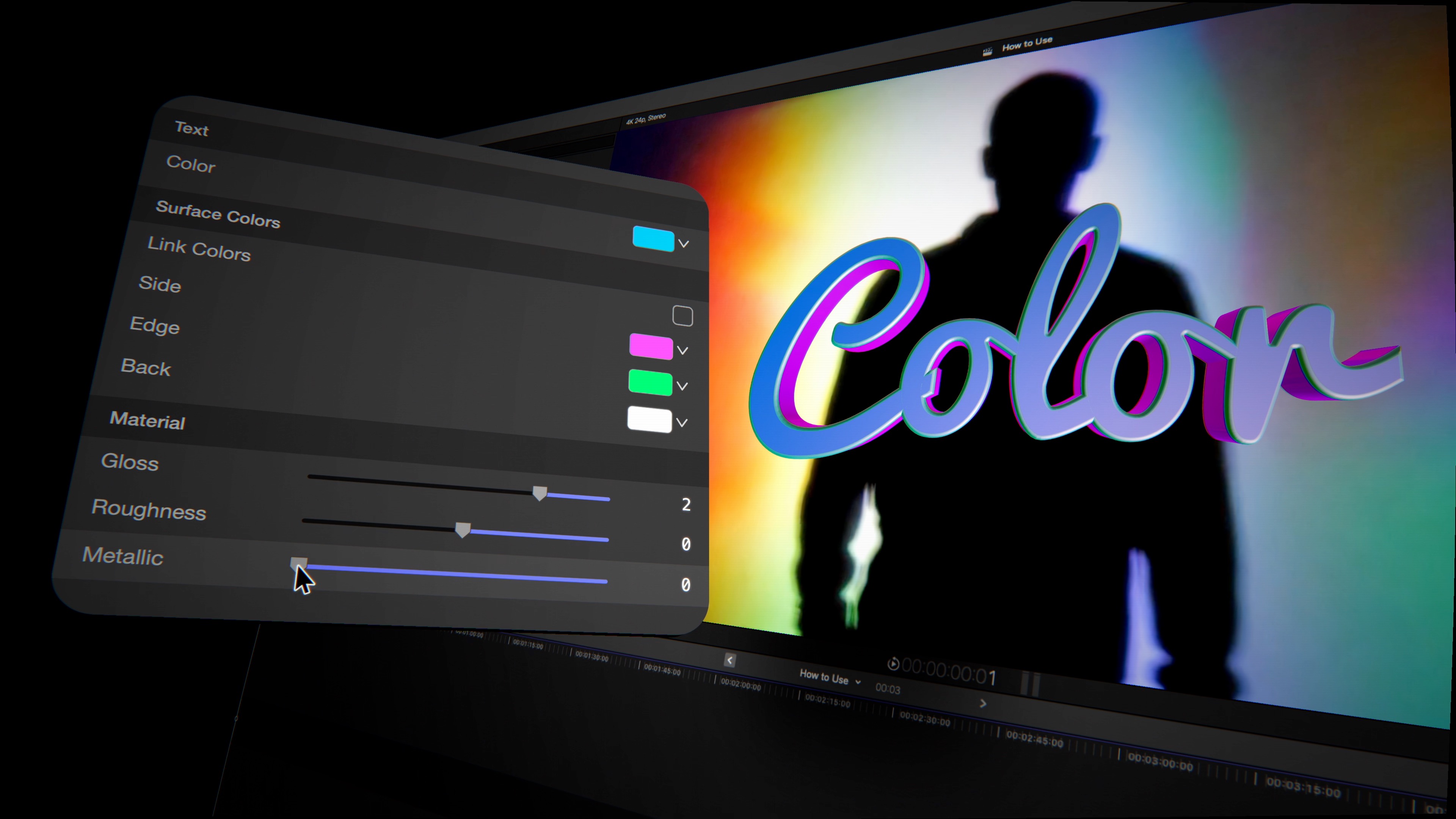
FontDraw 3D: Real Geometry, Eight Edge Profiles
One switch flips FontDraw from its write-on mode into FontDraw 3D — genuine extruded three-dimensional text geometry with front and back depth set independently. The extrusion is not a drop-shadow approximation or a perspective-distorted flat layer: it is real beveled geometry where the front face, bevel edges, and side extrusion depth are each distinct surfaces that respond to lighting and reflection independently.
Eight bevel edge profiles shape how the transition from the front face to the extruded side reads visually.
- Square — a hard 90° edge with no rounding. Clean, industrial, and graphic.
- Bevel — a straight chamfered edge at 45°. The classic angled bevel that catches a highlight stripe along the edge.
- Round — a curved convex bevel that softens the edge into a smooth rolloff. Gives 3D text a polished, friendly quality.
- Concave — an inward-curving edge that creates an undercut profile, giving the type a scooped, architectural quality.
- Step — a stepped edge with a visible ledge between the face and the extrusion. Distinctive and immediately recognizable as a specific 3D typographic style.
- Convex, Ridge, and Chisel — three additional profiles covering the full range from rounded convex edges to sharp ridged bevels and angled chisel cuts.
All eight profiles stay geometrically perfect — no pinching, no rounding artifacts, no tessellation errors — whether the text is set at caption size or scaled to fill a 4K frame.
40 Reflection Environments and Studio Lighting
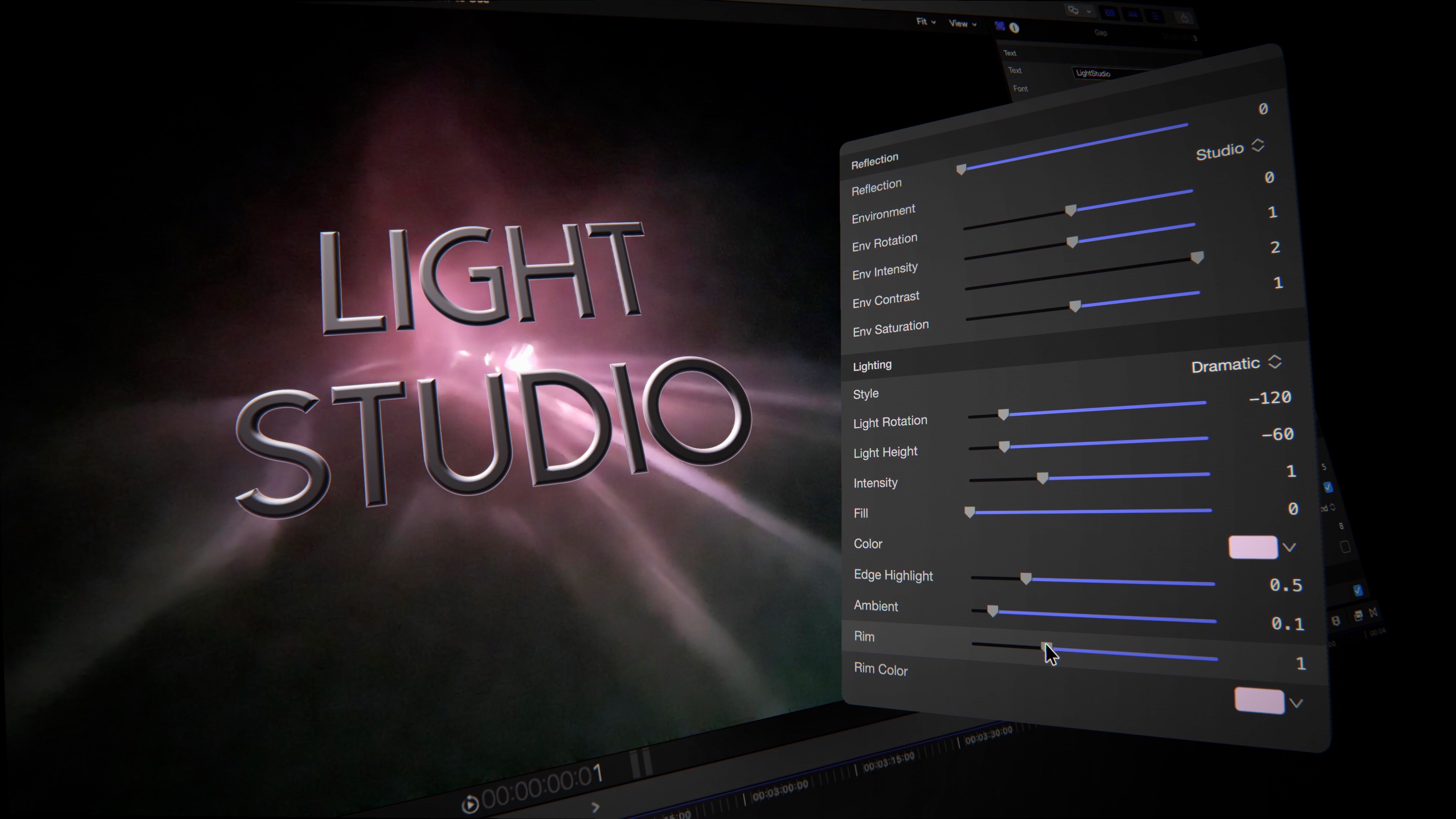
FontDraw 3D wraps the extruded geometry in one of forty reflection environments — image-based lighting that determines what the 3D surfaces appear to reflect. The environments span the full range of production contexts: soft photography studios with neutral white wraps, golden interior spaces, neon city nights, natural outdoor lighting, product photography setups, and abstract architectural environments. The reflection can be rotated, blended with the base material color, and adjusted in intensity — giving fine control over how much of the environment reads in the rendered surfaces versus the chosen material color.
A studio lighting rig with key, fill, rim, and ambient channels operates independently of the reflection environment. One-click lighting presets configure all four channels simultaneously for common setups — front-lit, side-lit, backlit, and dramatic chiaroscuro. Edge highlights add a final glint along the bevel profile, the narrow specular reflection along the transition edge that gives 3D type its characteristic polished quality. Spotlight position is draggable directly in the Final Cut Pro and Motion viewer — no parameter hunting required.
"FontDraw started from one observation: there is no good way to do a write-on effect in Final Cut Pro. You either use a rigid preset that animates the same way every time, or you go to After Effects, or you film actual handwriting. None of those are the right answer. FontDraw is the right answer — fourteen brush styles, real stroke-path animation, and when you need depth, a full 3D mode with bevels and studio lighting. Two complete tools, one plugin."
— Dave Austin, Founder & CEO, Pixel Film Studios
Availability and Pricing
FontDraw is available today at pixelfilmstudios.com for $39.95. One-time purchase, no subscription. Requires macOS Ventura 13.0 or later and Final Cut Pro 10.8 or later. Universal binary — native Apple Silicon and Intel. Installs into both Final Cut Pro and Motion simultaneously. Available via the PFS Installer app or by manual download from the customer account page.
About Pixel Film Studios
Founded in 2011, Pixel Film Studios is the leading developer of professional visual effects, titles, transitions, and generators built exclusively for Apple Final Cut Pro and Motion. Over the past 14 years, the company has shipped more than 2,000 products and fulfilled millions of orders for video editors, content creators, broadcast designers, and post-production professionals in over 100 countries. Learn more at pixelfilmstudios.com.
Press Contact
Colin Bauer
Director of Communications, Pixel Film Studios
[email protected]