Self-Drawing Text for Final Cut Pro
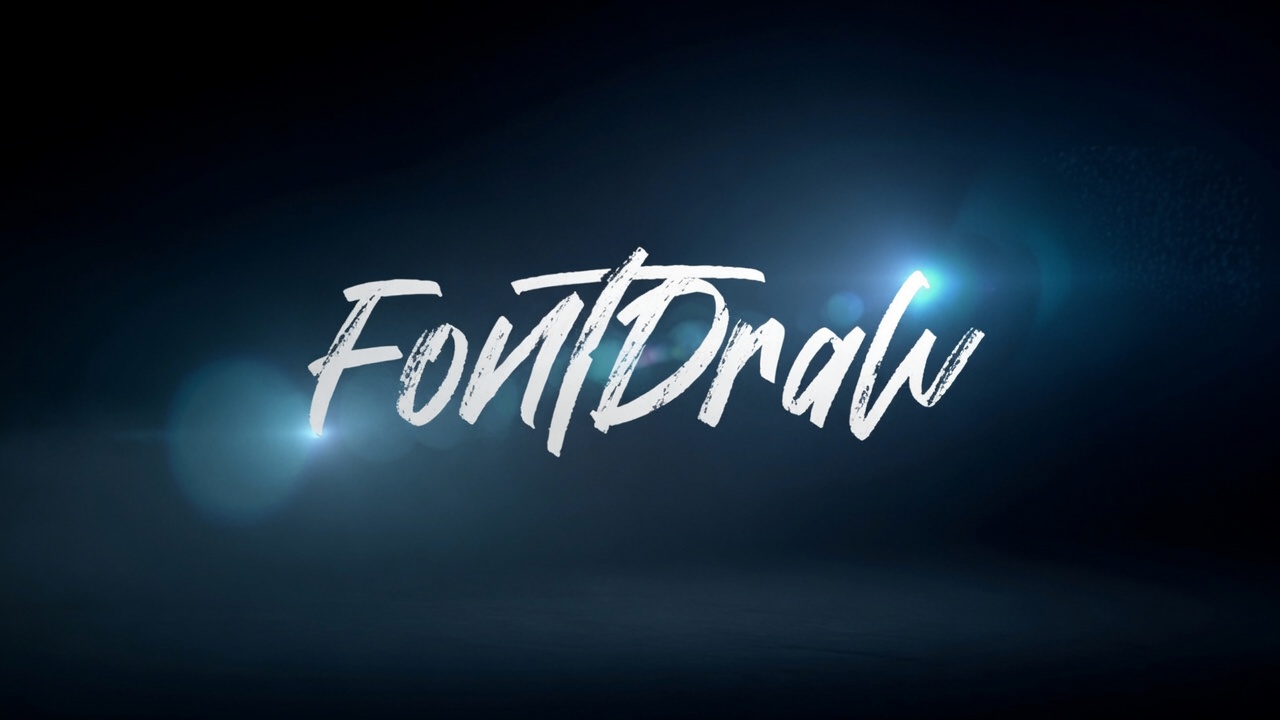
FontDraw
Type it. Watch it draw itself.
Type it. Watch it draw itself.
Watch the Video
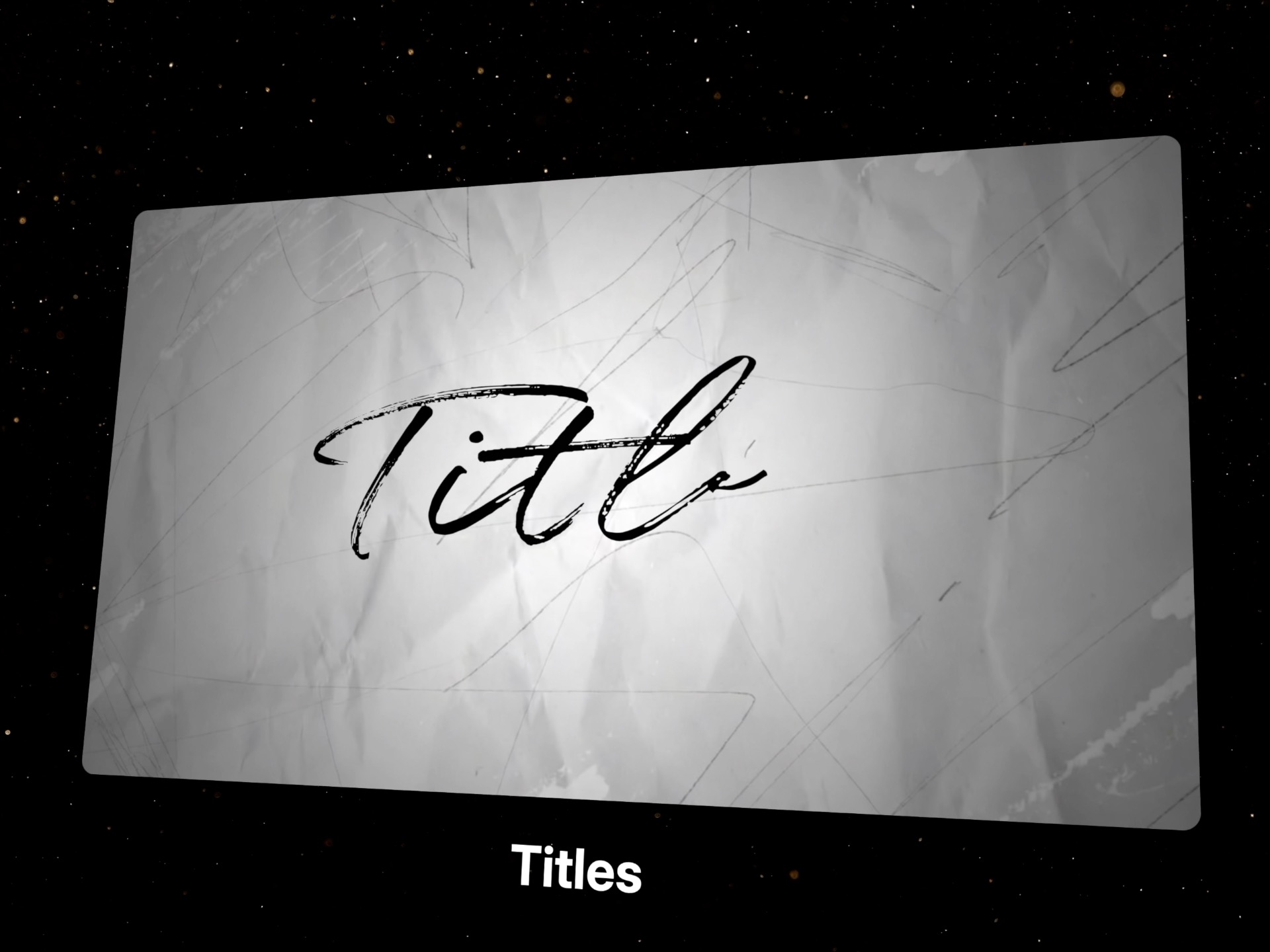
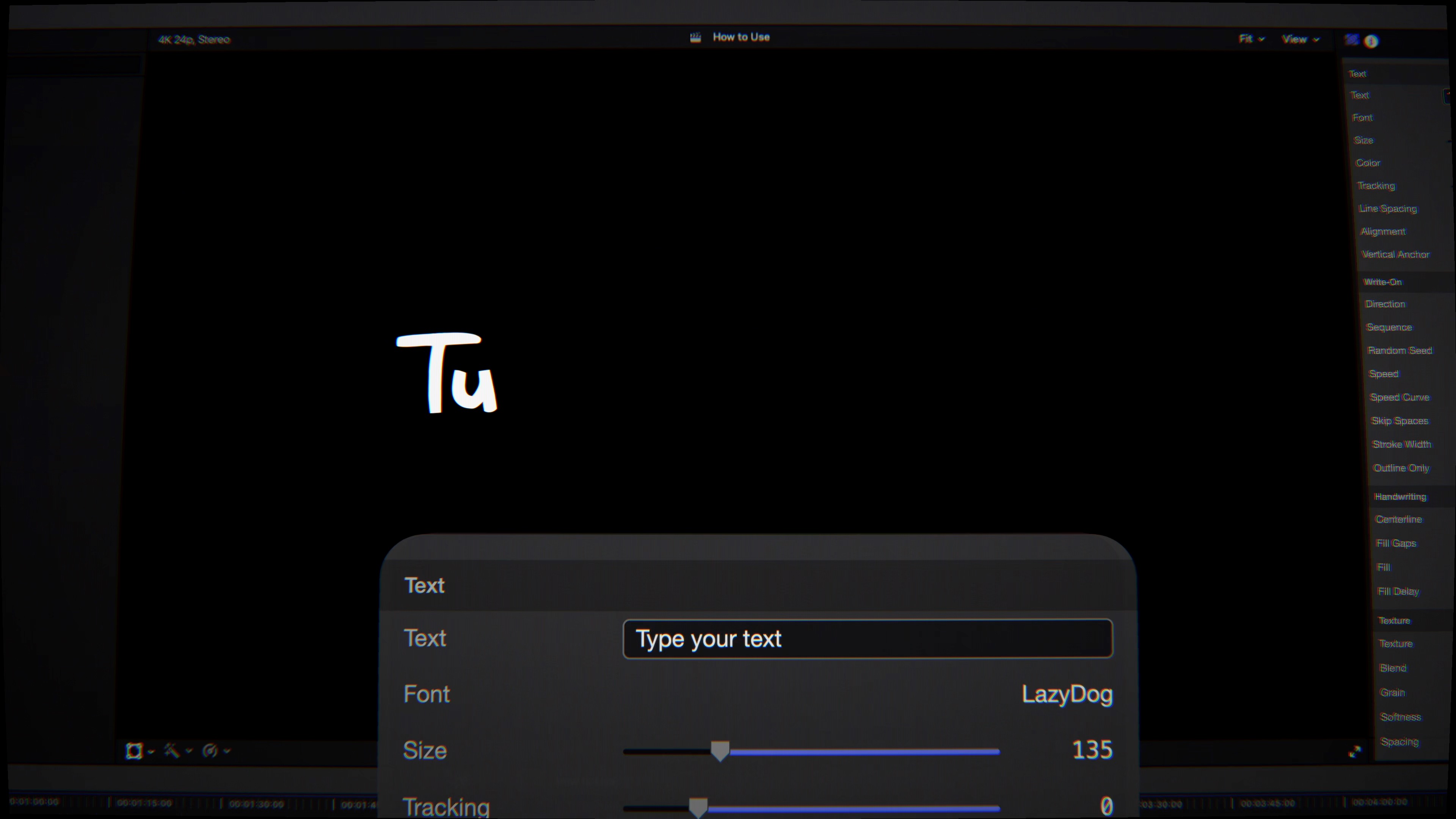
Type a word and FontDraw reveals it stroke by stroke, tracing the natural path of each letter — handwriting, signatures, marker boards, logo traces.
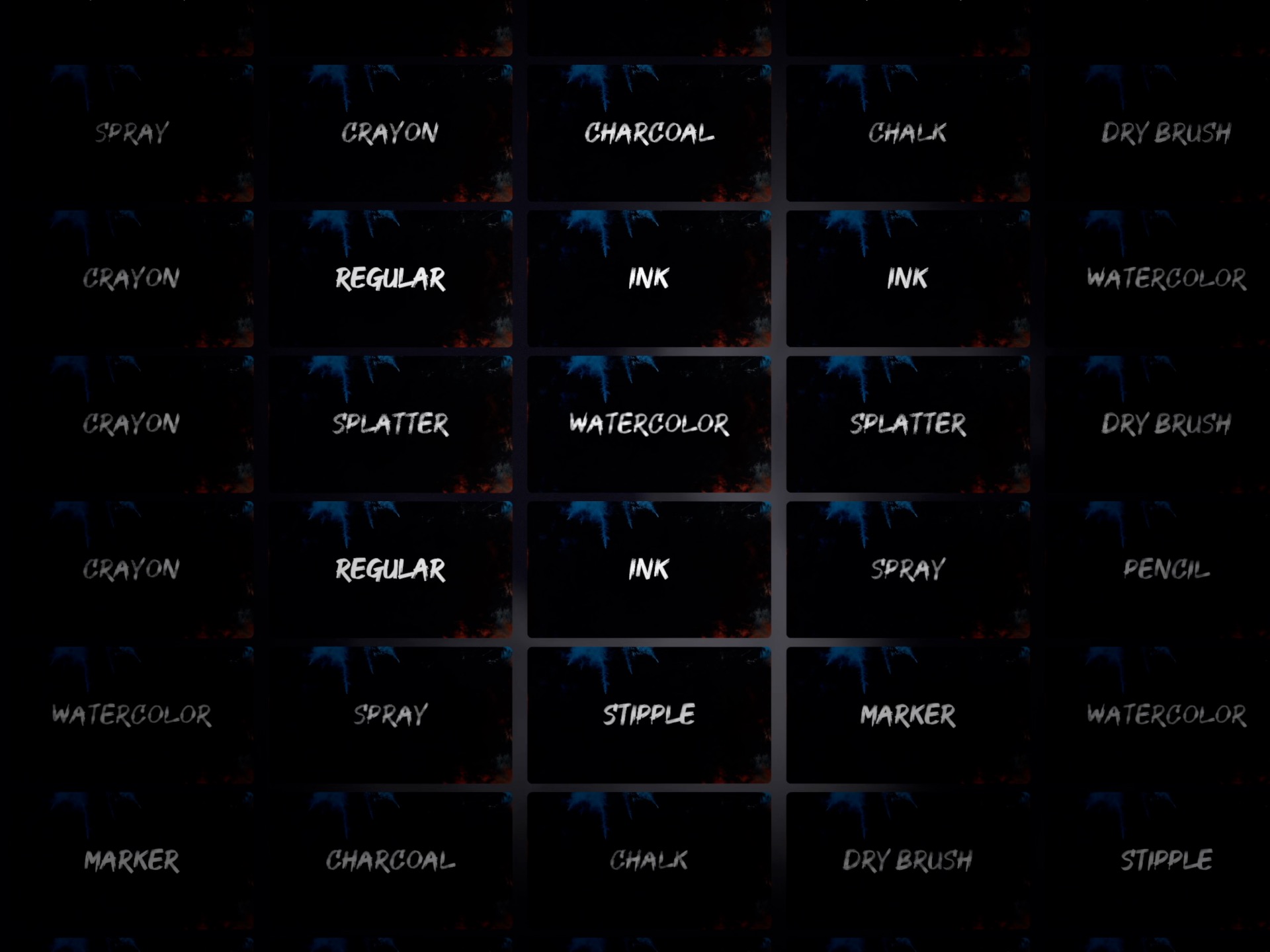
Marker, chalk, watercolor, pencil, ink, spray and more — or load your own image as a custom brush. Every line looks made by hand.
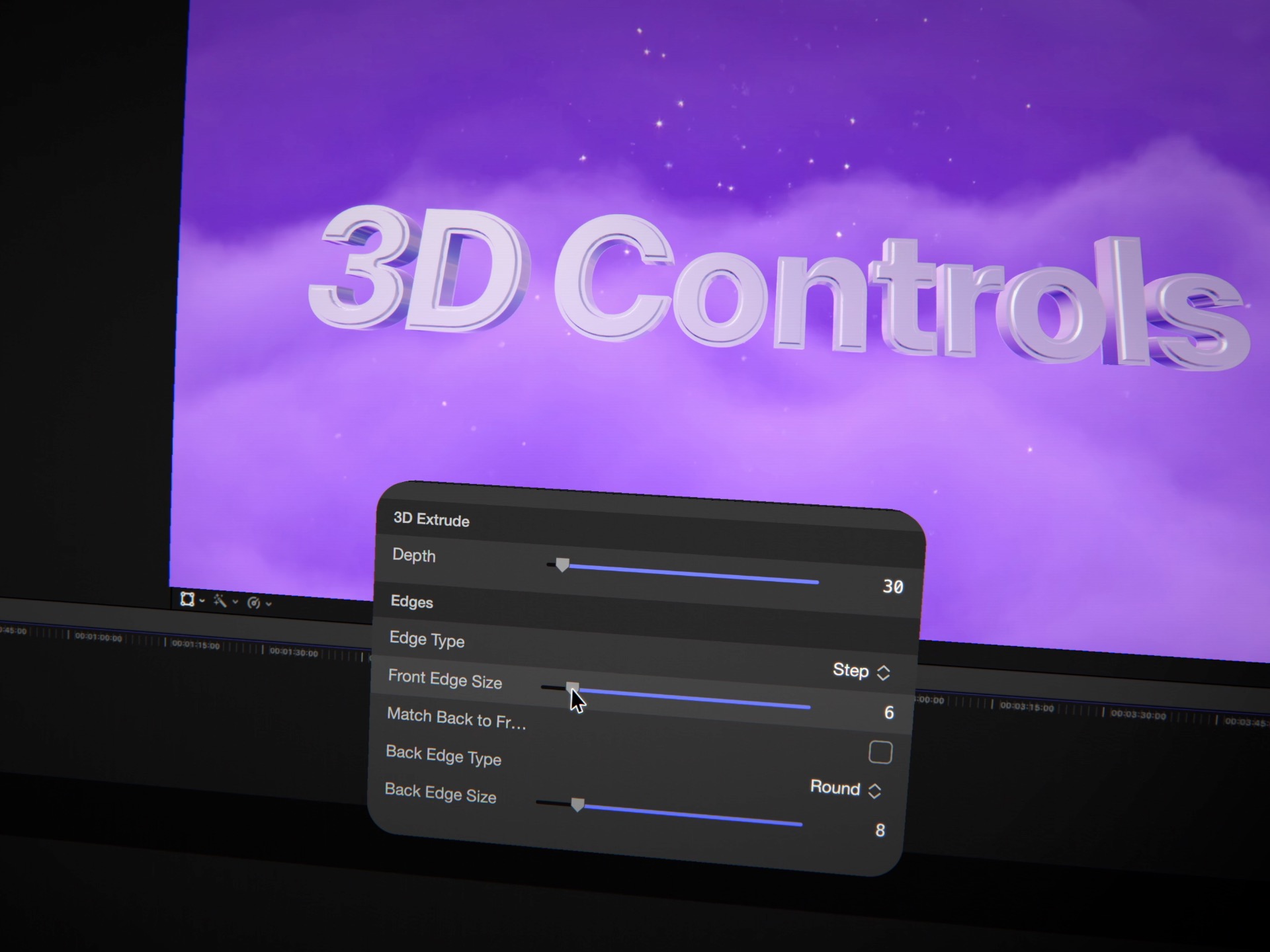
Flip to FontDraw 3D for true extruded type with eight crumple-proof edge profiles that stay flawlessly rounded at any size.
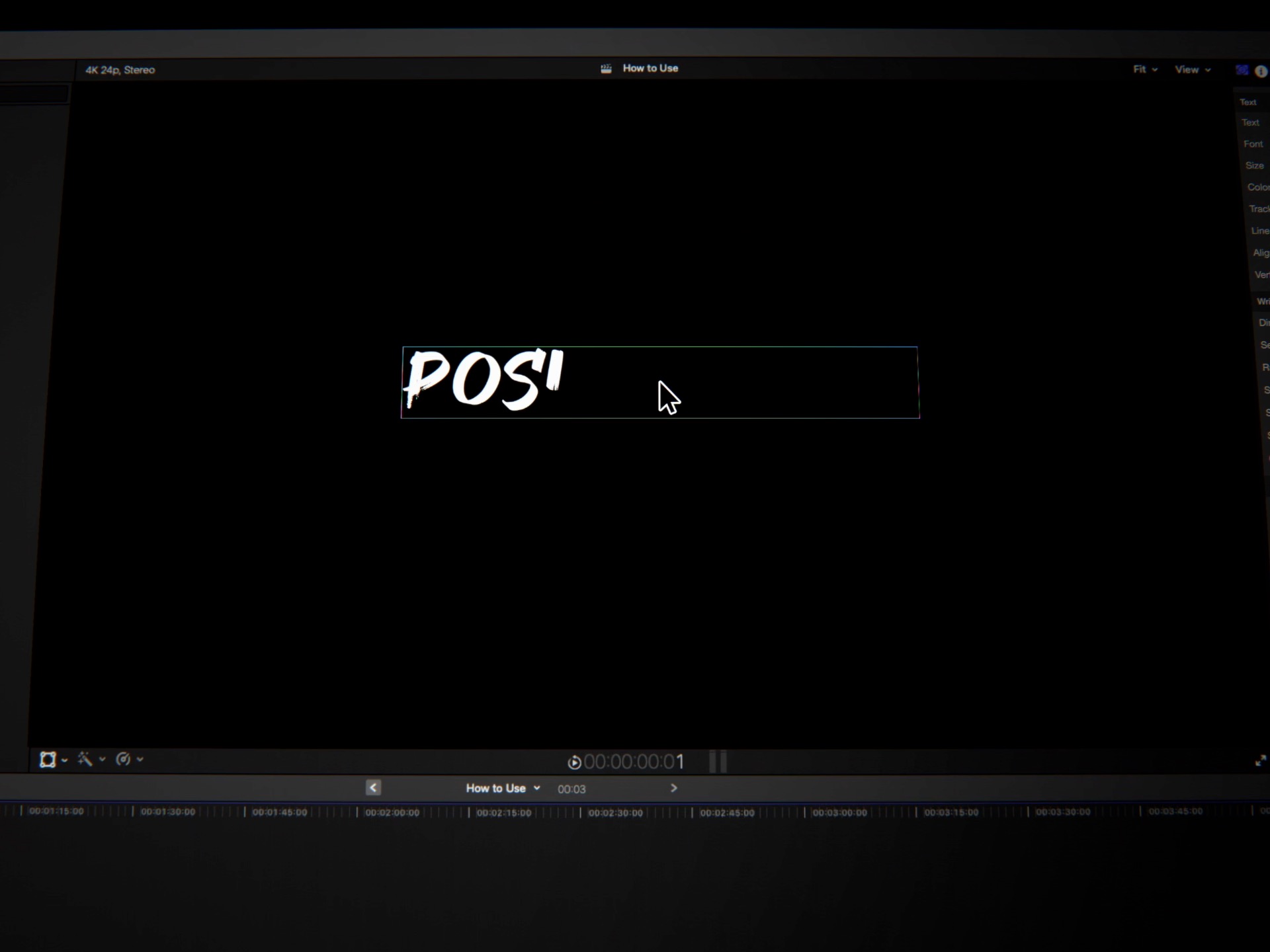
Drag your text to reposition it and move the spotlight right in the viewer — in both Final Cut Pro and Motion. No digging through sliders.
FontDraw doesn't just fade your text in — it draws it, following the true contour of every letter the way a hand would. Choose how it reveals: left to right, center out, ends to center, or fully random with a seed. Shape the timing with constant, accelerate, decelerate, or ease-in-out curves. Turn on Centerline to draw down the spine of each glyph like a single pen path, or Outline Only for a clean traced look — then let the strokes fill in solid behind them. Reverse the whole thing with Write Off, and it un-draws just as gracefully.
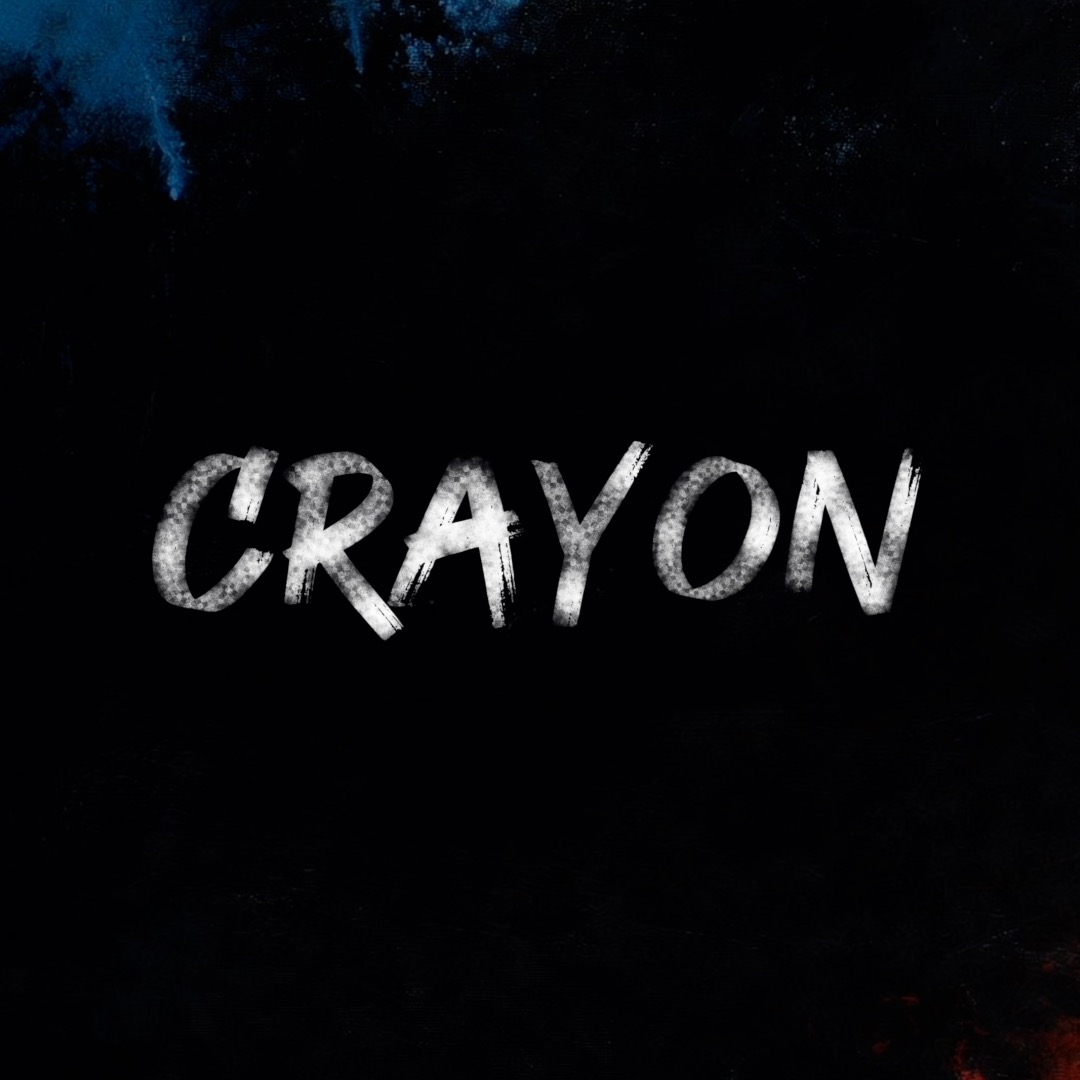
Crayon Waxy, uneven coverage — playful and childlike, ideal for fun and family content.
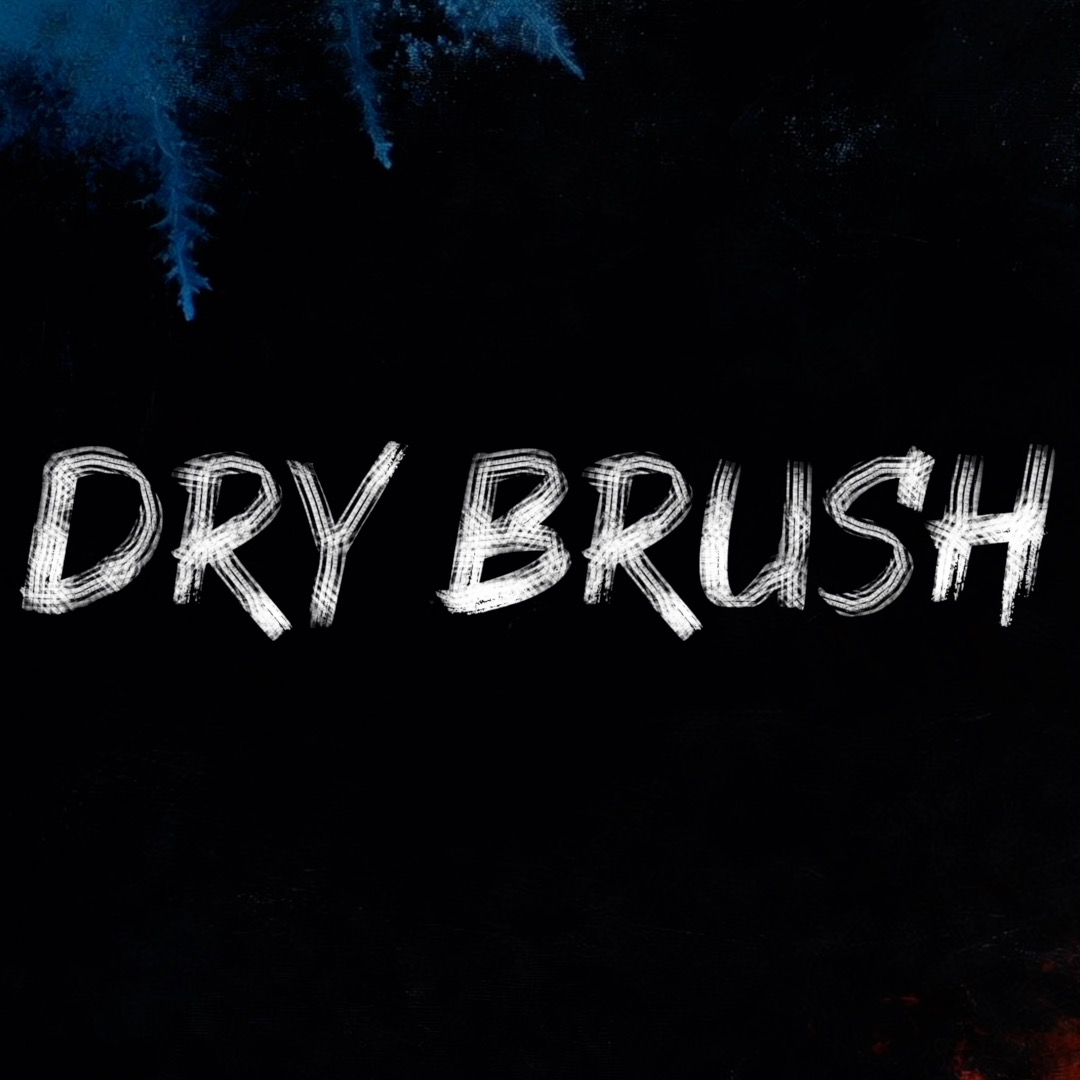
Dry Brush Streaky, low-ink bristle marks that read as energetic, hand-painted lettering.
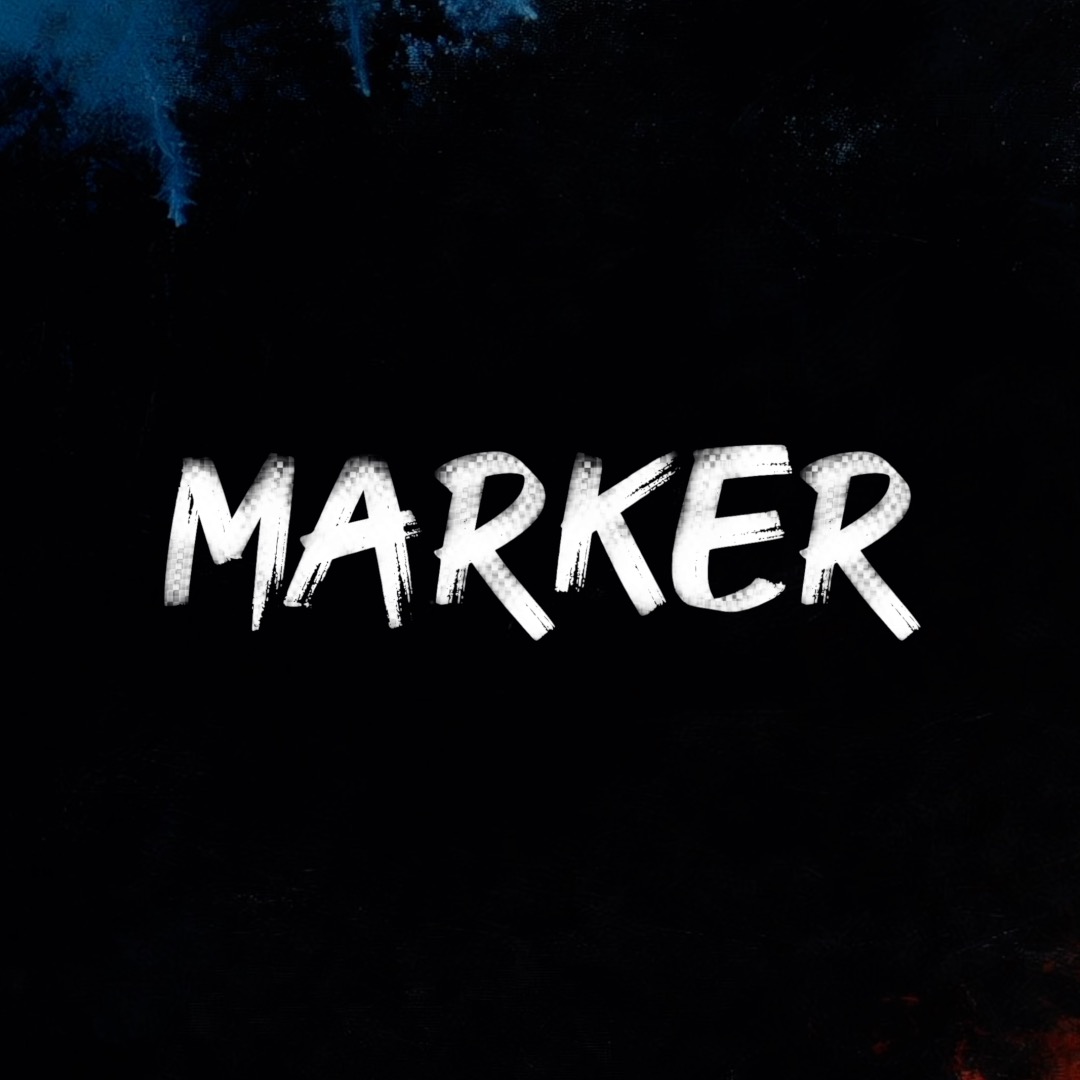
Marker Bold, juicy felt-tip strokes with rounded ends — perfect for whiteboard and explainer looks.
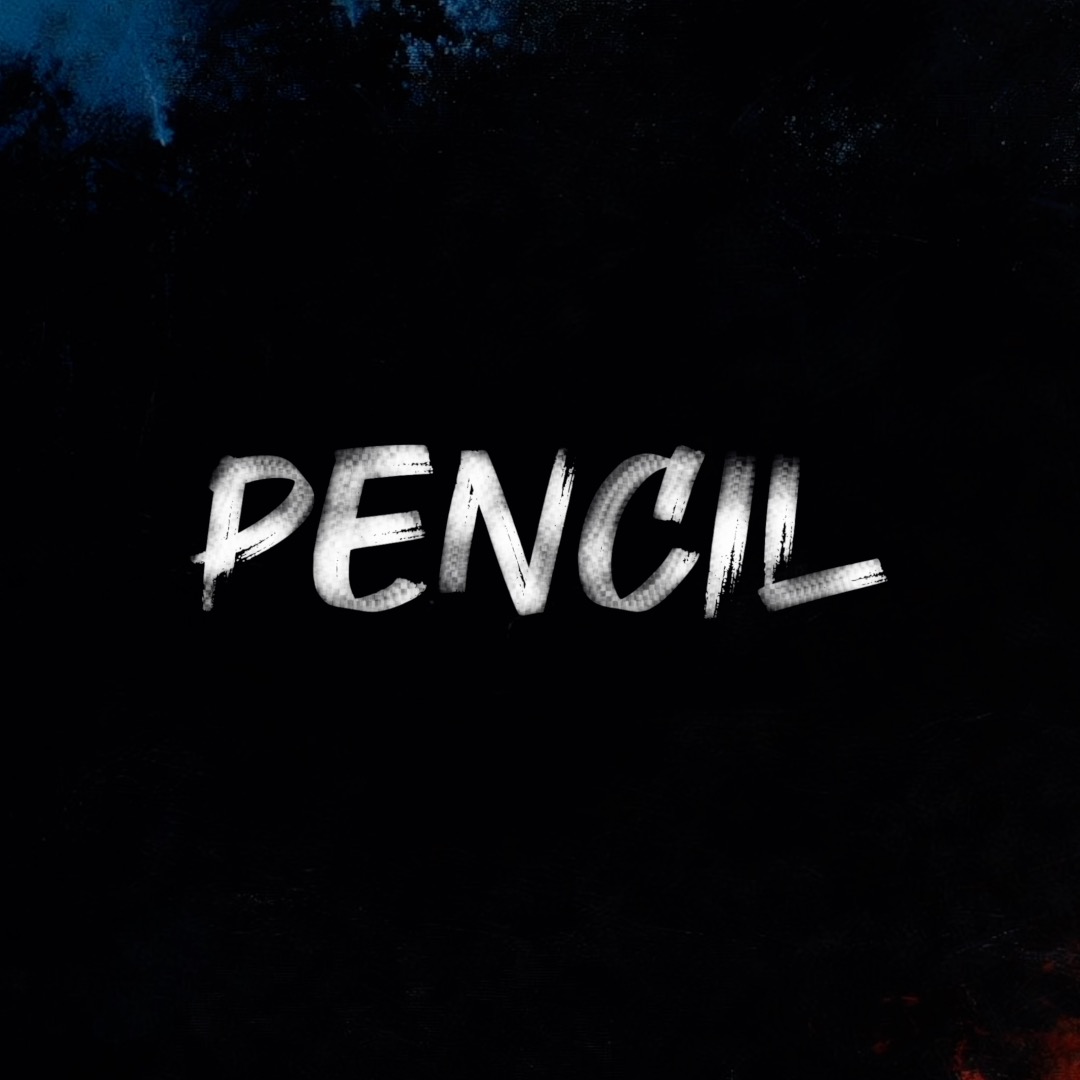
Pencil Fine graphite line with subtle tooth — sketchbook notes and hand-drawn callouts.
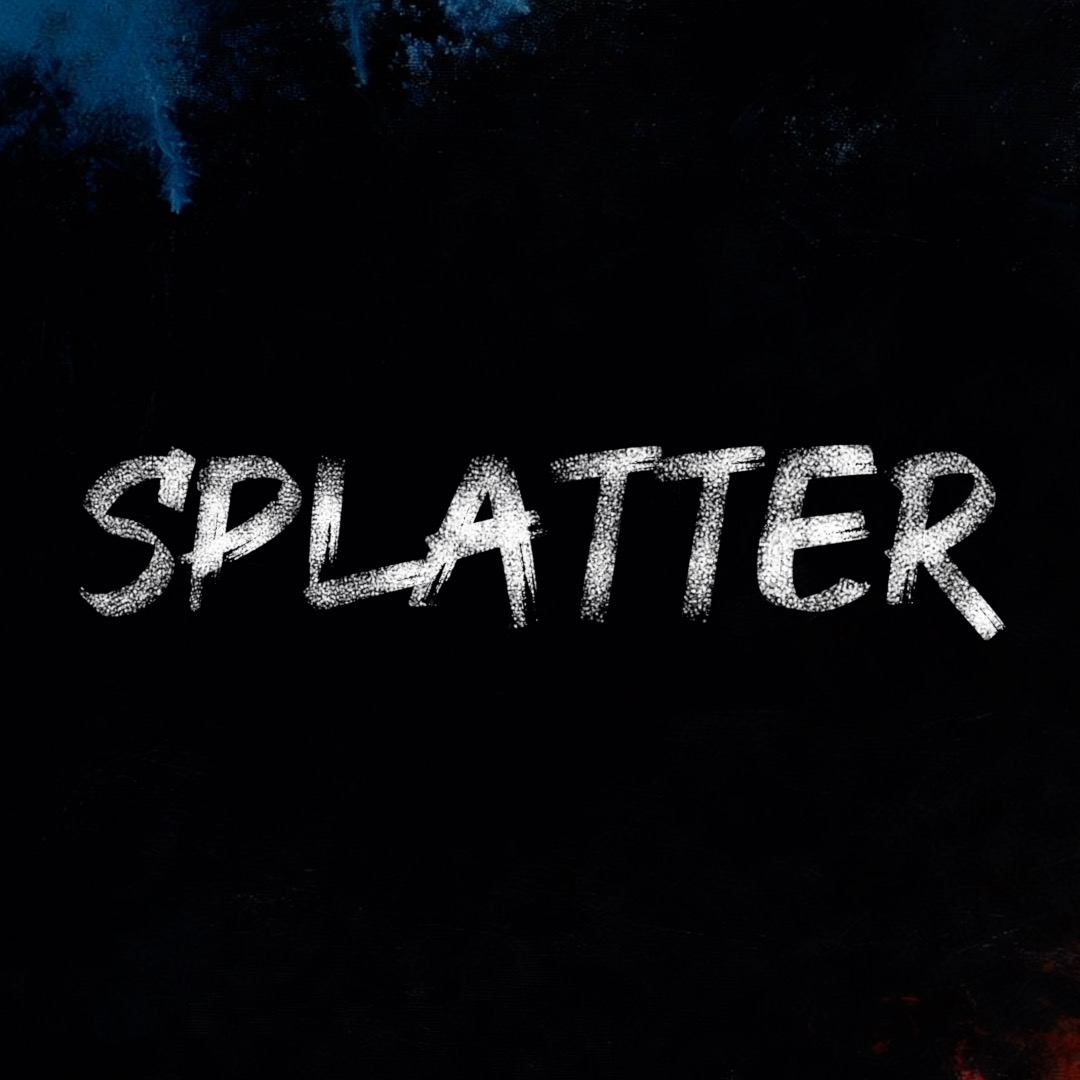
Splatter Energetic flicks and droplets — bold, messy, attention-grabbing titles.
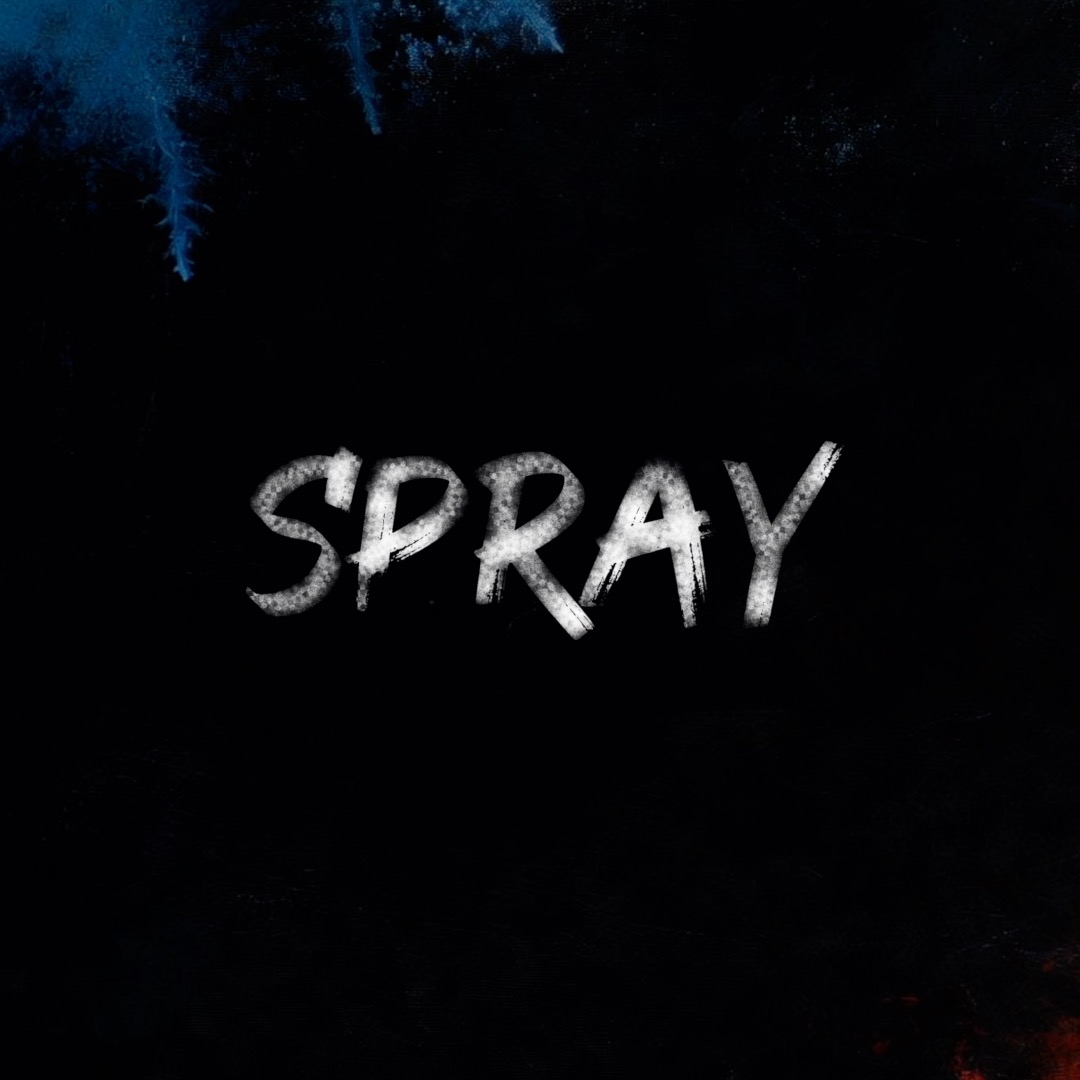
Spray Airbrushed, scattered particles — street-art energy and soft graffiti edges.
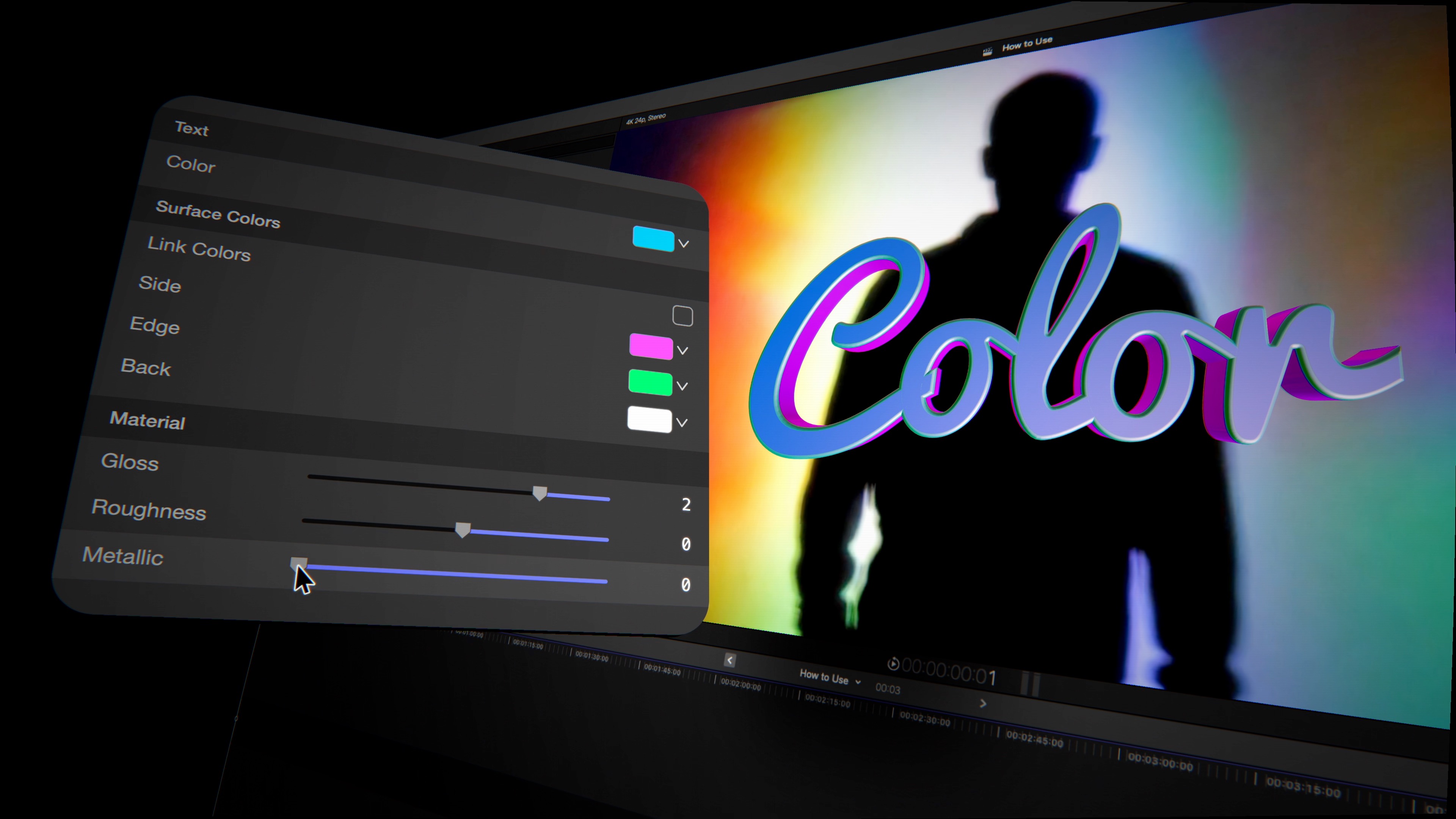
One switch turns your text into genuine extruded geometry — with bevels that stay perfectly rounded whether your title is tiny or fills a 4K frame. Pick from eight edge profiles — square, bevel, round, concave, step, convex, ridge and chisel — and set front and back depth independently. Color the face, sides, bevel and back as separate surfaces, or link them to one. Then give it a material: crank the gloss for polished plastic, raise roughness for brushed metal, or push metallic all the way to chrome. And the write-on still works here, drawing your 3D letters on over real, lit geometry.
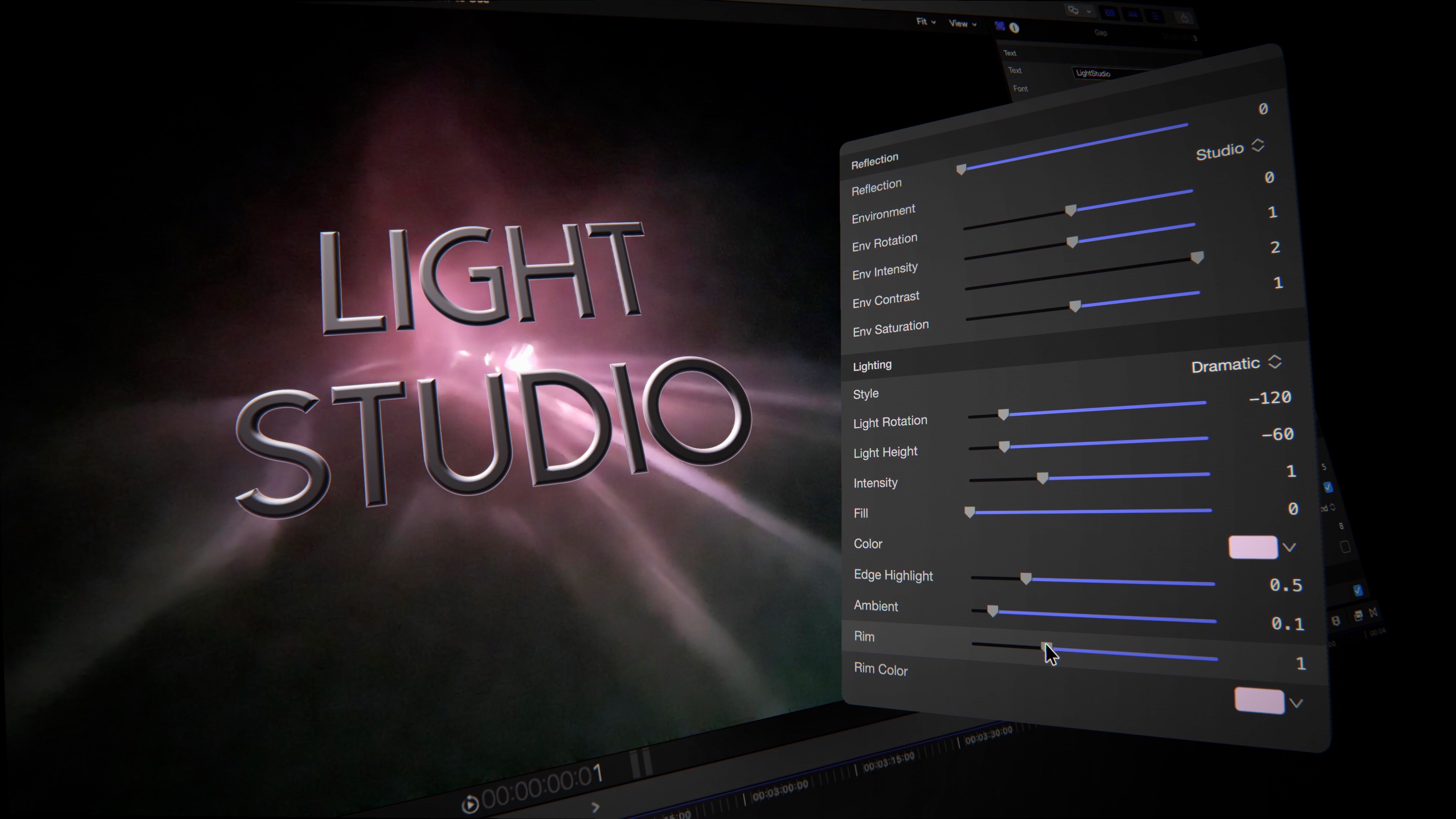
Forty reflection environments wrap your 3D text in believable surroundings — soft studios, golden interiors, neon city nights — and you can rotate, blur and grade every one. Set the mood with key, fill, rim and ambient lights and one-click lighting presets, then add edge highlights for that final glint along the bevels. In 2D, a canvas-fixed spotlight lights your words right in the viewer — drag it on screen, and slide your text through the pool of light to watch it catch the glow. It's the kind of finish that usually takes a 3D app — done inside Final Cut Pro, in real time.
| Compatibility | Final Cut Pro 10.8+ |
| macOS | macOS Ventura 13.0 or later |
| Chip Support | Apple Silicon & Intel |
| Output Formats | HD, 4K, 5K, Vertical |
| License | Single User, 3 Machines |
| Updates | Free for Life |