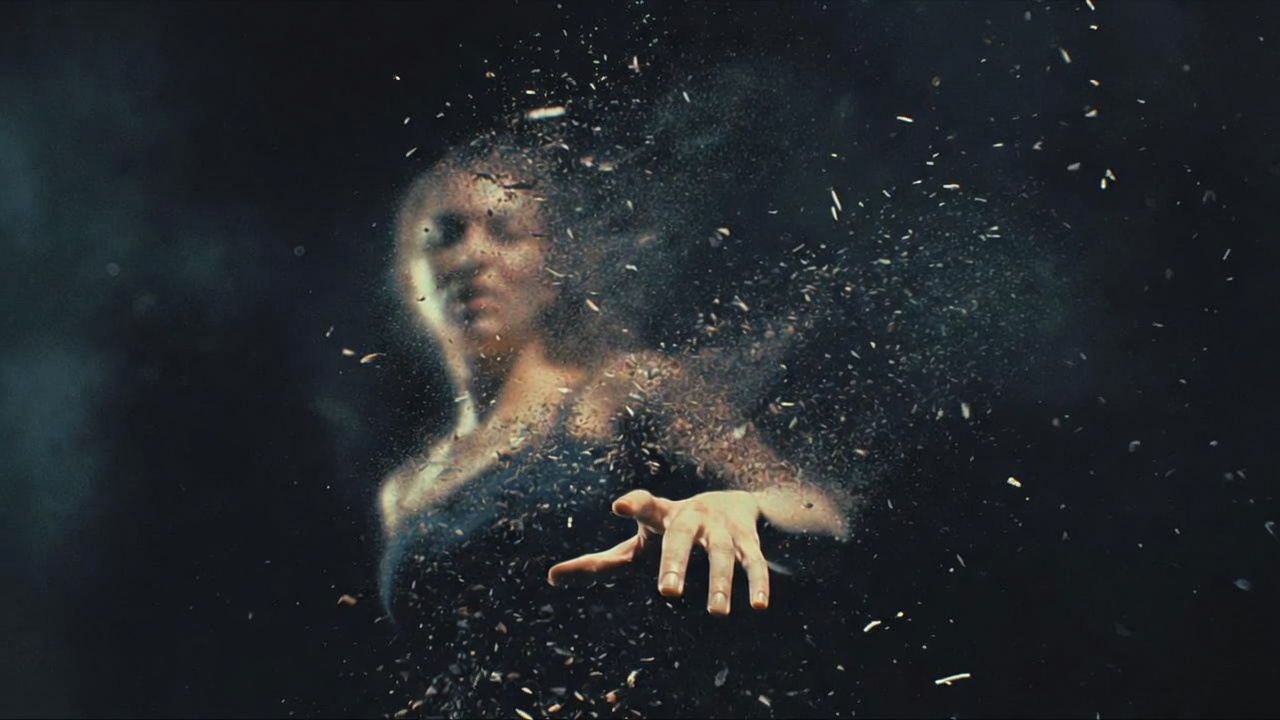
Pixel Film Studios today introduces Disintegrate — a particle dissolution plugin for Final Cut Pro that breaks any clip apart into drifting particles with a single slider. One Amount control carries footage from fully intact to completely gone; drag it backward and the particles re-form into the image. Seven styles — Dust/Wind, Underwater, Embers/Ash, Sand/Gravity, Zoom, Smoke, and Cyclone — each run on their own physical model: genuine divergence-free turbulence, gravity, buoyancy, and drag that retune automatically per style. Four dissolve patterns control which pixels break apart first: random erosion, a directional sweep, luminance-driven dissolution, or a radial burn from a point. Auto Animate plays the complete sequence forward or backward, no keyframes required. Real-time 4K. Universal binary. $39.95.
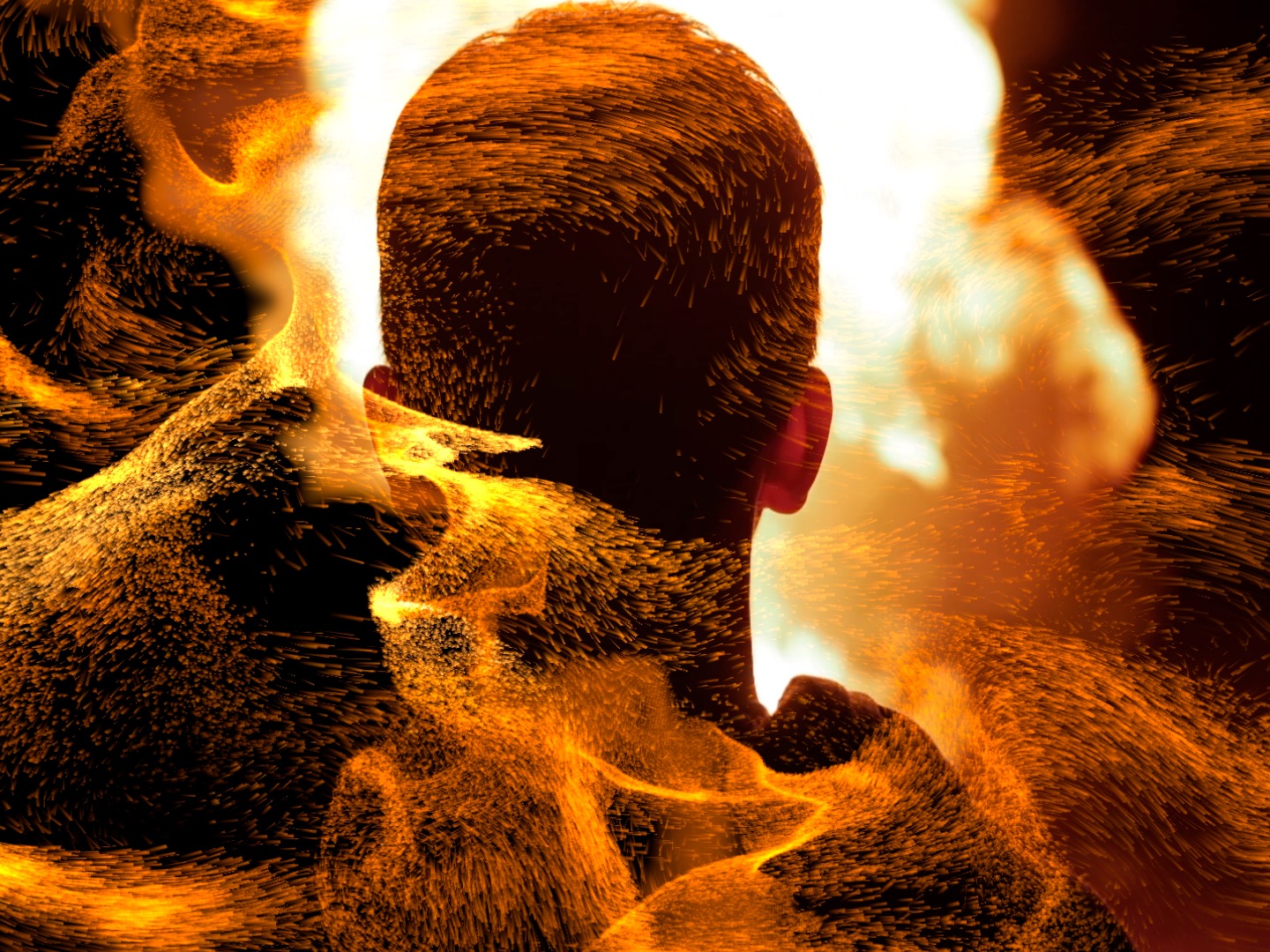
The particle dissolution effect — footage breaking apart into scattered elements and drifting away — is one of the most distinctive and narratively powerful transitions in visual effects production. It appears in superhero films as a character fades from existence, in title sequences as letters scatter into atmosphere, in music videos as a face dissolves into light, in documentary as archival images crumble to dust. Producing it convincingly requires a physics engine: the particles need to move the way real physical particles move under real physical forces, or the dissolution reads as a graphic effect rather than a physical event. Disintegrate builds that physics engine directly into Final Cut Pro.
One Slider. Fully Intact to Completely Gone.
Disintegrate's entire dissolution is driven by a single Amount parameter — drag it from 0 to 100 and the clip goes from untouched to fully dispersed; drag it back and the particles return to the original image. The parameter is completely stateless: the particle position at any Amount value is determined mathematically from that value alone, without any simulation state that accumulates over time. What you scrub in the FCP timeline is exactly what renders — there is no warm-up pass, no baked simulation, no difference between previewing at frame 45 and rendering frame 45.
This statelesness has a practical consequence: the dissolution is fully scrubbable and reversible at any point. Set Amount to 50% and the image is half dissolved, exactly. Keyframe it going forward and the clip breaks apart. Keyframe it going backward and particles coalesce back into the image from nothing. Or use Auto Animate and let Disintegrate handle the timing entirely — set a start time, choose Forward or Backward, and the complete dissolution or re-formation plays out on its own across the clip's duration, without a single keyframe.
Seven Styles, Seven Physical Worlds
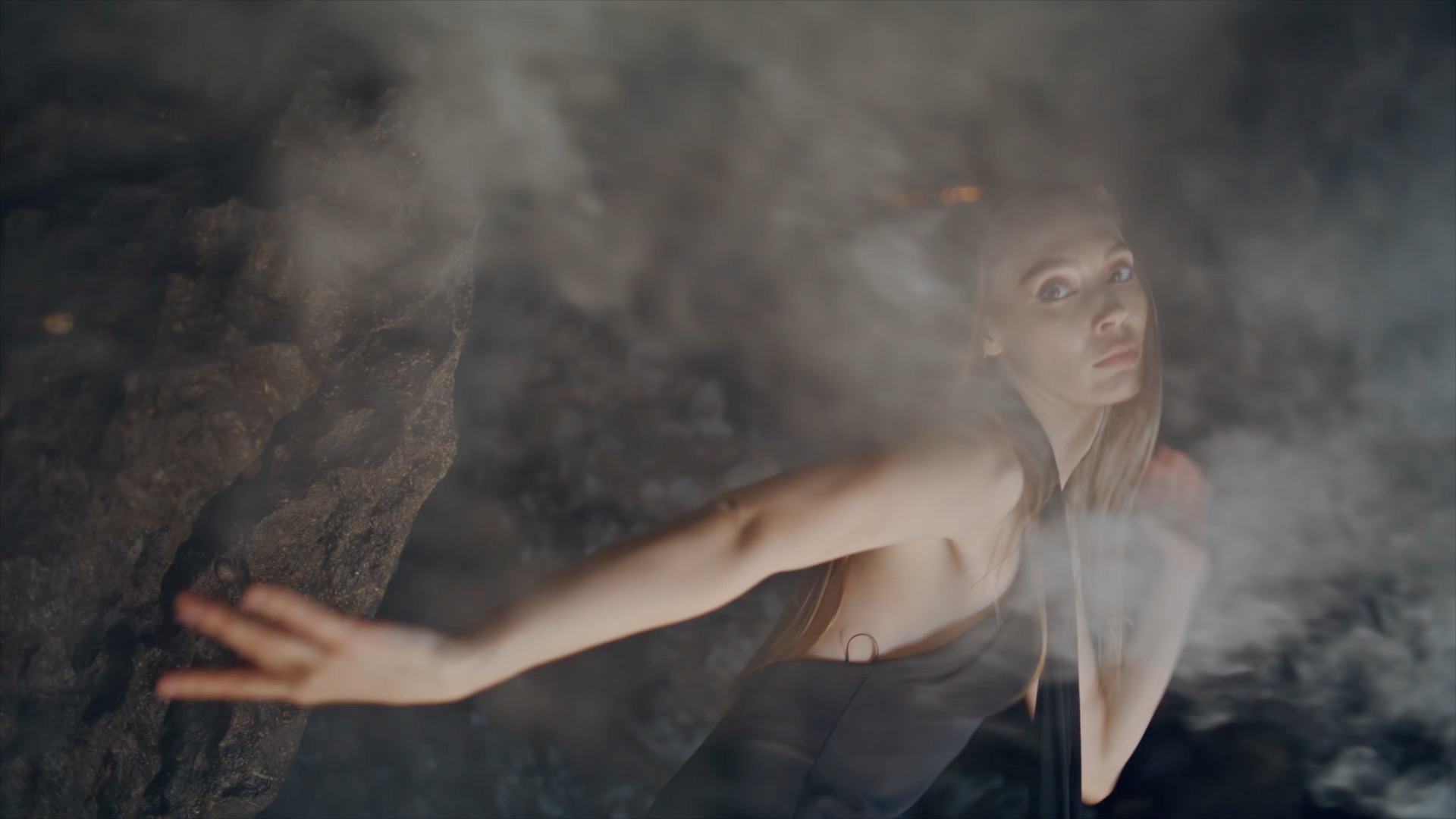
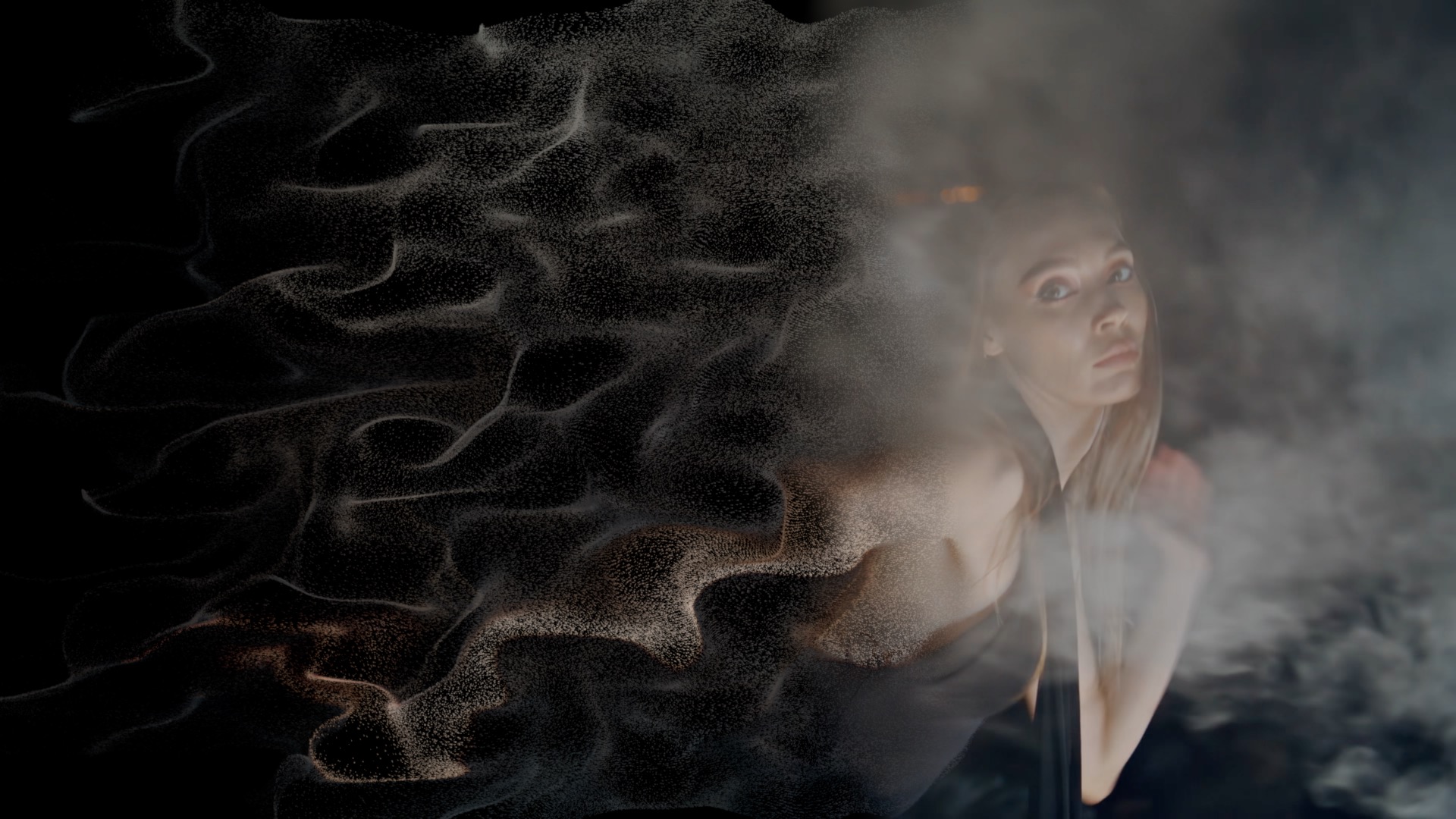
The seven styles in Disintegrate are not visual presets applied on top of a single particle system — each one is a distinct physical model that changes how the particles behave, what forces act on them, and how they read visually. Selecting a style retunes the physics automatically.
- Dust / Wind — Fine grains lift off the image surface and drift away on a soft, directional breeze. The essential disintegration: particles small enough to be caught by air movement, light enough to stay suspended, drifting at the pace of a gentle wind. This is the reference look — the visual shorthand for "turning to dust" that audiences recognize immediately from film and animation.
- Underwater — Particles hang in space and sway with slow, buoyant motion, as if suspended in water and subject to gentle subsurface currents rather than air. The underwater style produces a dreamlike, weightless quality where dissolution happens slowly and the particles linger long after leaving the image surface — appropriate for memories, transitions between states, and any context where the dissolution should feel unhurried and deep.
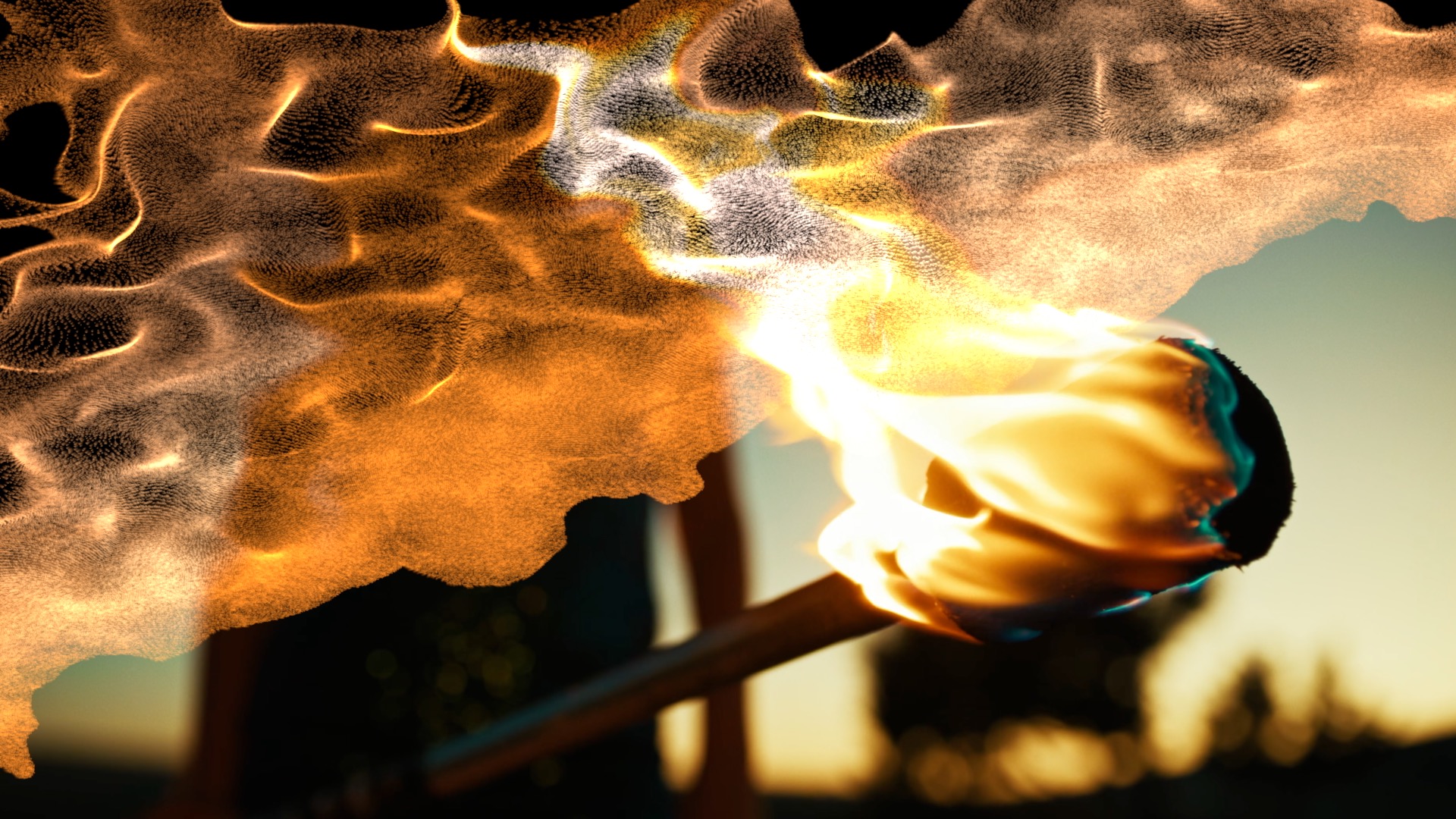
- Embers / Ash — Particles glow as they leave the image surface and rise upward on thermal currents before burning off into the dark and trailing ash. The Embers style adds an edge-burn effect: the boundary between the intact image and the dissolved region chars and glows as the dissolution front advances, the specific visual of a burning photograph or a page consumed by fire. One of the most emotionally charged dissolution looks — the image is not merely gone, it has been destroyed.
- Sand / Gravity — Heavier particles spill downward from the image surface, pulled by gravity, landing and piling as if the image were made of sand and the surface holding it had been removed. Where Dust floats, Sand falls — the physics retune to give each particle real gravitational weight, producing a cascade of material rather than a drift. Sand dissolution has the quality of erasure: the image is collected rather than dispersed, its material gathered at the bottom of the frame.
- Zoom — Particles streak outward from the image in a fast, rushing zoom, as if the image were exploding outward through the camera lens. The Zoom style is the most kinetic of the seven: high velocity, strong directionality, particles moving away from the viewer at speed. It carries the visual energy of a fast-cut or a dramatic reveal — the image doesn't fade, it launches.
- Smoke — The image curls away as soft, billowing, rolling smoke. The smoke style replaces the particle-grain quality of Dust with a volumetric, turbulent quality — the particles are larger and softer, their motion governed by the curl-noise turbulence of real smoke rather than the linear drift of airborne dust. The result is the dissolution of something burning off: dense, swirling, atmospheric.
- Cyclone — Particles are caught up and spun into a swirling vortex, spiraling outward and away from the dissolution center. The Cyclone style adds angular momentum to the physics — particles don't just drift or fall, they orbit, gaining speed as they approach the vortex core and spreading outward as they escape it. The most abstract of the seven styles: dramatic, energetic, and unmistakably non-physical in its beauty.
Four Dissolve Patterns: Which Pixels Go First
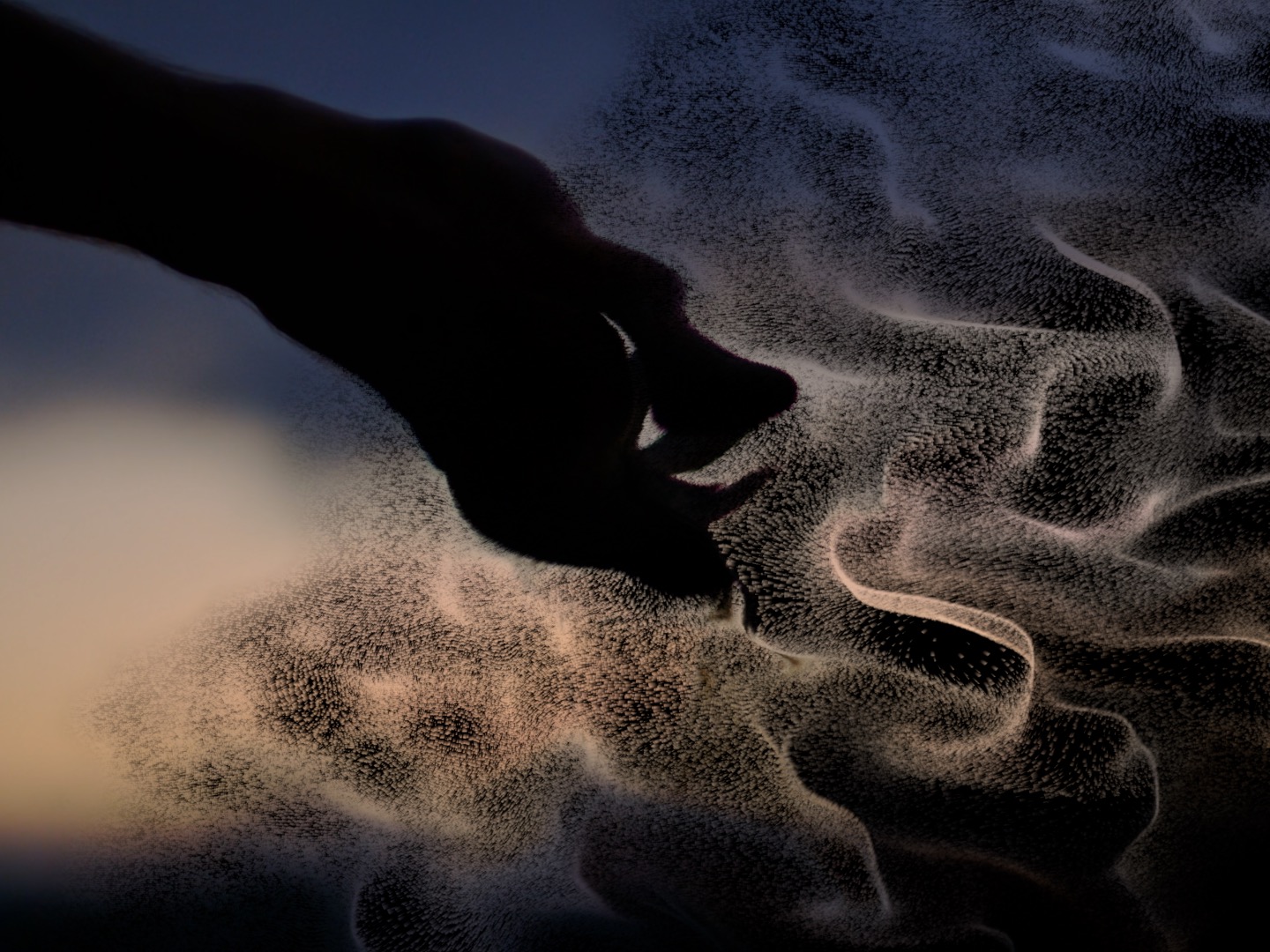
The dissolve pattern controls not how the particles move but which part of the image breaks apart first as Amount increases — the spatial logic of the dissolution front.
- Random — pixels leave the image in a uniformly random order across the full frame. The dissolution front has no directionality and no preference for any region of the image; the clip erodes evenly in all directions simultaneously. Random is the most natural-looking dissolution for most content — the lack of visible pattern reads as entropy rather than design.
- Directional — pixels dissolve in a sweep from one edge of the frame to the other — left to right, top to bottom, or at any diagonal. The dissolution front is a moving line that progresses across the image, everything behind it gone, everything ahead still intact. Directional dissolves have editorial clarity: the viewer can see exactly where the dissolution is and where it is going.
- Luminance — the brightest or darkest pixels dissolve first, depending on the setting. Luminance dissolution produces the specific visual of an image being bleached out from its highlights (bright-first) or consumed from its shadows (dark-first). When applied to a portrait with a bright background, a bright-first luminance dissolve erases the background before the subject — the image's visual hierarchy becomes its dissolution sequence.
- Radial — dissolution burns outward from a point or inward from the edges, with the center of the effect as the origin of the dissolution front. A radial dissolve from the center creates the specific visual of a portal or vortex opening at the center of the image and consuming it outward; a radial dissolve from the edges creates the impression of the image being consumed inward toward a surviving core.

Real Wind and Turbulence Physics
Every particle in Disintegrate rides genuine divergence-free turbulence — the same mathematical framework used in fluid dynamics simulation. Divergence-free means the turbulence field has no sources or sinks: particles cannot pile up or be destroyed by the field itself, only moved by it. The result is motion that reads as physically believable because it is governed by the same conservation laws that govern real fluid motion.
Wind, gravity, buoyancy, and drag act as independent forces on every particle. Wind applies a directional push across the full particle field. Gravity pulls particles downward with adjustable strength — set high for the heavy spill of Sand, set to near-zero for the floating suspension of Underwater. Buoyancy counteracts gravity selectively, giving particles a tendency to rise as if displaced by denser surrounding medium — the force that lifts Embers upward against gravity's pull. Drag controls how quickly particles respond to force changes, giving each style its characteristic weight and inertia.
The Embers style adds edge-burn to this physics foundation: as the dissolution front advances through the image, the boundary region chars and glows, producing the light emission of a burning edge. The glow intensity and color temperature of the burn are adjustable, giving control over whether the edge reads as a slow ember or a fast, bright ignition.
"Disintegrate is about one thing: making the particle dissolution look real. That means real physics — real turbulence, real gravity, real buoyancy — not a particle emitter with a gravity slider. Seven styles, each with its own physical model, all computed correctly. And because it's stateless, it scrubs perfectly and renders perfectly, every time. Drop it on a clip, pick a style, drag the slider. Everything else is handled."
— Dave Austin, Founder & CEO, Pixel Film Studios
Availability and Pricing
Disintegrate is available today at pixelfilmstudios.com for $39.95. One-time purchase, no subscription. Requires macOS Ventura 13.0 or later and Final Cut Pro 10.8 or later. Universal binary — native Apple Silicon and Intel. Installs via the PFS Installer app or by manual download from the customer account page.
About Pixel Film Studios
Founded in 2011, Pixel Film Studios is the leading developer of professional visual effects, titles, transitions, and generators built exclusively for Apple Final Cut Pro and Motion. Over the past 14 years, the company has shipped more than 2,000 products and fulfilled millions of orders for video editors, content creators, broadcast designers, and post-production professionals in over 100 countries. Learn more at pixelfilmstudios.com.
Press Contact
Colin Bauer
Director of Communications, Pixel Film Studios
[email protected]