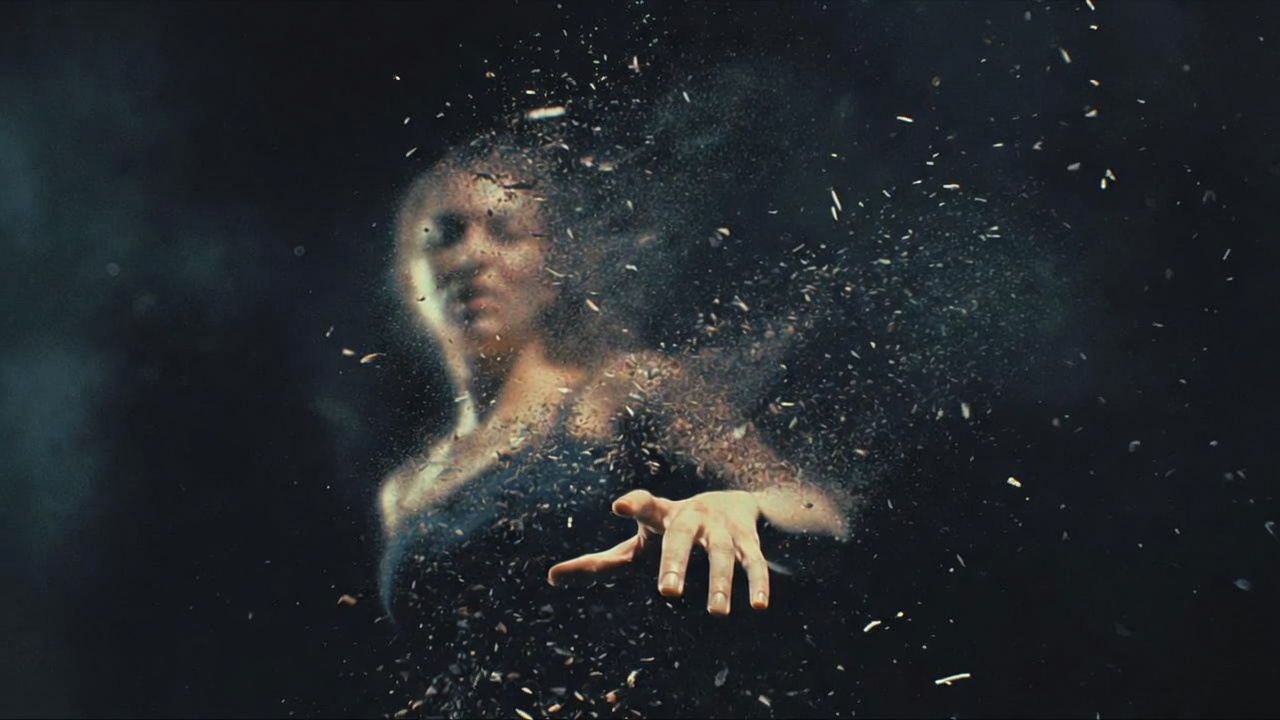
Professional Disintegration & Dissolve for Final Cut Pro.
Disintegrate
Turn anything to dust.
Turn anything to dust.
Watch the Video
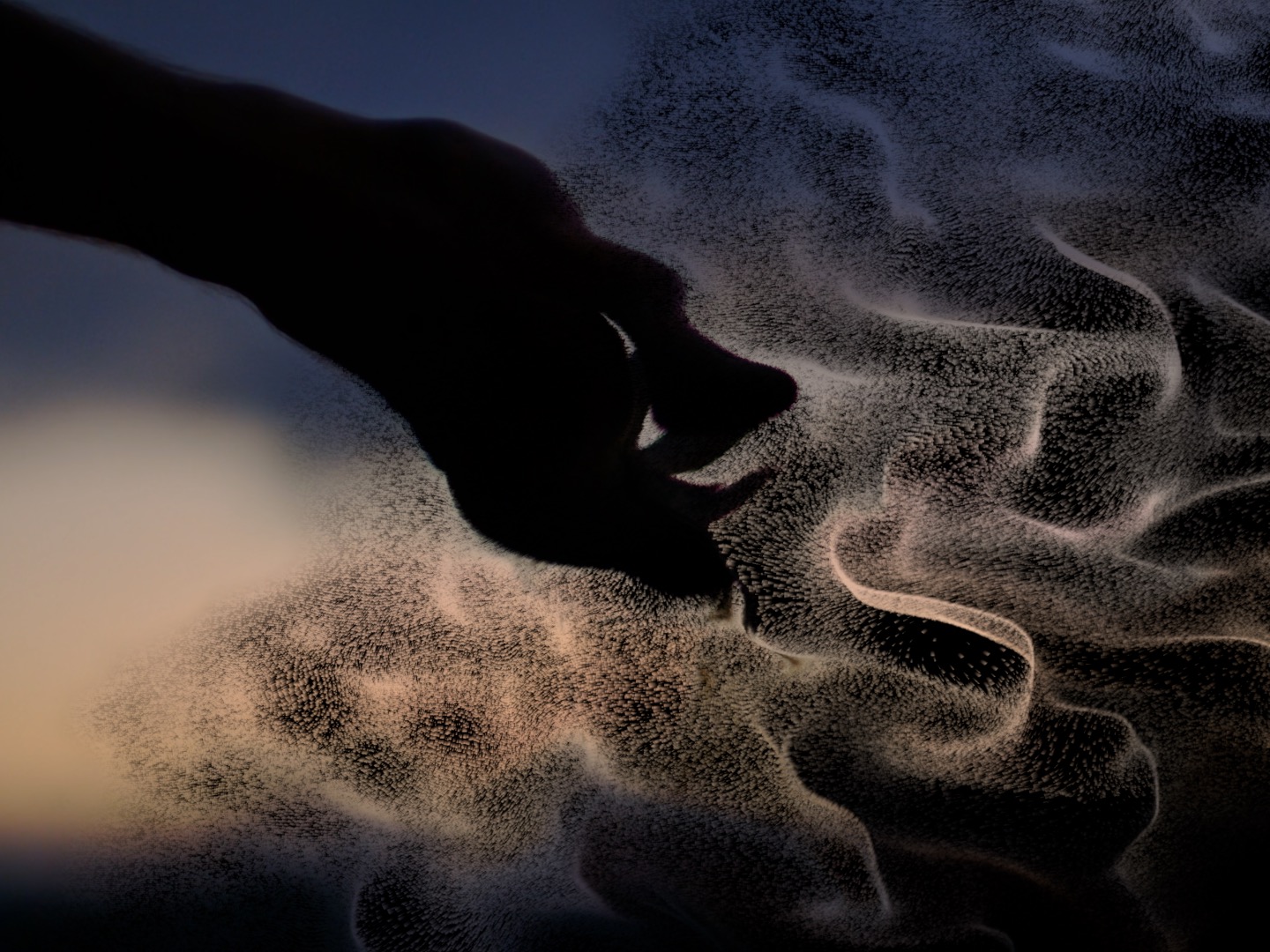
Drop it on any clip and a single Amount carries it from fully intact to completely gone — and back.
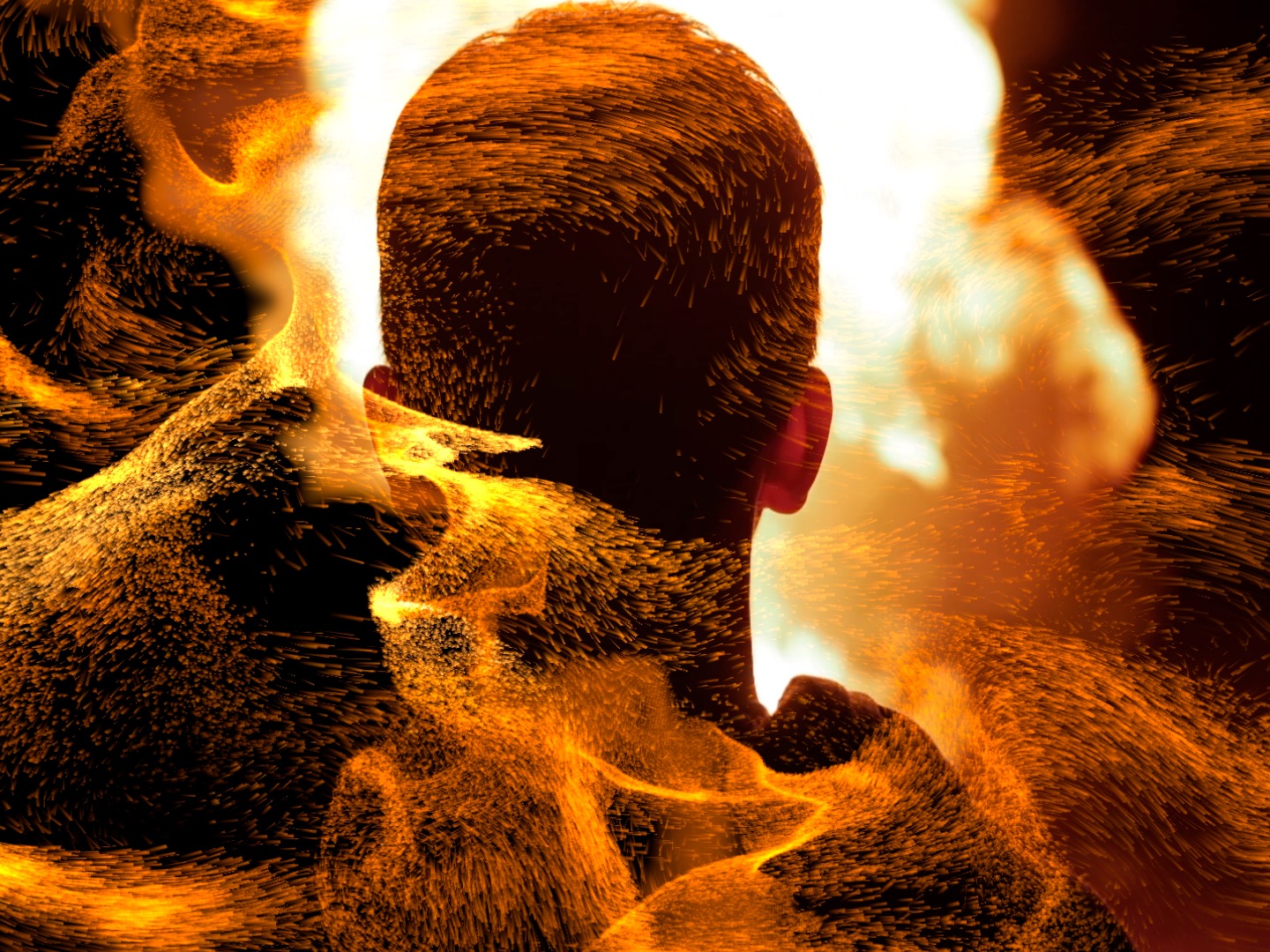
Dust, underwater, embers, sand, zoom, smoke and cyclone — each with its own physics and motion.
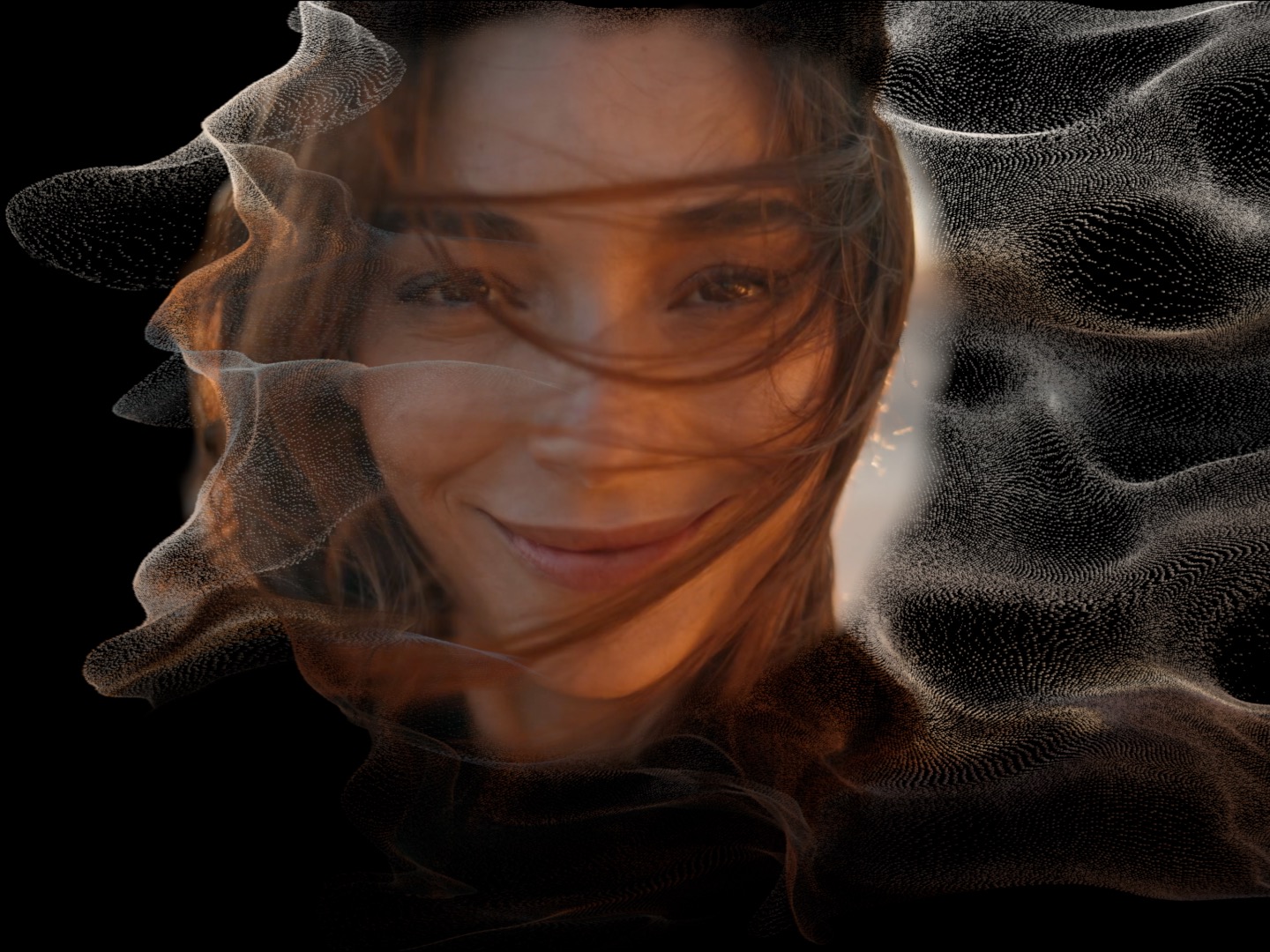
Erode at random, sweep in a direction, dissolve by luminance, or burn radially from a point — bright-first or edges-in.
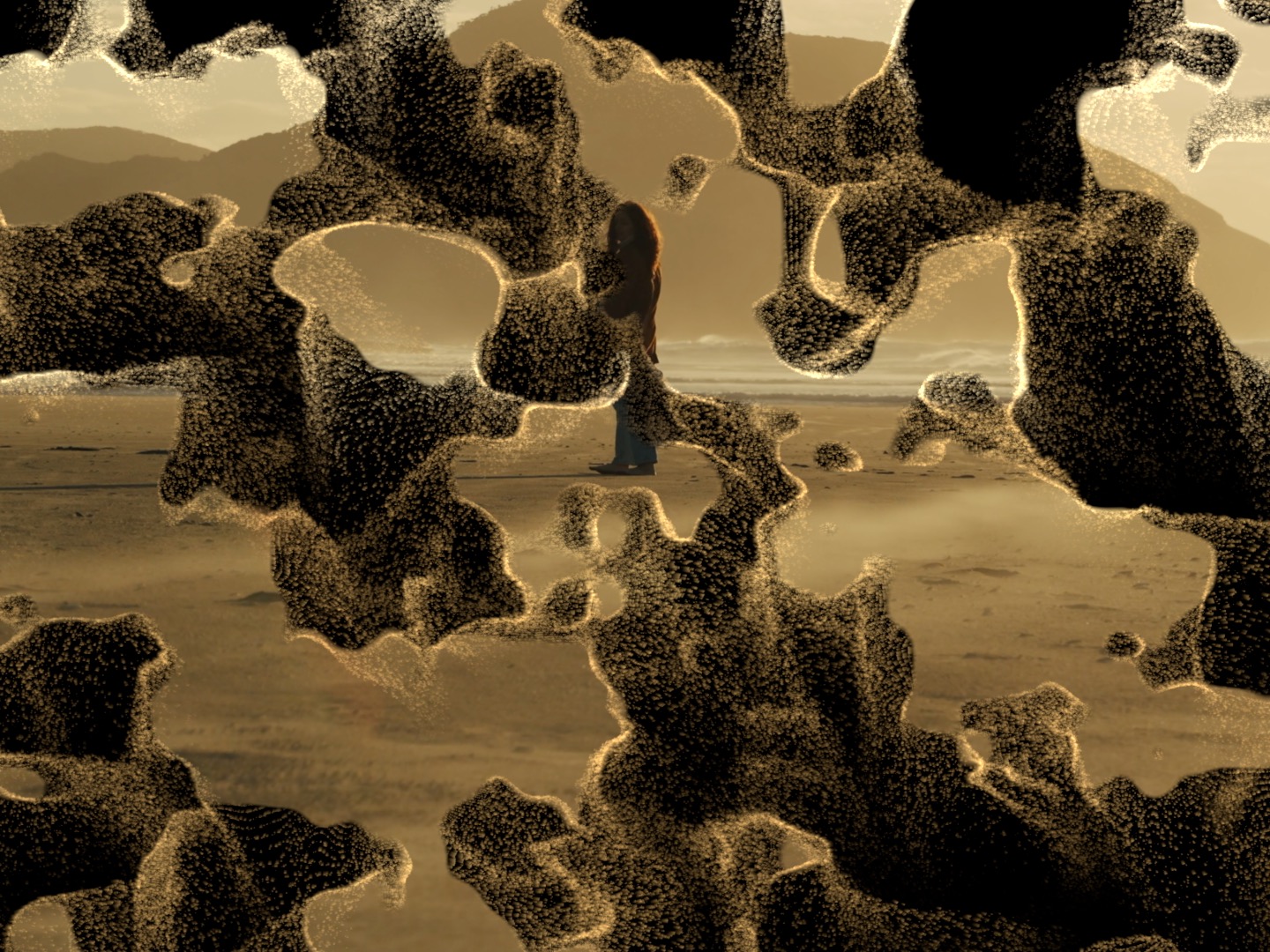
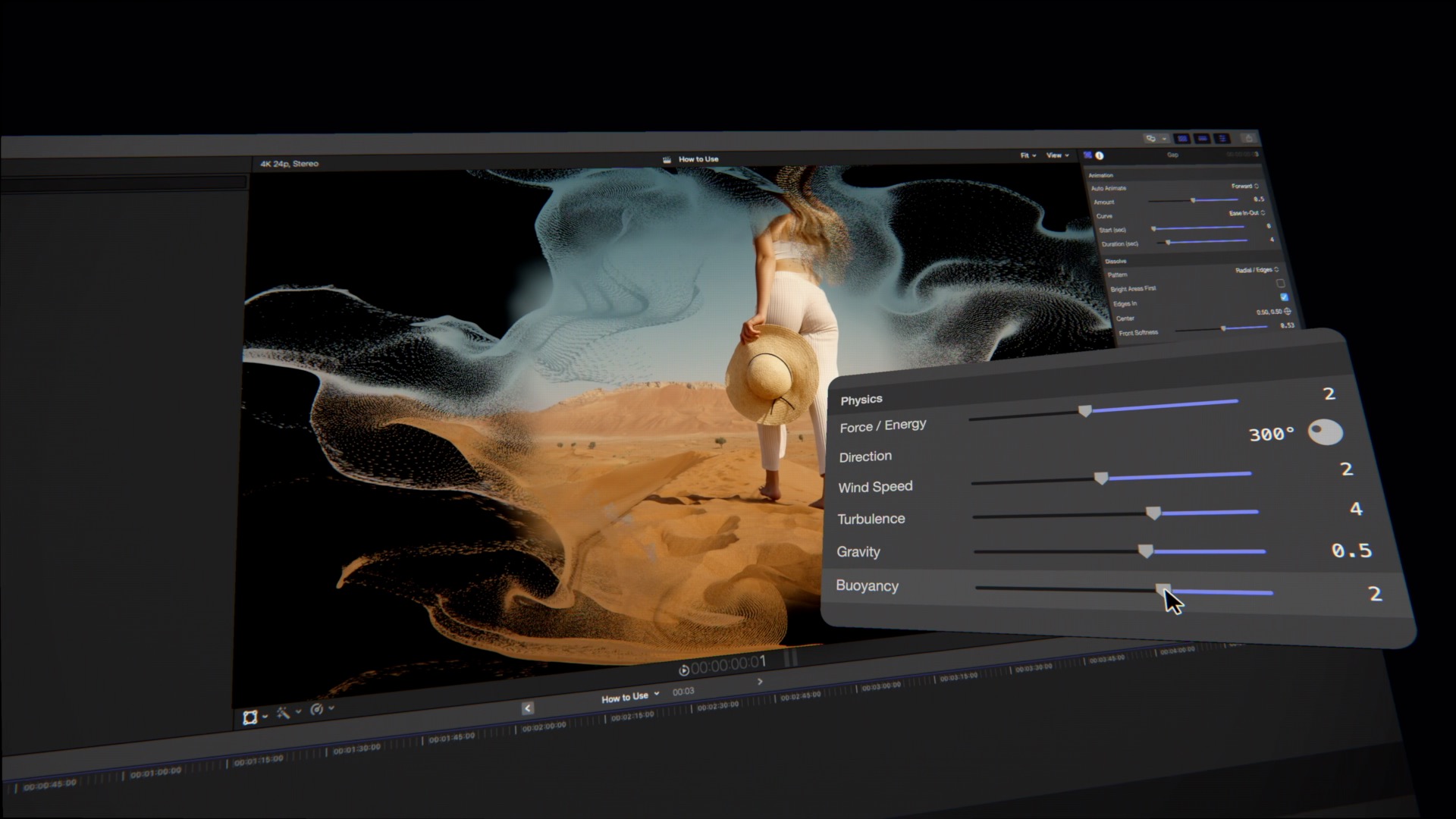
Wind, curl-noise turbulence, gravity, buoyancy, drag and scatter give every particle believable, weighty motion.
A single Amount drives your footage from fully intact to completely gone. Because it's completely stateless, what you scrub is exactly what renders — no simulation, no caching, no waiting. Keyframe the Amount yourself, or let the built-in animation drive it.
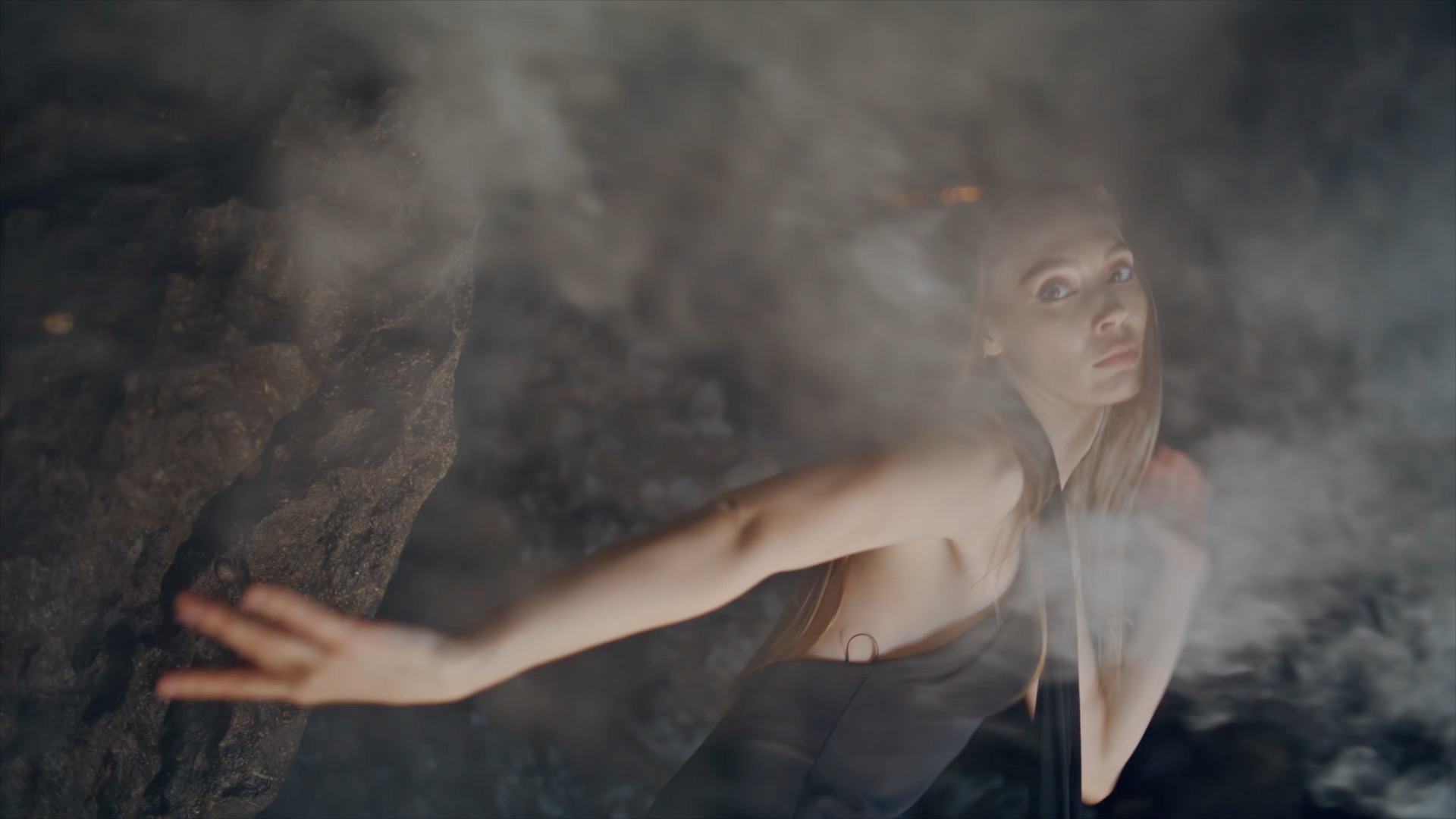
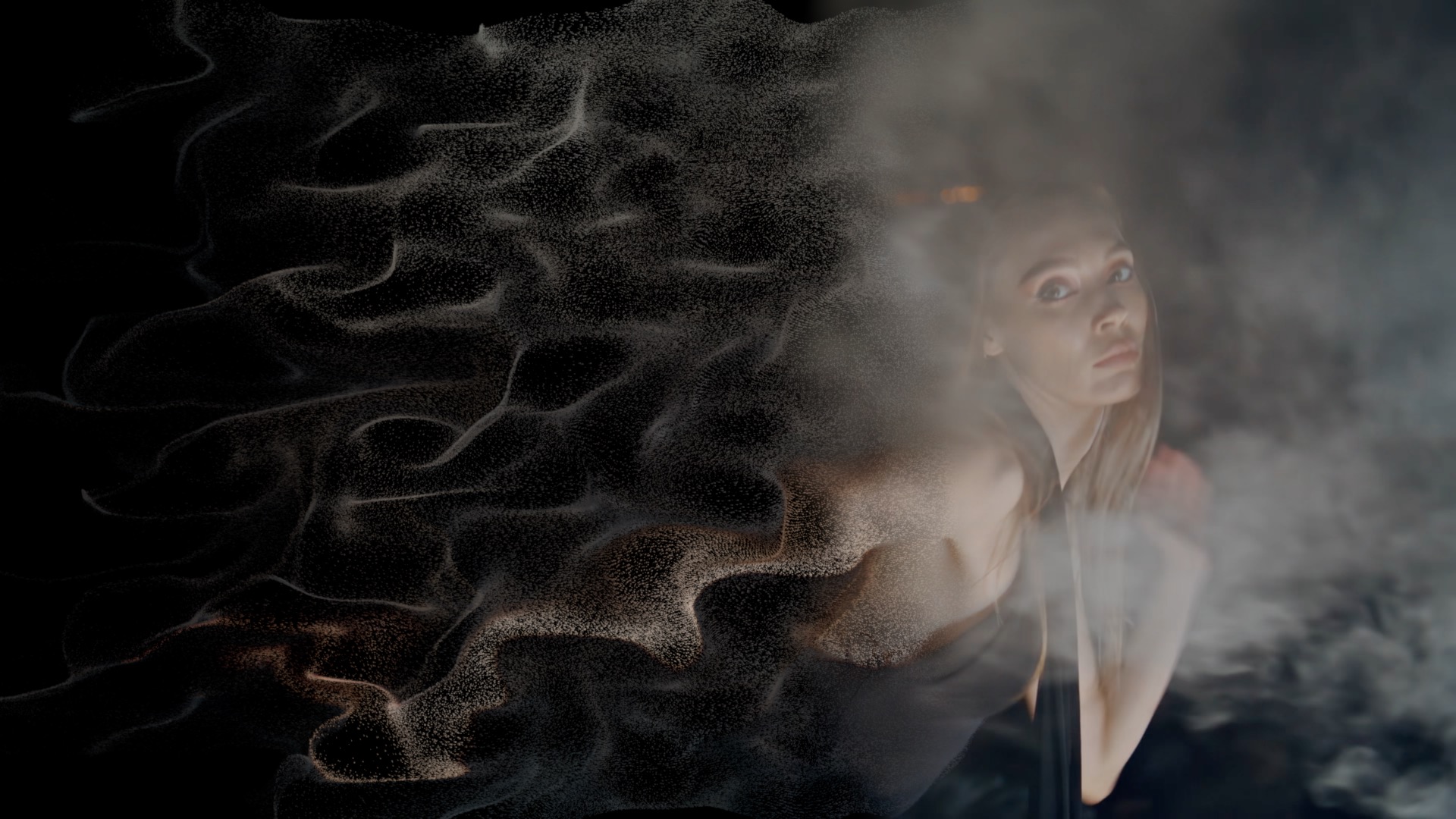 Before
After
Before
After
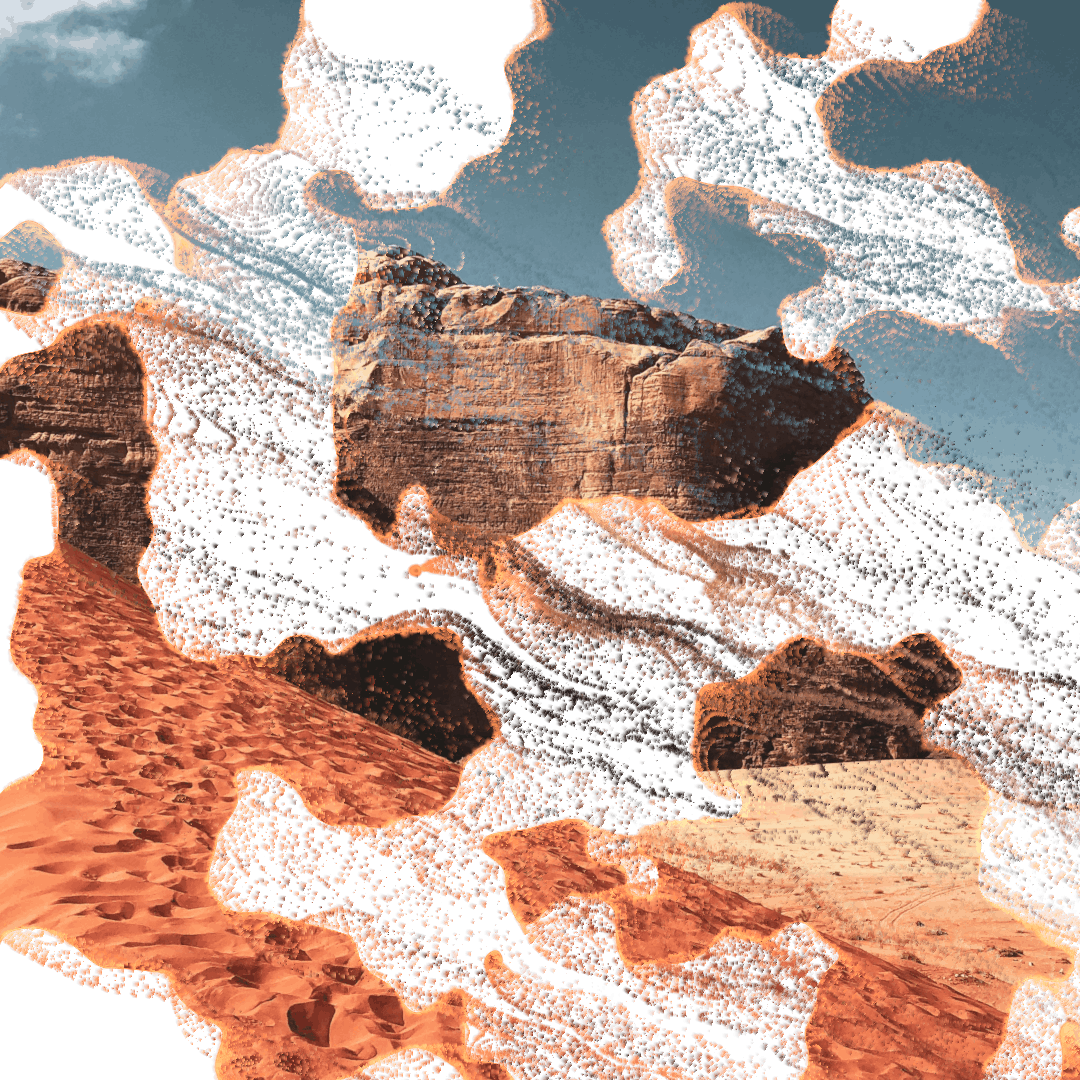
Dust / Wind Fine grains lift off and drift away on a soft breeze — the classic disintegration.
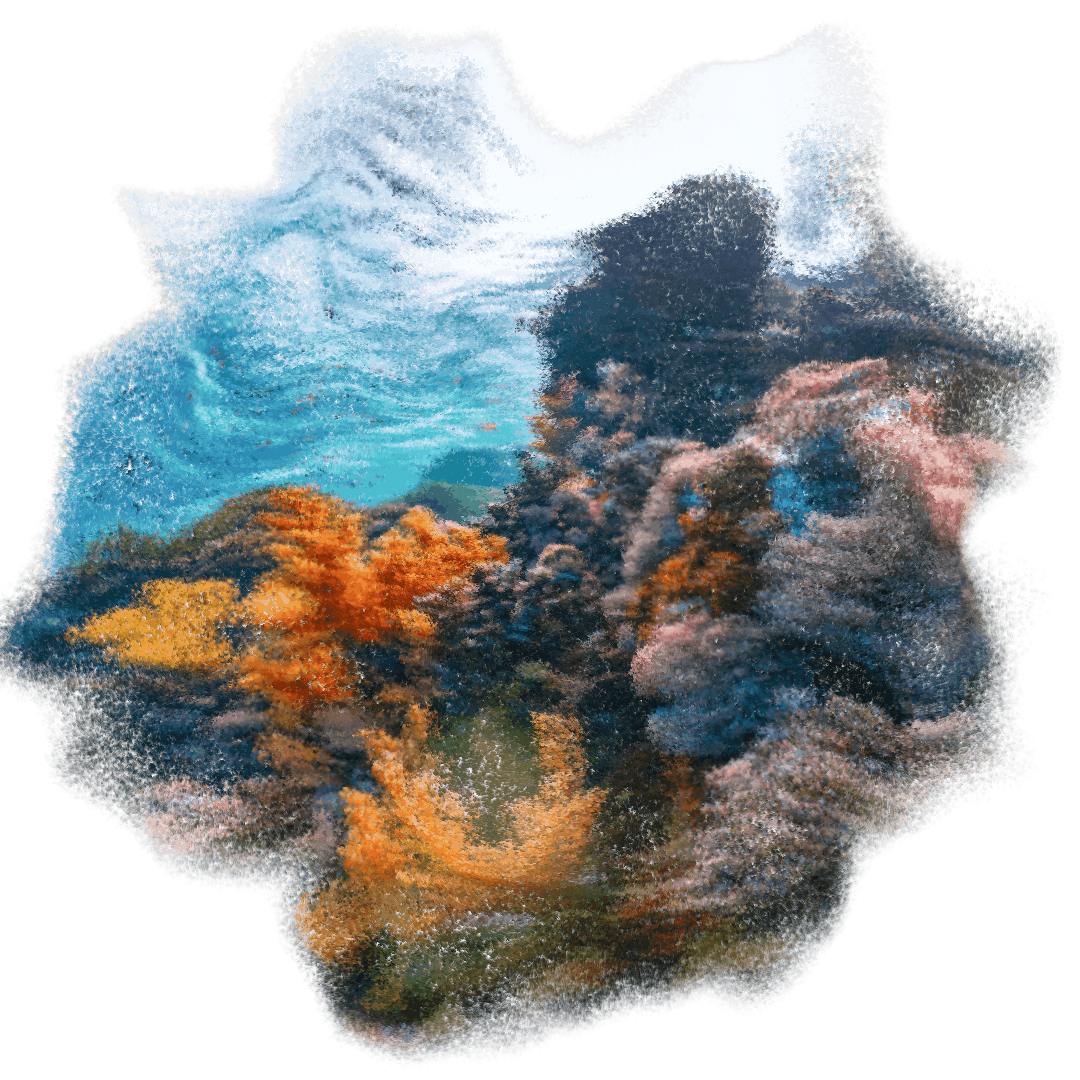
Underwater Particles hang and sway gently, as if suspended and floating in water.

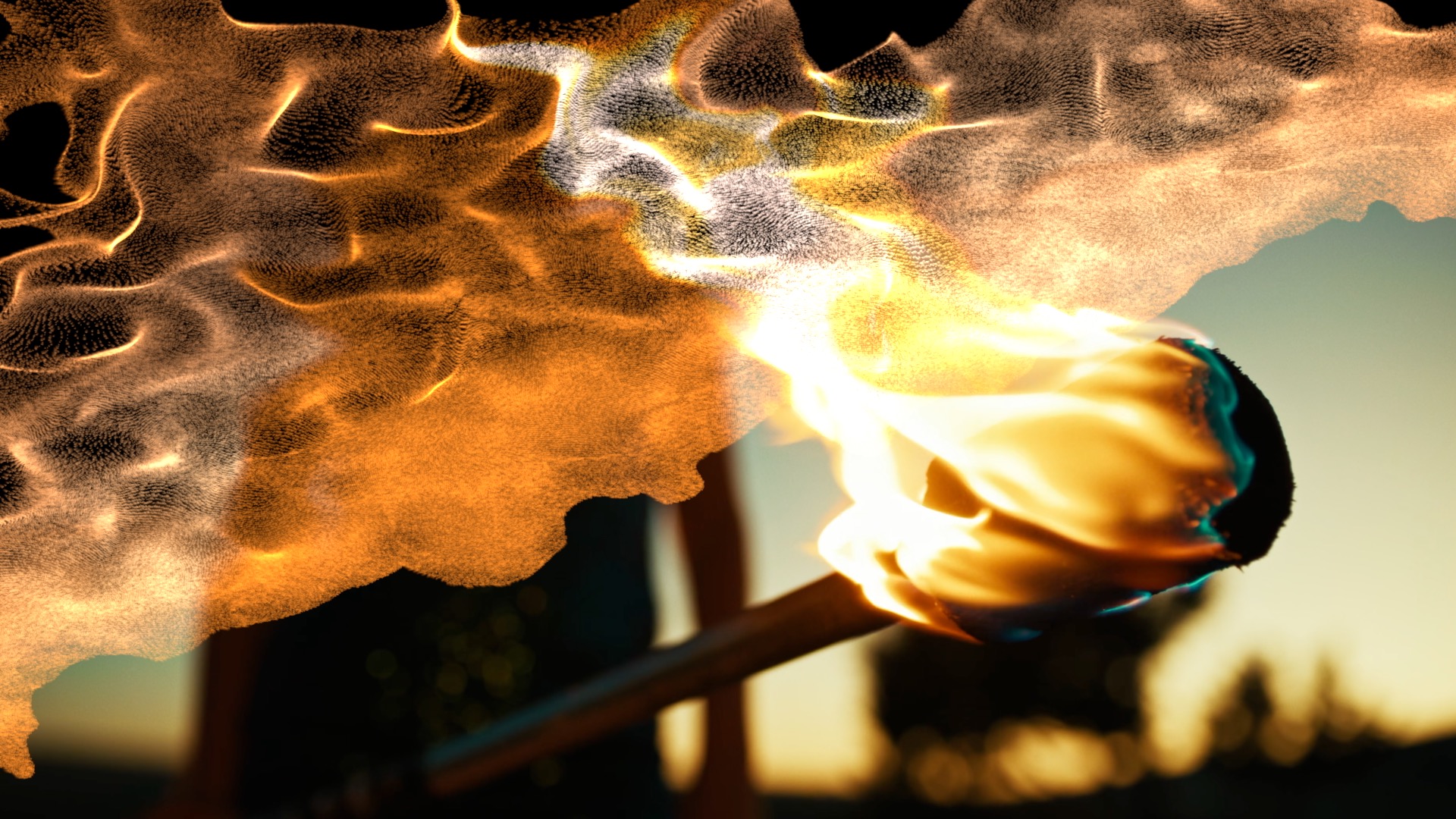
Embers / Ash Glowing embers rise and burn off into the dark, trailing ash.
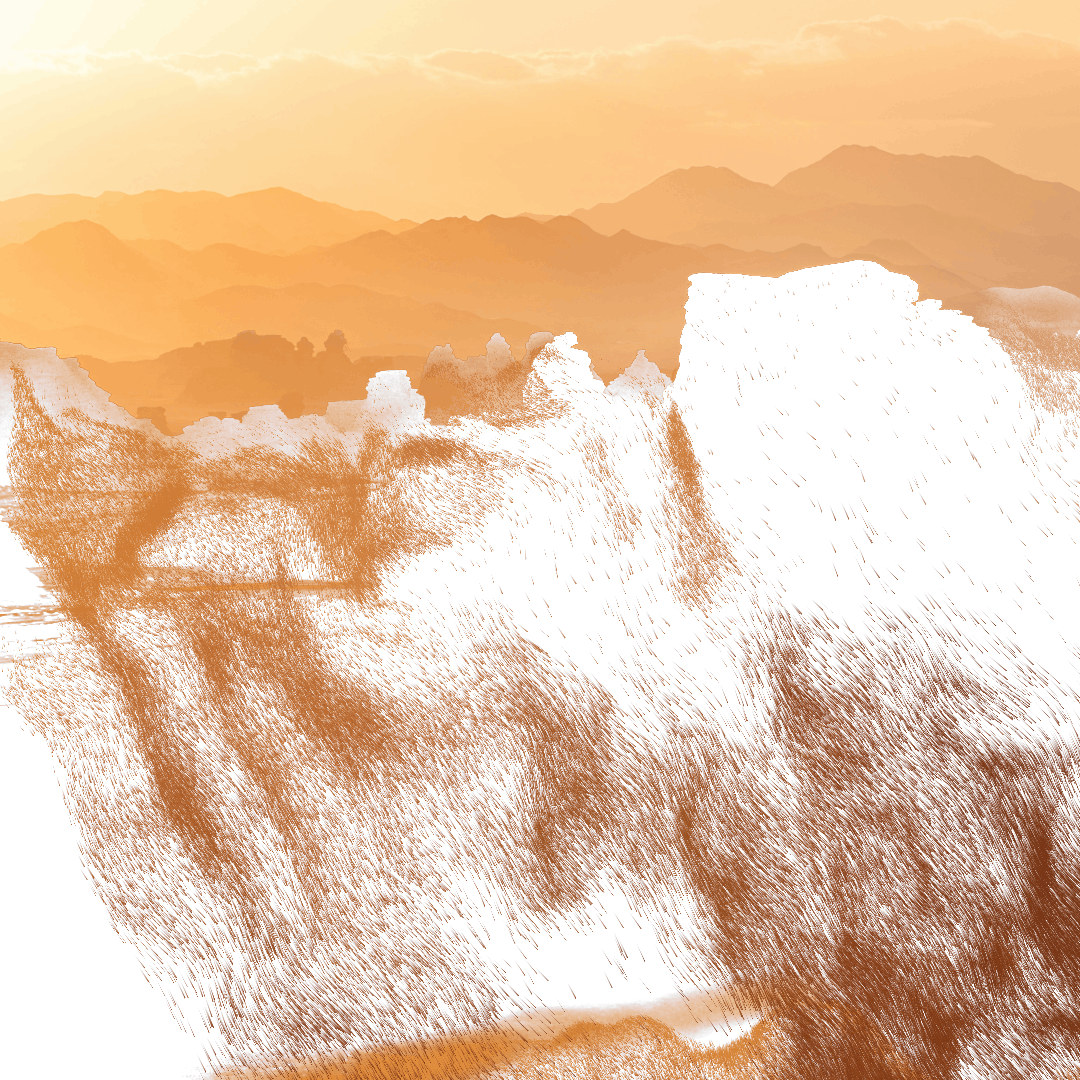
Sand / Gravity Heavier grains spill and fall, pulled down under gravity.
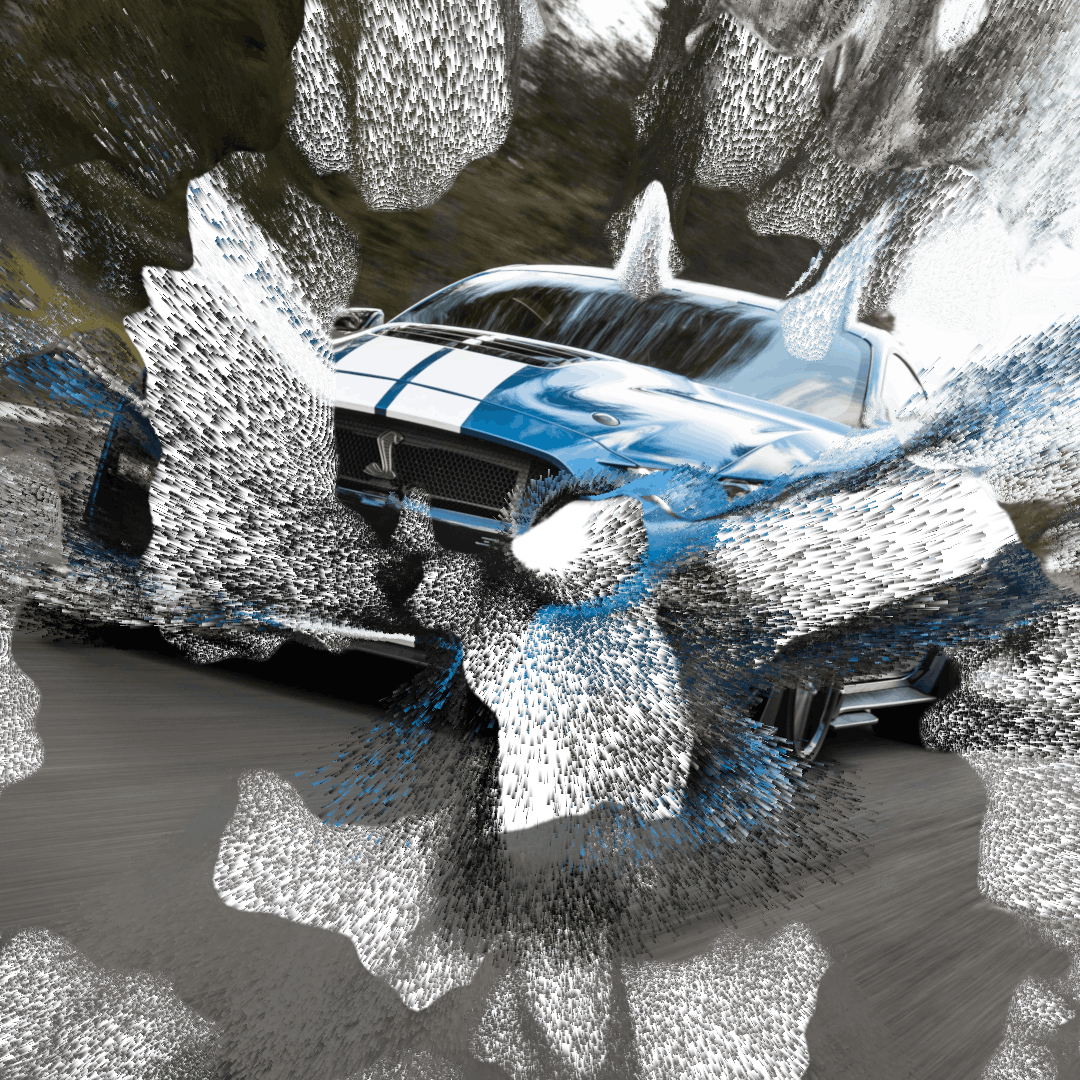
Zoom Particles streak outward in a fast, rushing zoom away from frame.
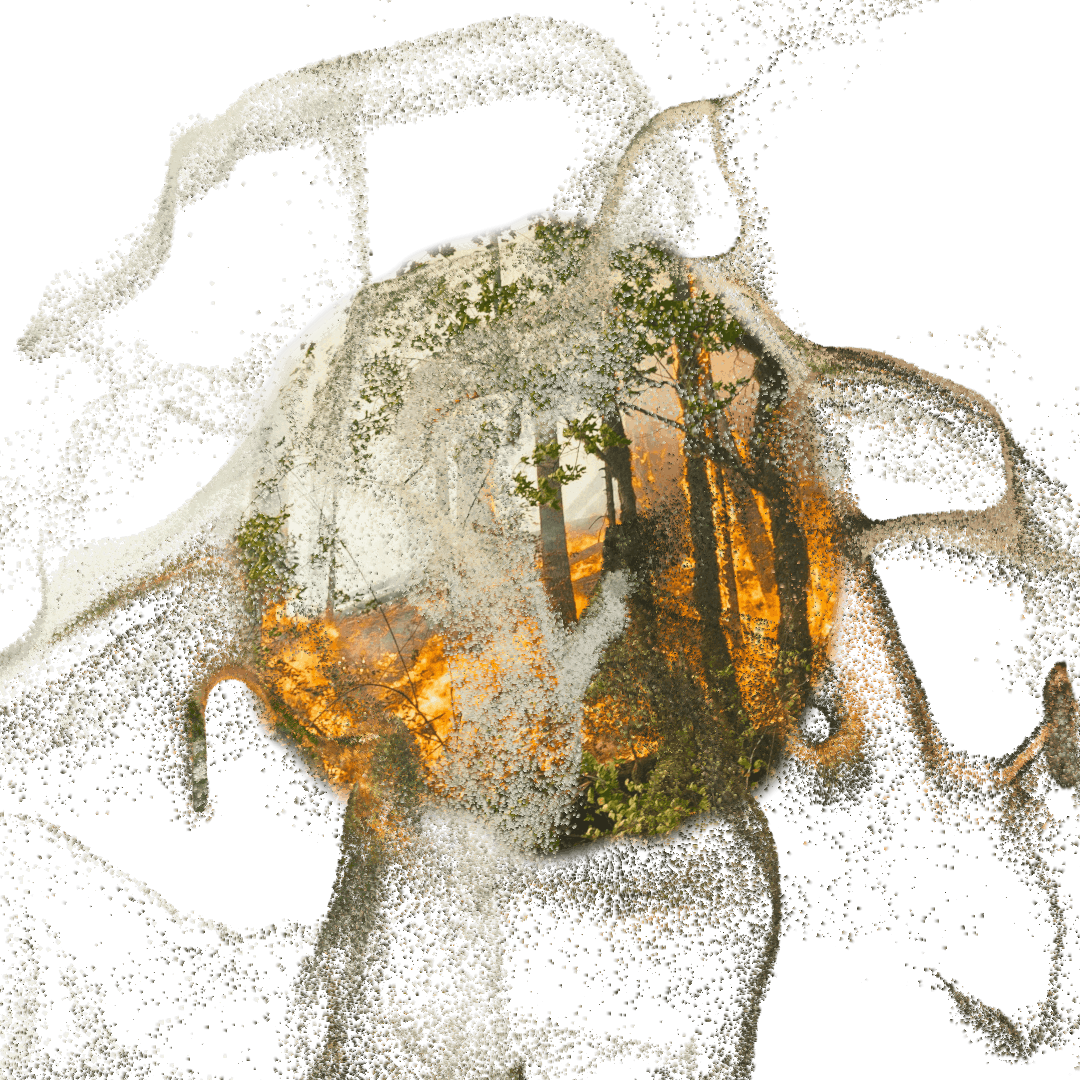
Smoke The image curls away as soft, billowing, rolling smoke.
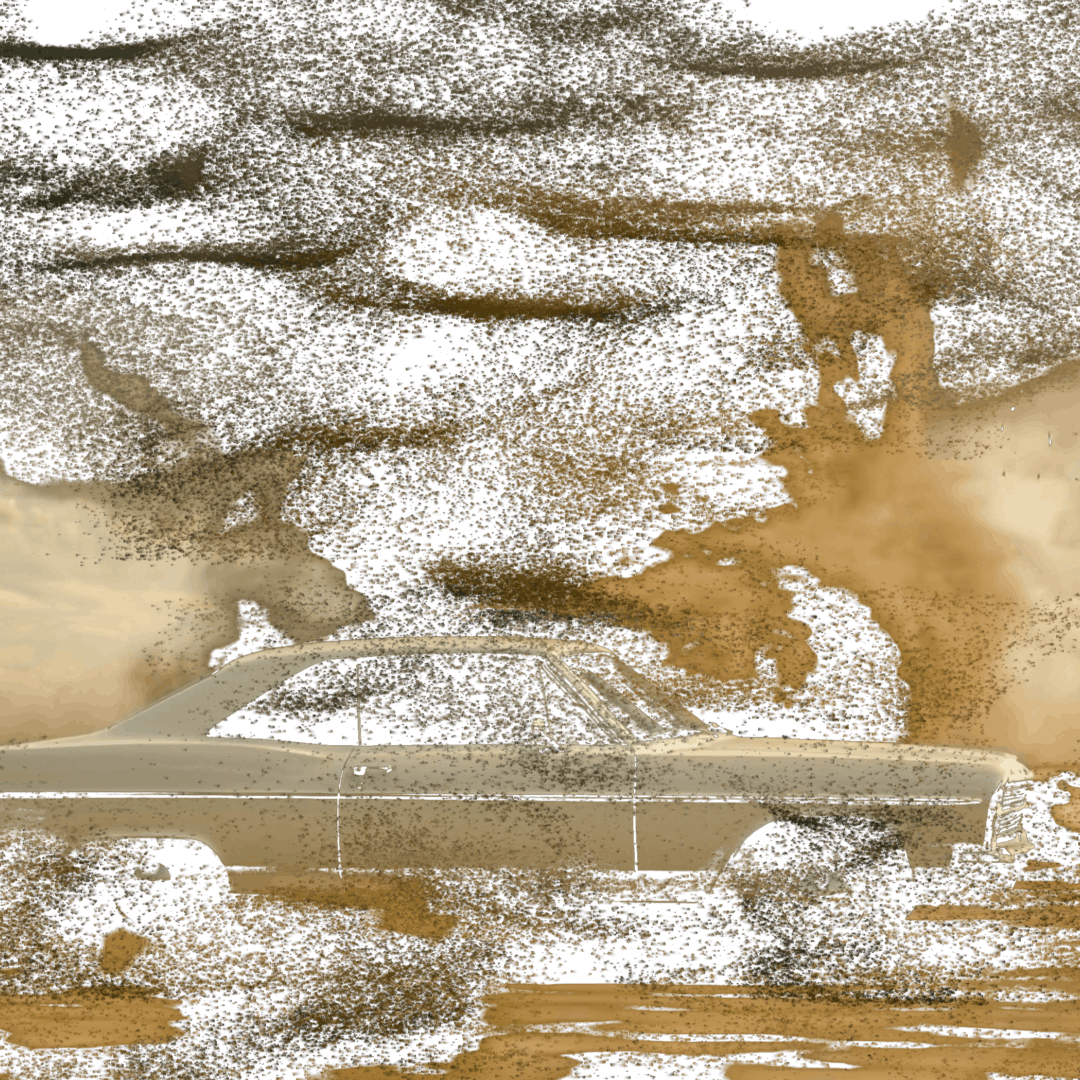
Cyclone Grains are caught up and spun into a swirling vortex.
Set Auto Animate, and Disintegrate plays the whole dissolve for you. Run it Forward to scatter, or Backward to re-form the image out of drifting particles. Set a start, a duration and an easing curve — or just drive the Amount by hand.

 Before
After
Before
After
Every particle rides genuine, divergence-free turbulence — wind, gravity, buoyancy and drag. Pick a style and the physics retune for it, from drifting dust to rising embers to falling sand. Then add ember edge-burn, a soft glow and motion-blur streaks for the finishing touch.
| Compatibility | Final Cut Pro 10.8+ |
| macOS | macOS Ventura 13.0 or later |
| Chip Support | Apple Silicon & Intel |
| Output Formats | HD, 4K, 5K, Vertical |
| License | Single User, 3 Machines |
| Updates | Free for Life |