Pixel Film Studios today introduces DipSync — an intelligent auto-ducking engine for Final Cut Pro that detects speech on a dialogue track in real time and automatically dips the music track whenever someone speaks, then restores it the moment they stop. Zero manual keyframing. A two-instance architecture pairs a SENSE copy on the voice track with a DIP copy on the music track; the two instances link automatically and stay in perfect step as the edit plays. When the ducking sounds exactly right, one click converts the entire performance into real Final Cut Pro volume keyframes that can be pasted directly onto the music clip and kept forever — then the plugin can be removed entirely. The complete auto-ducking workflow that Final Cut Pro editors have been doing manually, automated in full. $39.95.
Audio ducking — reducing music level under dialogue — is one of the most universal tasks in video post-production and one of the most tedious to execute manually. A ten-minute interview with a music bed underneath requires dozens of keyframe pairs: a ramp down when the narrator begins speaking, a hold at the ducked level, a ramp back up when they stop, repeated for every exchange in the entire piece. A documentary or long-form piece can require hundreds. Each one has to be timed precisely to the speech onset and offset, set to a consistent reduction depth, and shaped with the same fade curve — or the result sounds inconsistent and unprofessional. DipSync removes that entire process.
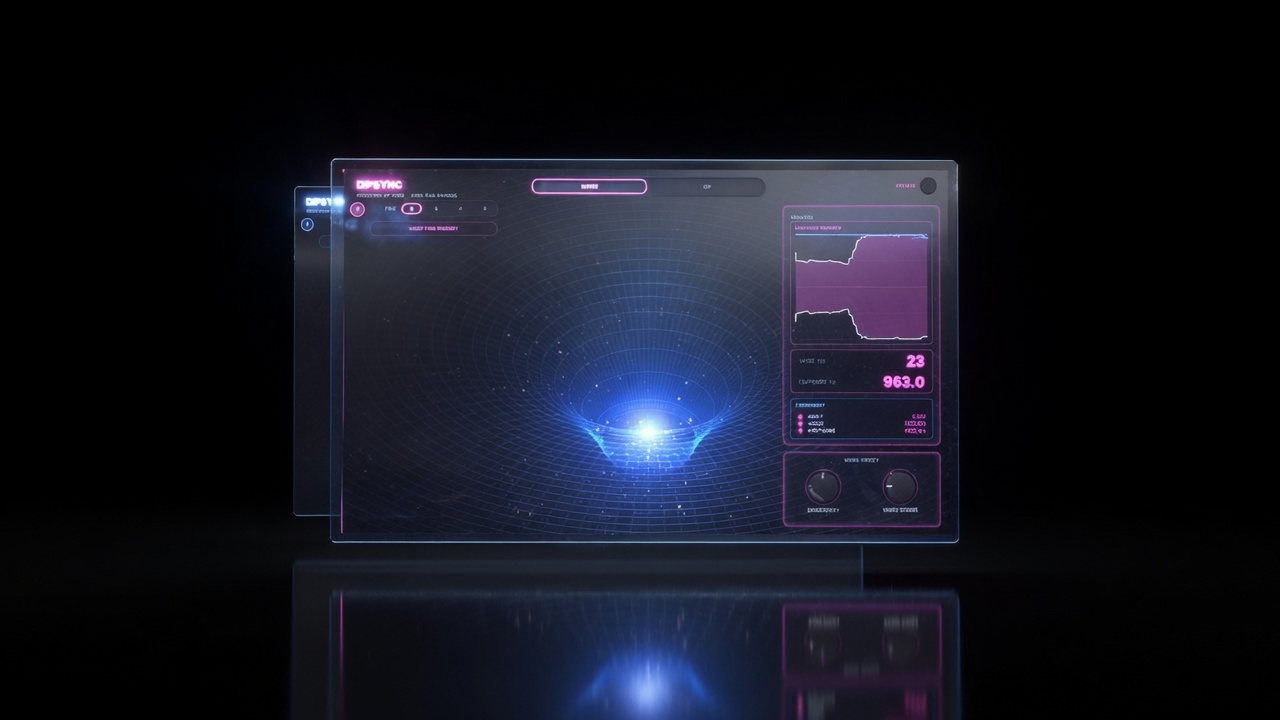
Two Instances. One Intelligence.
DipSync works as a matched pair. The SENSE instance goes on the dialogue or narration track — the track that contains the speech DipSync should respond to. The DIP instance goes on the music track — the track whose level should be automatically managed. Apply both, and they link instantly: DIP locates the SENSE instance and begins monitoring its speech detection output in real time. No routing setup. No bus assignment. No third-party inter-plugin communication required.
When the SENSE instance detects that speech is present on the dialogue track, it signals the DIP instance, which immediately begins fading the music down at the configured rate to the configured reduction depth. When speech stops, DIP holds the reduced level for the configured hold time — preventing the music from snapping back up during a short pause between sentences — then fades back to the original level at the configured rate. The entire process happens continuously and automatically throughout the entire duration of the clip.
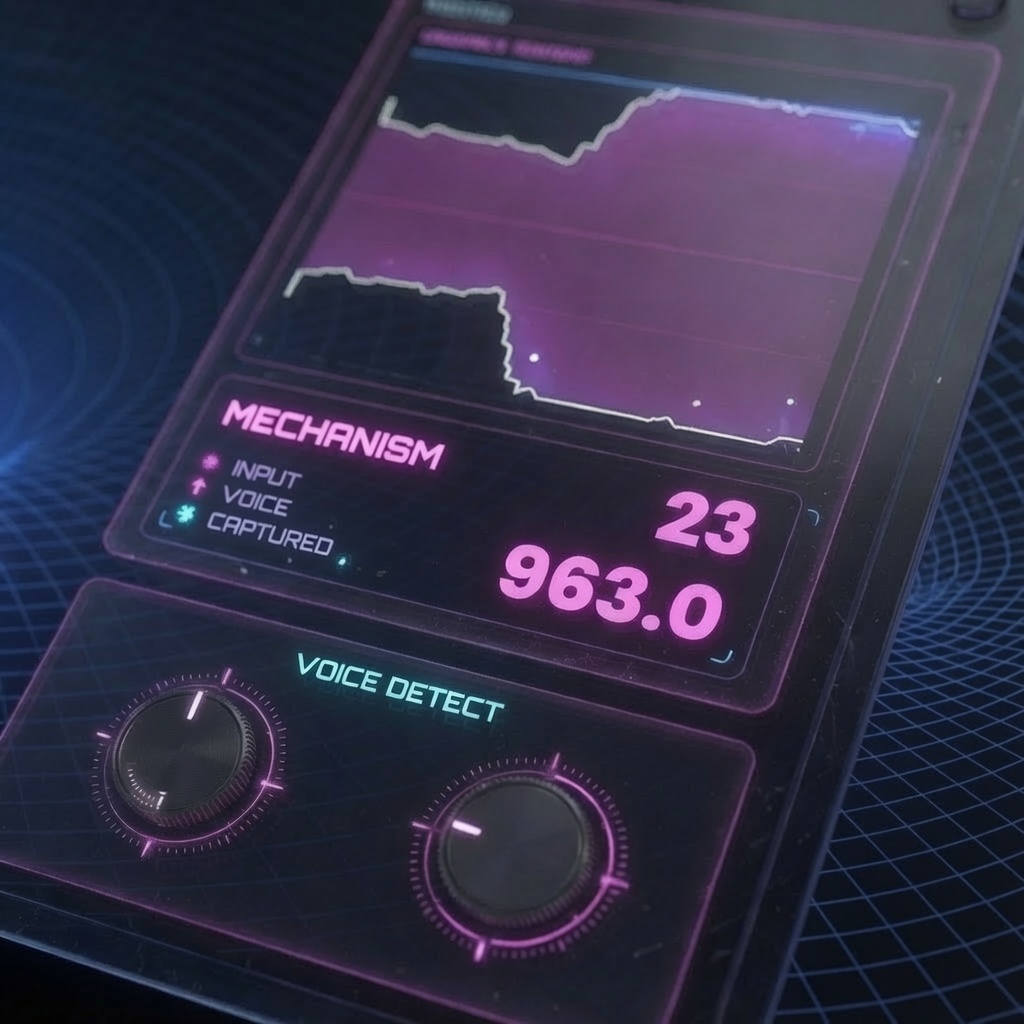
Six Controls for Precise Ducking Behavior
Six parameters give complete control over every aspect of how DipSync detects and responds to speech.
- Sense — sets the speech detection sensitivity of the SENSE instance. Higher values make the detector more responsive to quiet or distant speech; lower values restrict detection to louder, more prominent vocal content. The correct Sense setting depends on the recording: a close-mic narration track with clean separation from the music may work well at a lower sensitivity, while a more ambient interview recording with room noise may benefit from a higher setting that catches softer speech onset.
- Dip Amount — sets how much the music level is reduced when speech is detected. The reduction is expressed as a level in dB. Standard ducking for documentary and interview work typically reduces music by 10–18 dB under dialogue, leaving it audible as a bed while keeping it from competing with speech intelligibility. Podcast and tighter broadcast formats may require more aggressive reduction.
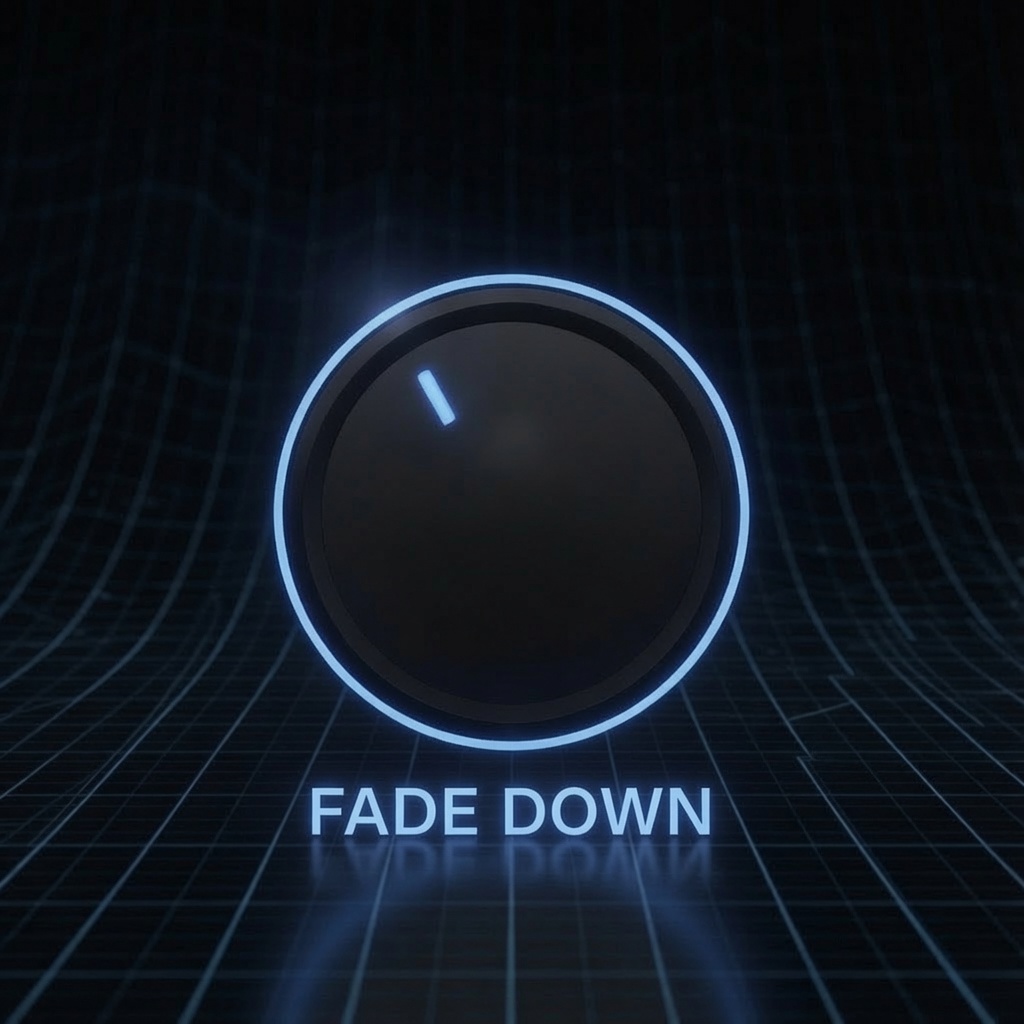
- Fade Down — controls how quickly the music drops when someone starts speaking. A very short Fade Down (a few frames) creates a snappy, responsive duck that cuts under the speech immediately. A longer Fade Down creates a smoother, more gradual transition that works better for gentler content where an abrupt drop would be jarring.
- Fade Up — controls how quickly the music returns after speech ends. Fade Up is typically set longer than Fade Down: a fast drop under dialogue is usually desirable, while a gradual return after speech ends sounds more natural and gives the music bed time to re-establish itself without calling attention to the restoration.
- Hold — adds a brief delay before the music begins rising back up after speech stops. Hold prevents the music from pumping back up during short mid-sentence pauses and breath gaps. Set Hold to span the typical gap between the speaker's phrases and DipSync will stay ducked through pauses without requiring the fade-down to restart on every breath.
- Output — adjusts the final output level of the DIP instance's processed signal, allowing the overall music level to be trimmed after the ducking behavior is configured without recalibrating Dip Amount.
One Click Bake: Live Today. Permanent Forever.
DipSync's most distinctive feature is the keyframe bake. When the ducking sounds exactly right — after tuning Sense, Dip Amount, Fade Down, Fade Up, and Hold to the specific recording — pressing Copy Dip Keyframes converts the entire ducking performance into real Final Cut Pro volume keyframes. Every duck, every restoration, every hold, every fade curve that DipSync generated dynamically in real time is translated into a set of native FCP volume automation points that represent exactly the same result.
Those keyframes can be pasted directly onto the music clip in Final Cut Pro as standard volume automation. The plugin can then be removed from both tracks entirely. The ducking lives in the timeline as native Final Cut Pro keyframes — exportable, shareable, persistent across any system, visible and editable in the FCP timeline without any plugin installed. The output is not a processed audio file or a rendered segment: it is actual timeline automation that any Final Cut Pro editor can open and adjust.
"Every editor who has done a long interview piece with music underneath knows what this is — you're sitting there placing keyframe pairs one by one, fifty times in a twenty-minute cut, and every one of them has to be timed right and shaped right or the music sounds choppy and unprofessional. DipSync does the entire thing automatically. And when you press Copy Dip Keyframes, it turns the automatic result into real FCP keyframes that live in the timeline forever. It's the workflow that should have existed in Final Cut Pro ten years ago."
— Dave Austin, Founder & CEO, Pixel Film Studios

Availability and Pricing
DipSync is available today at pixelfilmstudios.com for $39.95. One-time purchase, no subscription. Requires macOS Ventura 13.0 or later and Final Cut Pro 10.8 or later. Universal binary — native Apple Silicon and Intel. Installs via the PFS Installer app or by manual download from the customer account page.
About Pixel Film Studios
Founded in 2011, Pixel Film Studios is the leading developer of professional visual effects, titles, transitions, and generators built exclusively for Apple Final Cut Pro and Motion. Over the past 14 years, the company has shipped more than 2,000 products and fulfilled millions of orders for video editors, content creators, broadcast designers, and post-production professionals in over 100 countries. Learn more at pixelfilmstudios.com.
Press Contact
Colin Bauer
Director of Communications, Pixel Film Studios
[email protected]