
Automatic Audio Ducking for Final Cut Pro
DipSync
Your music knows when to listen.
Your music knows when to listen.

Watch the Video
DipSync works as a matched pair — one copy on the voice, one on the music. They link up instantly and stay perfectly in step.
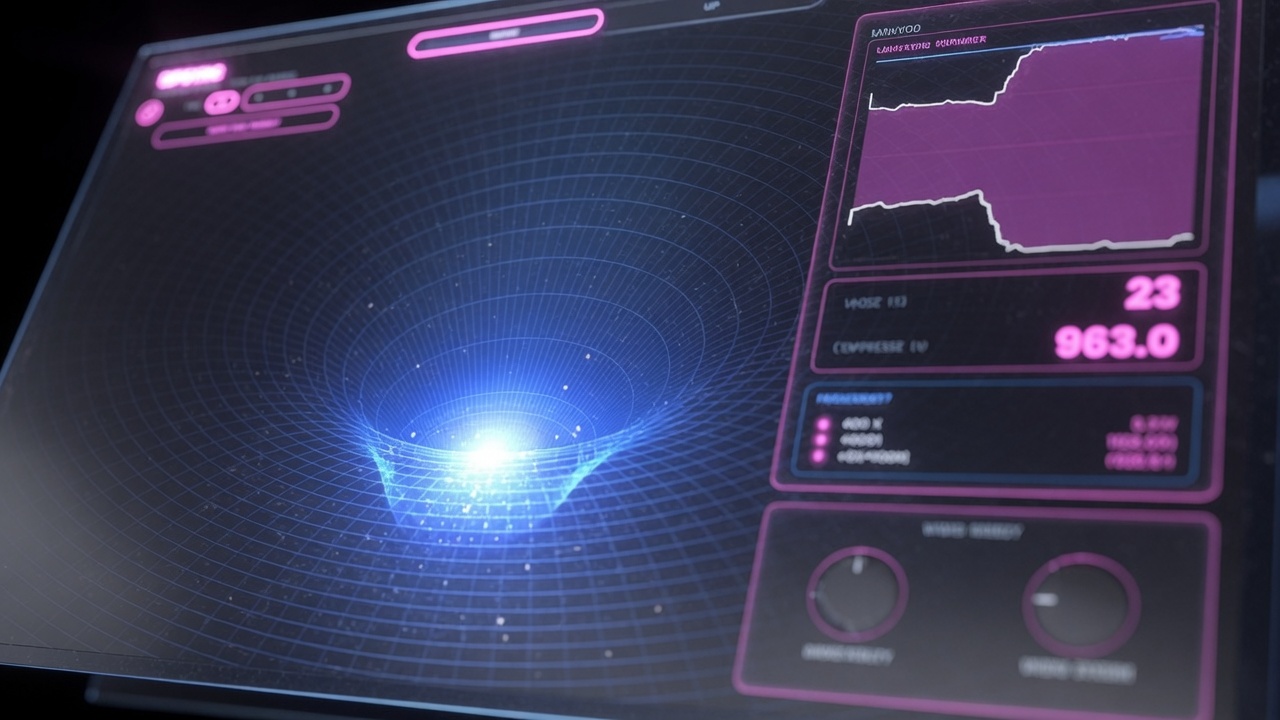
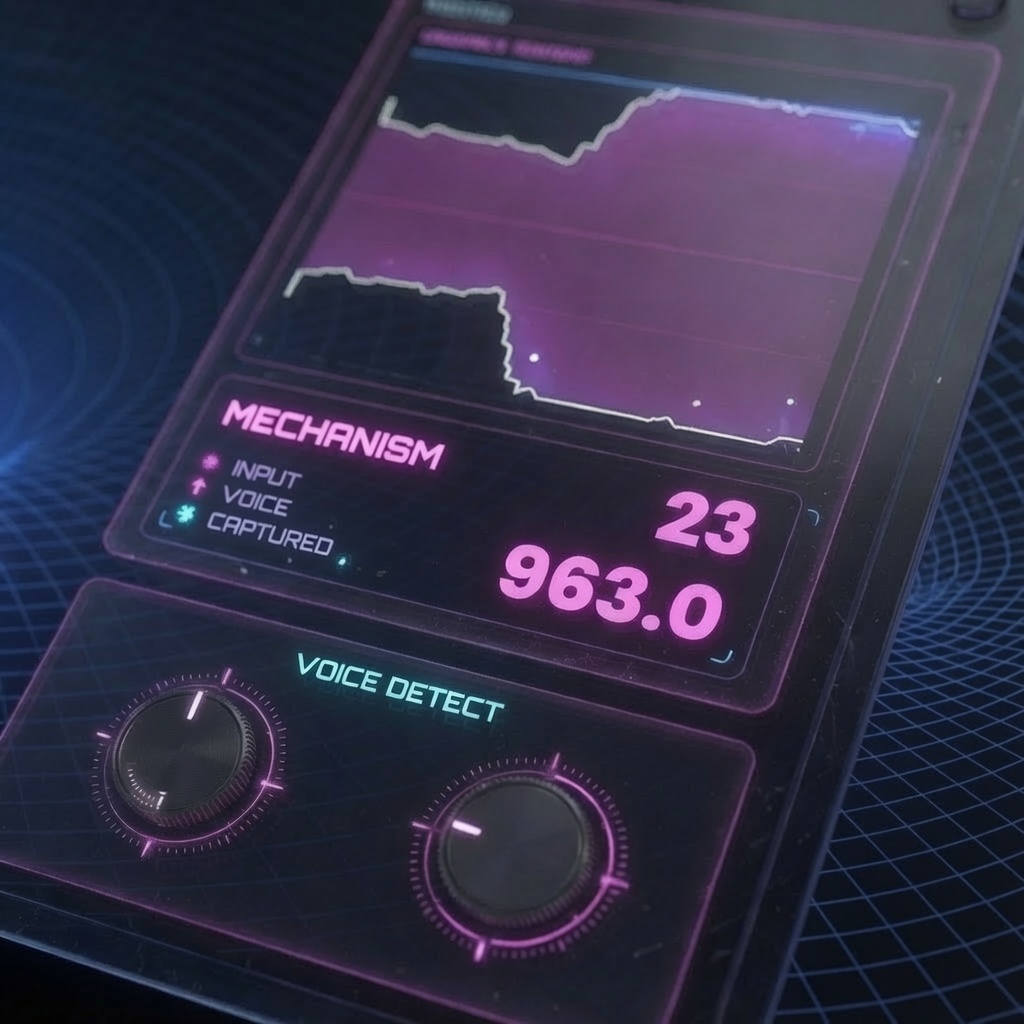
Sense Listens to the dialogue track and detects when speech is present. This is the detection engine that tells the music when to duck.

Dip Amount Sets how much the music level is reduced when speech is detected. Higher values create a deeper duck; lower values keep more of the music audible.
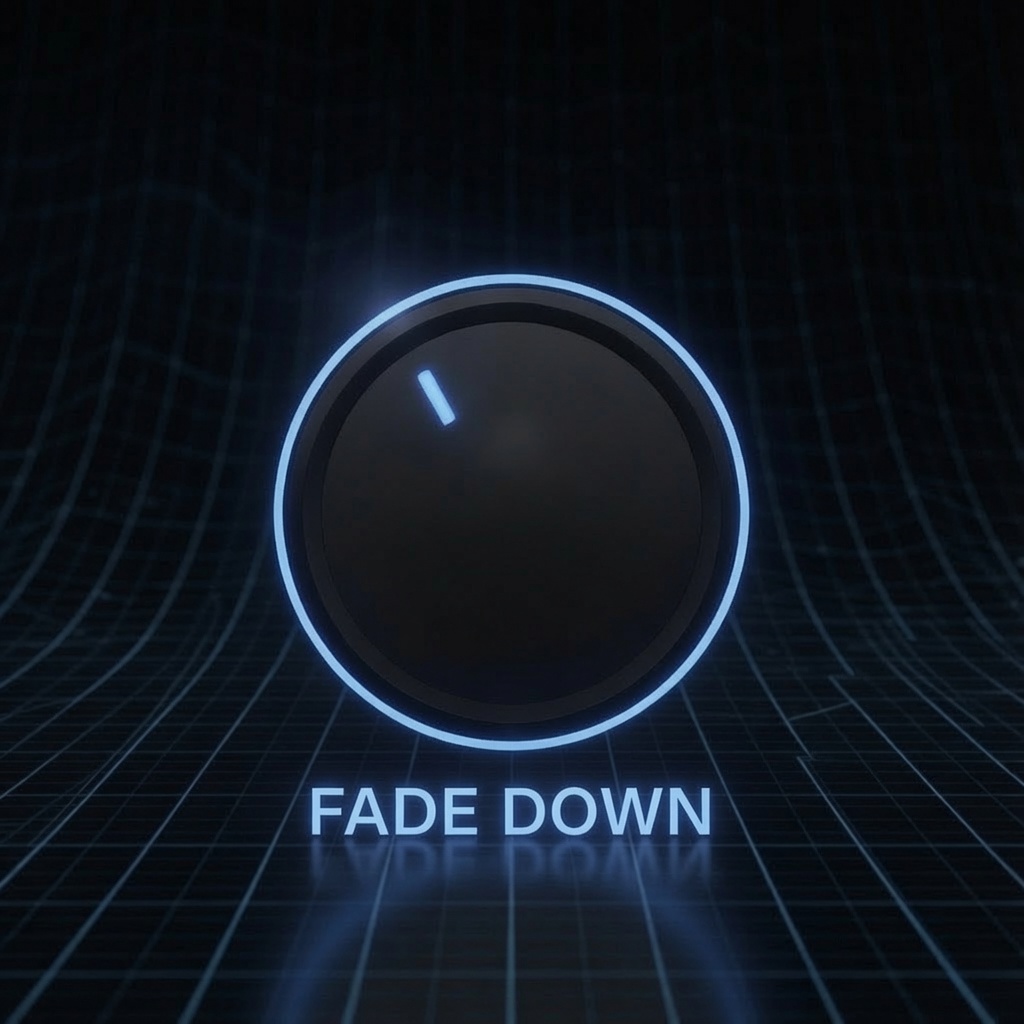
Fade Down Controls how quickly the music drops when someone starts speaking. Shorter times feel more responsive; longer times sound smoother and more gradual.
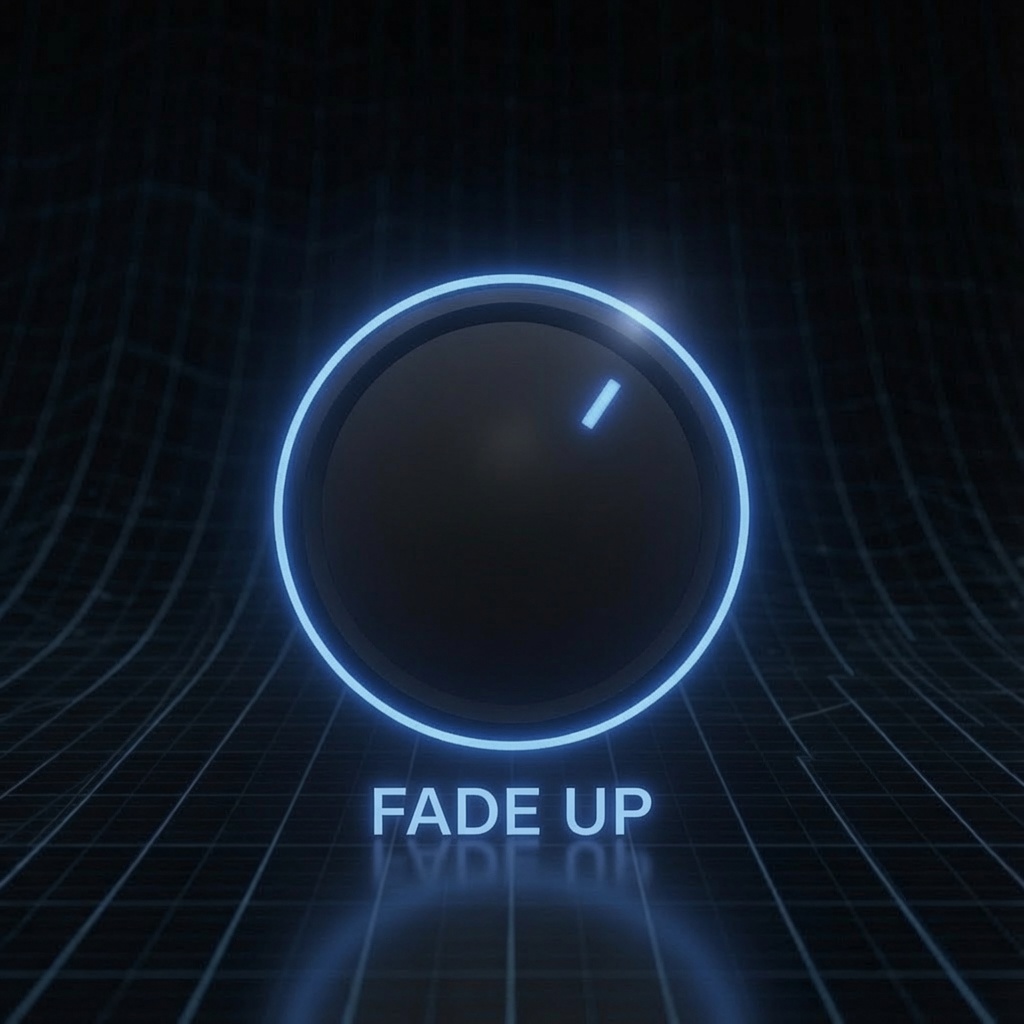
Fade Up Controls how quickly the music returns after speech ends. Shorter times bring the music back immediately; longer times create a more cinematic recovery.
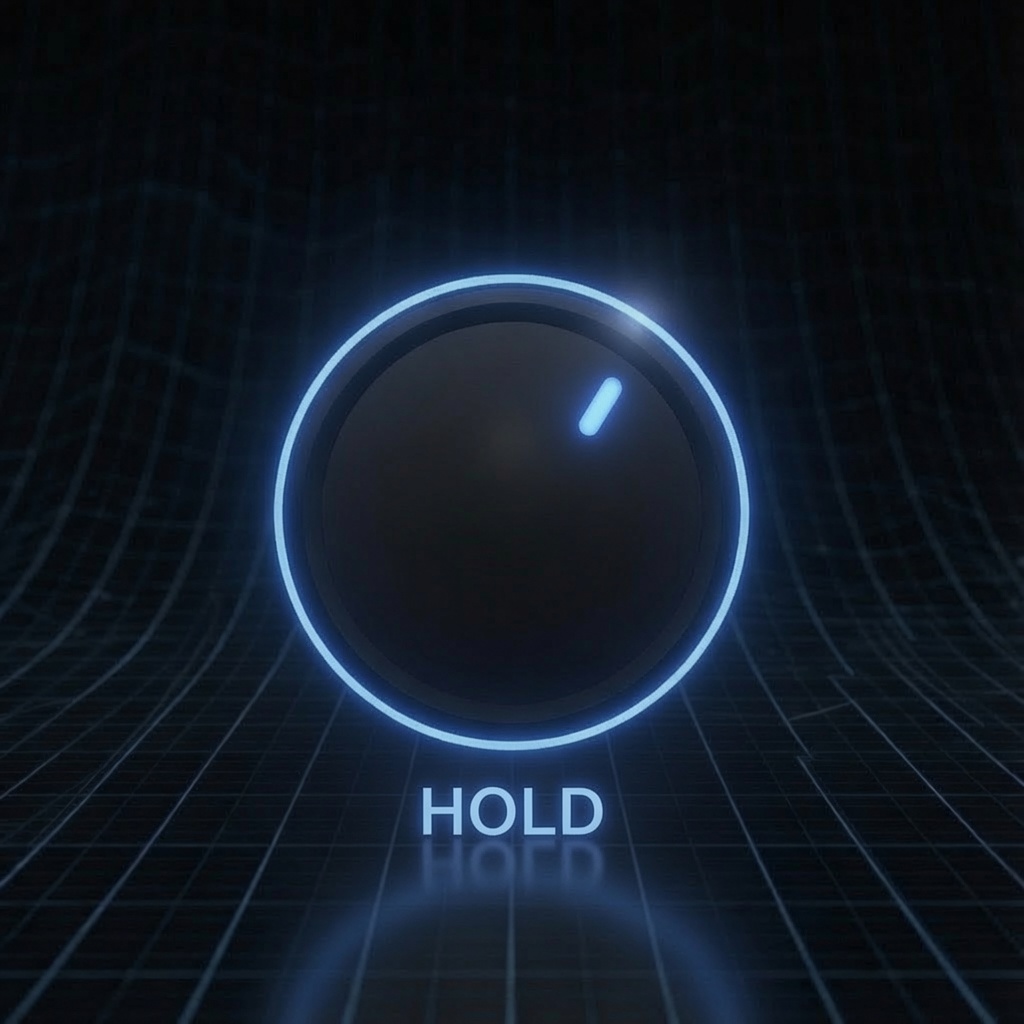
Hold Adds a short delay before the music rises back up. This helps prevent pumping between words and keeps the mix sounding natural.
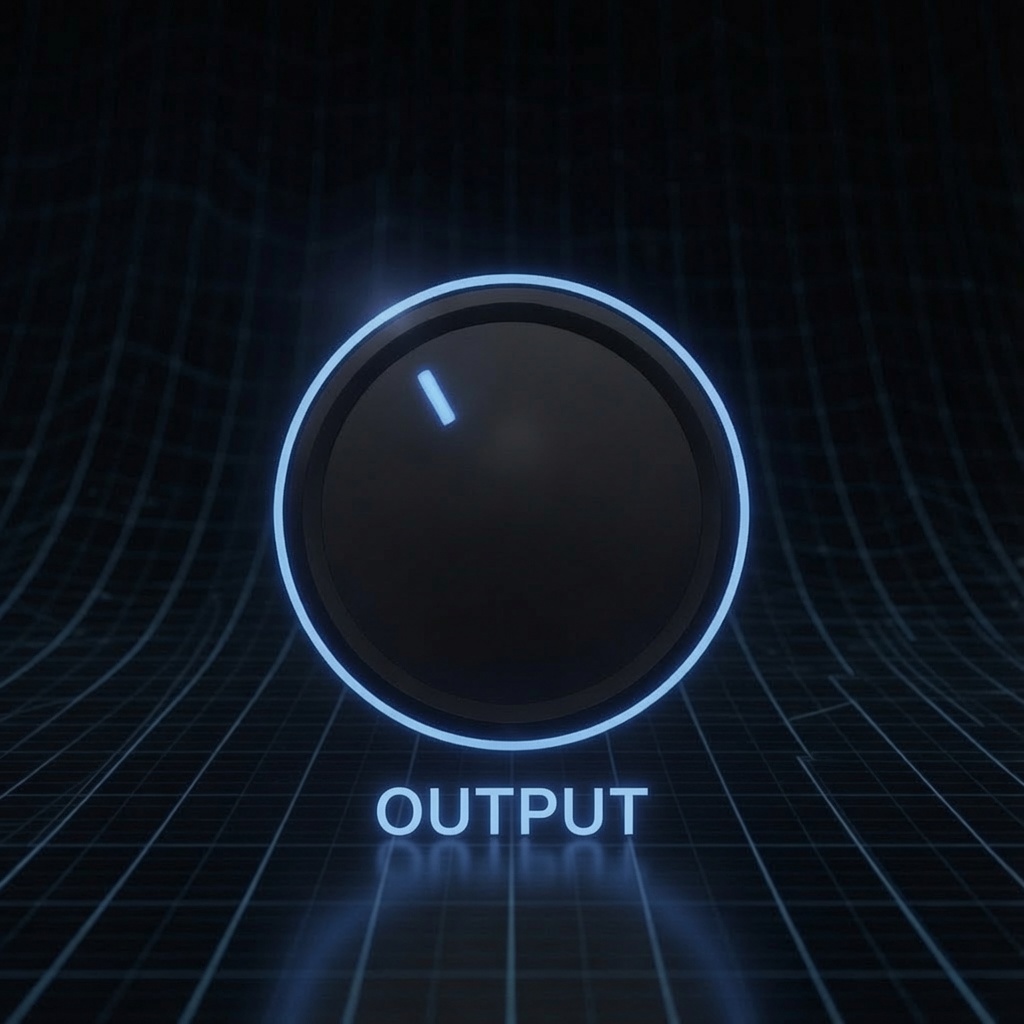
Output Adjusts the final output level of the processed signal. Use this to match overall volume after ducking and avoid level jumps in the mix.
Love what you hear? Press Copy Dip Keyframes. DipSync turns the entire performance into real Final Cut Pro volume keyframes you can paste straight onto the clip — then remove the plugin entirely. Your mix. Native. Forever.
| Compatibility | Final Cut Pro 10.8+ |
| macOS | macOS Ventura 13.0 or later |
| Chip Support | Apple Silicon & Intel |
| Output Formats | HD, 4K, 5K, Vertical |
| License | Single User, 3 Machines |
| Updates | Free for Life |