Pixel Film Studios today introduces 3D Model — a plugin that brings genuine three-dimensional assets into the Final Cut Pro timeline. Drop in a USDZ or GLB file and it appears in the frame lit, textured, and rendered in real time, with a physically-based rendering engine, thirty-four HDRI environments, three positionable studio lights, a true perspective camera with depth of field and motion blur, and a filmic ACES grade to finish the shot. Zero round-trips to a 3D application. Everything happens on the timeline, in real time, at 4K.
Editors have wanted real 3D inside Final Cut Pro for as long as motion graphics have been part of the craft — a genuine object with volume, a surface that catches light, a camera that can move around it in space. The available paths have always been compromises: pre-render the object in a dedicated 3D application and bring in a flat video layer with no further control, or fake dimensionality with extrusion and drop shadows on a 2D plane. Both cost either flexibility or realism. 3D Model removes the trade-off by putting an actual rendering pipeline — PBR materials, image-based lighting, a real camera — directly inside the FCP timeline.
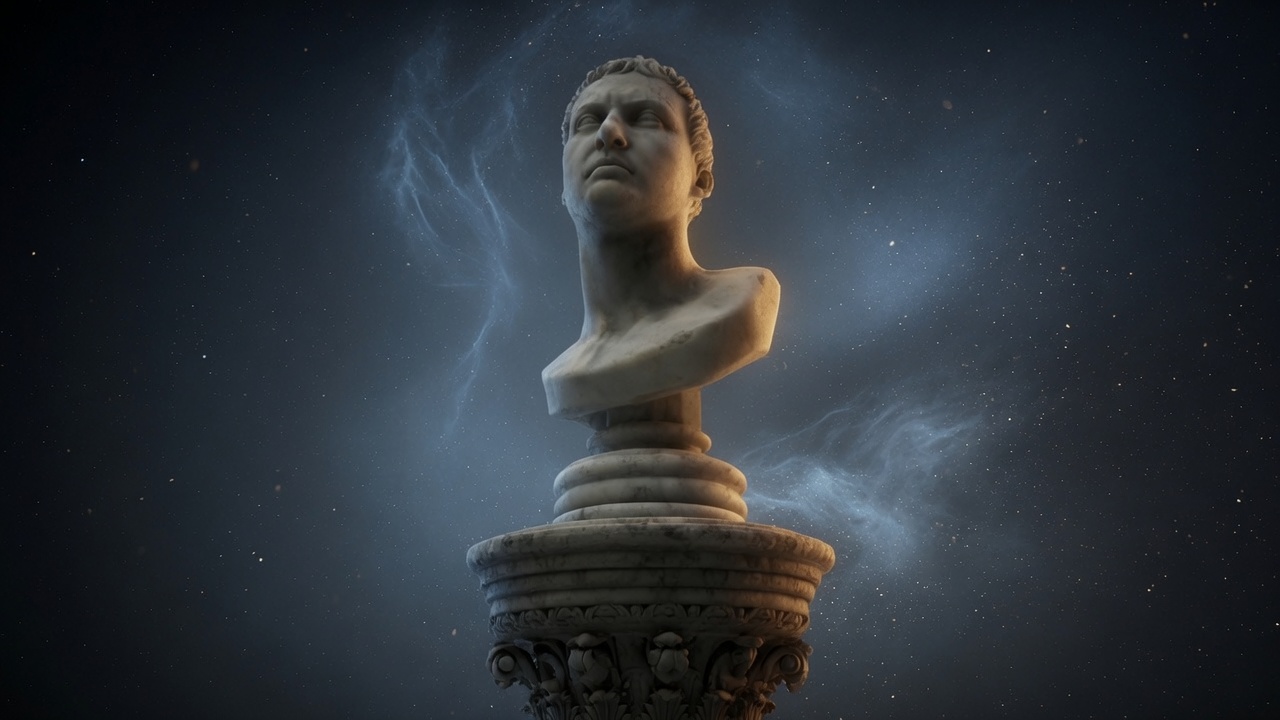
Drop In a Model. It's Already Lit.
3D Model works from standard, widely-supported 3D file formats — USDZ and GLB — the same formats used for AR assets, product visualization, and game engine pipelines. Drop a file onto the timeline and it appears immediately, posed and ready to light, with no import wizard, no conversion step, and no separate application window. From there, every parameter of the render — material, lighting, camera, ground, grade — is adjustable directly in Final Cut Pro's own inspector, in real time, at 4K.
This is the structural difference from every prior approach to 3D in FCP: nothing is baked. A pre-rendered 3D clip locks in its lighting and camera angle the moment it's exported from the 3D application; changing anything means going back, re-rendering, and re-importing. 3D Model's render happens live in the timeline, so every creative decision — the color of the key light, the angle of the camera, the roughness of the surface — stays editable for as long as the project is open.
Real PBR: Metallic, Roughness, Clearcoat, Emission
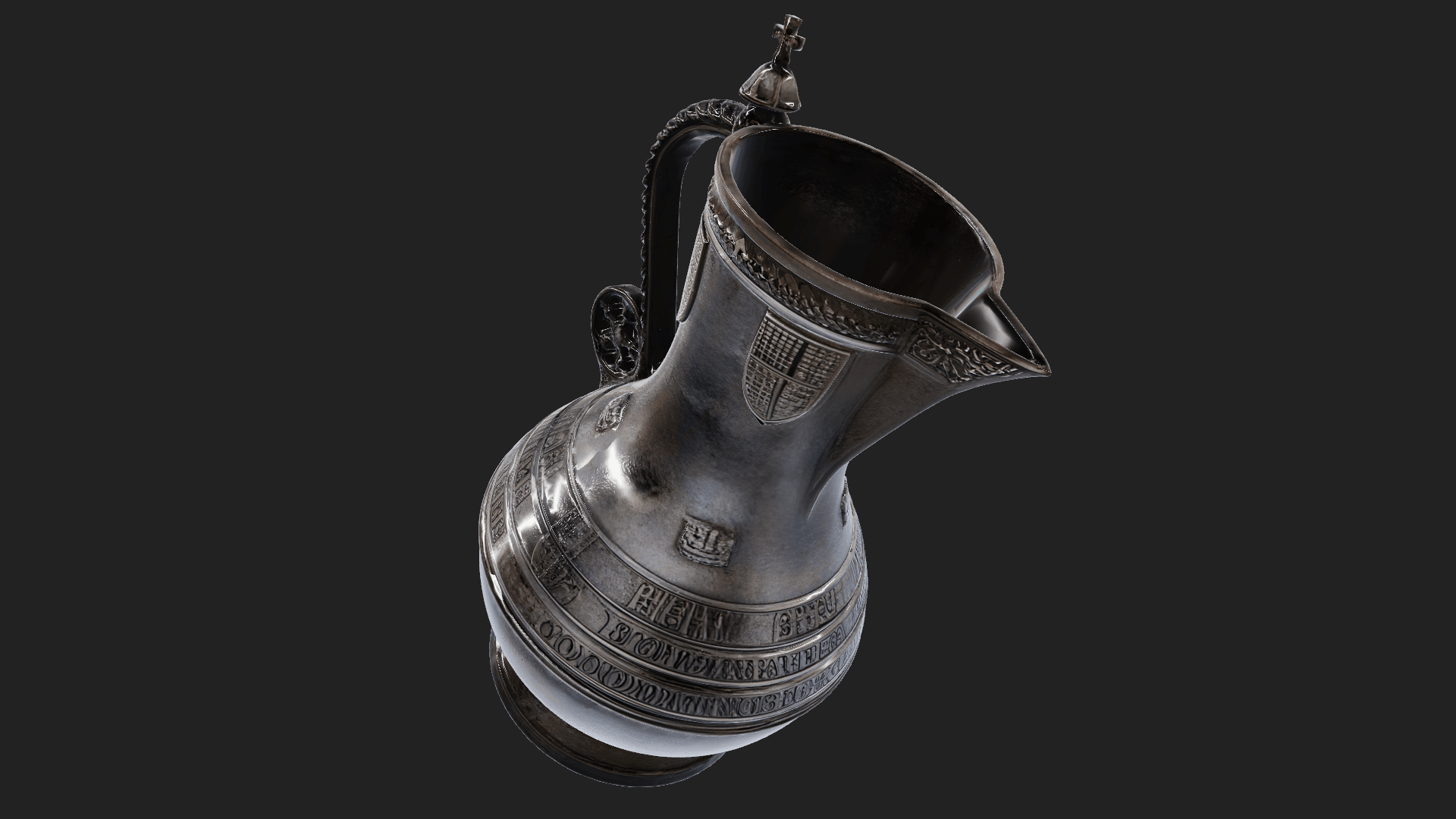
The rendering core is a physically-based rendering (PBR) engine — the same material model used in modern 3D applications and game engines, where a surface's appearance is defined by physical properties rather than a flat color and a fake highlight. 3D Model exposes metallic, roughness, clearcoat, anisotropy, emission, and normal maps as adjustable parameters, so a surface can be built to read as brushed steel, wet ceramic, matte plastic, glowing glass, or any material in between — and it will respond to light the way that material actually would.
Thirty-four HDRI environments provide the image-based lighting that makes PBR materials convincing — studio, outdoor, urban, and sky environments that light and reflect the model with real-world illumination rather than a synthetic three-point setup. The environment can be rotated, blurred, and graded independently, so the reflections falling across a metallic or glossy surface land exactly where the shot calls for them.
Three Studio Lights, Positionable in Space
Beyond the HDRI environment, 3D Model adds three fully positionable studio lights with presets, adjustable color, soft shadows, and physically accurate falloff — the tools to light a model the way a product photographer would light a hero shot on a table. Key, fill, and rim positions are common starting points, but every light is freely placeable in 3D space around the object, so the setup can be built from scratch for any subject and any mood.
A Real Camera: Depth of Field, Motion Blur, On-Screen Control
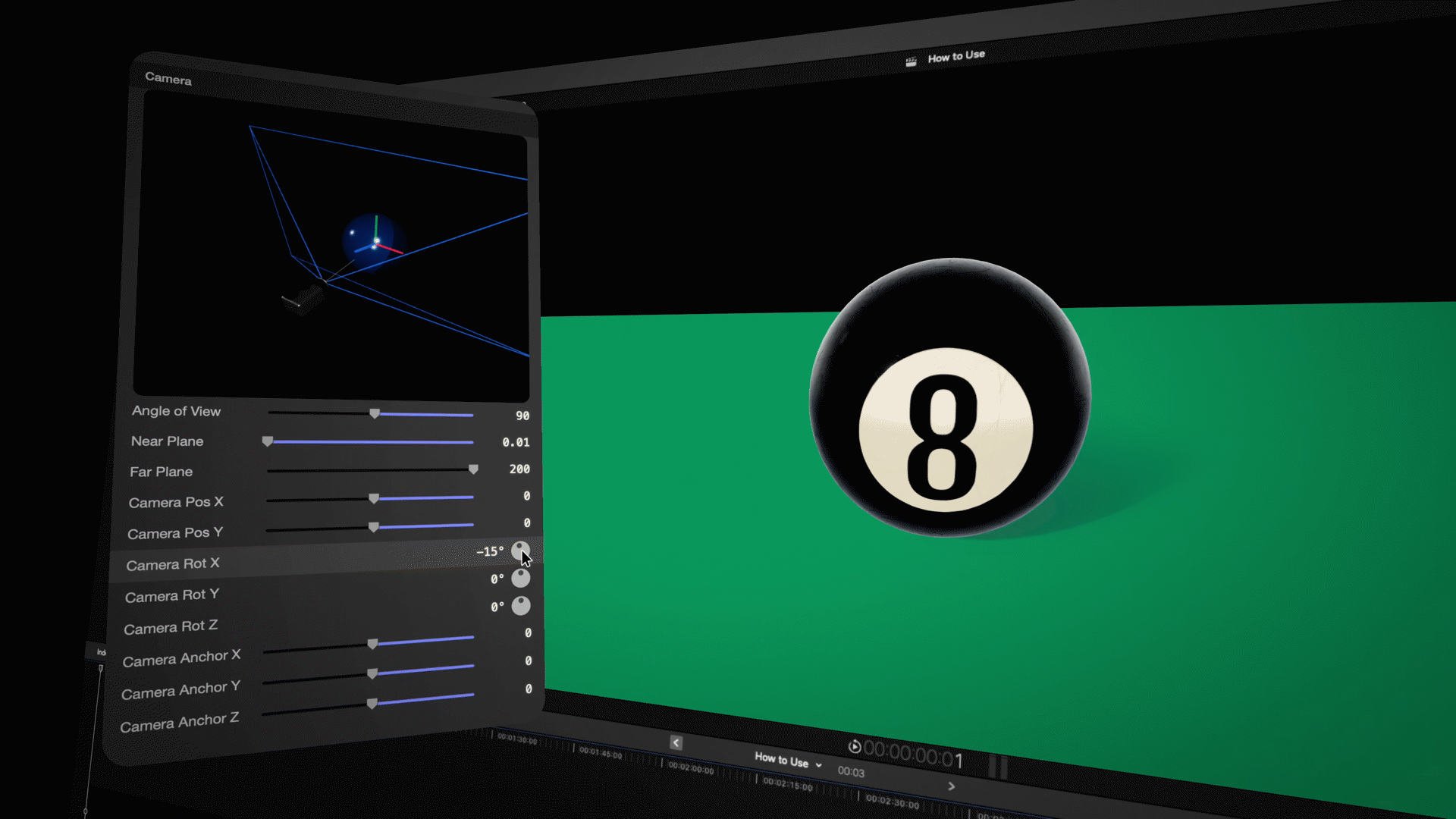
The third pillar is a true perspective camera — not a 2D pan-and-scan over a flat image, but an actual camera moving through the same three-dimensional space the model occupies. Rack focus is real, driven by near and far focal planes that produce genuine depth of field rather than a Gaussian blur applied after the fact. A shutter-angle parameter adds motion blur to camera and object movement for a cinematic feel. The camera can be dragged directly on screen, with every parameter — position, focus, angle — fully keyframeable for push-ins, orbits, and reveals timed to the edit.
Grounded and Graded: The Finishing Layer
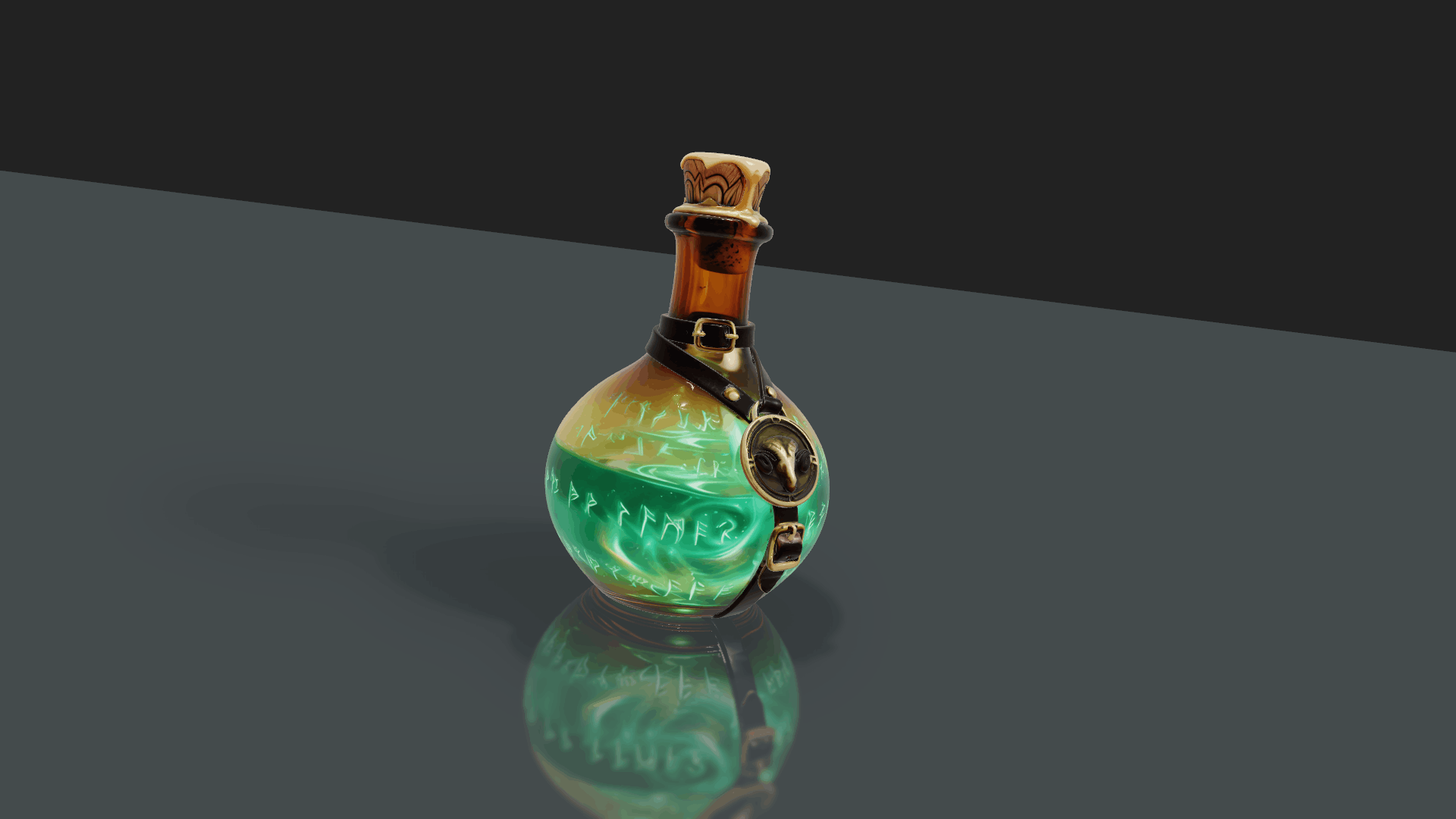
A ground plane catches real shadows and reflections beneath the model, with a distance falloff control that determines how quickly the ground fades into the background — the detail that keeps a 3D object from reading as pasted onto the frame rather than sitting inside it. A rim light and depth fog add separation and atmosphere, pushing the model forward from its background or settling it into a hazy middle distance. The final layer is a filmic ACES grade — temperature, contrast, and saturation controls that land the shot's overall color character, the same tonemapping pipeline used in feature film and episodic color pipelines.
Use Cases: From Hero Shots to Explainer Graphics
The combination of real PBR lighting and a true camera makes 3D Model useful well beyond a single visual style. Product and brand editors can spin an object on a glossy studio floor under HDRI light for a hero shot, or light a 3D logo like a brand film for an opener. Motion designers can add dimensional objects and props beside titles and lower thirds, or bring USDZ and GLB assets from an existing AR or game-asset library directly into a Final Cut Pro edit. Explainer and educational content gets a way to illustrate ideas in genuine three dimensions rather than flat iconography, and abstract or atmospheric work can lean on emissive materials, fog, and slow camera moves for pure mood.
"Every editor who's ever wanted a real 3D object in their edit has hit the same wall — go build it in a 3D app, render it out, bring back a flat clip, and hope you don't need to change anything. 3D Model removes that wall entirely. Real materials, real lighting, a real camera, right there in the timeline. You can light a product shoot or move a camera around a logo without ever leaving Final Cut Pro, and every decision stays changeable until you're actually done."
— Dave Austin, Founder & CEO, Pixel Film Studios
Availability and Pricing
3D Model is available today at pixelfilmstudios.com for $39.95. One-time purchase, no subscription. Imports USDZ and GLB 3D assets directly onto the Final Cut Pro timeline. Requires macOS Ventura 13.0 or later and Final Cut Pro 10.8 or later. Universal binary — native Apple Silicon and Intel. Real-time 4K playback. Installs via the PFS Installer app or by manual download from the customer account page.
About Pixel Film Studios
Founded in 2011, Pixel Film Studios is the leading developer of professional visual effects, titles, transitions, and generators built exclusively for Apple Final Cut Pro and Motion. Over the past 14 years, the company has shipped more than 2,000 products and fulfilled millions of orders for video editors, content creators, broadcast designers, and post-production professionals in over 100 countries. Learn more at pixelfilmstudios.com.
Press Contact
Colin Bauer
Director of Communications, Pixel Film Studios
[email protected]