Final Cut Pro & Motion Plugin
Typewriter
Your story. One keystroke at a time.
Your story. One keystroke at a time.
Watch the Video
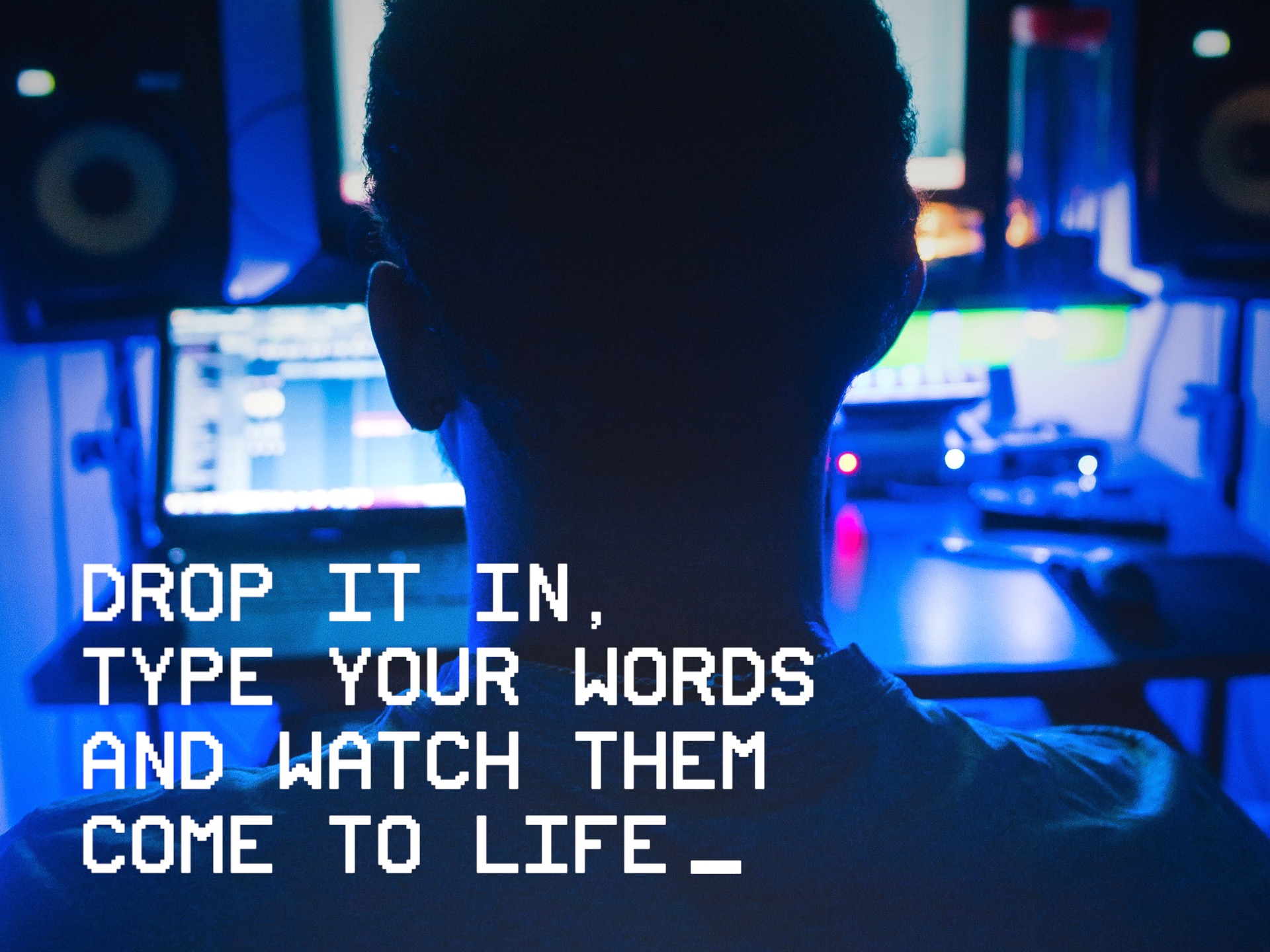
Create cinematic title sequences, retro terminal graphics, dramatic reveals, stylized subtitles, and more with fully customizable typing animation controls.
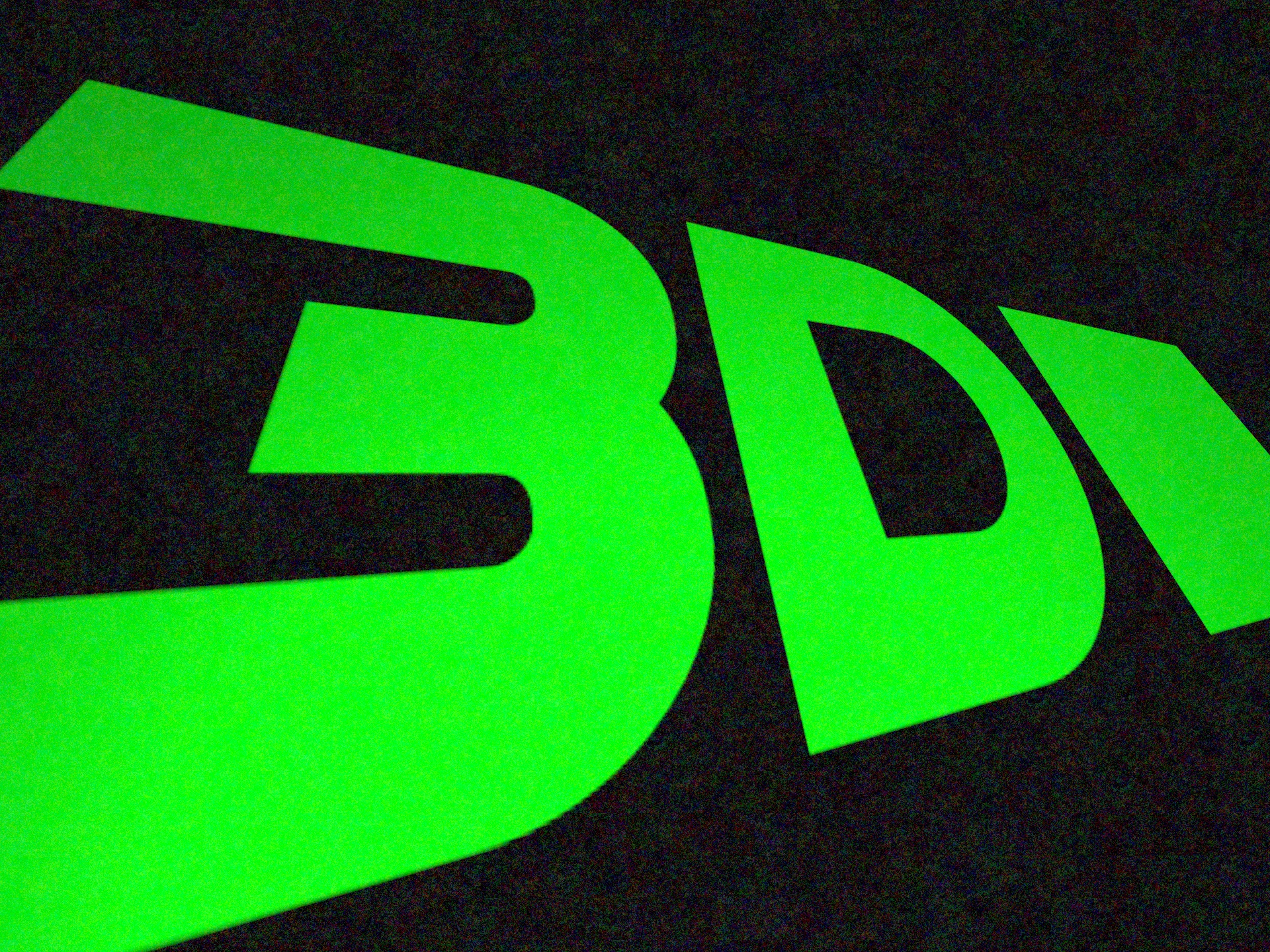
Move your text through three-dimensional space with full position and rotation controls. Create subtle perspective shifts or dramatic cinematic angles with adjustable depth and angle of view settings.
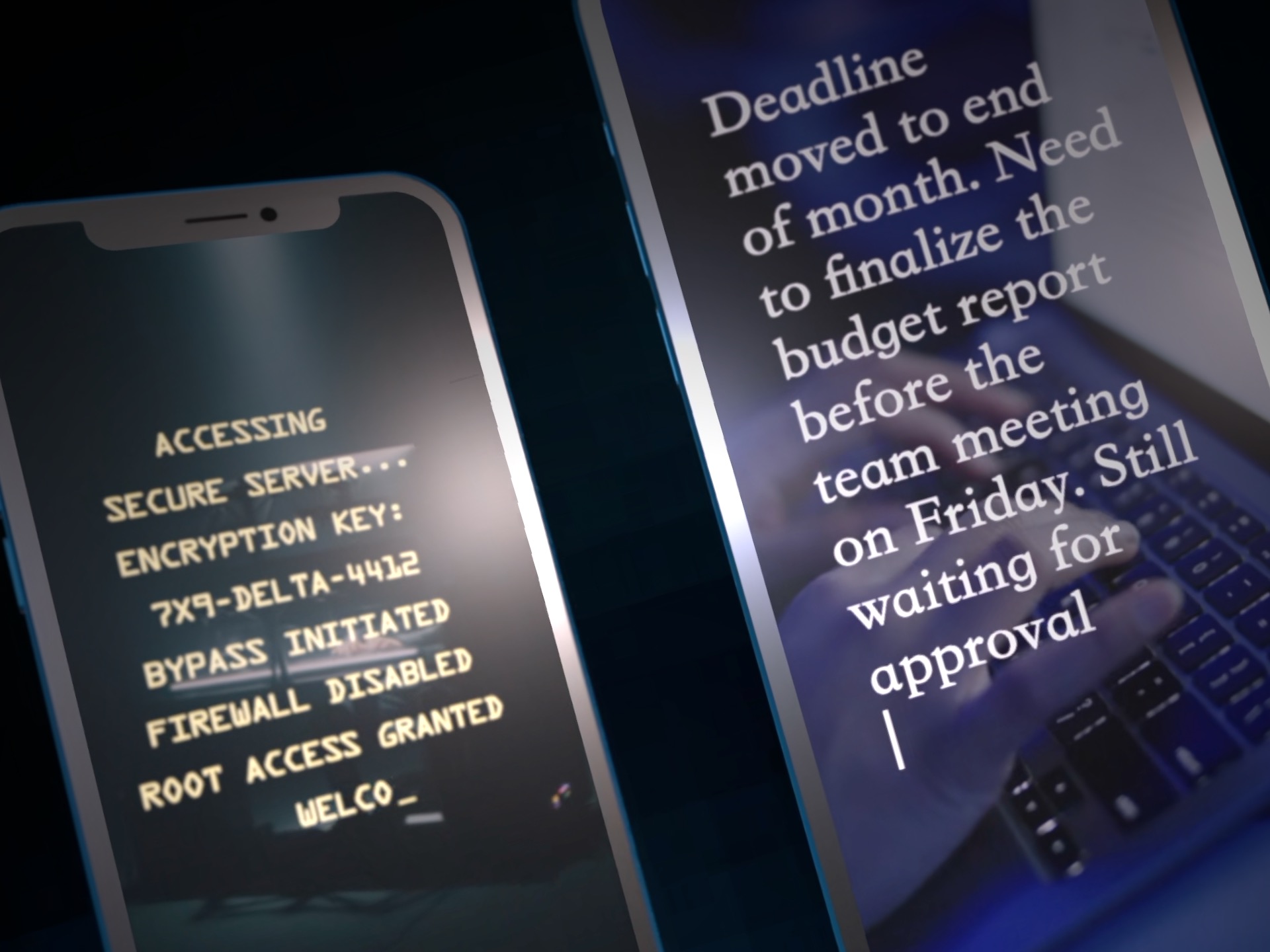
Designed to work beautifully in any format, including widescreen, square, vertical, 1080p, and 4K projects. Create content for YouTube, social media, film, and broadcast with ease.
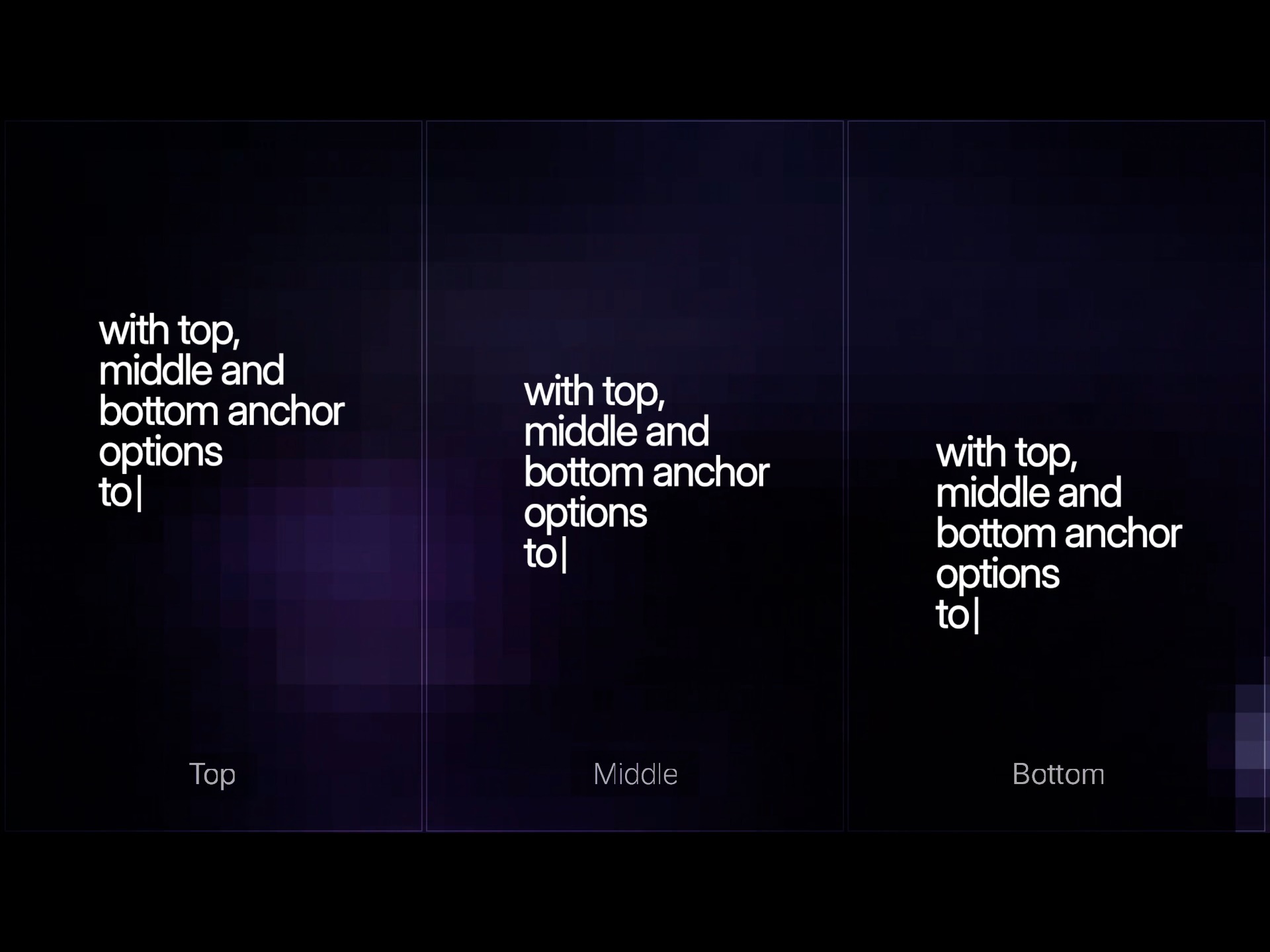
Pin your text to the top, middle, or bottom of the frame instantly. Keep your layouts organized while maintaining consistent positioning across multiple scenes.
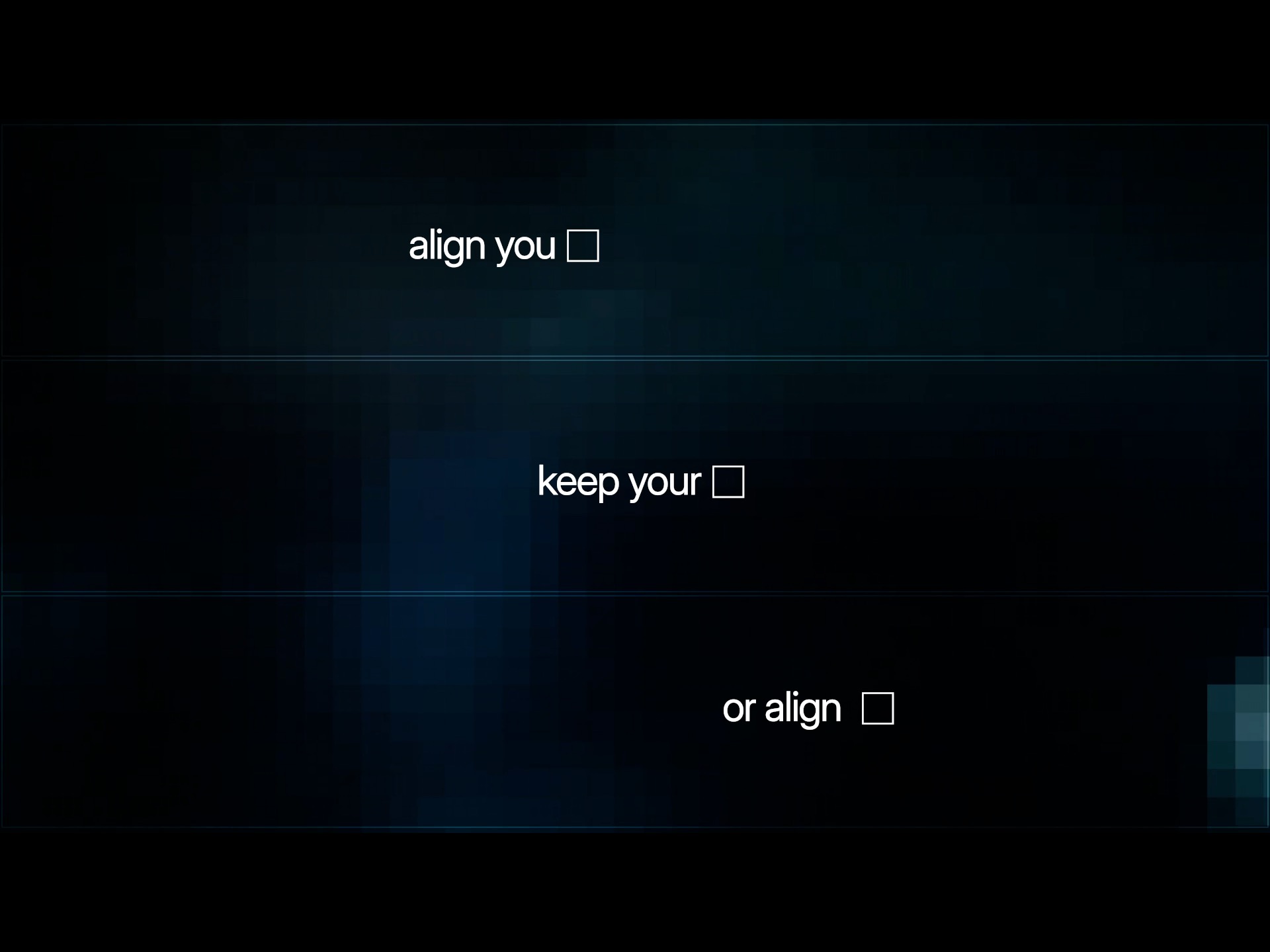
Quickly align your text to the left, center, or right with a single control. Perfect for lower thirds, title cards, dialogue screens, and clean graphic layouts.
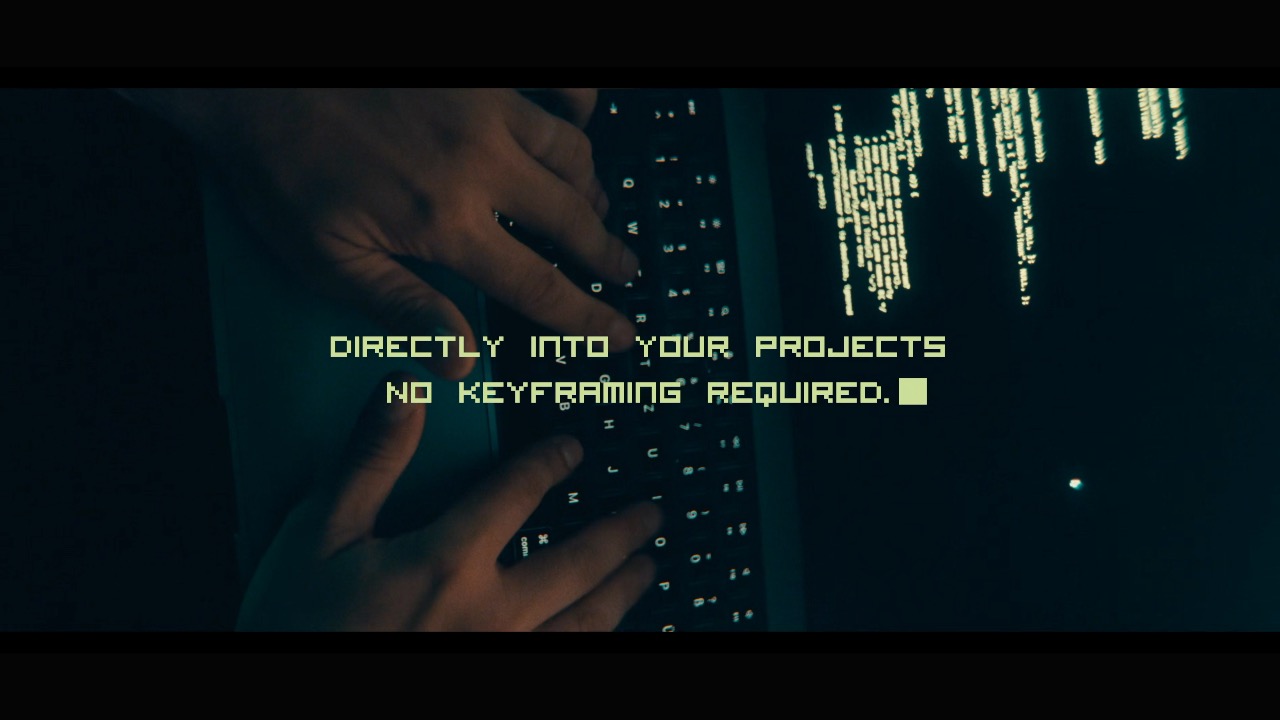
Animate text character by character, word by word, or line by line with natural timing controls and customizable cursor styles. From cinematic title reveals to retro terminal aesthetics, Typewriter brings authentic typing animation into Final Cut Pro and Motion.

 Before
After
Before
After
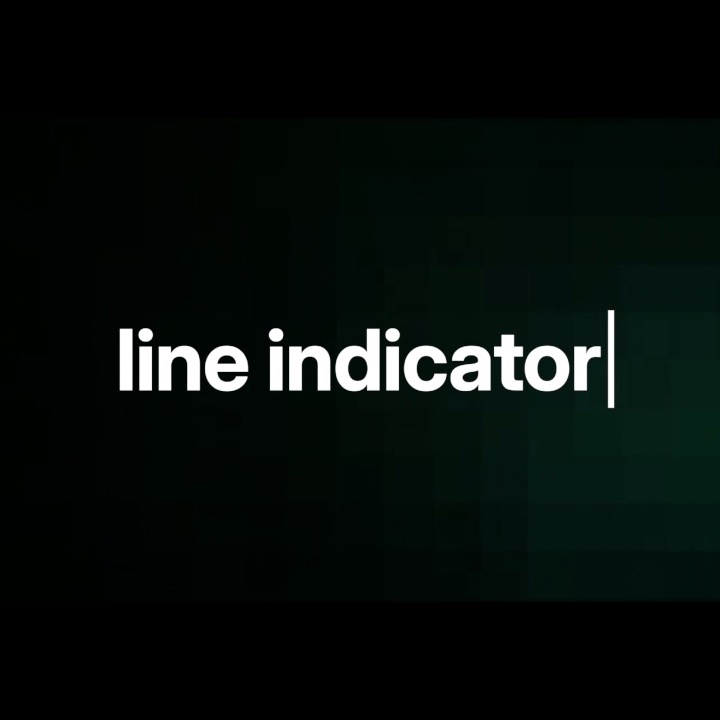
Line A clean vertical typing indicator inspired by modern text editors.
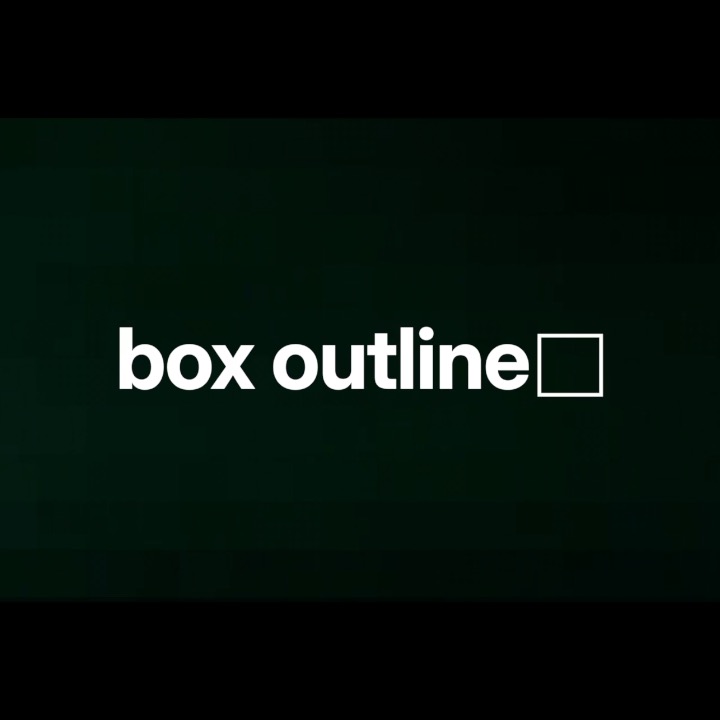
Box Outline A framed cursor style for a sleek highlighted typing look.
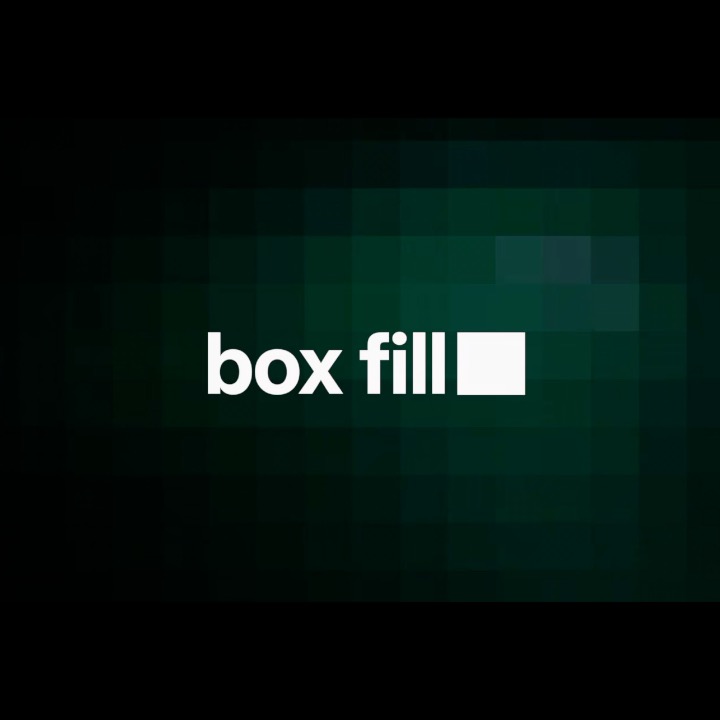
Box Fill A solid retro-inspired cursor reminiscent of classic terminals.
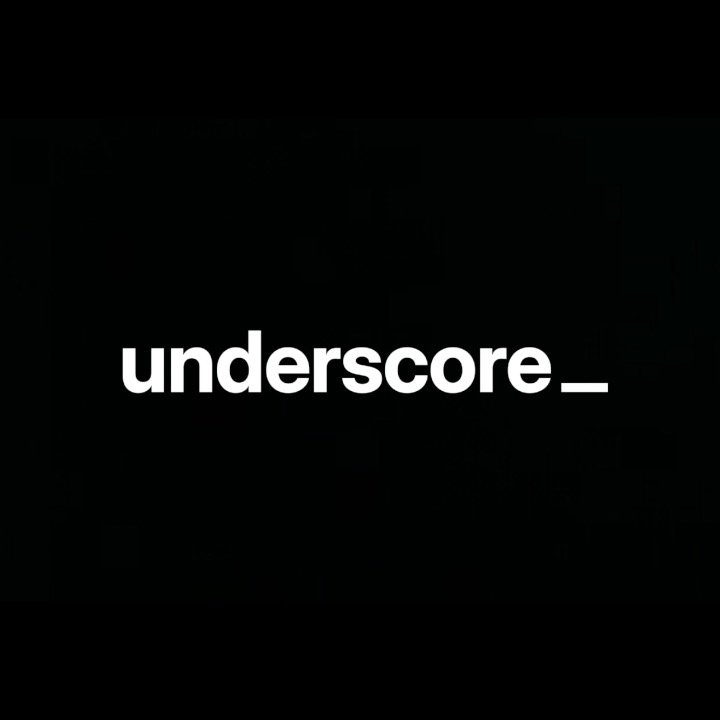
Underscore A minimal low-profile cursor with a vintage command-line aesthetic.
Every detail is yours to control. Choose how your text aligns, how it moves in three-dimensional space, and how the cursor behaves down to the last blink. Typewriter doesn't just animate text — it lets you craft an experience.
| Compatibility | Final Cut Pro 10.8+ |
| macOS | macOS Ventura 13.0 or later |
| Chip Support | Apple Silicon & Intel |
| Output Formats | HD, 4K, 5K, Vertical |
| License | Single User, 3 Machines |
| Updates | Free for Life |