Liquid Text Morphing for Final Cut Pro and Motion.
TextMorph
Bring liquid motion to your titles.
Bring liquid motion to your titles.
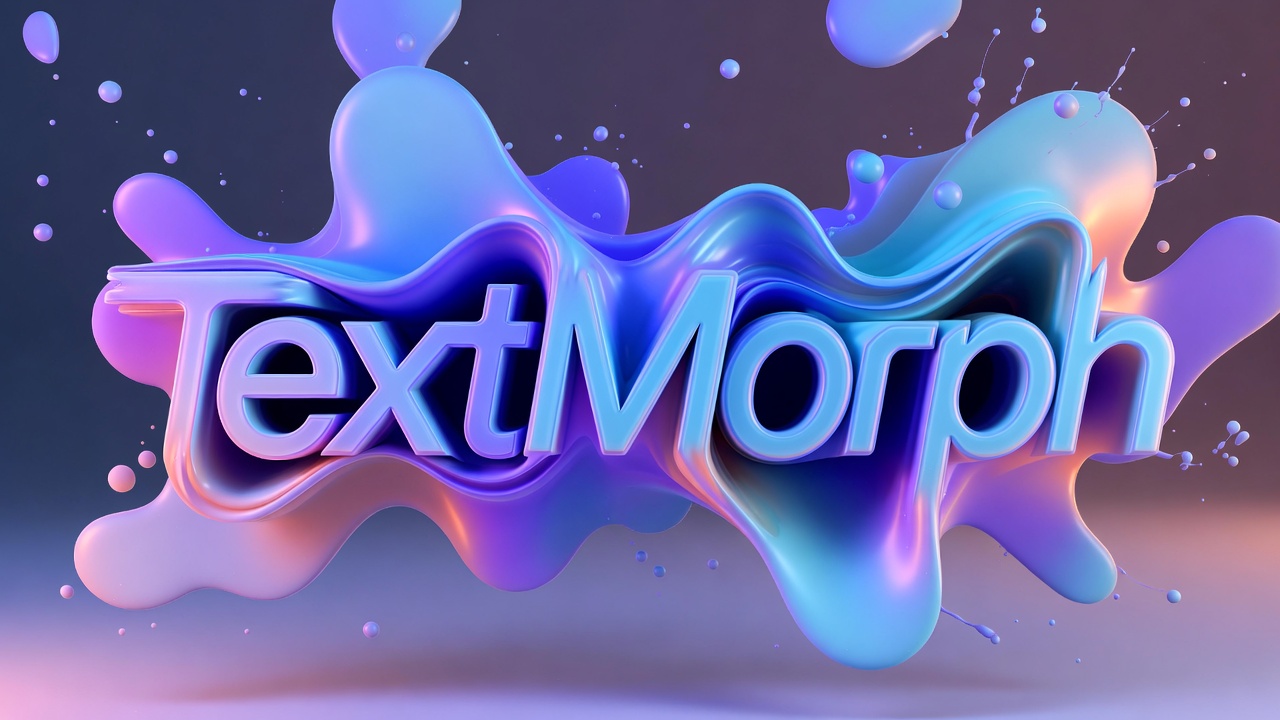
Watch the Video
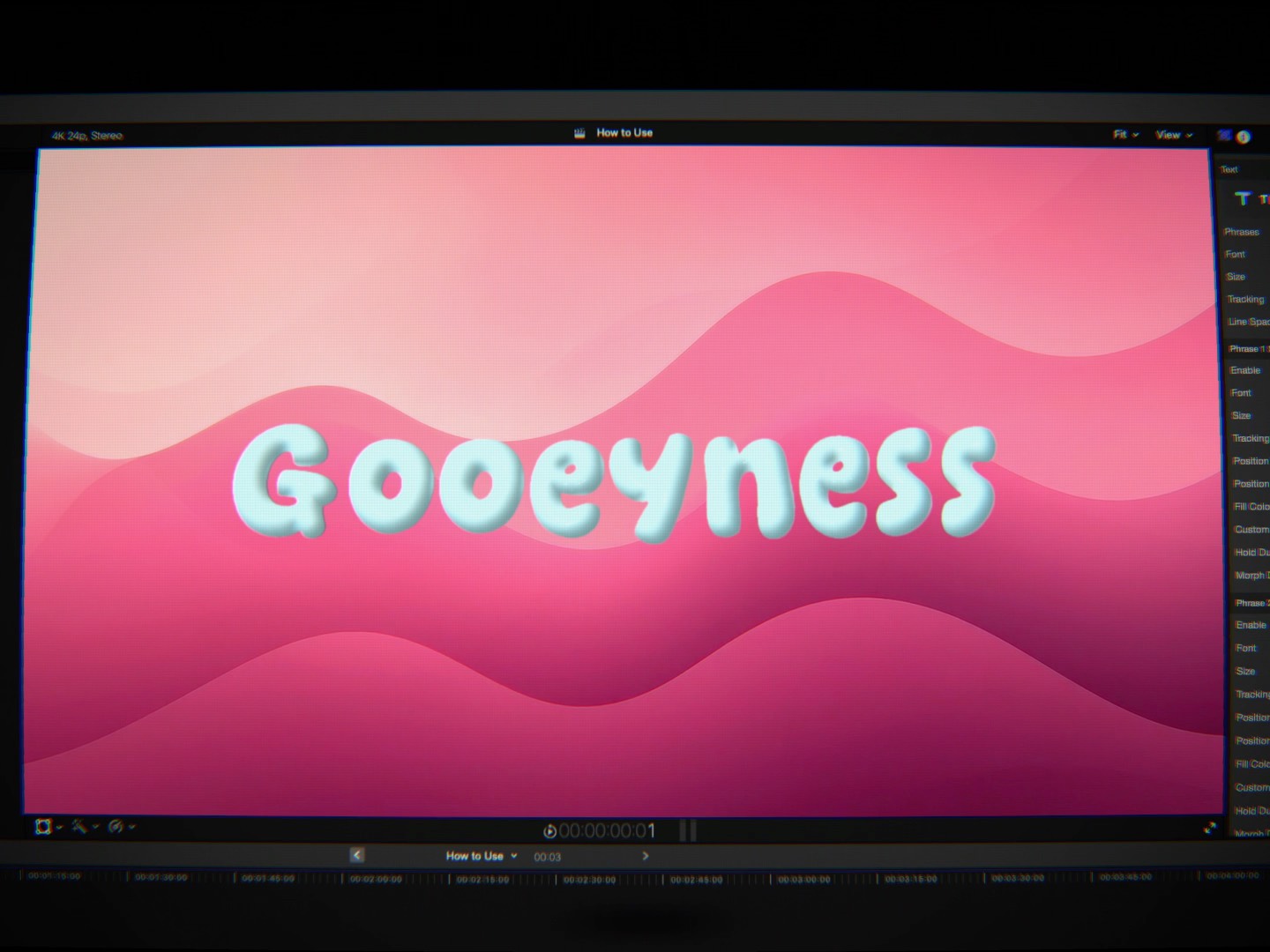
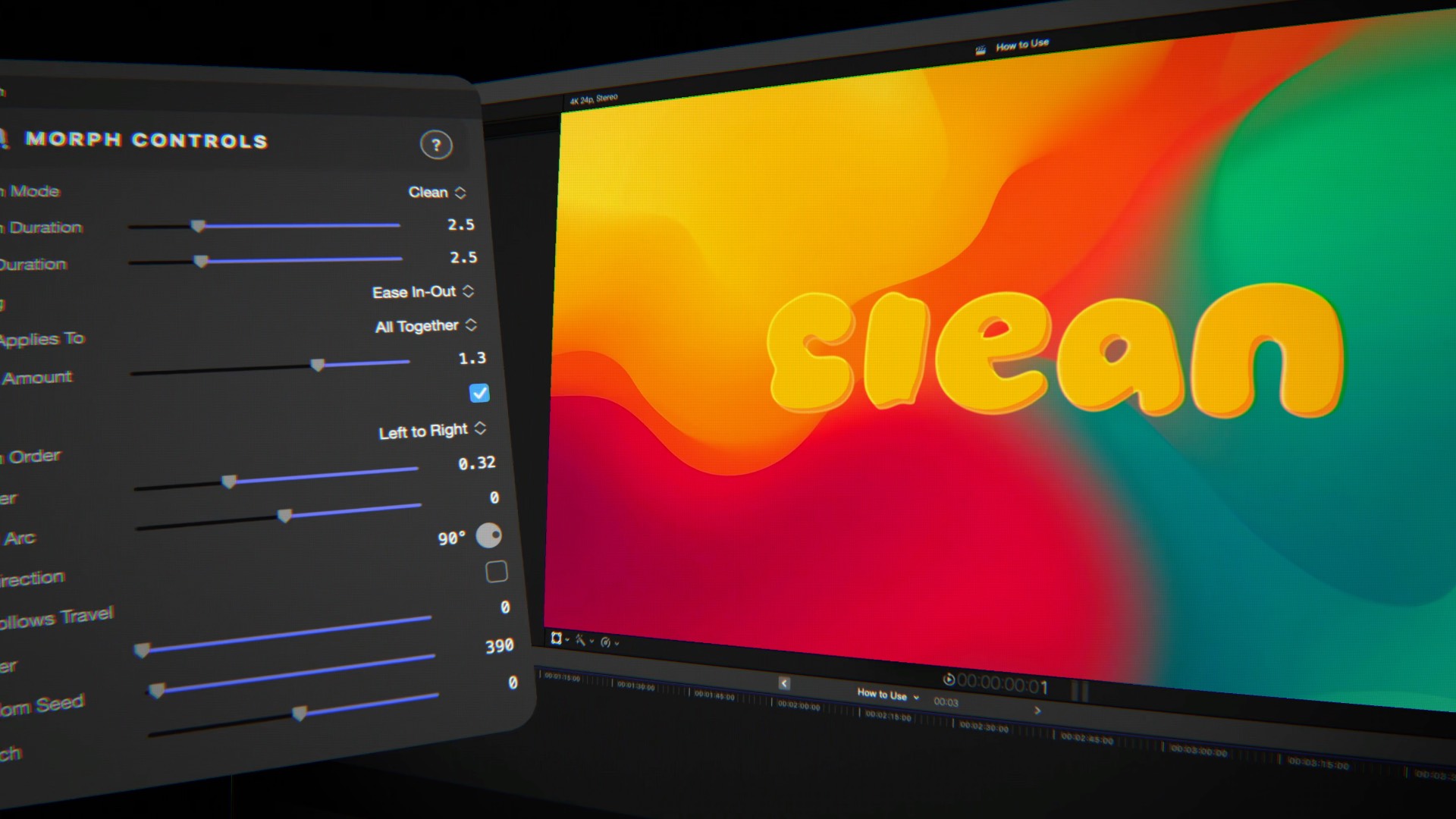
Two engines: Liquid melts letters into flowing, merging shapes, while Clean keeps razor-sharp outlines end to end.
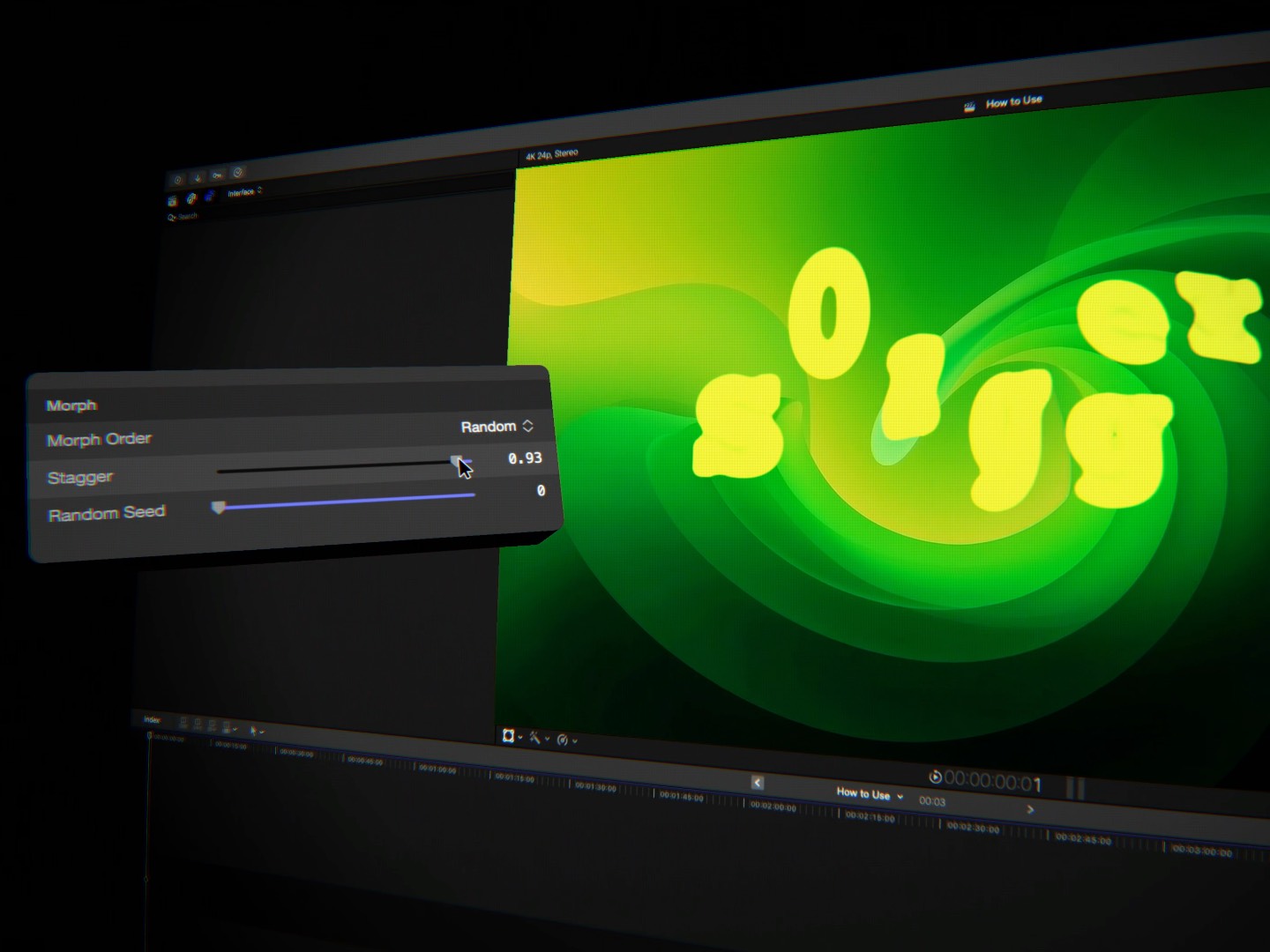
Shape the motion with stagger, travel arcs, scatter, stretch and turbulence — letters take their own route across.
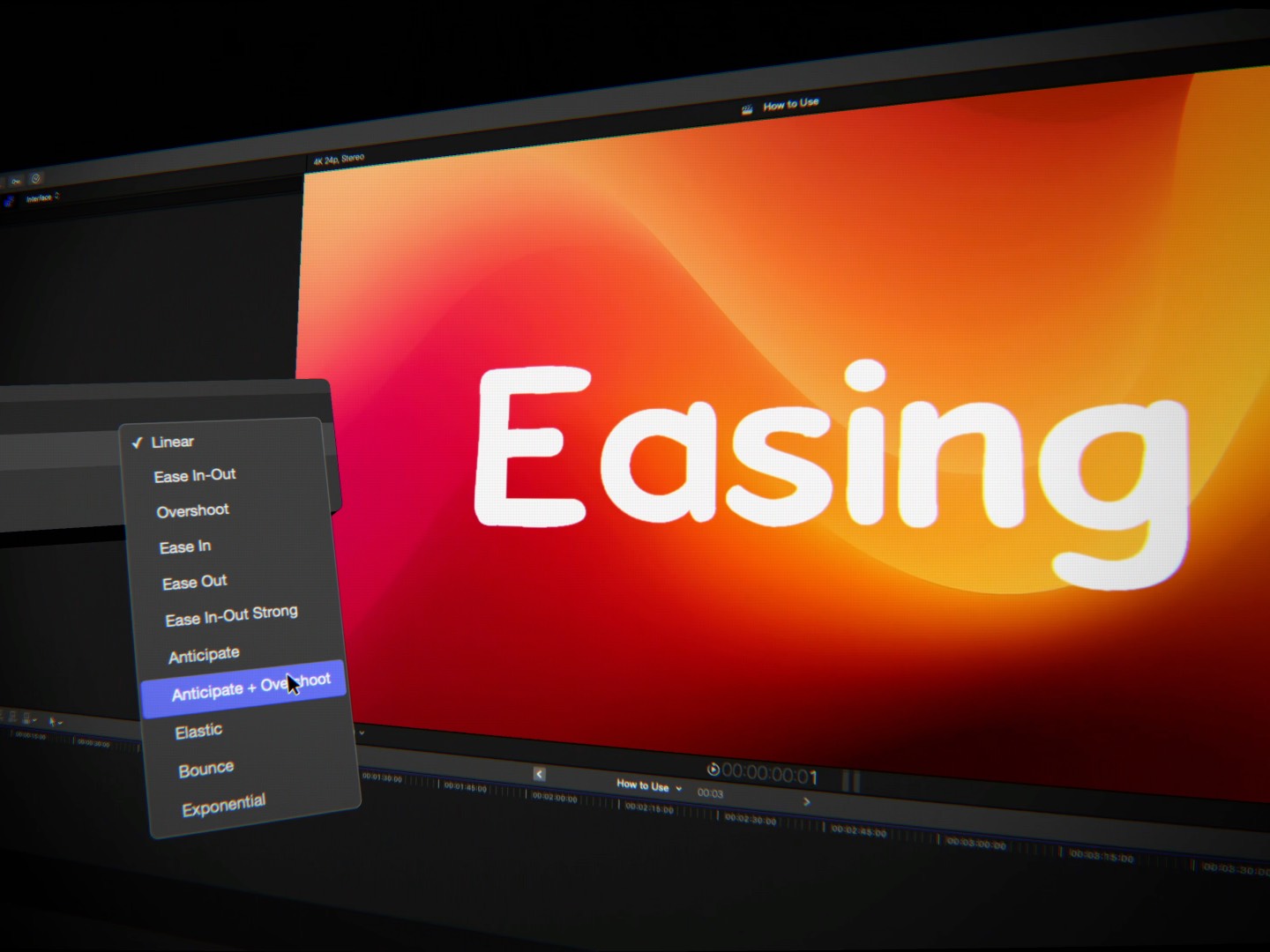
Eleven easing curves, applied to every character on its own or to the whole phrase at once.
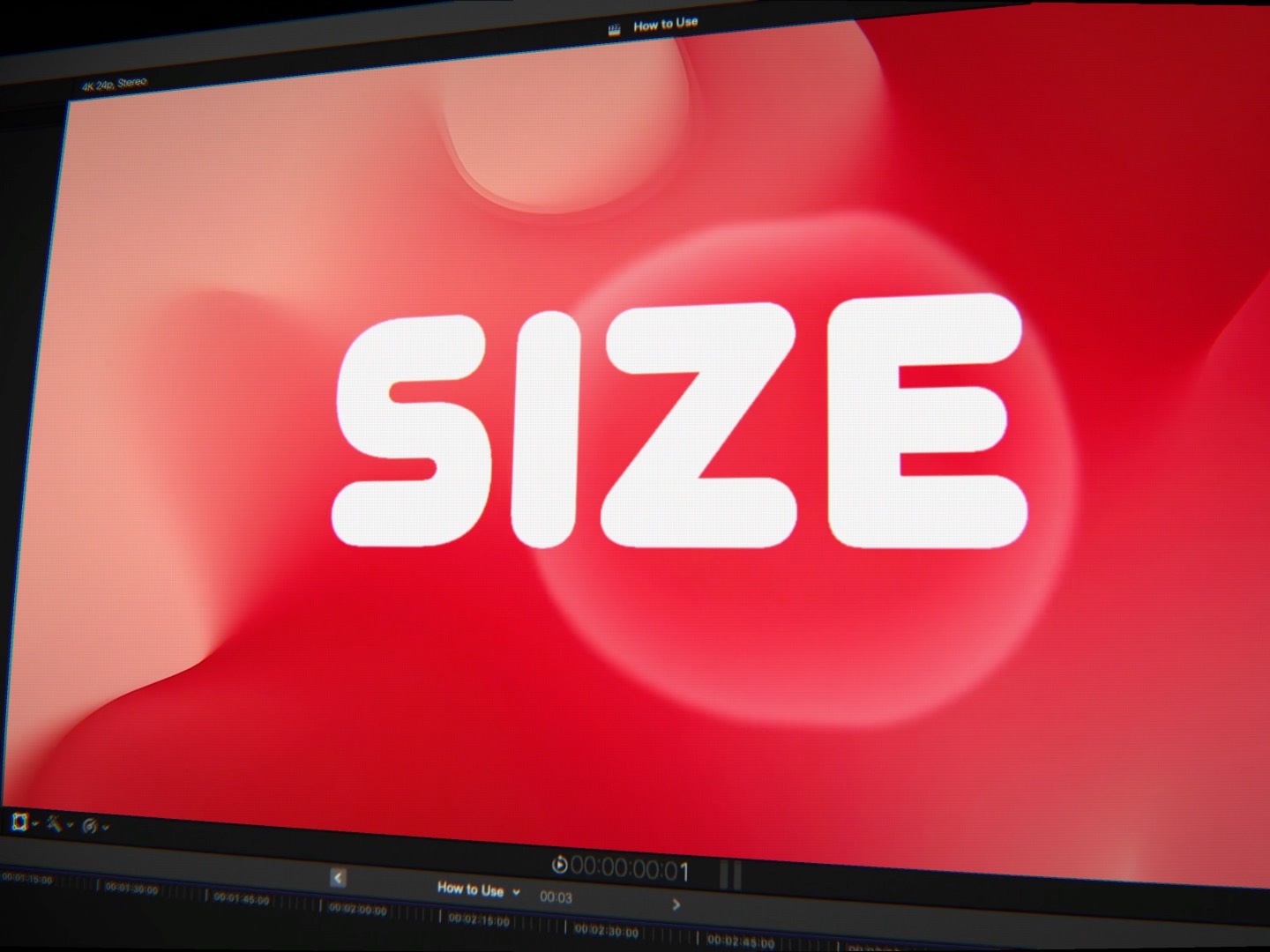
Give any phrase its own font, size, tracking, color, position and timing — then morph between them.
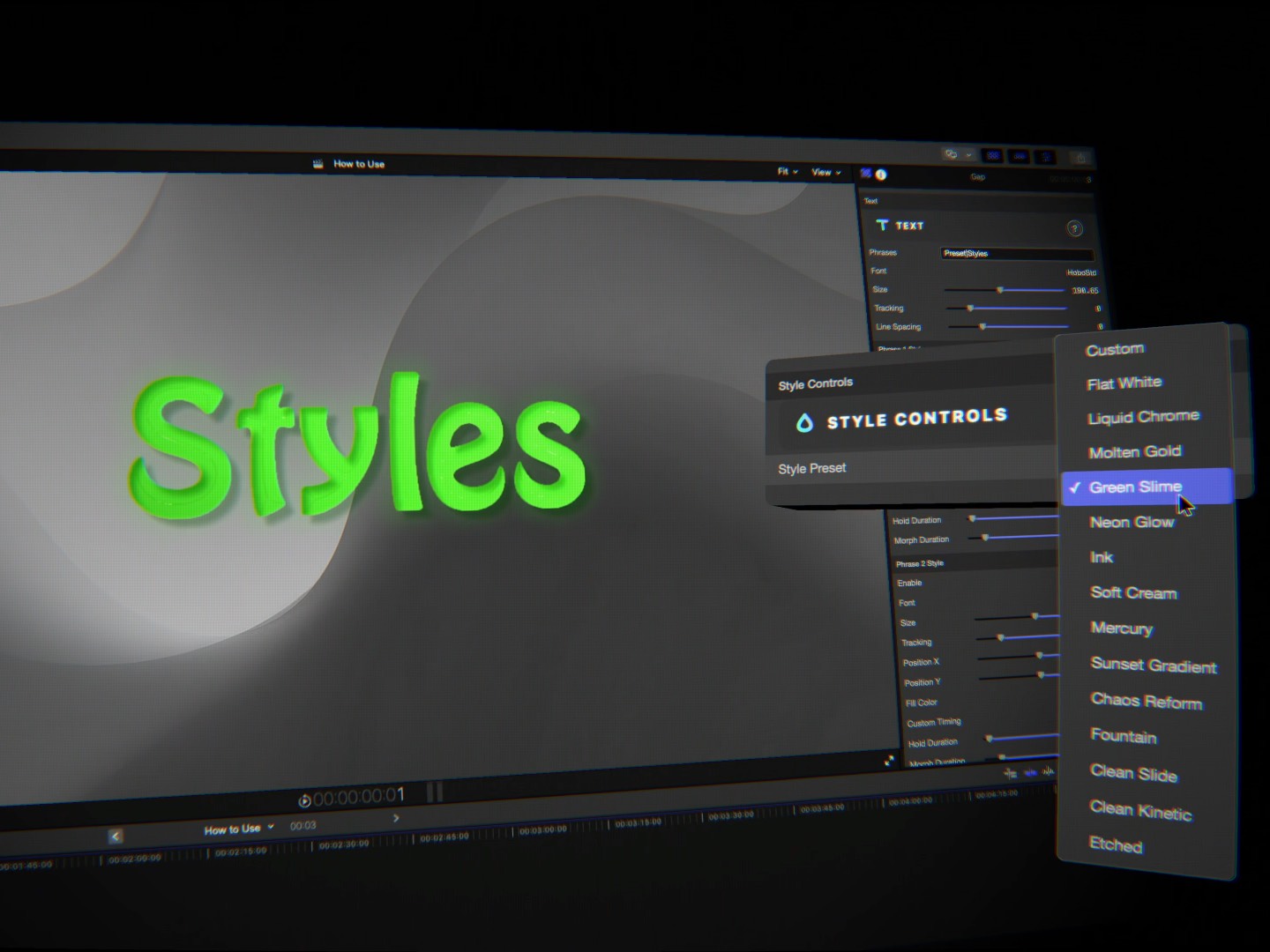
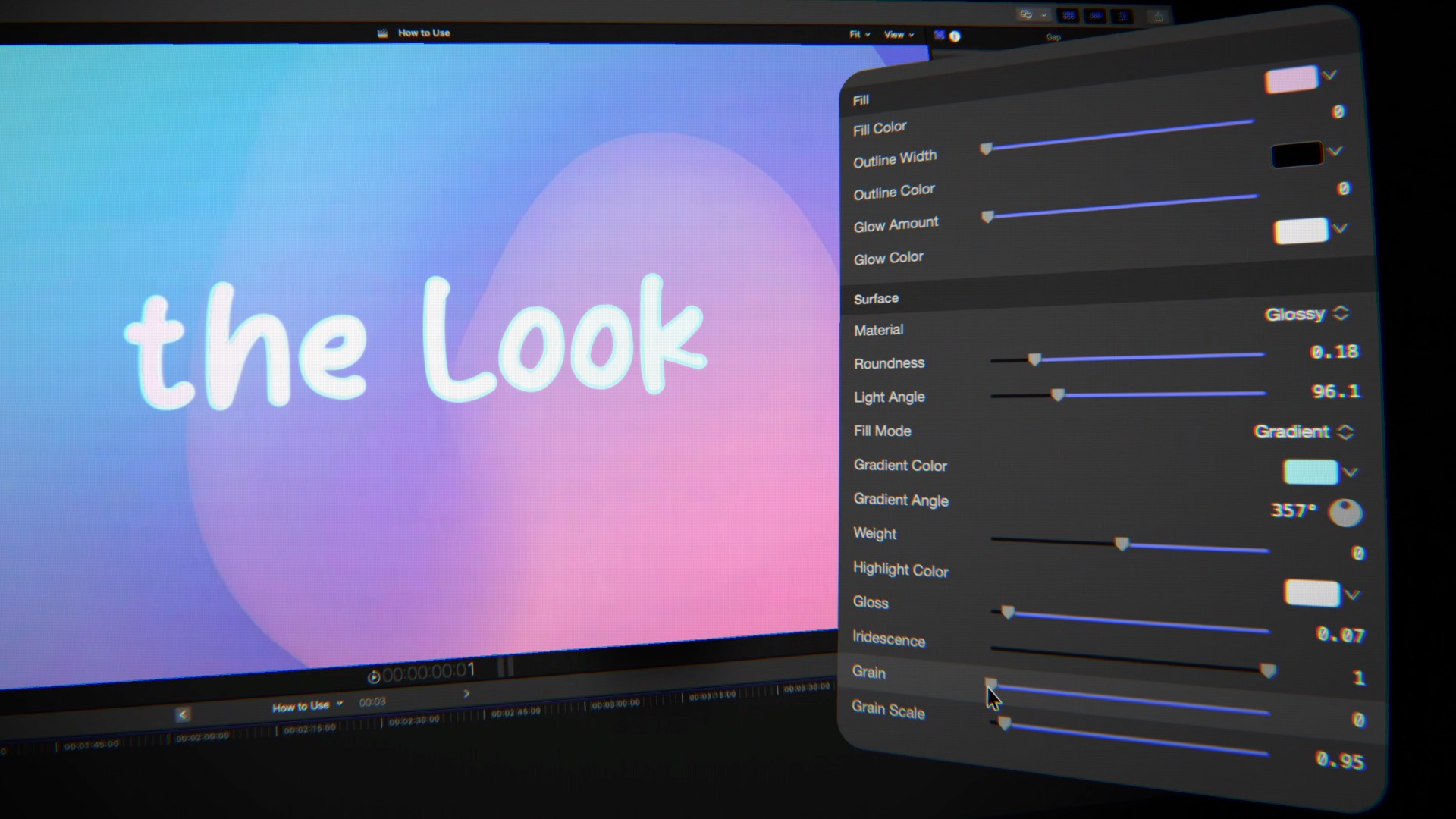
Finish with gradients, glossy and wet surfaces, extrusion, shadows and lighting, or start from fourteen presets.
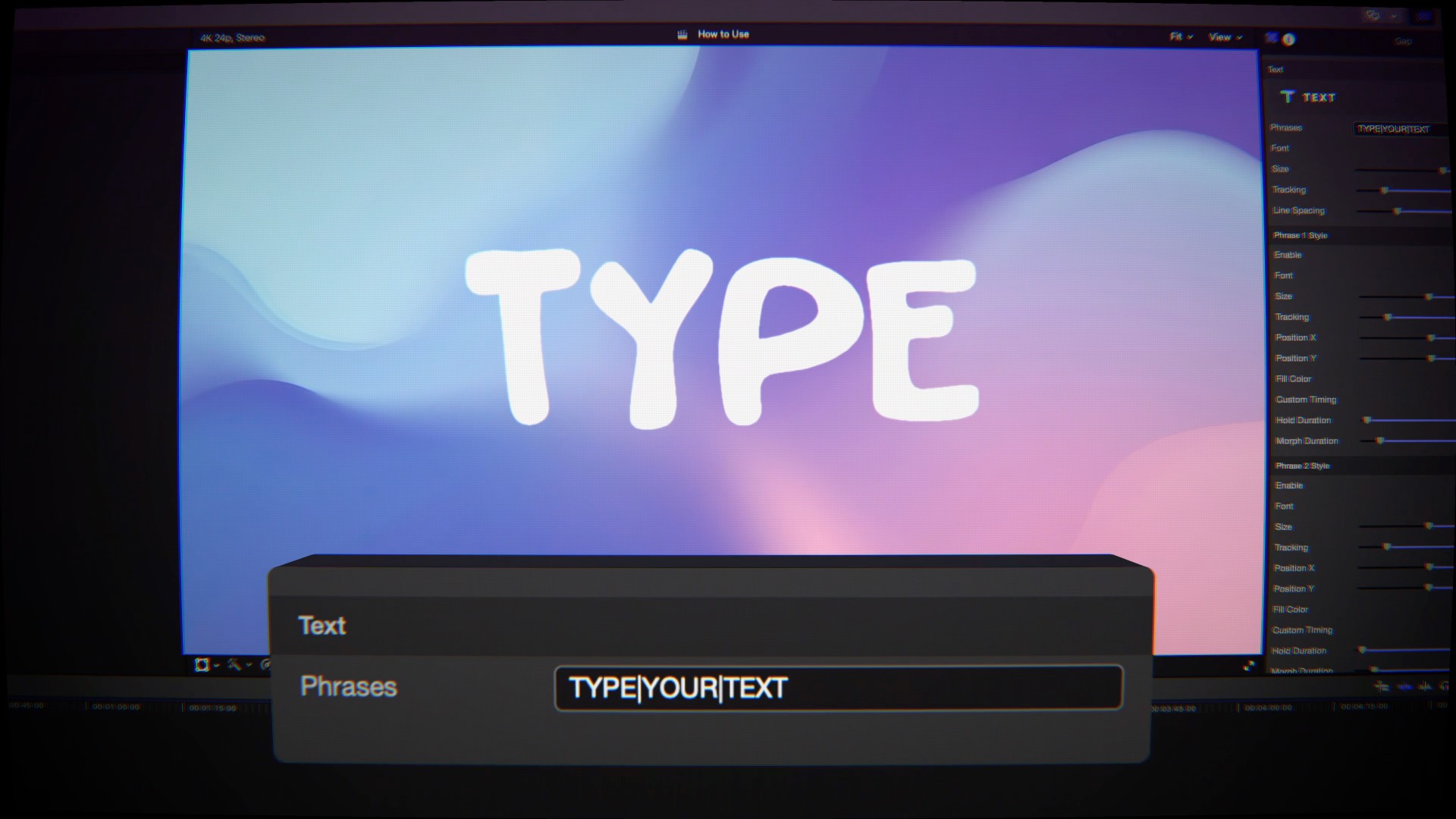
Separate your phrases with a single character and TextMorph flows down the list, morphing each one into the next. Give any phrase a look entirely its own — its own font, size, tracking and color — and place it anywhere on screen, with an on-screen box you drag right in the viewer. The letters travel across to meet it. Any phrase can hold longer or morph slower than the rest.

Flat White

Molten Gold
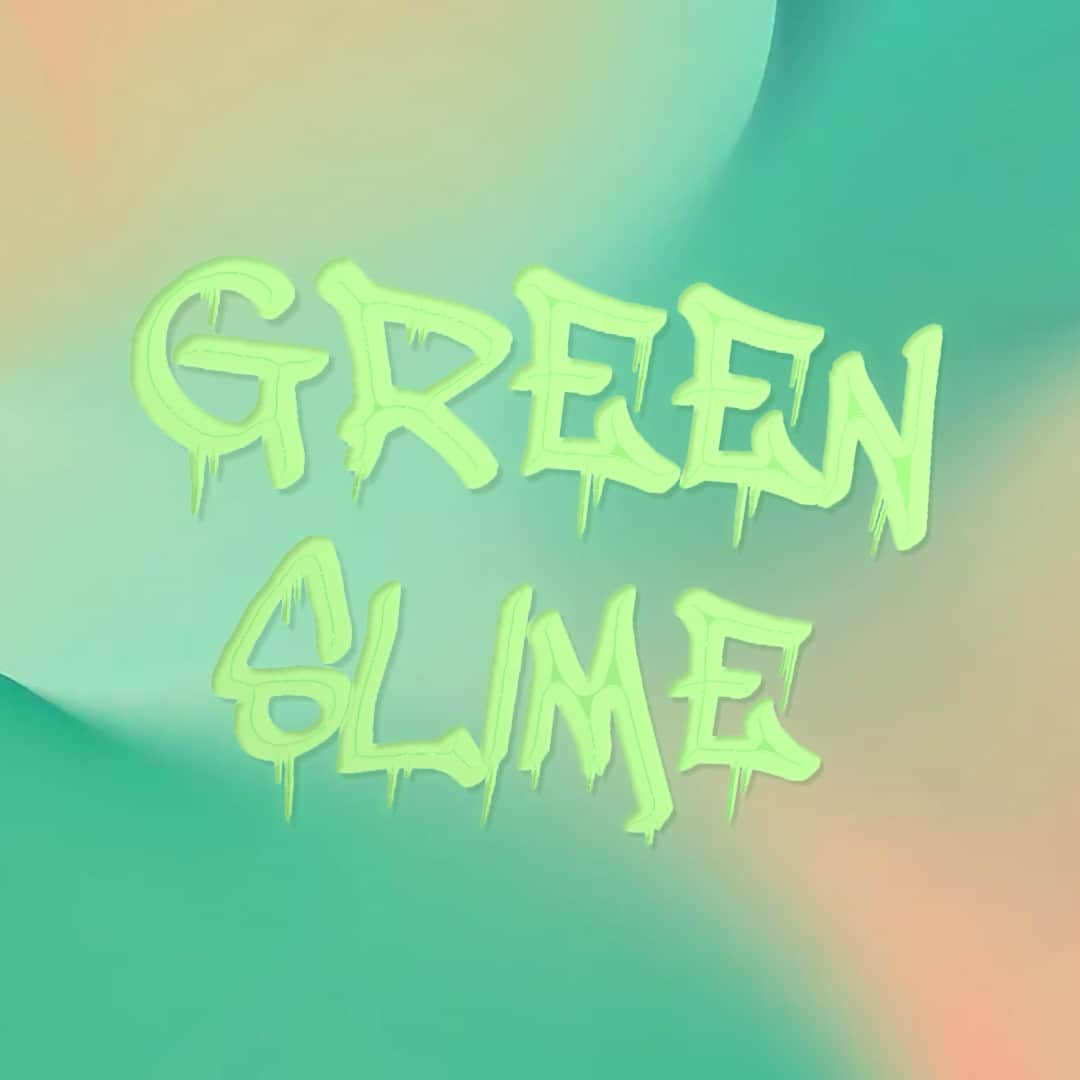
Green Slime
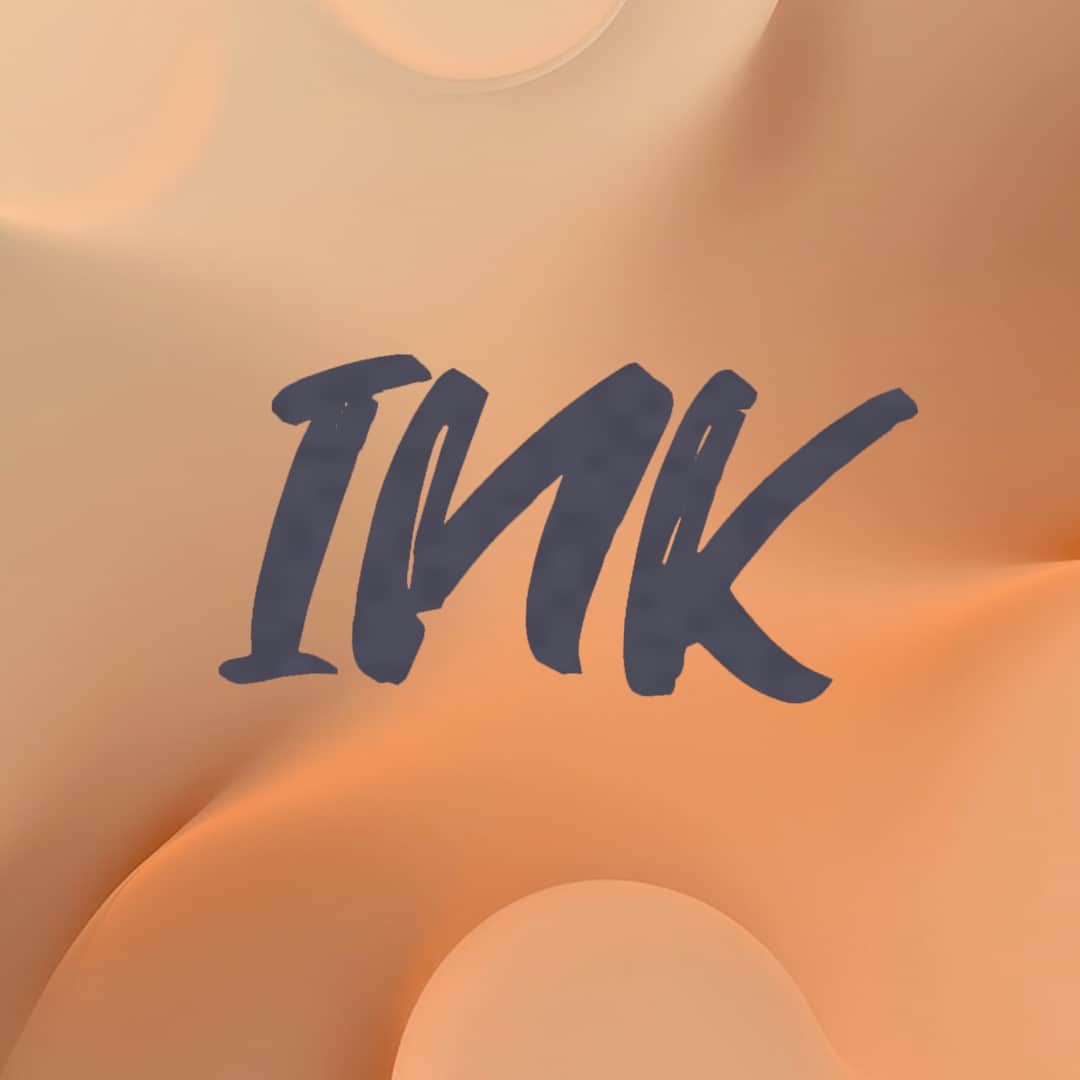
Ink
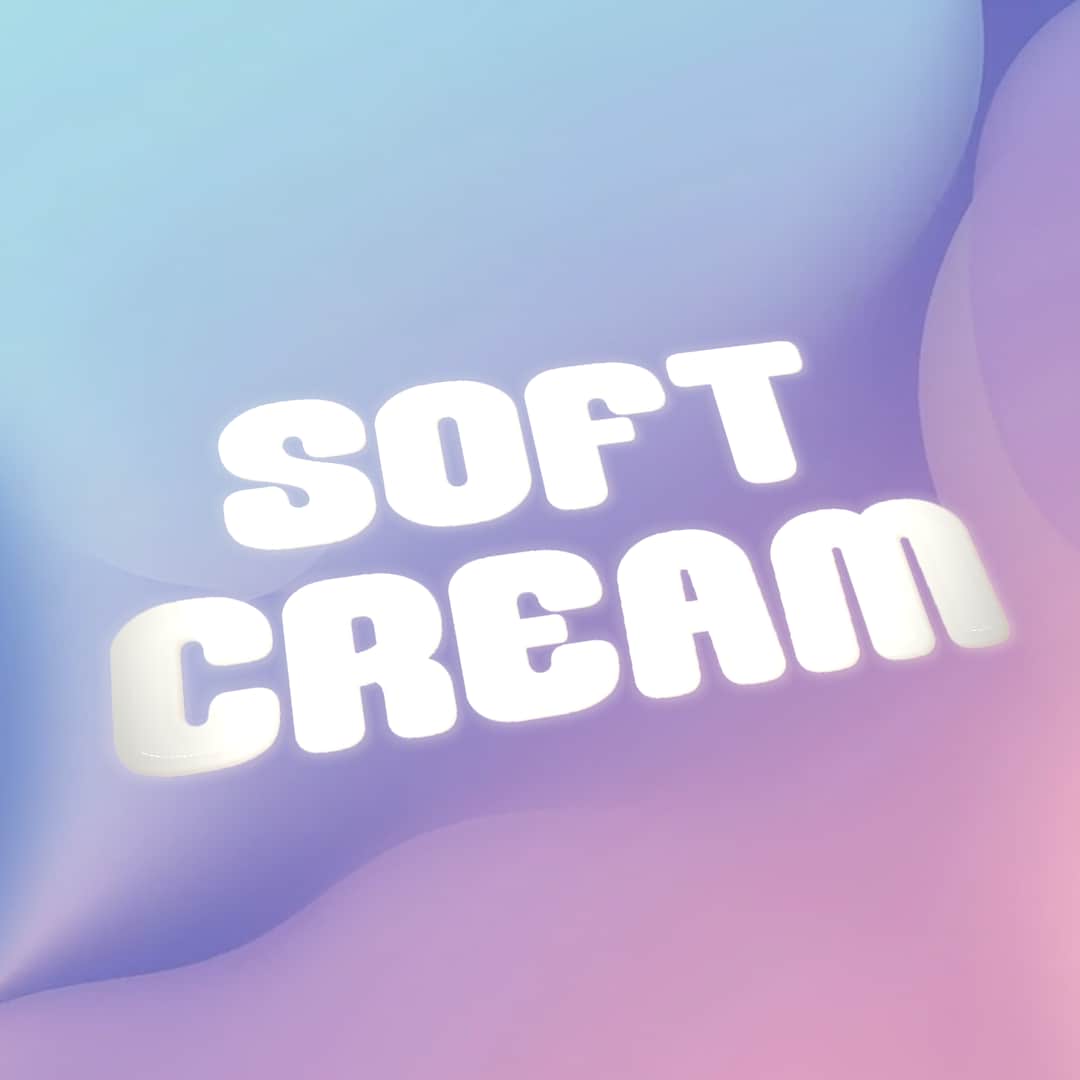
Soft Cream
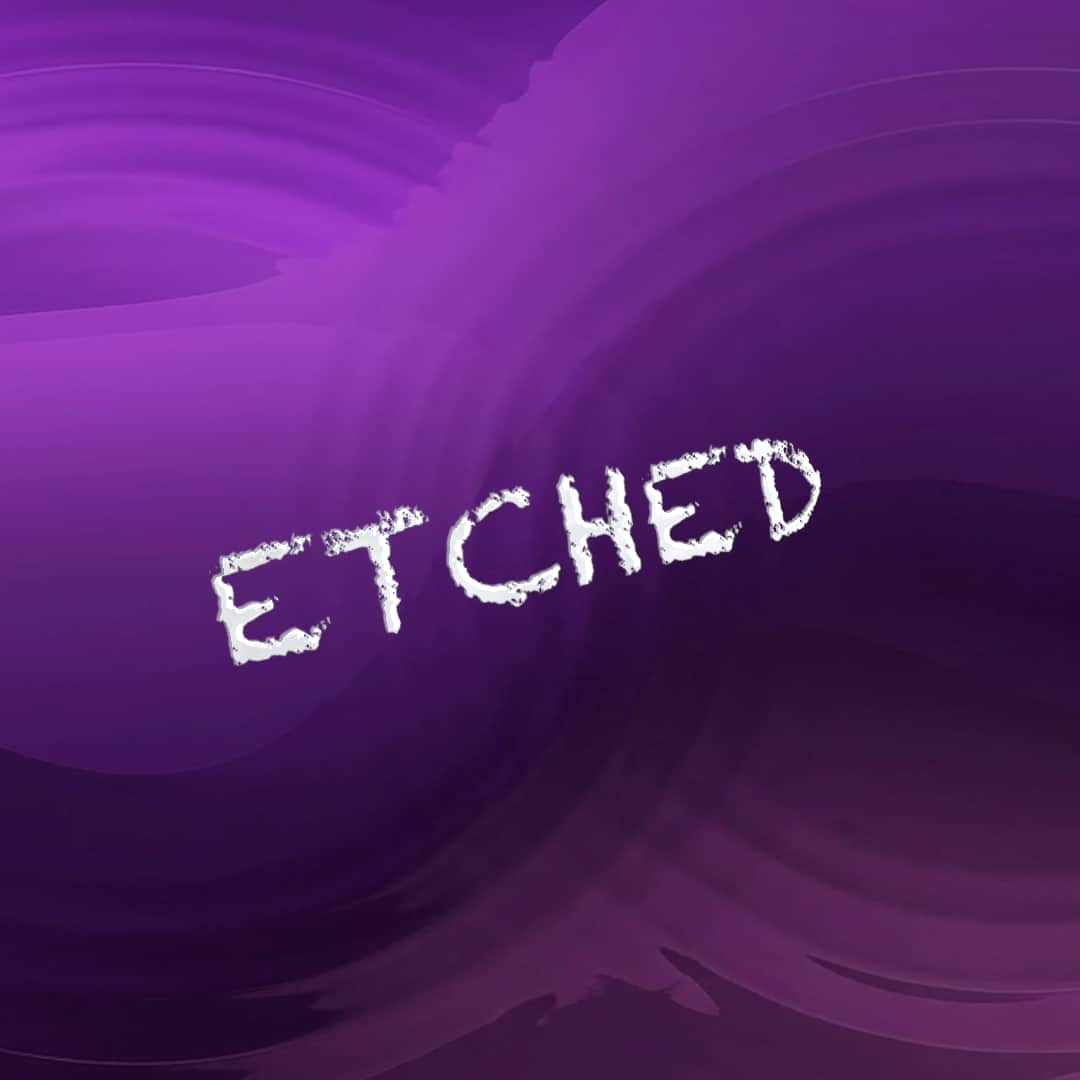
Etched
Liquid melts every letter through a fluid field, so shapes fatten, merge and pinch apart along the way. Clean keeps razor-sharp vector outlines from the first frame to the last — no melting, letters stay crisp the whole way across. Turn up Gooeyness and neighboring letters swell and fuse as they pass each other.
Solid and gradient fills, glossy and wet surfaces, iridescence and grain. Extrude your letters into a solid body and light them with drop shadows, inner shadows and a spotlight or directional light. Position and rotate the text in full 3D with camera controls, or start from fourteen built-in presets. Every section has a guide built right in.
| Compatibility | Final Cut Pro 10.8+ |
| macOS | macOS Ventura 13.0 or later |
| Chip Support | Apple Silicon & Intel |
| Output Formats | HD, 4K, 5K, Vertical |
| License | Single User, 3 Machines |
| Updates | Free for Life |