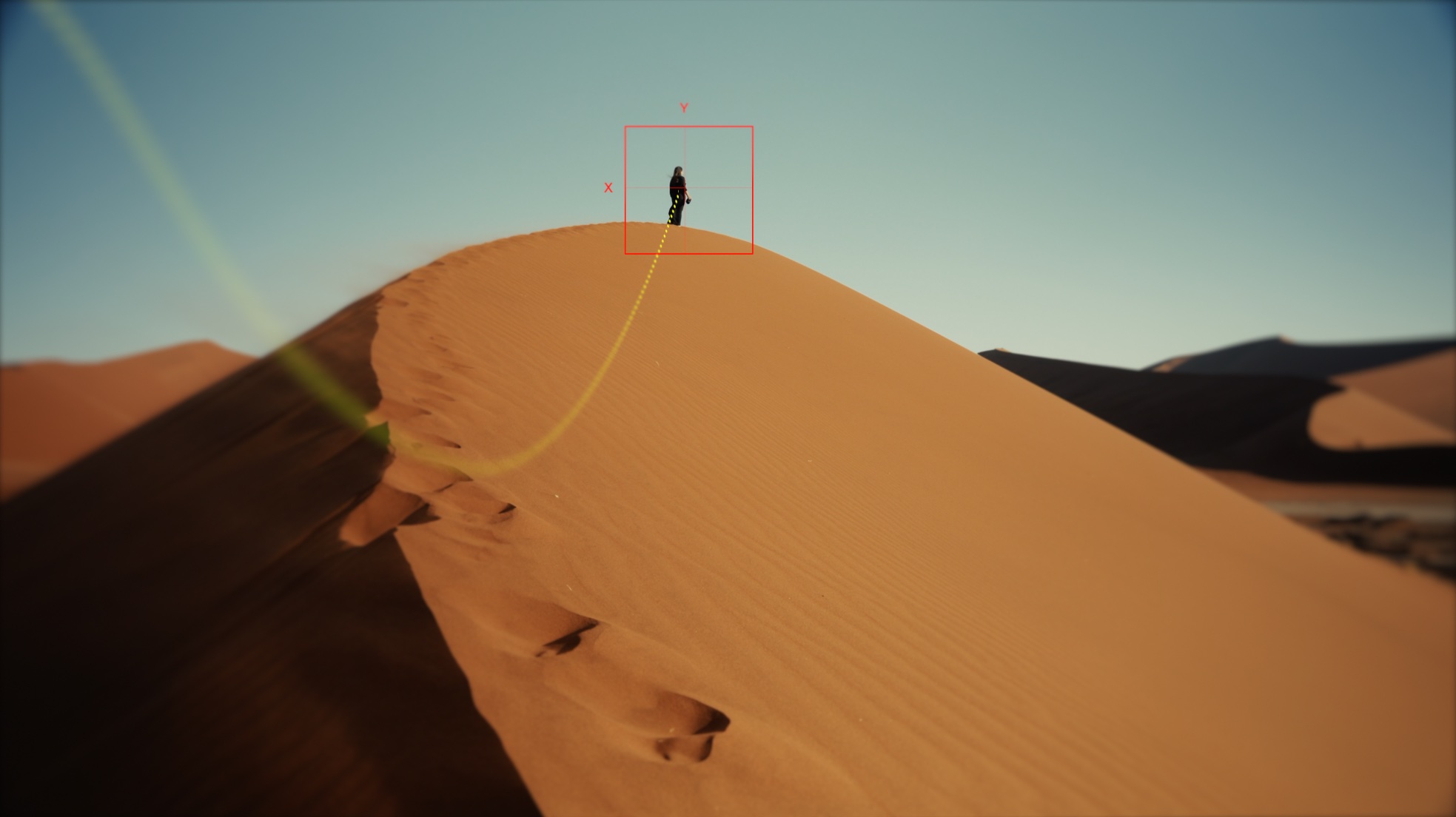
Intelligent Object Tracking for macOS
Pixelock
Stop stabilizing the frame.
Start locking your subject.
Unlock the entire PFS film library — 2,000+ plugins for Final Cut Pro. No subscription, no recurring fees. Includes all film & motion plugins. Audio products sold separately.
Stop stabilizing the frame.
Start locking your subject.
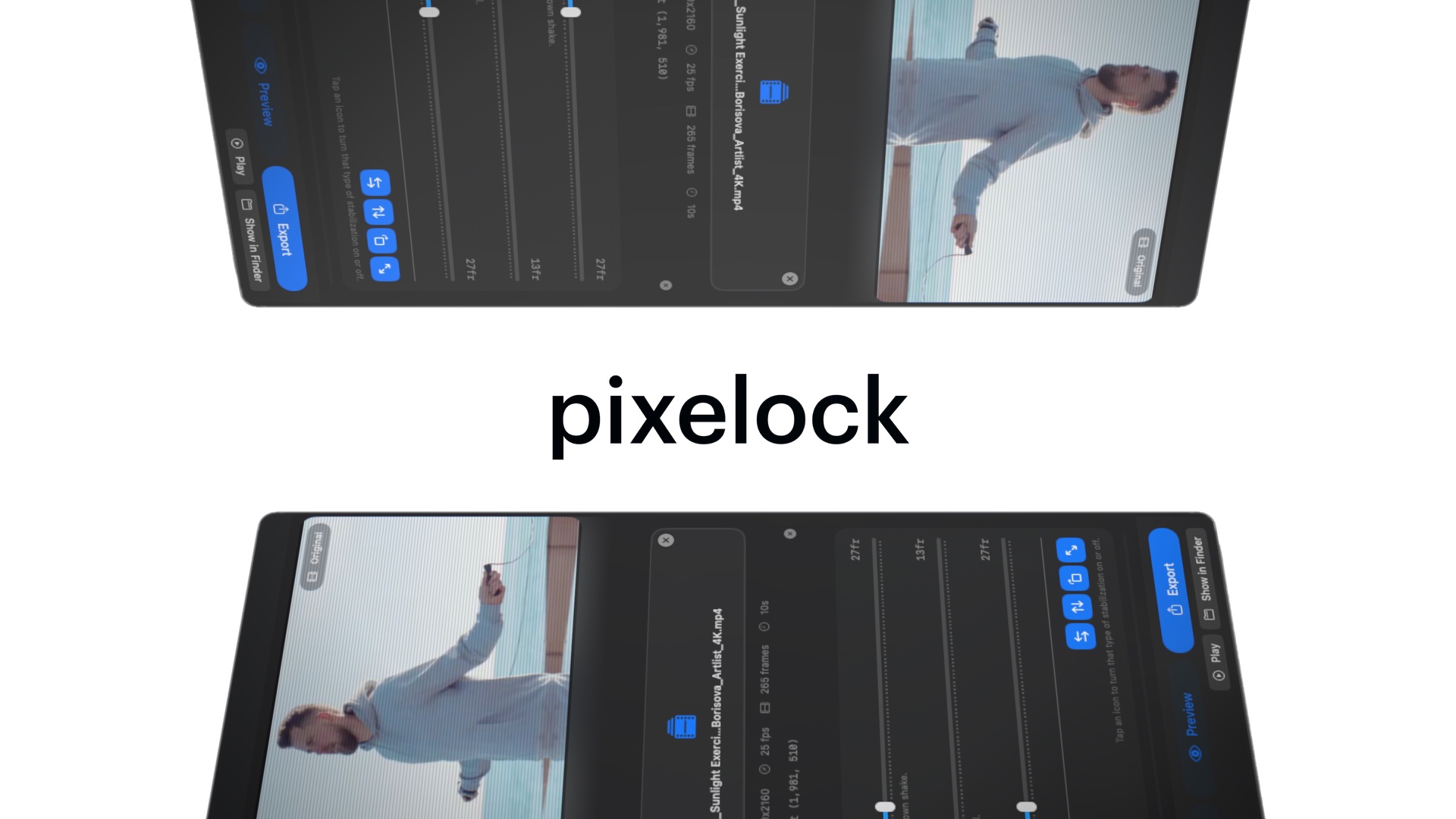
Watch the trailer
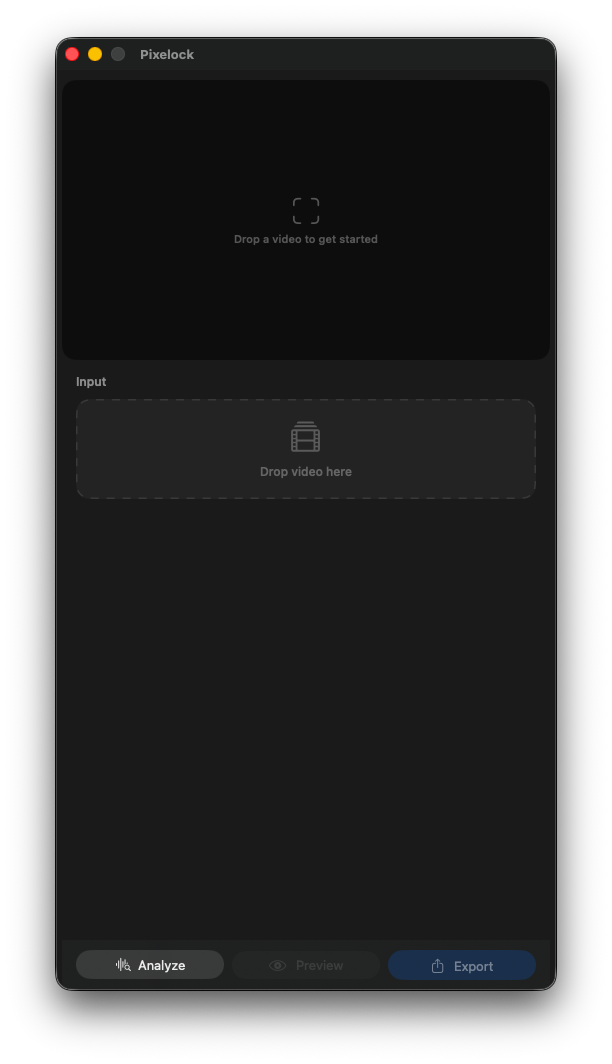
Drop a clip. Any format.
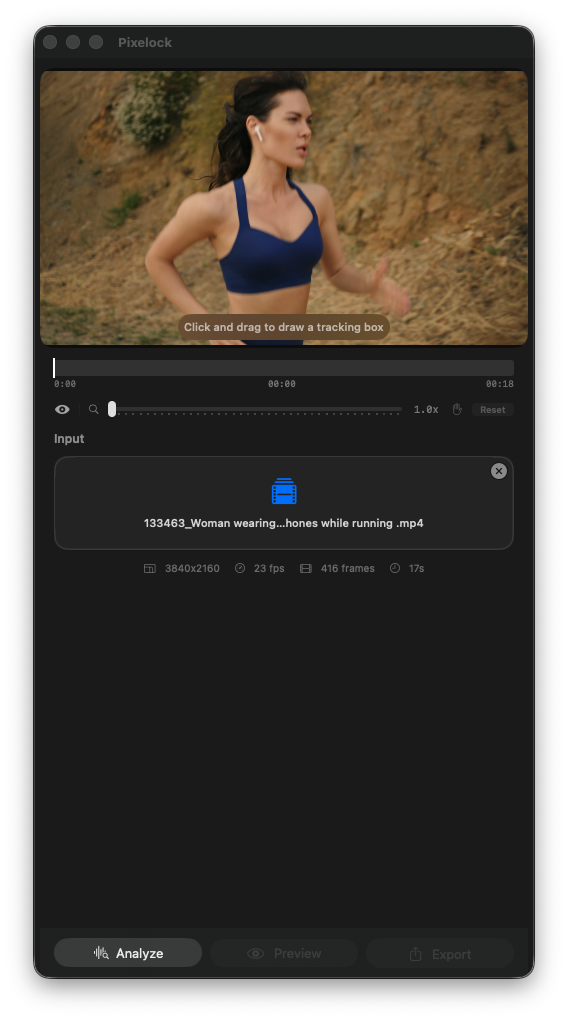
Draw a box. That's your lock point.
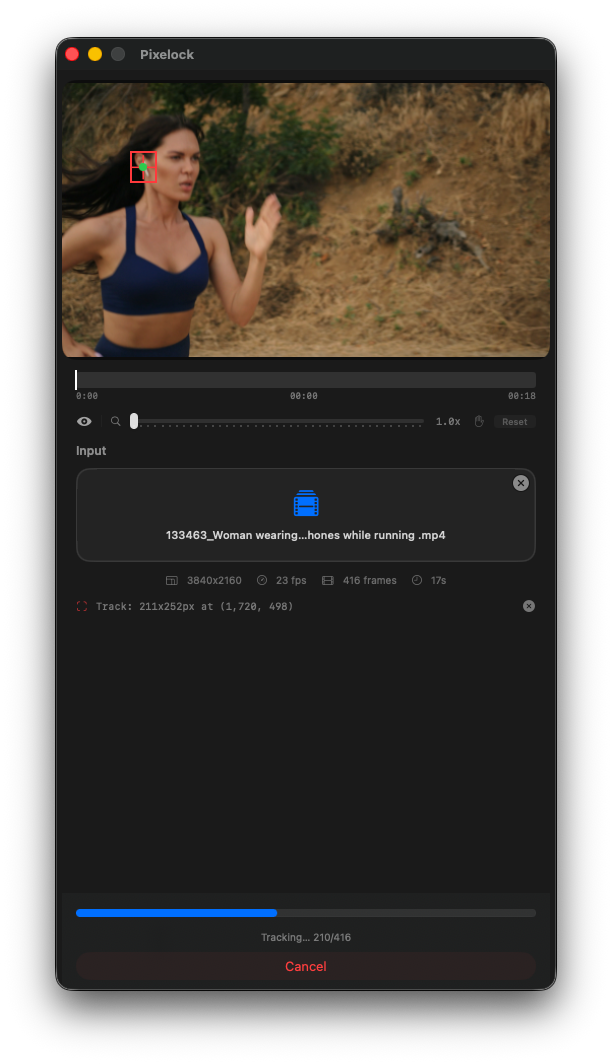
Hit Analyze. AI does the rest.
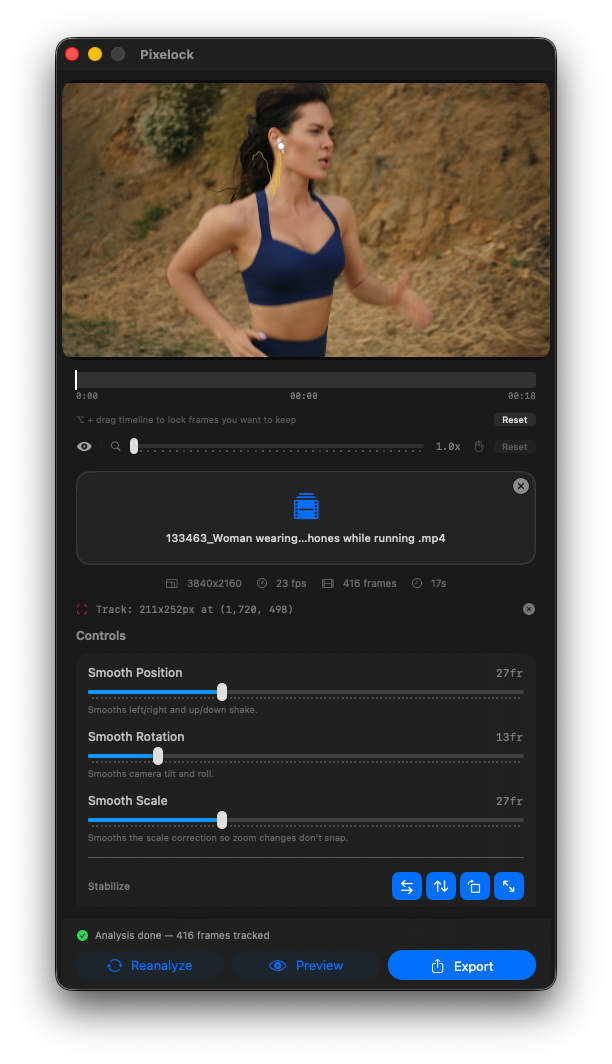
Tune position, rotation, and scale.
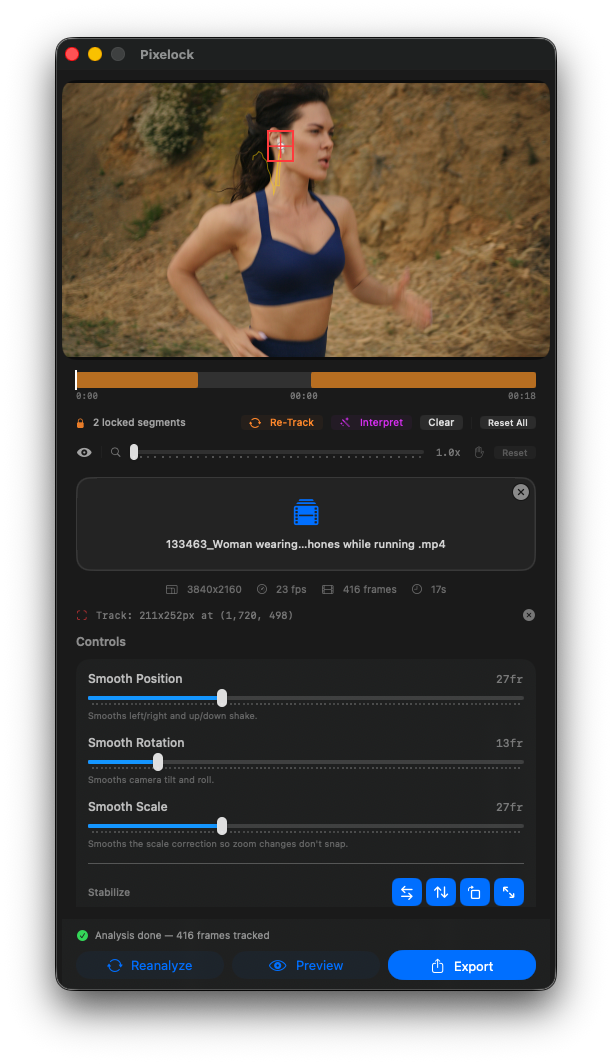
Lock what works. Fix what doesn't.
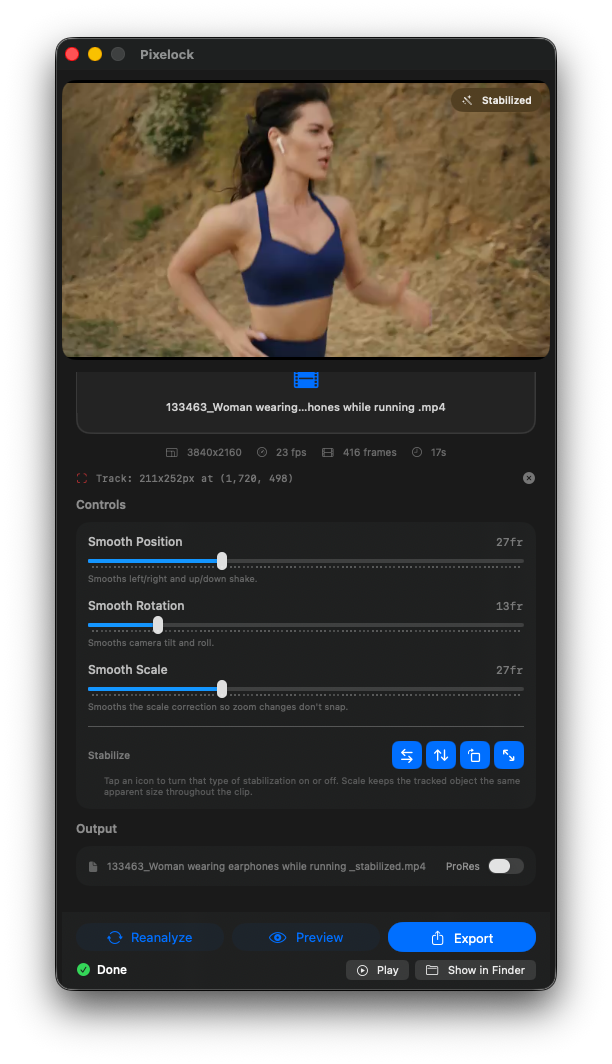
Preview before you commit.
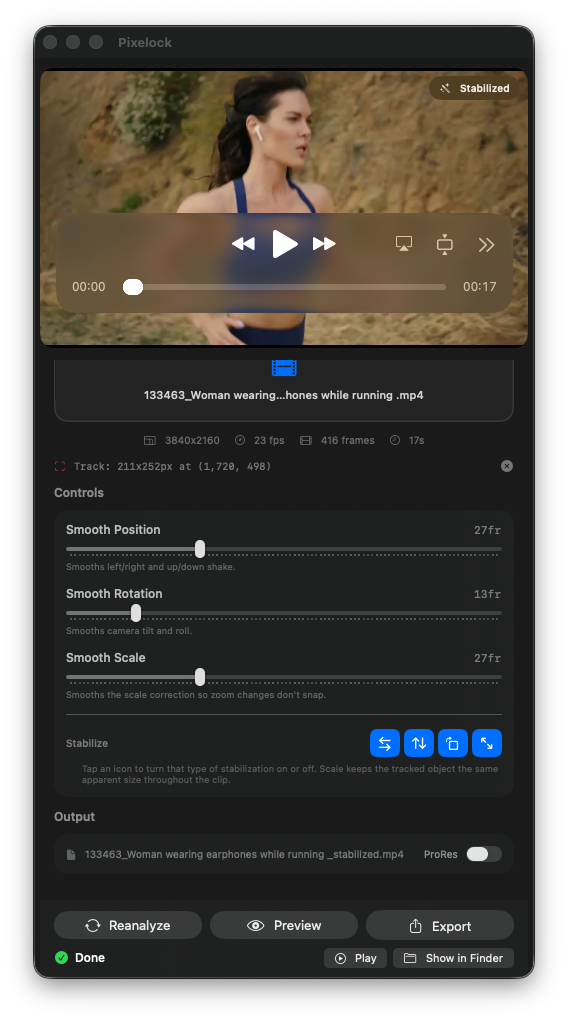
Export in ProRes or H.264.
Every other stabilizer tries to steady the camera. Pixelock doesn't care about the camera — it cares about your subject. Draw a box around a face, a product, a logo, or anything that matters. Pixelock locks onto it and keeps it pinned to the same position in every single frame. The camera can shake, drift, breathe, and bounce. Your subject doesn't move a pixel.
Traditional stabilizers analyze the whole frame and try to steady everything. Pixelock uses Apple's Vision Framework — the same AI used in Face ID and iPhone Cinematic Mode — to track a single object with sub-pixel precision. Gaussian trajectory smoothing then converts the raw correction data into a natural, organic-feeling camera path. Every correction — position, rotation, and scale — is fused into a single GPU pass using Metal and Core Image. One pass. Zero intermediate buffers. No quality loss.
Drop any video into Pixelock. Scrub to the frame where your subject looks best — that becomes your anchor. Draw a tight box around your subject. Hit Analyze. Pixelock's AI studies every frame and maps exactly where your subject is at each moment. You watch it track live. You do nothing else.
After analysis, dial in the smoothing controls — how locked, how smooth, whether to fix rotation and scale. Hit Preview for a full-quality playback before committing. Toggle between stabilized and original to compare. When it looks right, Export. H.264 for web, ProRes for a professional finishing workflow in Final Cut Pro, DaVinci Resolve, or Premiere.
| Platform | macOS Ventura 13.0 or later |
| Architecture | Universal Binary — Apple Silicon & Intel |
| AI Engine | Apple Vision Framework (VNTrackObjectRequest + VNGenerateOpticalFlowRequest) |
| GPU Rendering | Metal / Core Image — single-pass similarity transform |
| Processing | 100% on-device — no cloud, no internet required |
| Input Formats | All macOS-compatible video formats (MP4, MOV, and more) |
| Output Formats | H.264 MP4, Apple ProRes 422 MOV |
| Output Resolution | Always matches source — no resolution loss |
| Audio | Preserved from source, frame-accurate sync |
| Privacy | Zero data collection. Zero telemetry. Your footage never leaves your Mac. |
| License | Single User — Up to 3 Machines |
| Updates | Free for Life |
Purchase and install in minutes. No waiting.
Your footage never leaves your Mac. No cloud upload. No subscription. No privacy risk.
Every update is free, forever. Buy once. Keep it forever.
Apple Vision AI tracking. Lock Scale. Mirror fill. Independent 3-axis smoothing. ProRes export. Everything you need to make any subject stay perfectly still — in four clicks.