Professional Beat Repeat Effects
AI Repeater
The stutter. The echo-out. The drop.
The stutter. The echo-out. The drop.
Watch the Video
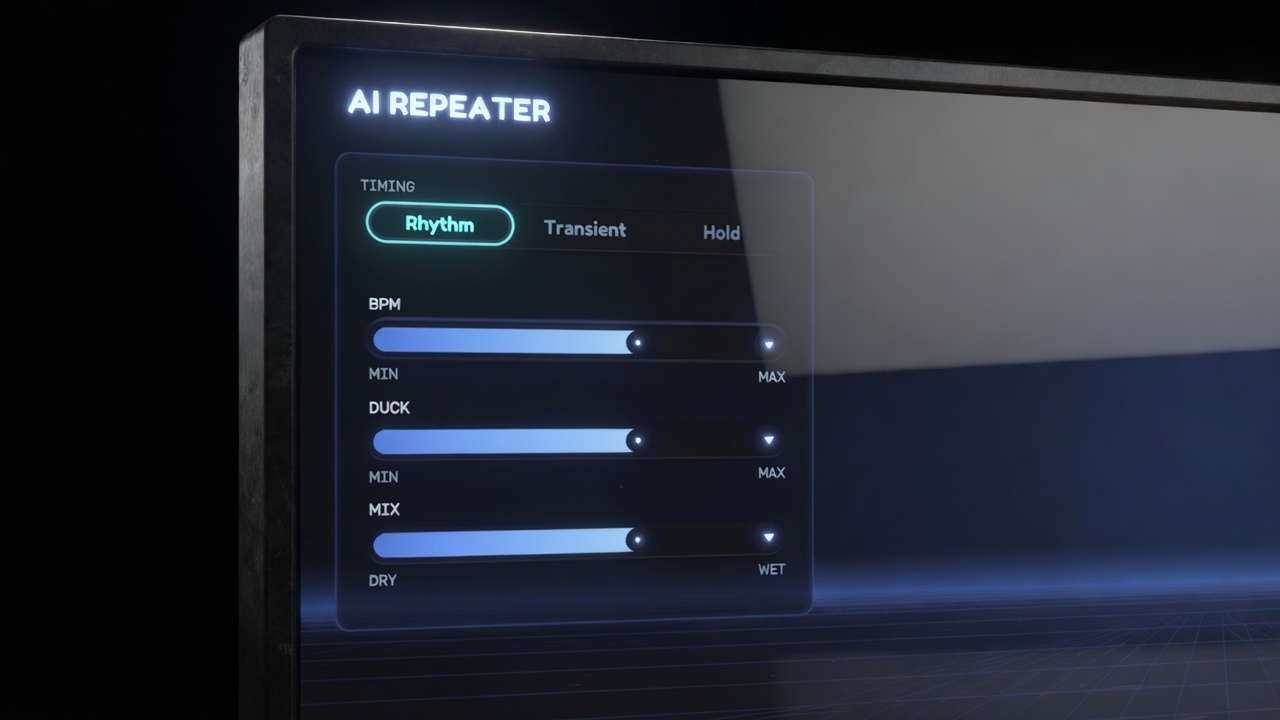
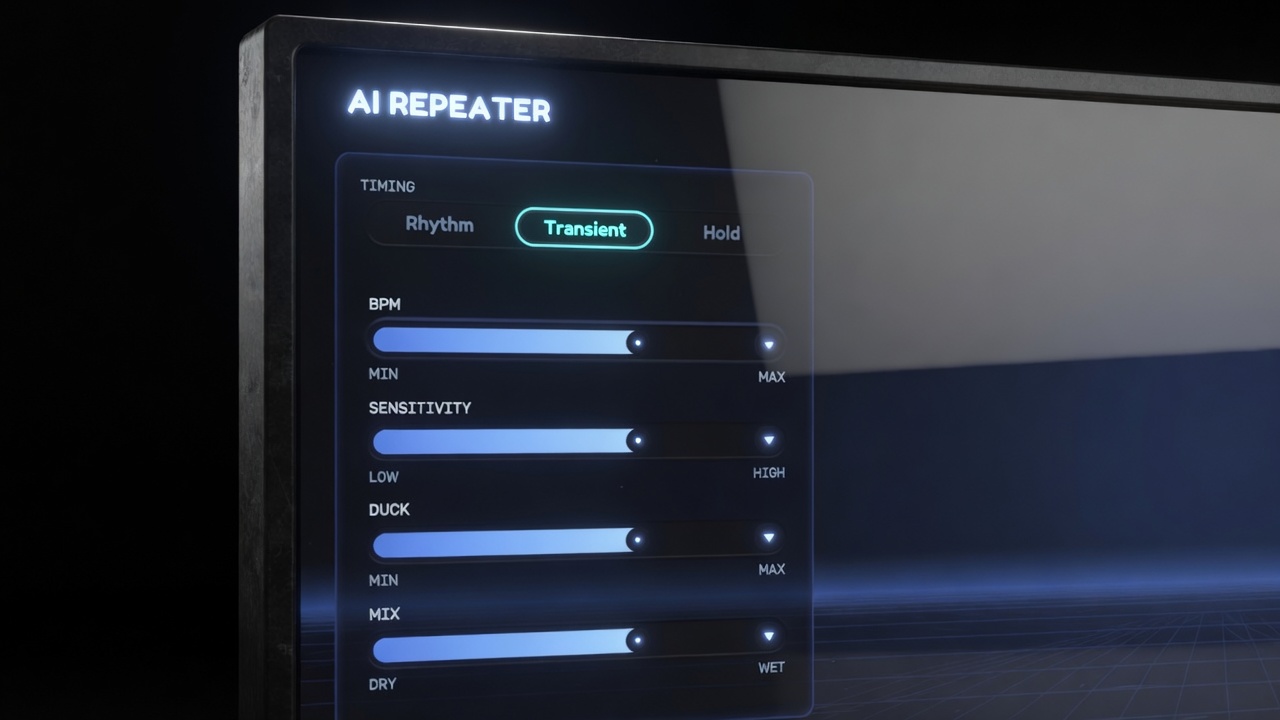
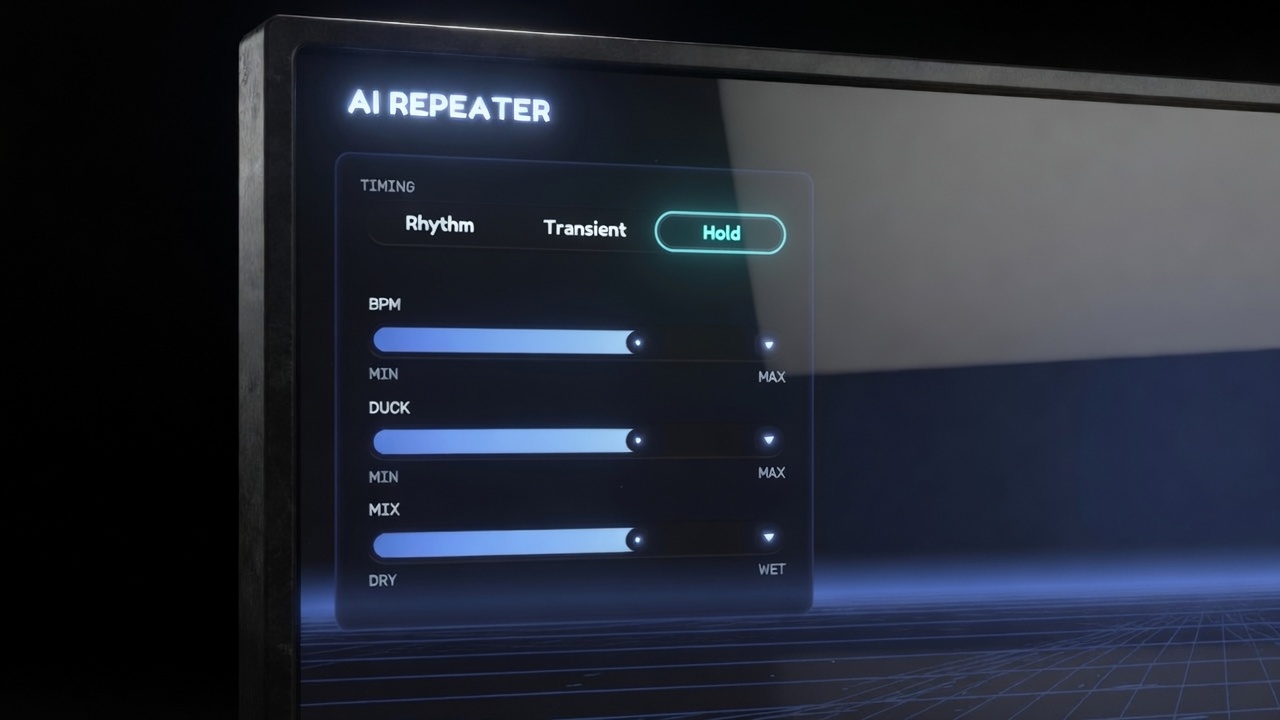
AI Repeater grabs a beat, a word, a moment — and repeats it with machine precision. Echo a phrase into the drop. Chop a build into a machine-gun stutter. Freeze a syllable in mid-air. The signature sound of modern edits, music videos, and social cuts — built right into your timeline. No round-trips to a DAW. No faking it with blade cuts. Drop it on a clip and it starts performing.
Engage The master arm and amount, 0–100%. At 0 nothing fires; in-between values scale the effect's intensity. This is the knob to keyframe in FCP's inspector for placed, ramped, frame-accurate stutters (essential in HOLD mode).
Repeats How many times the slice repeats per cycle (2–16). Hidden in HOLD mode, where loops run until released.
Gap Silence between repeats. 0 = seamless, back-to-back; higher = each repeat is chopped shorter inside its rhythmic slot — the hard, gated stutter.
Decay Each repeat quieter than the last. 0 = mechanical equal repeats; high = the echo dies away.
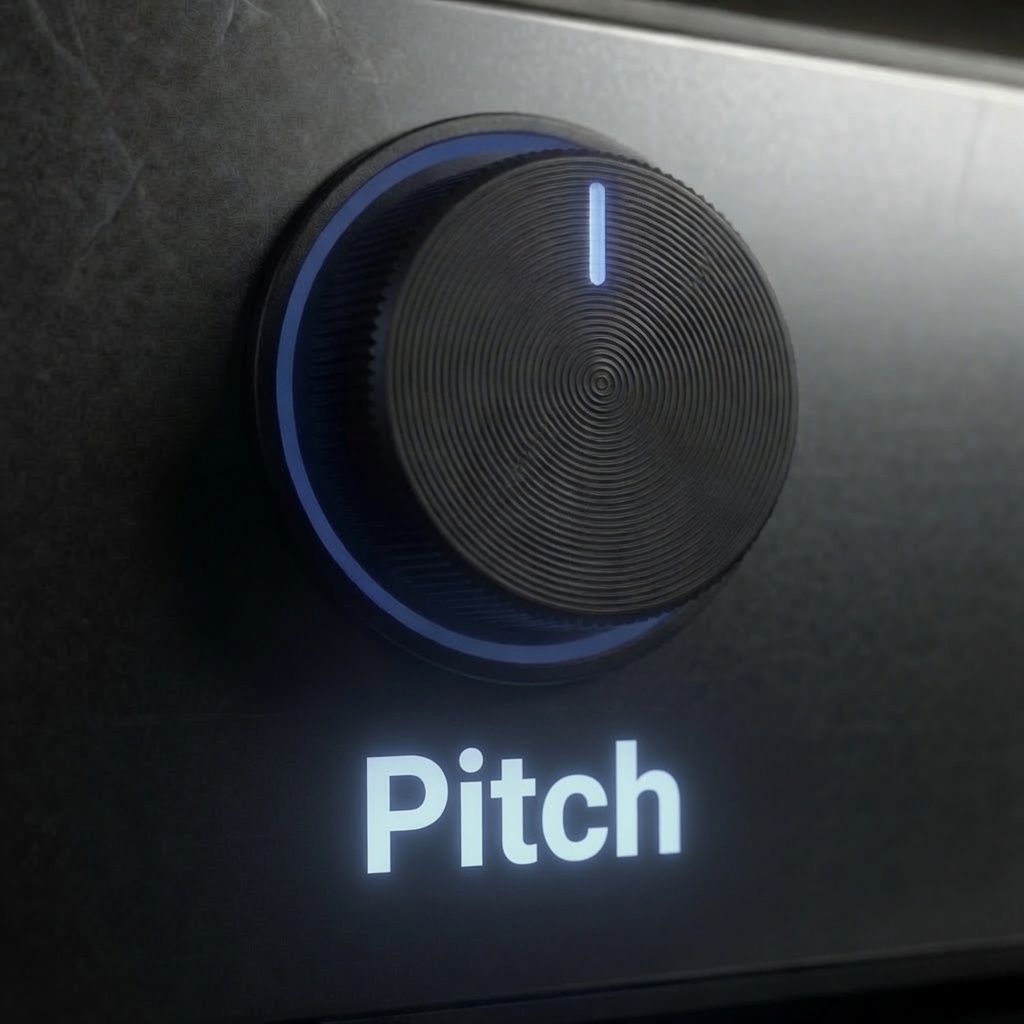
Pitch Repeats ramp up to ±12 semitones across the tail. Up = tightening riser; down = power-down. Timing never changes — slots stay locked to the grid.
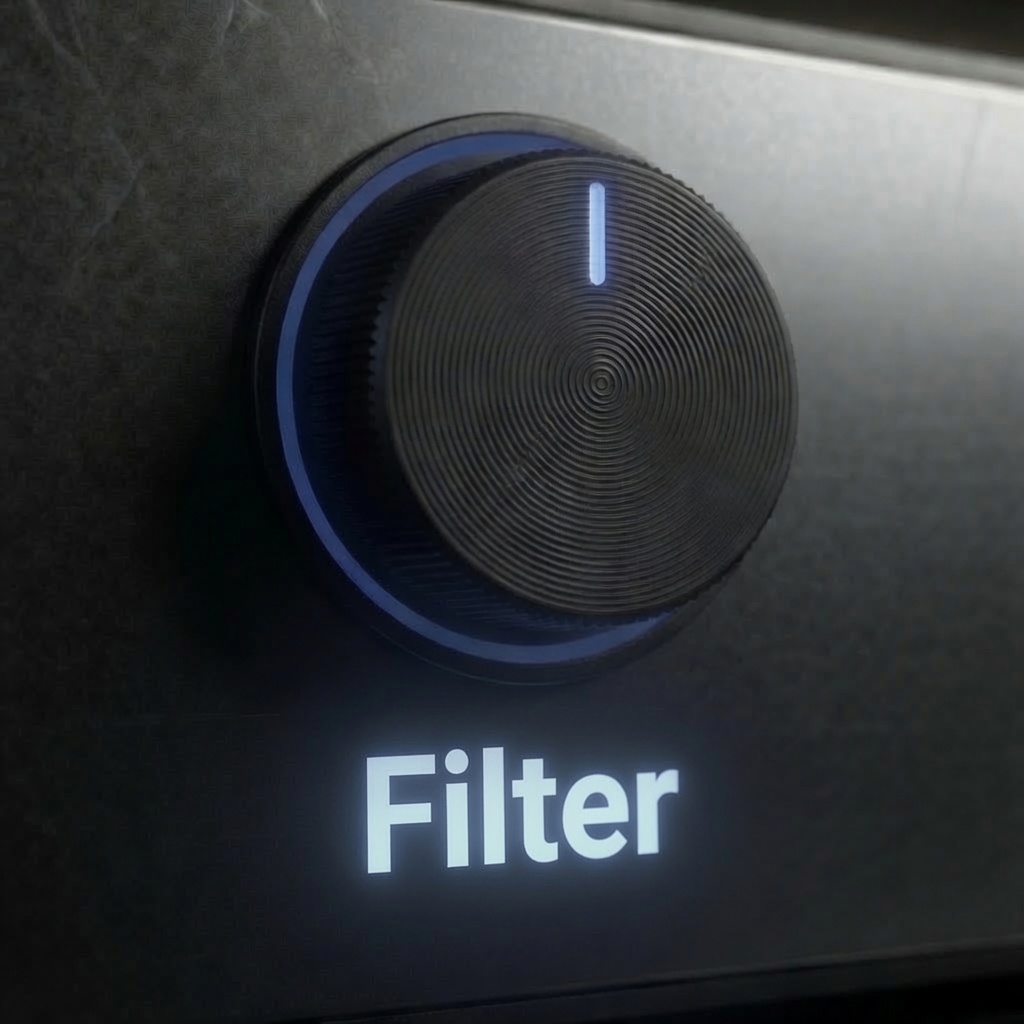
Filter Tone motion across the repeats. Left: each repeat darker (low-pass closing — sinks away). Right: each repeat thinner (high-pass rising — lifts off). Center = off.
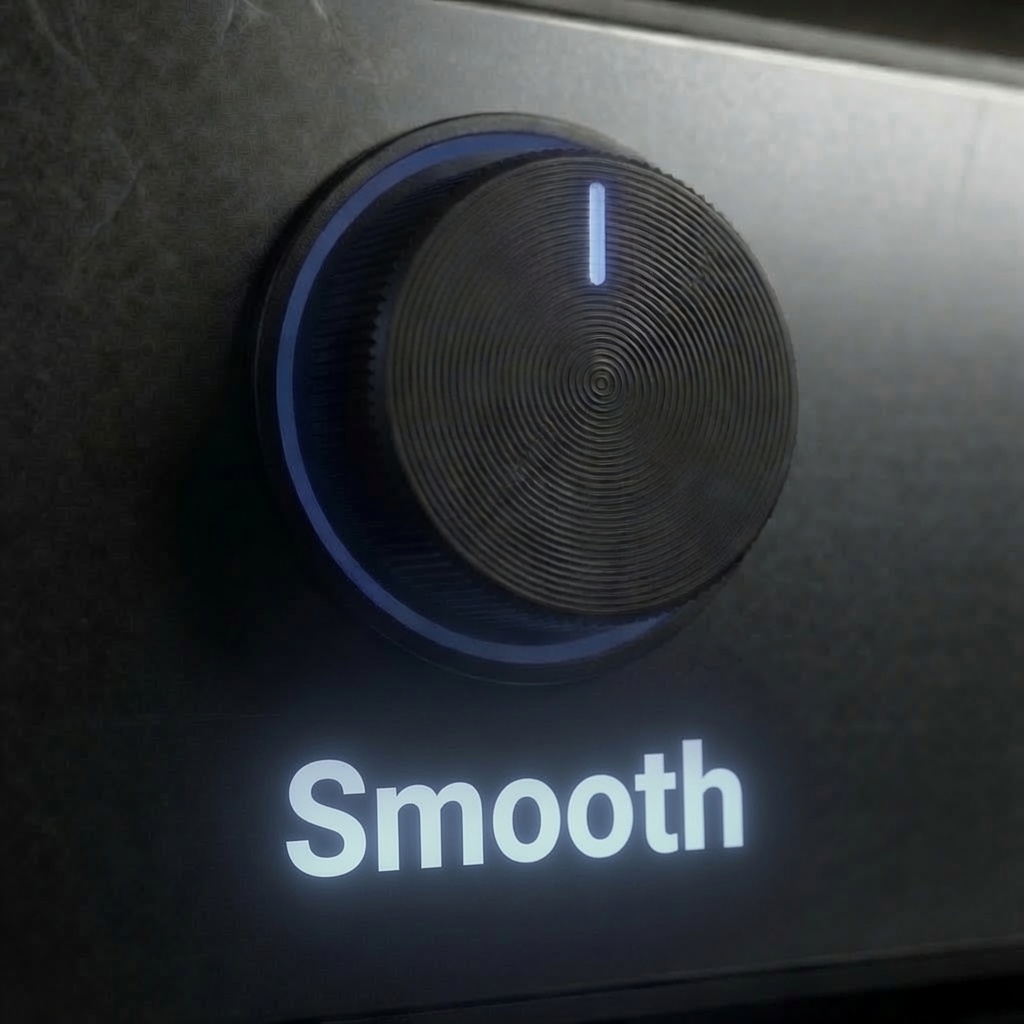
Smooth Crossfade at the slice edges. Low = hard glitchy chops; high = soft blended loops. Raise it if you ever hear a tick.
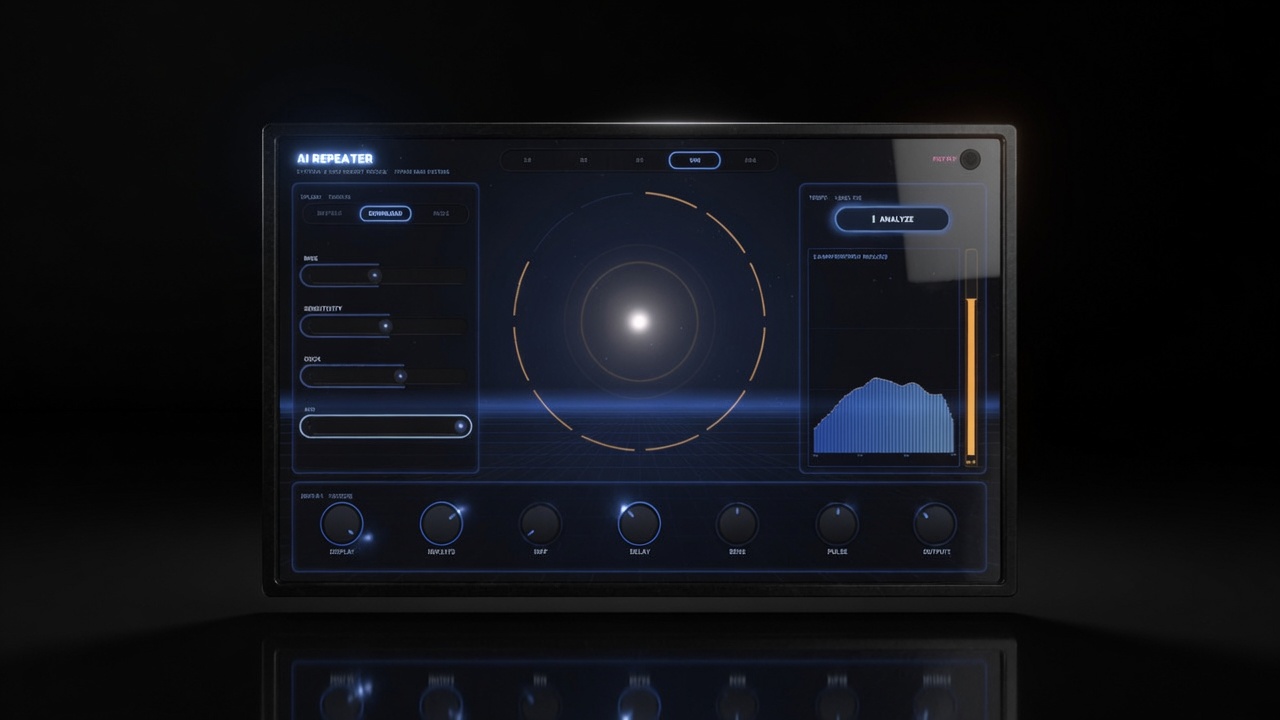
Final Cut Pro doesn't tell plugins the tempo. So AI Repeater doesn't ask. Press ANALYZE and it listens to your audio, detects the BPM, and locks every repeat to a true musical grid — 1/2 notes down to 1/32s. Watch the BPM fader glide itself to the answer. That's a first in Final Cut Pro. And it's one button.
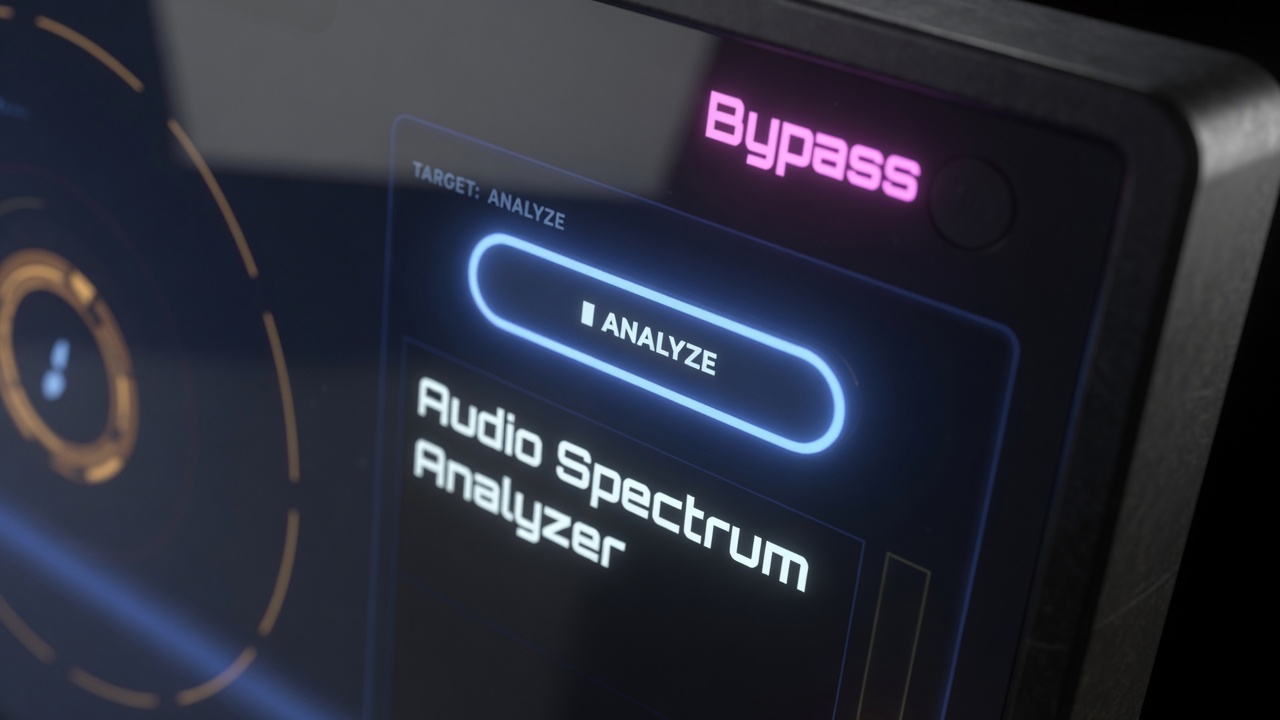
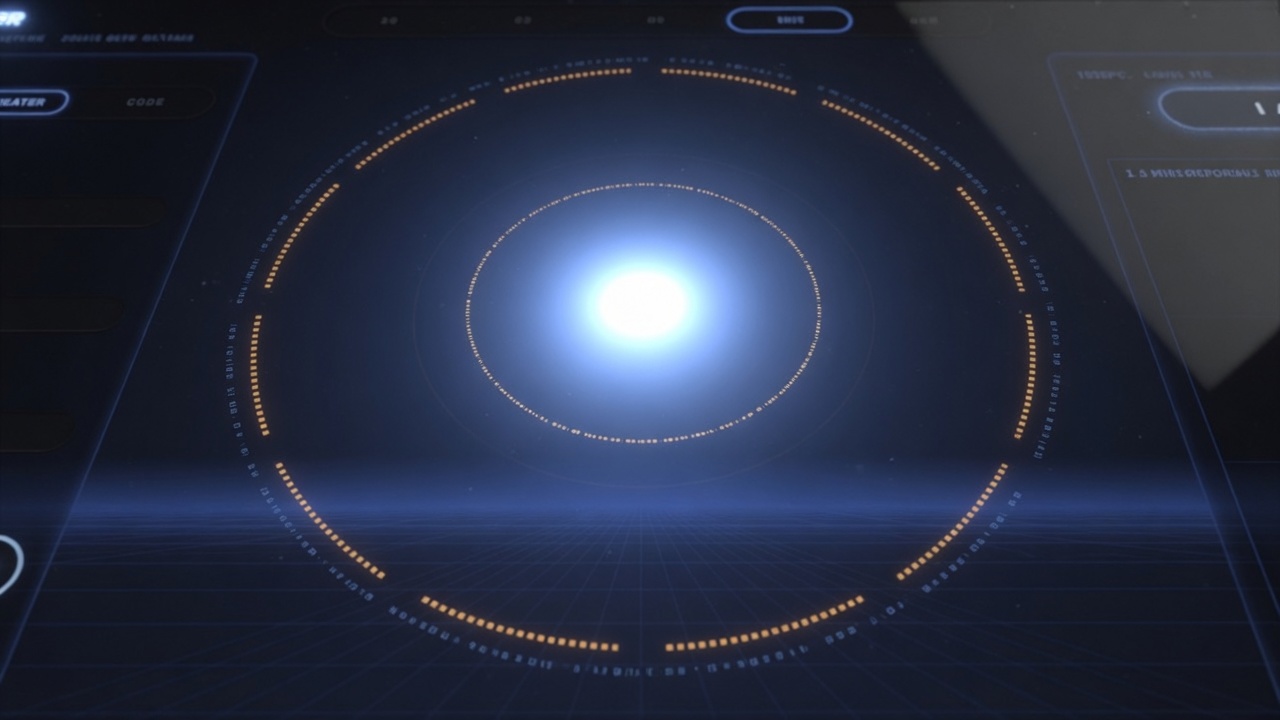
The glowing core pulses with your audio inside a segmented ring — one segment per repeat, lighting up orange as each one fires, with ripples on every hit. A sweep cursor rides the tempo clock, blue at rest, magenta when frozen in HOLD. Controls that aren't needed in your current mode slide themselves away. The interface doesn't just show the effect. It performs it with you.
| Compatibility | Final Cut Pro 10.8+ |
| macOS | macOS Ventura 13.0 or later |
| Chip Support | Apple Silicon & Intel |
| Output Formats | HD, 4K, 5K, Vertical |
| License | Single User, 3 Machines |
| Updates | Free for Life |