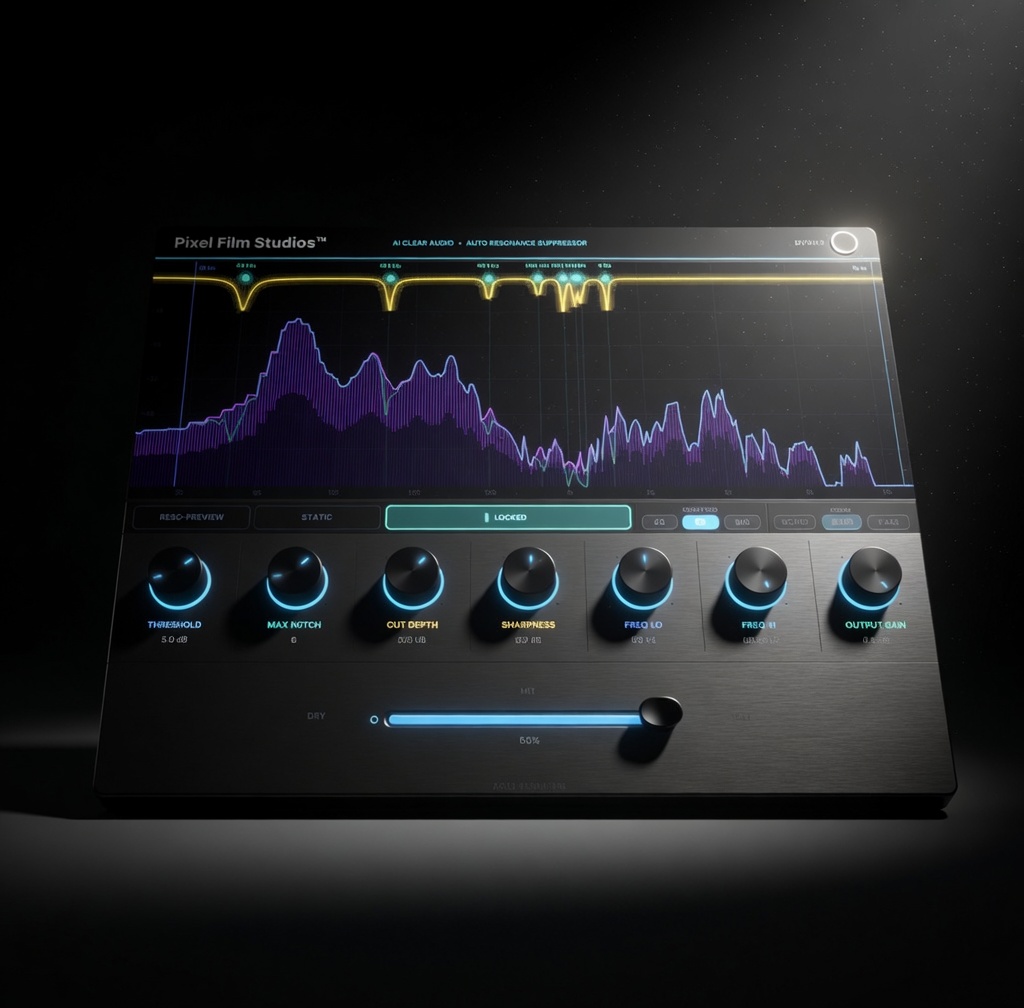
Intelligent Resonance Removal Tool
AI Clear Audio
Clean audio starts here.
Clean audio starts here.
Watch the Video
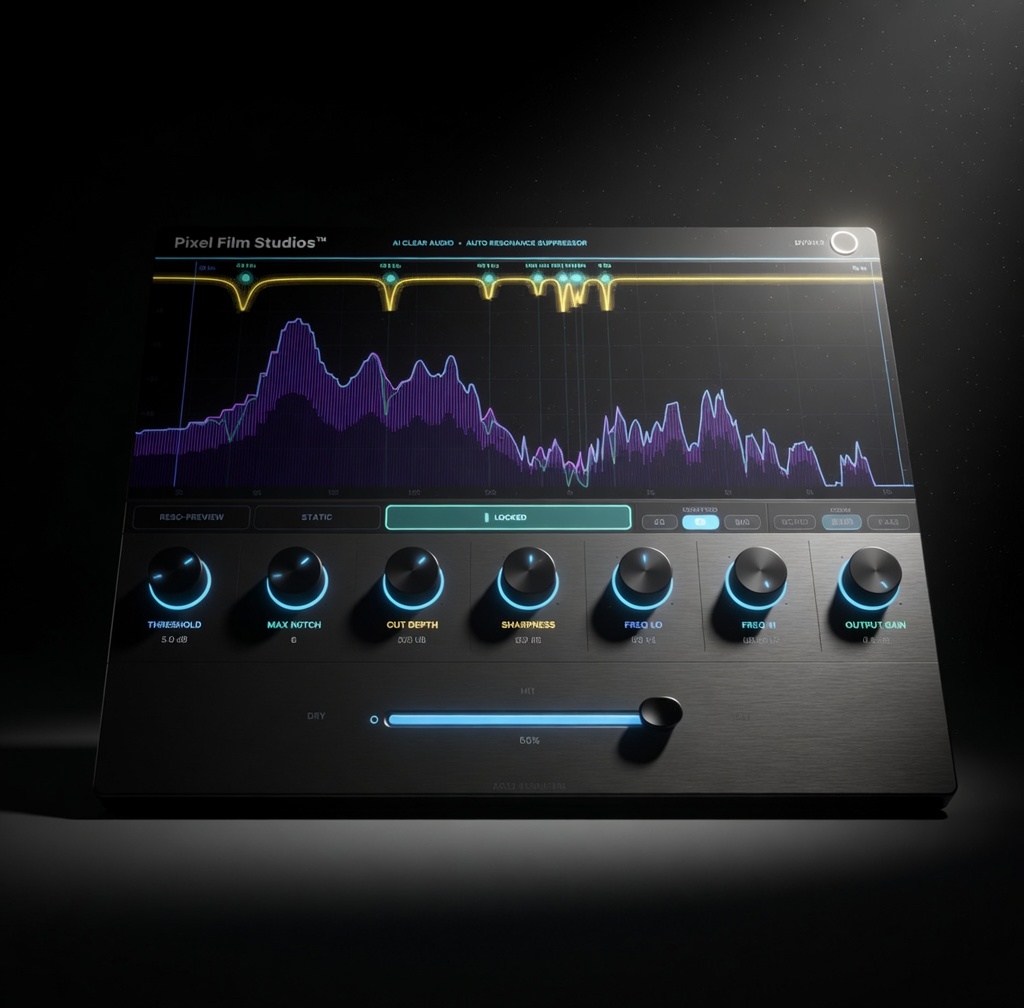
Clean up harsh ringing tones, metallic resonance, and unwanted frequency buildup in seconds. AI Clear Audio continuously analyzes your audio in real time to identify resonances that stand out from the surrounding spectrum, then applies transparent notch filtering to reduce them automatically.
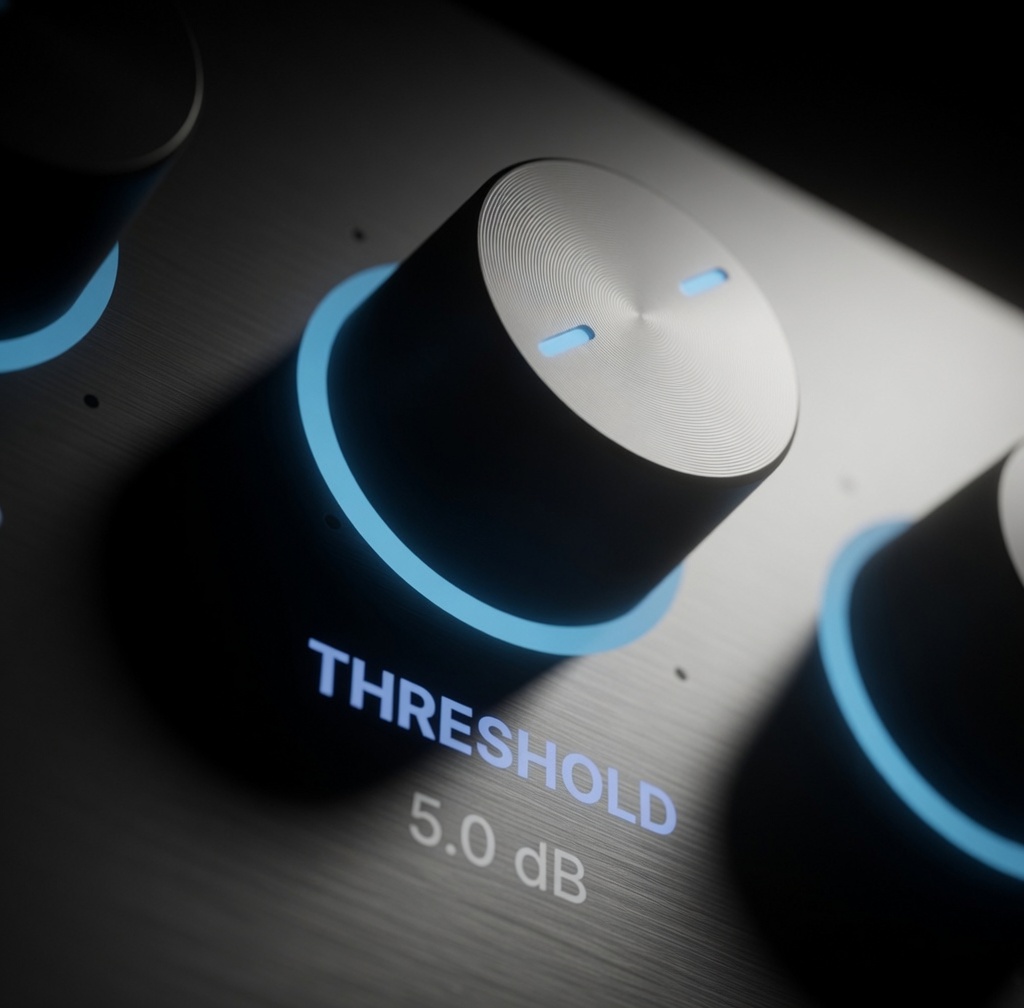
Threshold Control how sensitive AI Clear Audio is to harsh resonances and ringing frequencies.
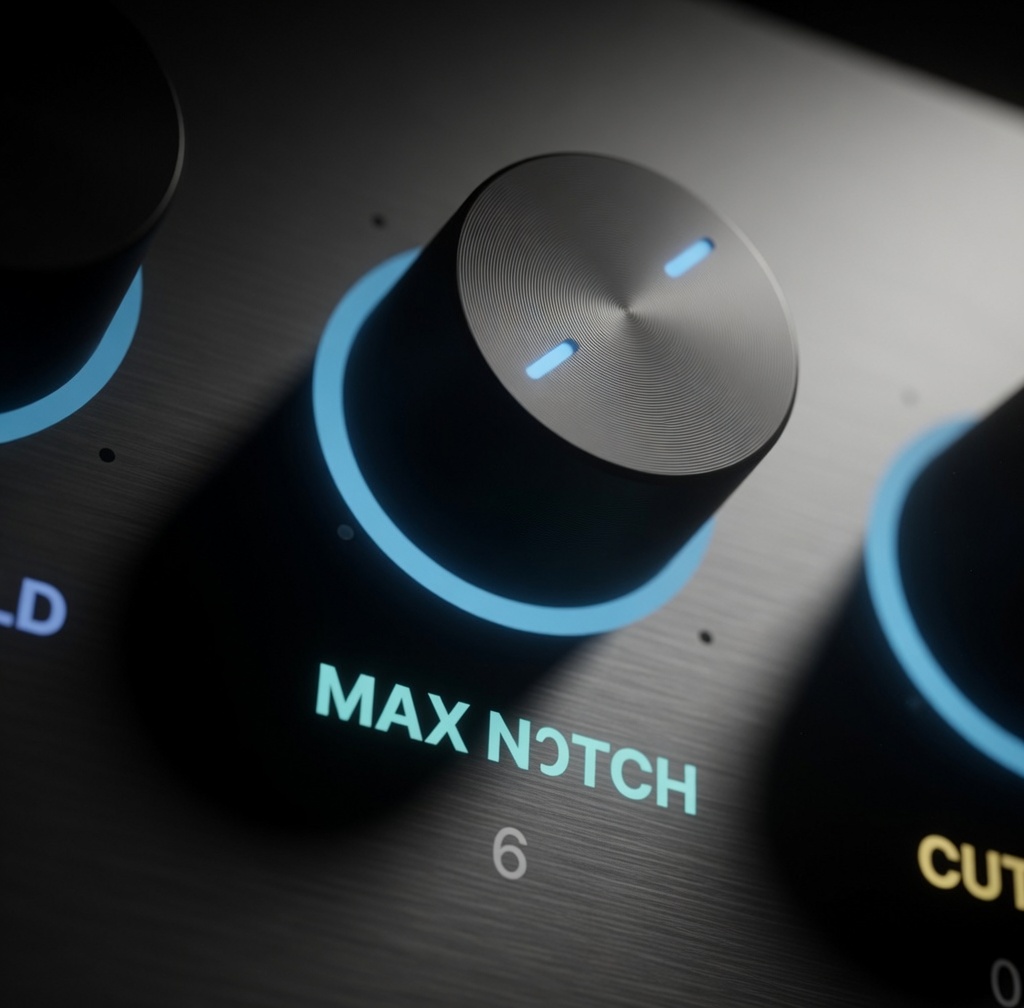
Max Notch Set how many resonances can be treated simultaneously during playback.
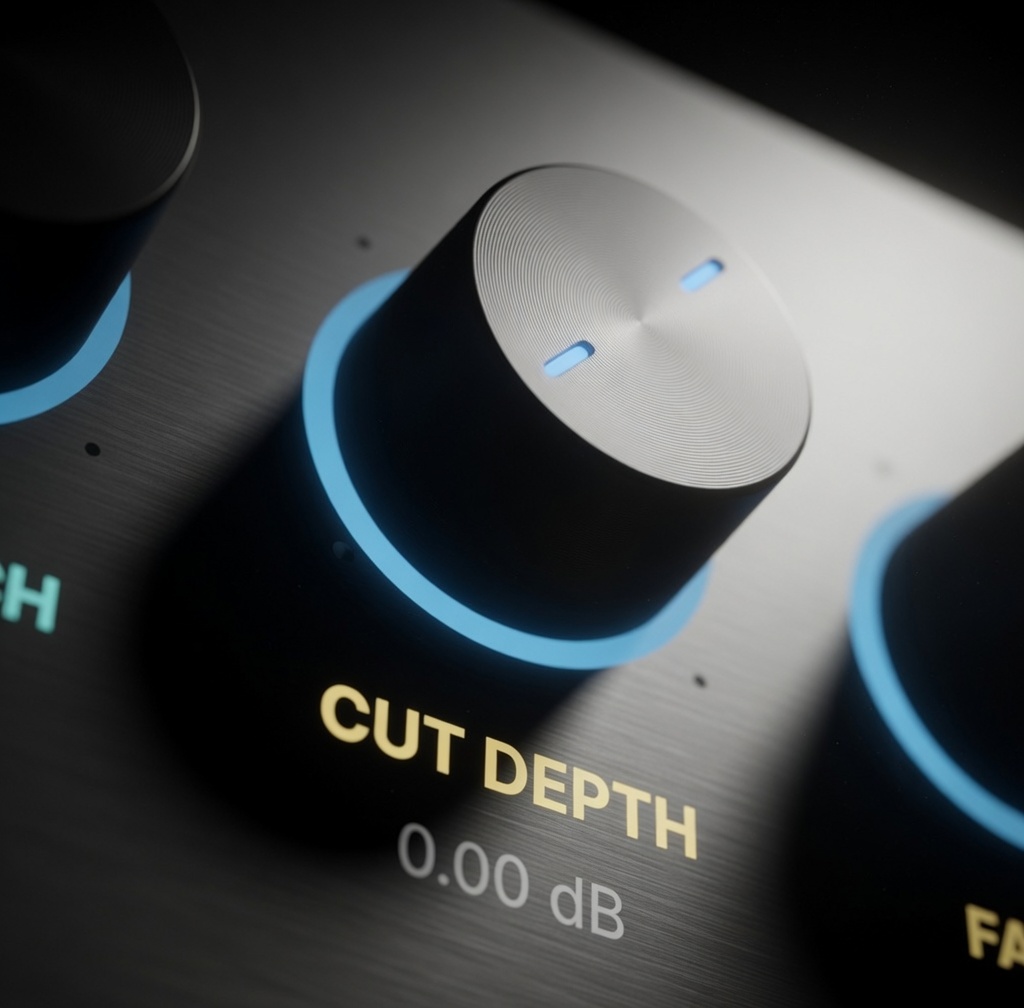
Cut Depth Adjust how strongly each resonance is reduced in the final signal.
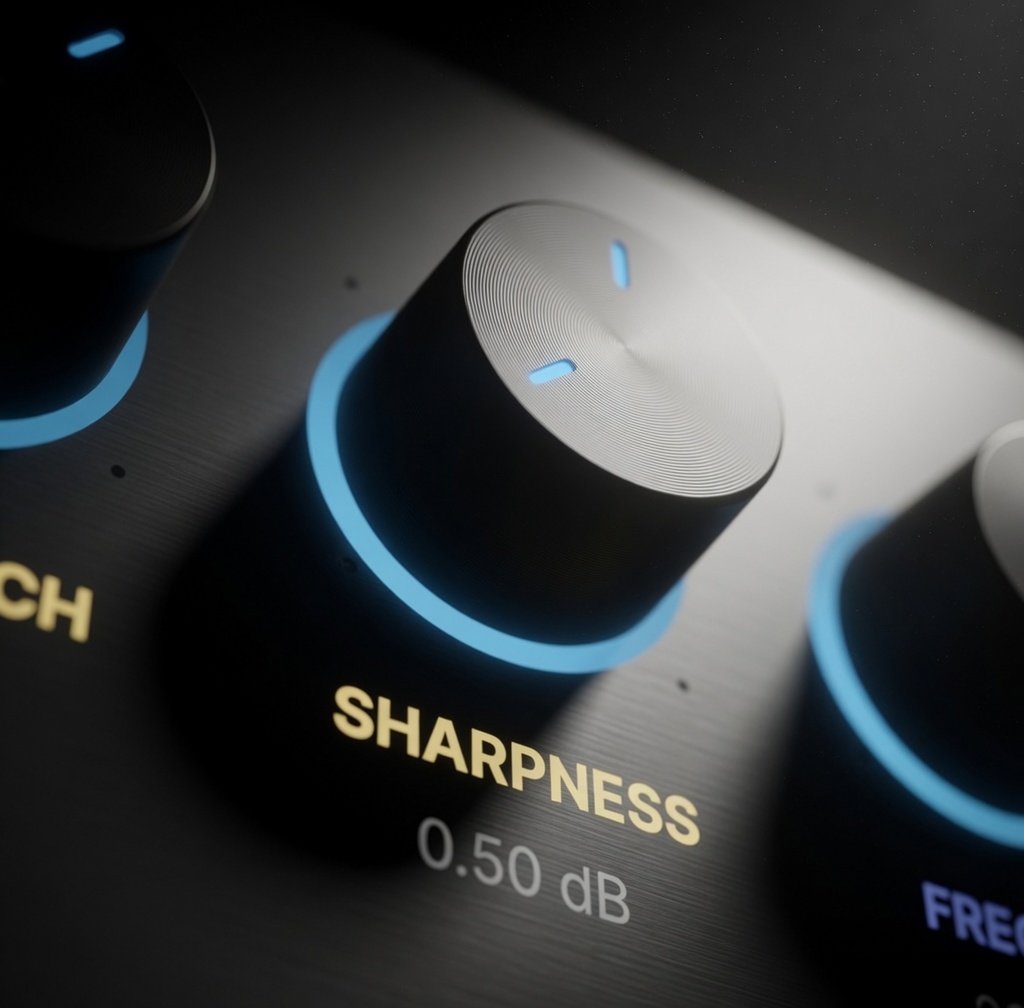
Sharpness Tighten or widen the notch filters for precise or broader correction.
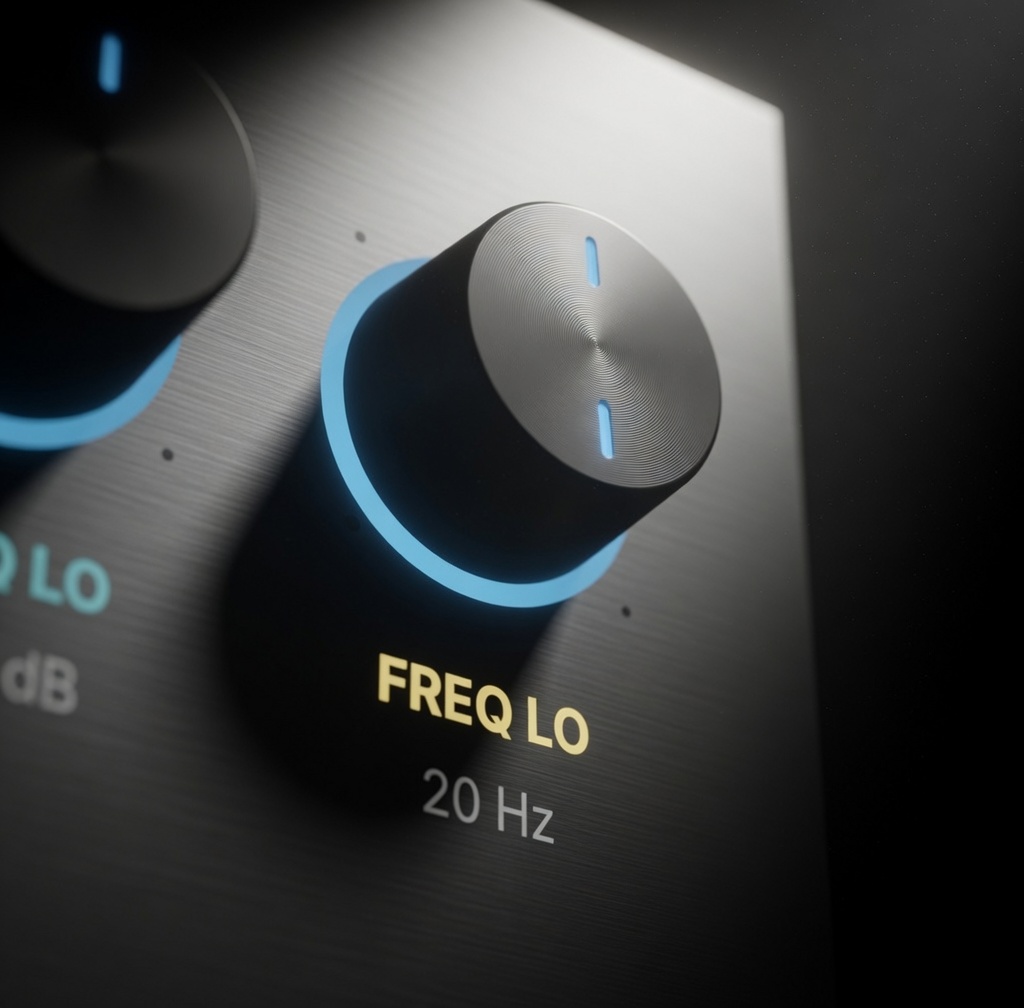
Frequencies Limit the detection range to focus on specific areas of the audio spectrum.
Switch between live adaptive suppression or locked resonance correction depending on your workflow. Use Dynamic Mode to track resonances as they appear, or use Static Mode to analyze and permanently lock consistent problem frequencies for narration, interviews, dialogue, and voice recordings.
| Compatibility | Final Cut Pro 10.8+ |
| macOS | macOS Ventura 13.0 or later |
| Chip Support | Apple Silicon & Intel |
| Output Formats | HD, 4K, 5K, Vertical |
| License | Single User, 3 Machines |
| Updates | Free for Life |