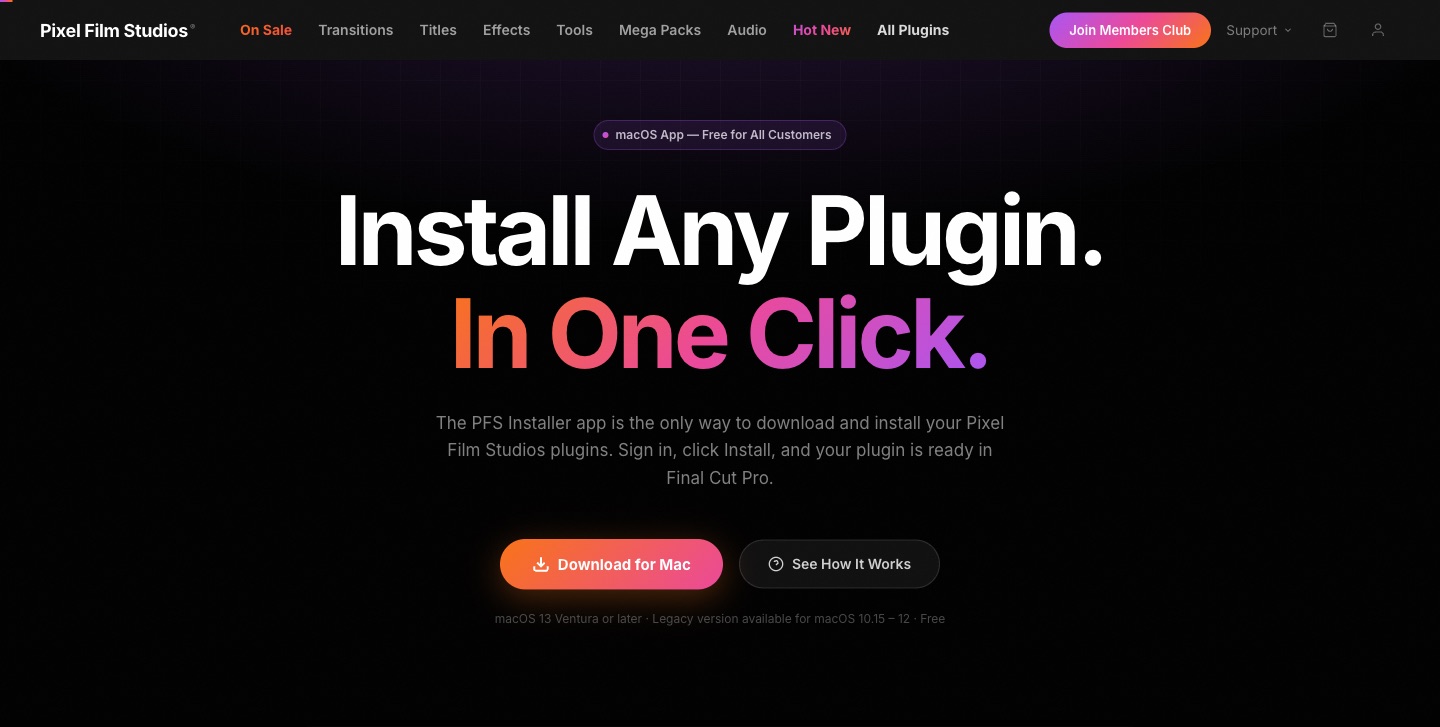
Pixel Film Studios today introduces the PFS Installer — a free native Mac application that connects directly to a customer's account, displays every plugin they own, and installs them into Final Cut Pro with a single click. For editors who have spent years managing plugin files by hand, it changes everything.
The problem the PFS Installer solves is one every longtime Pixel Film Studios customer knows well. Buy a plugin, download a zip file, locate the correct Motion Templates folder, drag the files in, relaunch Final Cut Pro, hope it shows up. Repeat for every plugin, every update, every new Mac. It worked — but it was friction that shouldn't exist between a creative professional and the tools they've already paid for.
Your Entire Library. Right There.
Open the PFS Installer, sign in with the same email and password used on pixelfilmstudios.com, and every plugin ever purchased appears immediately. The complete purchase history — across every year, every product, every transaction — loads automatically. No order numbers to look up. No emails to search for download links. Just the library, organized and ready.
Each plugin displays its name, category, and current installation status. Plugins not yet installed show an Install button. Already installed plugins show a green Installed indicator. Plugins with an available update show an Update button. The entire library state is visible at a glance, filtered by category — Effects, Titles, Generators, Transitions — or searched by name.
One Click. Final Cut Pro Ready.
Clicking Install on any plugin triggers the complete installation silently and automatically. The PFS Installer downloads the plugin files, places them in the correct Final Cut Pro plugin directory or Motion Templates folder, creates any necessary PFS folder structure, and confirms completion — all without the user seeing a single file path or folder window.
For Final Cut Pro plugin templates specifically, the installer handles the full PFS folder organization structure that keeps the Effects Browser clean and organized. For FxPlug effects, it writes directly to the correct system location Final Cut Pro reads on launch. Every plugin type is handled correctly, without any configuration from the user.
"The old process — zip files, folder paths, relaunching Final Cut Pro hoping things showed up — was acceptable when you had two or three plugins. When you have forty, it became a real obstacle. The installer eliminates every step between buying a plugin and using it. Download the app, sign in, click Install. Done."
— Dave Austin, Founder & CEO, Pixel Film Studios
Sign In Once. Stay Signed In.
The PFS Installer uses the same account credentials as pixelfilmstudios.com — no new account, no separate password, no additional setup. Sign in once and the session stays active, so the library is available immediately every time the app opens. For editors who switch between projects frequently, this means the tool is always ready without an authentication step getting in the way.
Device Management Built In
Pixel Film Studios accounts support up to three authorized Macs simultaneously — a studio machine, a laptop, a home edit suite. The PFS Installer includes a Devices section that shows every authorized Mac by name, making it straightforward to deauthorize an old machine and activate a new one without contacting support. For small studios and teams, this brings a level of license management clarity that the manual download process never provided.
Universal Binary — Apple Silicon and Intel
The PFS Installer is a universal binary, compiled natively for both Apple Silicon (M1, M2, M3, M4 and beyond) and Intel. It runs at full native performance on any Mac, with no Rosetta translation layer required. On Apple Silicon specifically, the app launches near-instantly, library loading is immediate, and installation operations complete in seconds even for large plugin packages.
Minimum requirement is macOS 13 Ventura. A legacy version supporting macOS 10.15 Catalina through macOS 12 Monterey is also available for customers on older systems.
Free for Every Customer
The PFS Installer is free — included with any Pixel Film Studios purchase, past or present. Customers who bought their first plugin in 2013 can download it today and find their entire history waiting for them. There is no subscription, no upgrade fee, and no feature tier. Every customer gets the full application.
Availability
The PFS Installer is available today as a free download for all Pixel Film Studios customers at pixelfilmstudios.com/installer. Requires macOS 13 Ventura or later (legacy version available for macOS 10.15–12). Sign in with your existing Pixel Film Studios account — no new account required.
About Pixel Film Studios
Founded in 2011, Pixel Film Studios is the leading developer of professional visual effects, titles, transitions, and generators built exclusively for Apple Final Cut Pro and Motion. Over the past 14 years, the company has shipped more than 2,000 products and fulfilled millions of orders for video editors, content creators, broadcast designers, and post-production professionals in over 100 countries. Learn more at pixelfilmstudios.com.
Press Contact
Colin Bauer
Director of Communications, Pixel Film Studios
[email protected]