Today, Pixel Film Studios introduces PIXELSORT — a Final Cut Pro plugin that deconstructs footage pixel by pixel, sorting them by brightness, color, or edge into the signature aesthetic of contemporary glitch art, music video, and experimental cinema.
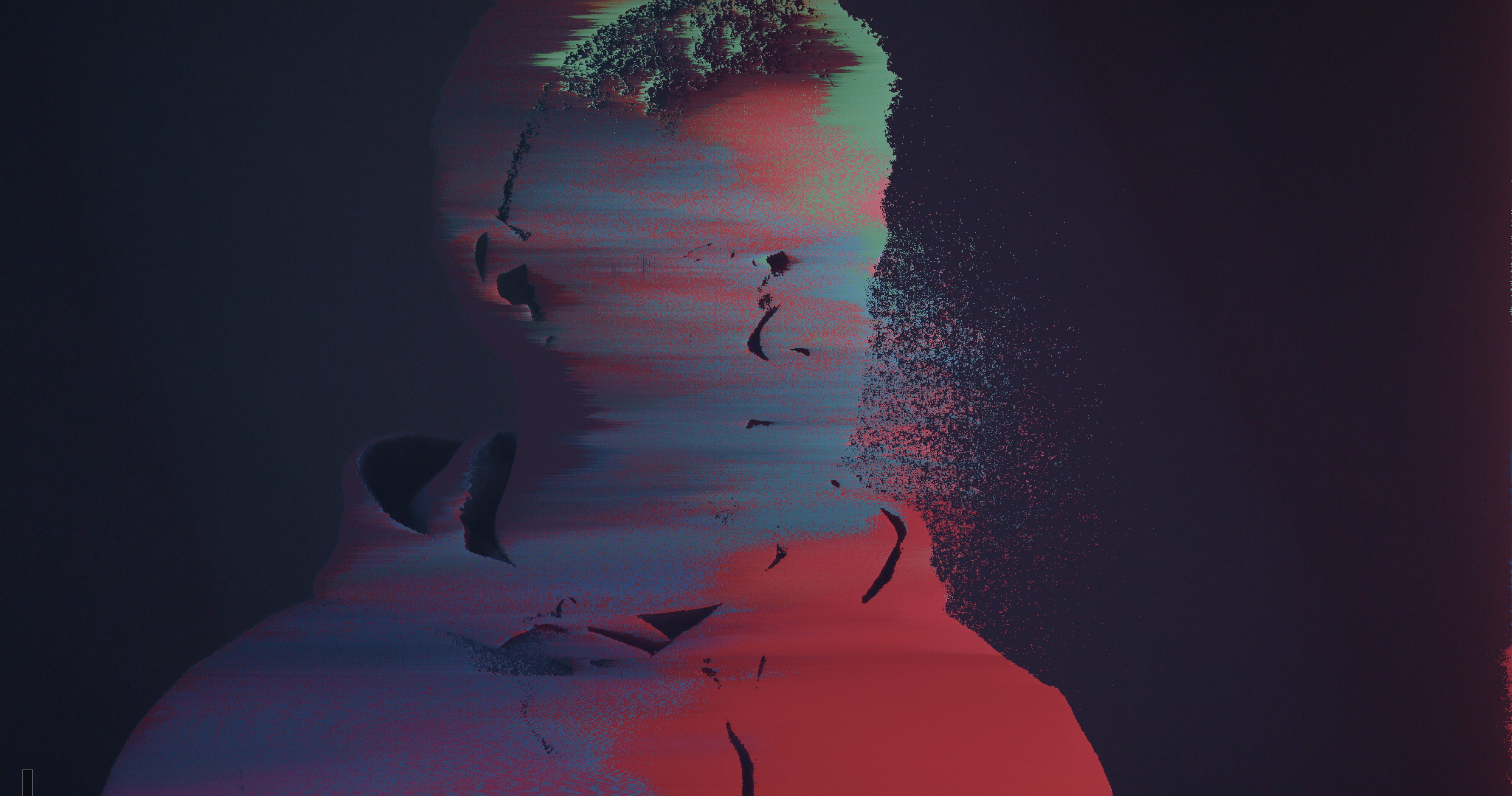
Pixel sorting has defined the visual language of a generation of high-end productions — those unmistakable streaks of color pulling horizontally across a face, the luminance-driven smears that make footage feel simultaneously digital and organic, the edge-traced distortions that became shorthand for corruption, memory, and the uncanny. Getting this effect into a Final Cut Pro timeline meant writing code, exporting frames, or working in a different application entirely. PIXELSORT removes every barrier between the idea and the timeline.

The Algorithm, Exposed
PIXELSORT puts the full sorting engine in the Inspector with five key parameters. Sorting Mode selects which pixel property drives the rearrangement — Brightness, Hue, Saturation, Red Channel, Green Channel, Blue Channel, Luminance, Edge Detection, and more across fifteen distinct modes. Direction runs the sort horizontally, vertically, diagonally, or radially outward from a custom center point in the frame.
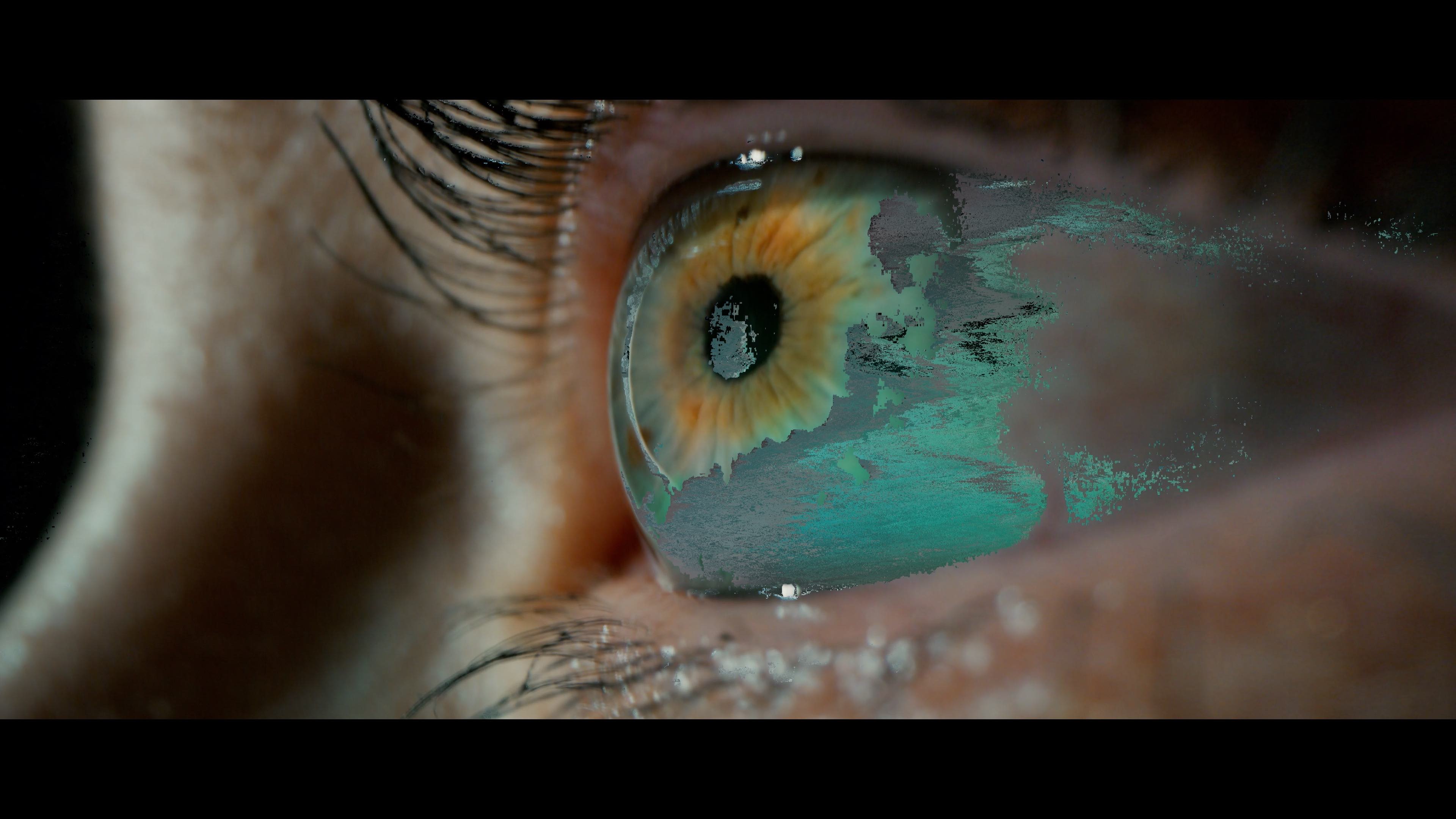
Threshold is where the creative work happens. It defines the boundary condition: only pixels within a specified brightness or color range get sorted, leaving everything else untouched. A low threshold targets only the brightest highlights, creating subtle streaks that shimmer at the edges of light sources. Push the threshold to the midpoint and sorting propagates across entire tonal regions of the image. Max the threshold out and the entire frame reorganizes — total dissolution into pure sorted data.
Fifteen Modes, Distinct Visual Signatures
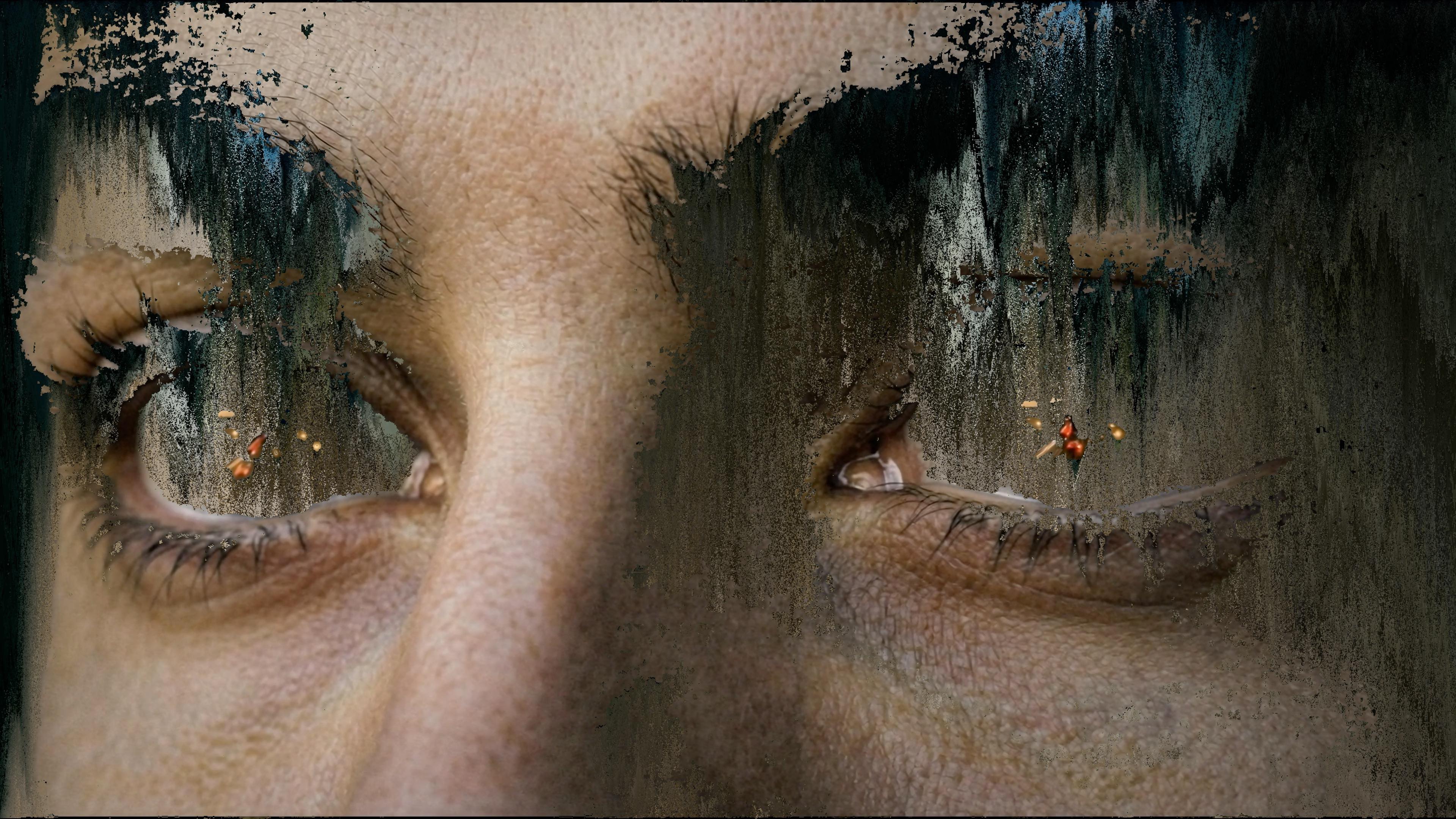
Each sorting algorithm in PIXELSORT creates a visually distinct result. Brightness sorting — the classic approach — produces elongated luminance streaks that pull highlights horizontally across the frame, the look most associated with early glitch art and contemporary music video. Saturation sorting targets the most chromatic pixels in the image, leaving desaturated areas intact and producing a selective distortion where only the most vivid colors smear outward.
Hue-based sorting reorders pixels by their position on the color wheel, often generating rainbow-banded artifacts that feel simultaneously mathematical and painterly. Edge Detection traces contrast boundaries in the image and sorts outward from those lines — faces, skylines, and architectural edges dissolve at their outlines while interiors remain stable. Each of the fifteen modes can be combined with any direction and threshold, producing a library of looks from a single effect.


A Living Effect
Every parameter in PIXELSORT is keyframable. Animate the sort amount from zero to one hundred over eight frames and footage erupts into digital streaks before snapping back to reality — a transition that would take hours of frame-by-frame processing elsewhere happens inside a standard FCP keyframe. Animate the threshold to make sorting creep across a face as emotion builds. Drive the direction to rotate the sort angle mid-shot for a spiraling disintegration. Ramp the sort amount to land on a beat, a cut, or a story moment.
Because PIXELSORT is a native Final Cut Pro effect, it stacks with every other tool in the timeline — color grades, blend modes, masks, and compound clips all compose naturally. Layer PIXELSORT with a color grade and the sort inherits the grade. Apply it inside a compound clip and the sorting respects every mask defined on the container.
"Pixel sorting is one of those effects that's been defining high-end work for years, but it was always inaccessible to Final Cut Pro editors unless they were comfortable writing code. We spent months making sure every sorting algorithm in PIXELSORT produces genuinely beautiful results — not just technically accurate pixel math, but visually intentional looks that editorial directors will recognize immediately as the real thing."
— Dave Austin, CEO, Pixel Film Studios
The Workflow
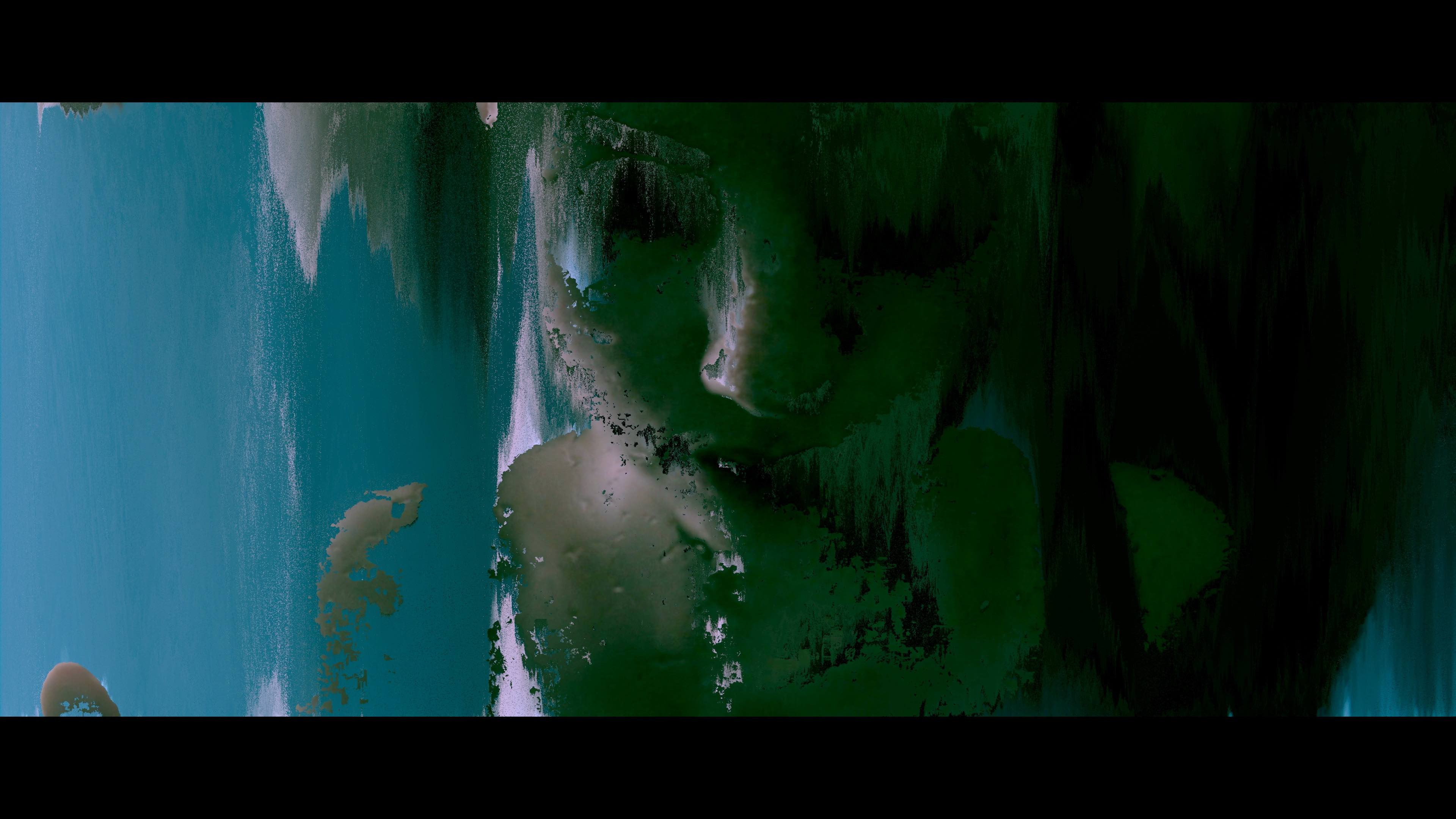
A complete PIXELSORT setup takes under two minutes. Open the Effects Browser in Final Cut Pro and find PIXELSORT under the Pixel Film Studios category. Drag it onto any clip in the timeline. Select a sorting mode from the dropdown — most editors start with Brightness for the classic look. Set the threshold to target the tonal range that should sort: low for highlights only, mid for broad coverage, high for near-total frame dissolution. Choose a direction. Preview in real time.
For transitions, keyframe sort amount from zero at the cut point to one hundred at the peak, then back to zero on the next edit. The result is a glitch transition that hits on a beat and resolves cleanly — timed exactly, looking exactly right, built entirely inside Final Cut Pro.

Availability
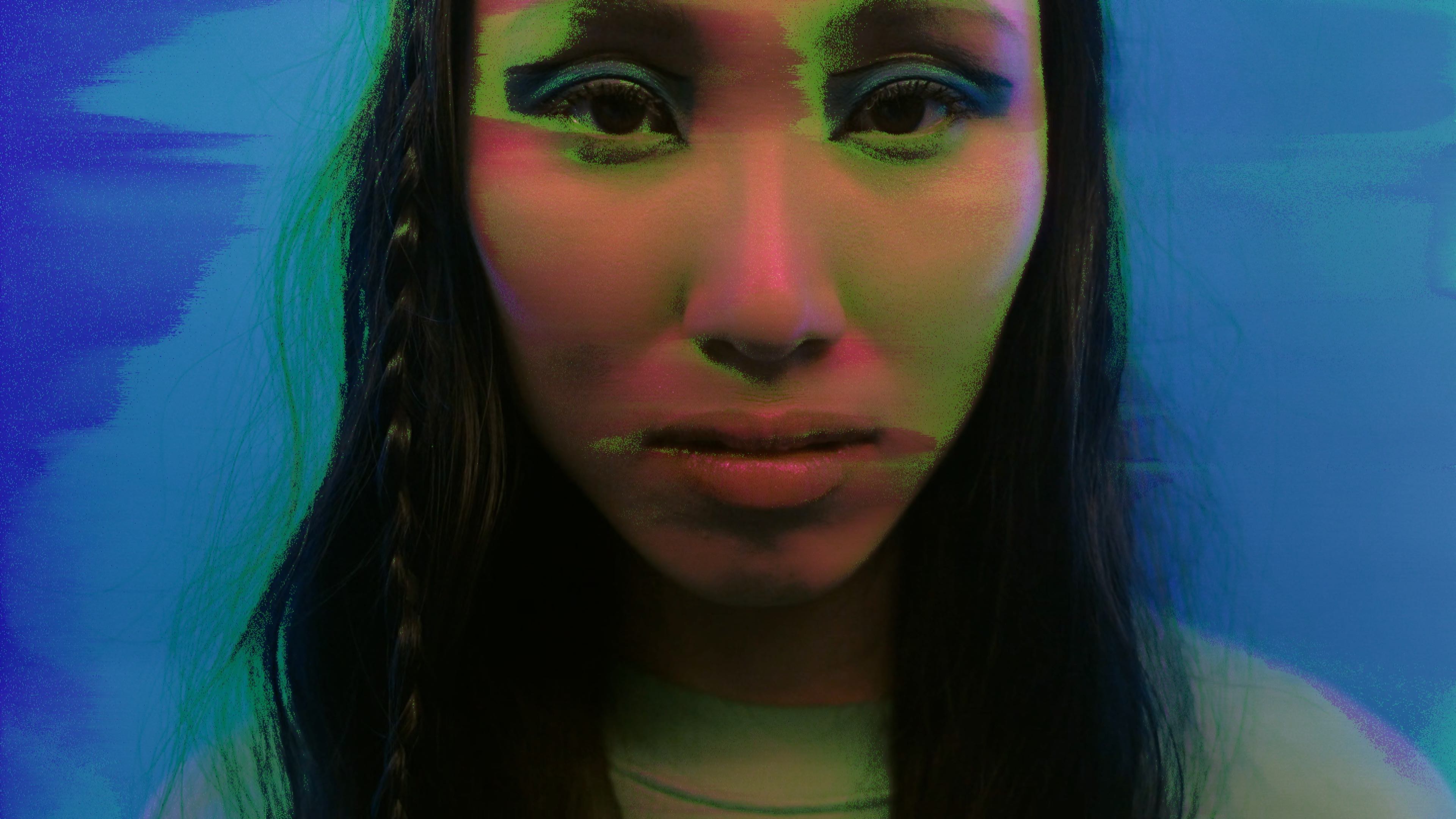
PIXELSORT for Final Cut Pro is available today at pixelfilmstudios.com for $29.95. A free trial is available. Requires Final Cut Pro 10.6.5 or later and macOS 13 Ventura or later.
About Pixel Film Studios
Founded in 2011, Pixel Film Studios is the leading developer of professional visual effects, titles, transitions, and generators built exclusively for Apple Final Cut Pro and Motion. Over the past 14 years, the company has shipped more than 2,000 products and fulfilled millions of orders for video editors, content creators, broadcast designers, and post-production professionals in over 100 countries. Learn more at pixelfilmstudios.com.
Press Contact
Colin Bauer
Director of Communications, Pixel Film Studios
[email protected]