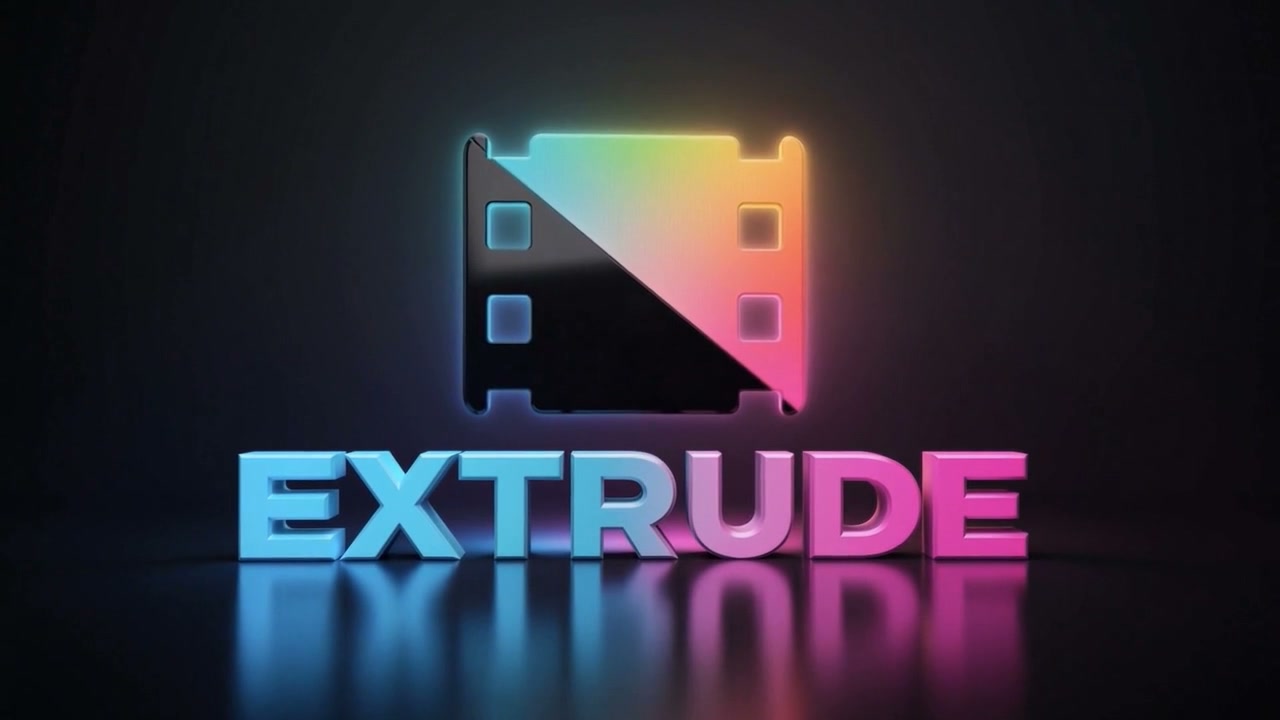
Pixel Film Studios today introduces Extrude — a professional 3D extrusion plugin for Final Cut Pro that turns any flat graphic, text, or logo into a fully-lit three-dimensional object, rendered in real time on the GPU via Metal. Depth, bevel profile, material finish, lighting angle, and virtual camera position are all controlled directly inside Final Cut Pro. No 3D software. No round-trip export. No render queue.
3D text and logo treatment has historically required leaving Final Cut Pro entirely — launching Motion, Cinema 4D, Blender, or After Effects, building the geometry, rendering it out, and importing the result back into the timeline. The workflow works, but the friction is real: any change to the text, color, or timing means going back to the 3D application, re-rendering, and re-importing. Extrude eliminates that loop by doing the geometry, lighting, and rendering natively inside Final Cut Pro, in real time, on the same GPU that is already rendering the rest of the timeline.
Any Flat Source. Full 3D Geometry.
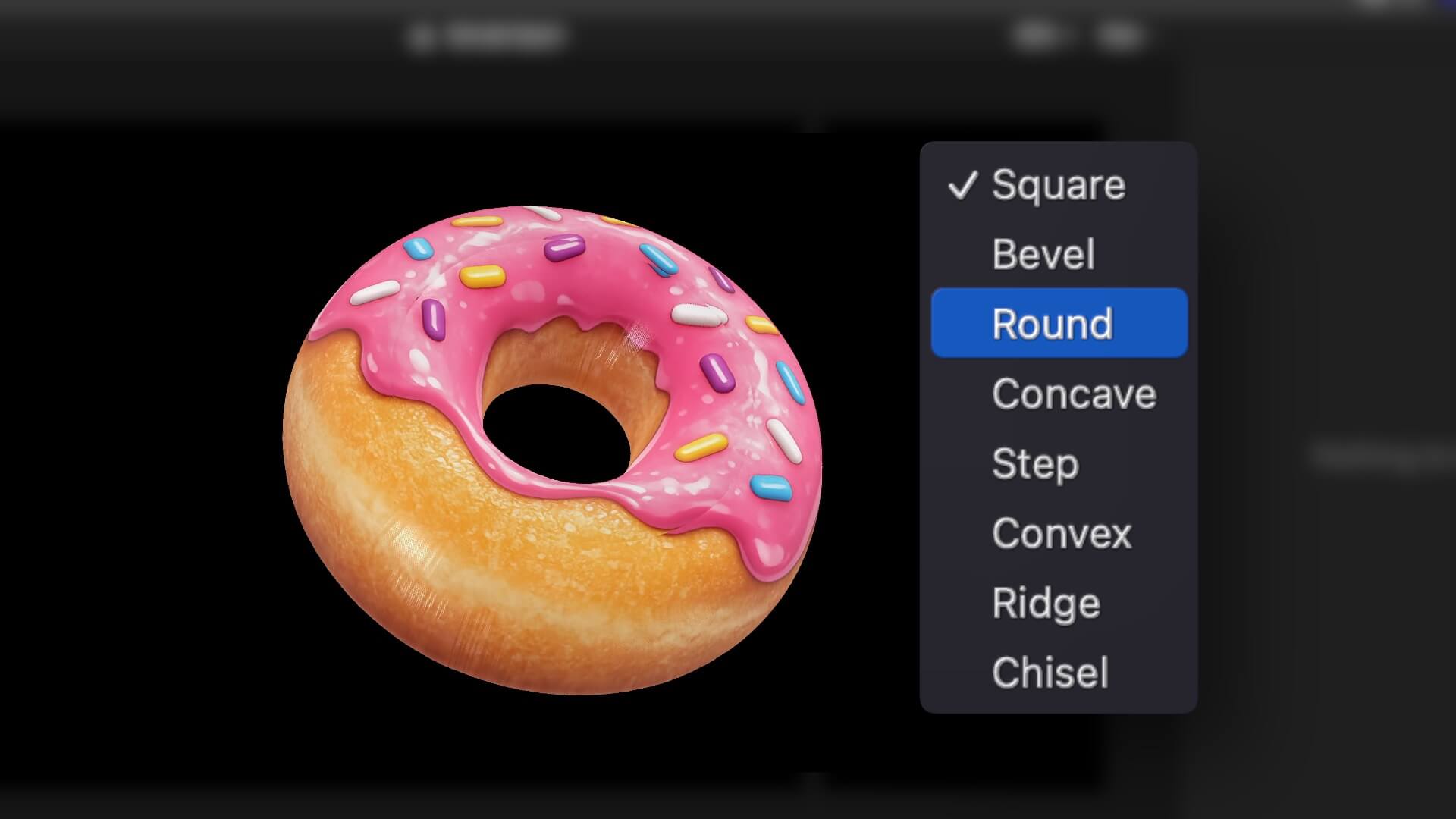
Extrude works on any content that Final Cut Pro treats as a layer with defined edges: text, graphics, shapes, and imported logos. Drop the source on the timeline, apply Extrude, and the plugin reads the edges of the content and generates 3D geometry from them — the front face, the extruded depth sides, the bevel, and the back face are all produced automatically.
The Depth control pushes the geometry forward into three-dimensional space, from a thin raised relief at low values to a deep, chunky extrusion at high values. The Bevel control rounds or chamfers the front edge where the face meets the depth, adding the kind of edge highlight that makes 3D objects read correctly under light. Bevel depth and angle are independently adjustable, giving results that range from razor-sharp to heavily softened.
Metal GPU Rendering — Real Time in the Timeline
Extrude is a FxPlug 4 effect that renders using Metal, Apple's GPU compute and graphics framework. The 3D geometry is constructed and lit on the GPU every frame — no pre-render step, no cached frames, no waiting for a progress bar. Scrub through the timeline and the 3D object updates at playback speed. Change the depth, the lighting angle, or the camera position and the result is visible immediately.
Performance scales with the GPU. On Apple Silicon Macs — M1, M2, M3, M4 and later — where Final Cut Pro and Metal are both running on the same chip with unified memory, Extrude renders at full resolution with no perceptible overhead on the timeline. The plugin supports HD, 4K, 5K, and vertical formats.
Lighting: Directional, Neon, and Ambient
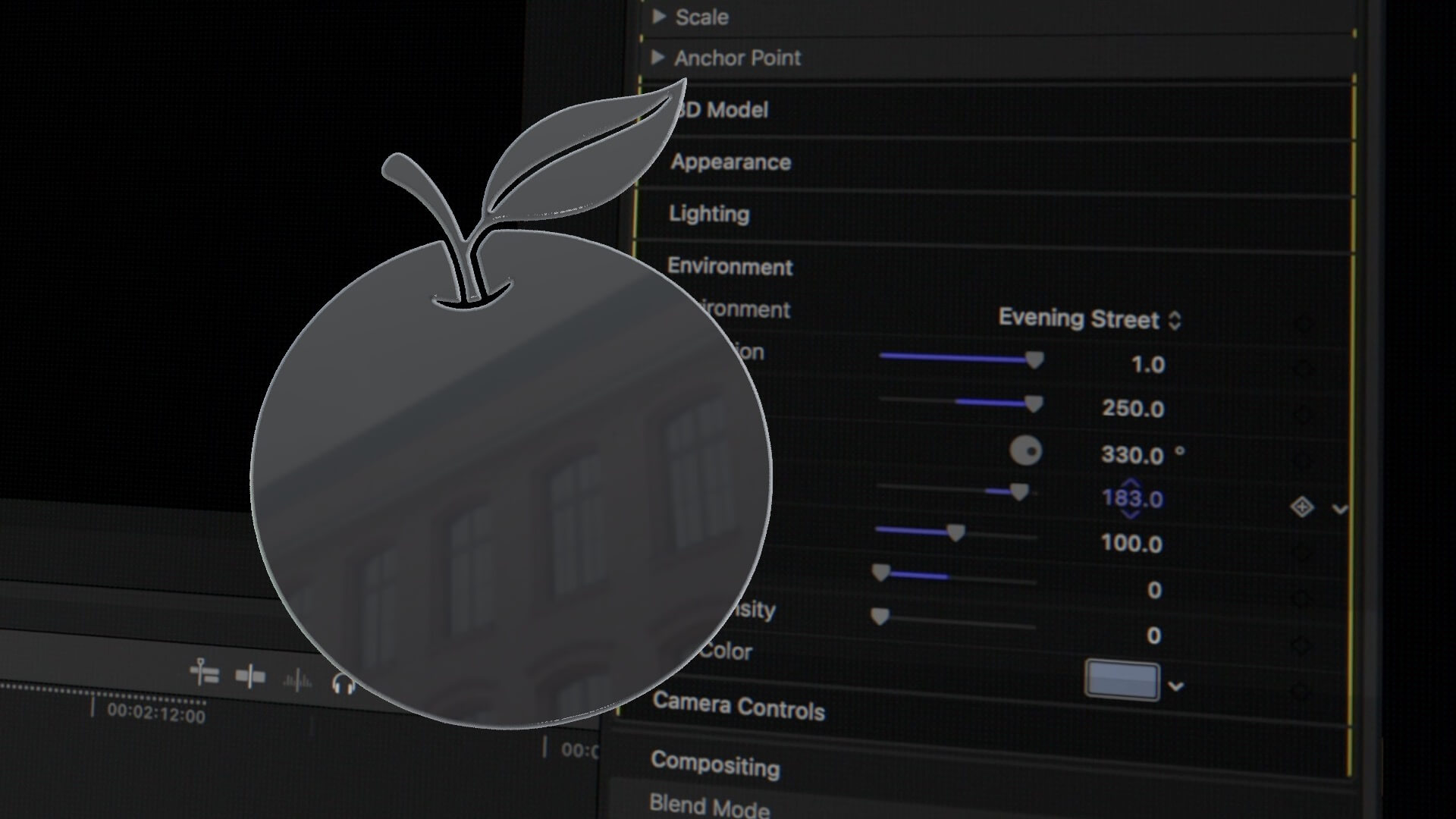
Extrude includes a full lighting system. A primary directional light source has adjustable angle, elevation, intensity, and color — positioning it directly overhead produces a flat, even illumination; angling it from the side creates the raking shadow that defines 3D depth. An ambient light level controls the fill — how much light reaches the surfaces not directly facing the key light.
The neon lighting system is what separates Extrude from basic 3D extrusion tools. A neon glow can be applied to the edges of the geometry — the front bevel edge, the depth sides, or both — in any color. The glow falloff, intensity, and spread are all adjustable. The result is the edge-lit neon 3D aesthetic that has defined motion graphics and broadcast design for the past several years, produced in a single plugin without compositing.
Material Finish
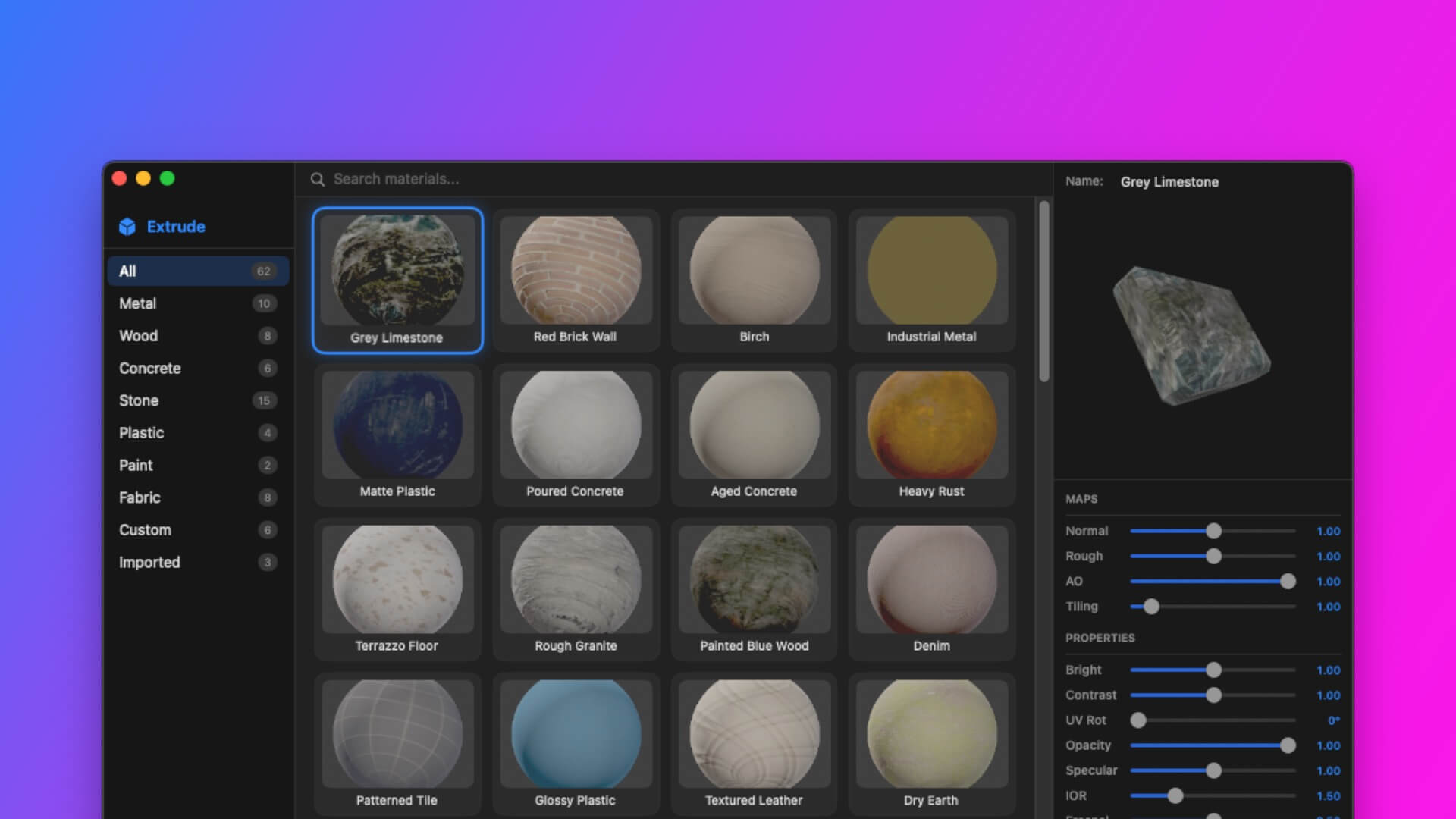
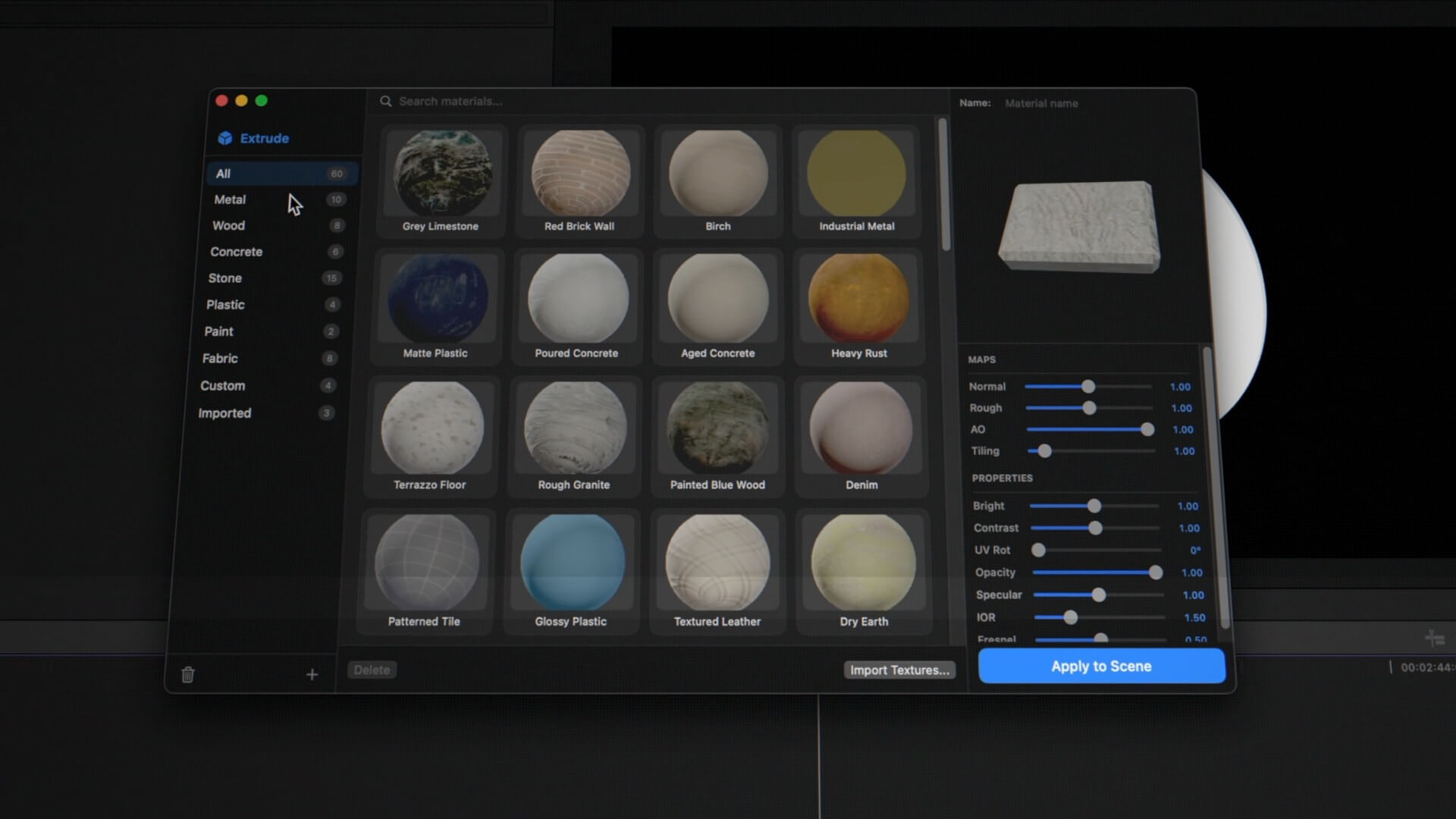
The material system in Extrude controls how the 3D surface responds to light. A Specular control adjusts the intensity and tightness of the specular highlight — the bright spot that appears on surfaces facing the key light. Roughness spreads the specular from a tight, mirror-like point to a broad, matte diffusion. Metallic mode shifts the surface from a plastic or matte character to a reflective metal finish where the surface color is driven by the reflection rather than the diffuse value.
The face color, depth color, and bevel color are independently adjustable — the front of the object, the extruded sides, and the bevel edge each take their own color. This separation enables classic 3D treatments like a white front face with a dark grey depth and a bright color bevel edge, or a gold front with a darker gold depth.
Virtual Camera
Extrude includes a virtual camera that orbits the 3D geometry. X and Y rotation controls tilt and pan the viewpoint around the object, revealing the depth from any angle. Perspective controls the field of view — narrower for a flatter, more graphic look; wider for an exaggerated sense of depth. Camera distance scales the object within the frame.
Because the camera is a parameter on the effect, it is keyframable directly in the Final Cut Pro timeline. A slow rotation from a front-on view to a three-quarter angle over a few seconds is a standard camera animation that requires no external software — set a keyframe at the start and end of the shot and Final Cut Pro interpolates the rotation.
"3D text has been a standard tool in motion graphics for thirty years. But the workflow has always been the same — leave your NLE, build it in a 3D application, render it, come back. Every change means repeating that loop. Extrude is the first tool that actually solves this for Final Cut Pro editors — the geometry, the lighting, the camera, all of it lives in the inspector. You change the text and the 3D updates. That is the workflow people have wanted."
— Dave Austin, Founder & CEO, Pixel Film Studios
Before and After
Extrude ships with a comparison mode that renders the source material on one side of the frame and the 3D extruded result on the other, with an adjustable split point. This is useful for client review and for dialing in exactly how much 3D treatment to apply relative to the original, before committing to a final look.

Availability and Pricing
Extrude is available today at pixelfilmstudios.com for $39.95. One-time purchase, no subscription. Requires macOS Sequoia 15.0 or later and Final Cut Pro 10.8 or later. Universal binary — native Apple Silicon and Intel. GPU acceleration via Metal. Installs via the PFS Installer app or by manual download from the customer account page.
About Pixel Film Studios
Founded in 2011, Pixel Film Studios is the leading developer of professional visual effects, titles, transitions, and generators built exclusively for Apple Final Cut Pro and Motion. Over the past 14 years, the company has shipped more than 2,000 products and fulfilled millions of orders for video editors, content creators, broadcast designers, and post-production professionals in over 100 countries. Learn more at pixelfilmstudios.com.
Press Contact
Colin Bauer
Director of Communications, Pixel Film Studios
[email protected]