Pixel Film Studios today introduces Distortion Lab — a single Final Cut Pro filter that puts thirty distinct warp and distortion effects behind one Effect popup. The thirty effects span six families: lens distortions (barrel, fisheye, bulge, twirl), wave-based warps (ripple, shockwave), churning noise and heat, kaleidoscopic symmetry (including tiny planet), flowing liquid and glass (molten glass, underwater caustics, soap bubble, rain on glass), and animated designer warps including flowing silk. Every one of the thirty effects supports animation — Speed and Phase controls let any warp move on its own over time, run in reverse, or lock to a perfect frozen frame. A single Chromatic Aberration slider adds prismatic, lens-style color fringing to any effect in the set. Artifact-free math throughout: soft falloffs that eliminate edge-ring artifacts, a closed-form lens model that never wobbles, and supersampling at Best quality. Real-time 4K. Universal binary. $39.95.
Distortion and warp effects are one of the most varied categories in video post-production, and one of the most fragmented to manage. The specific distortions a project might call for — a liquid warp for a dream sequence, a heat shimmer over a desert shot, a kaleidoscopic symmetry effect for a music video transition, a fisheye look for an action sequence — each one typically comes from a separate plugin or a separate template, installed separately, living in a different part of the FCP effects browser, with different controls and different parameter ranges. Distortion Lab consolidates the entire category into a single filter with a consistent interface: one popup to select the effect, the same underlying controls for animation and chromatic aberration across all thirty, and the same quality standard throughout.
One Filter. Thirty Effects. Six Families.
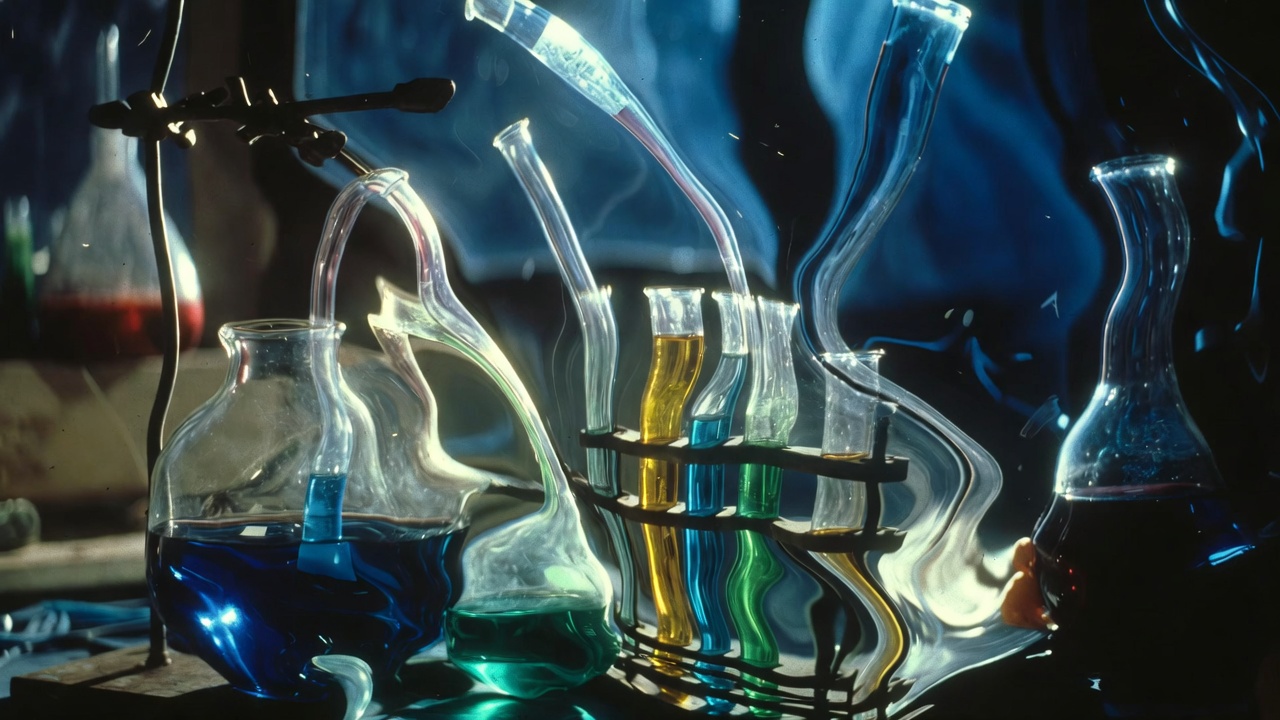
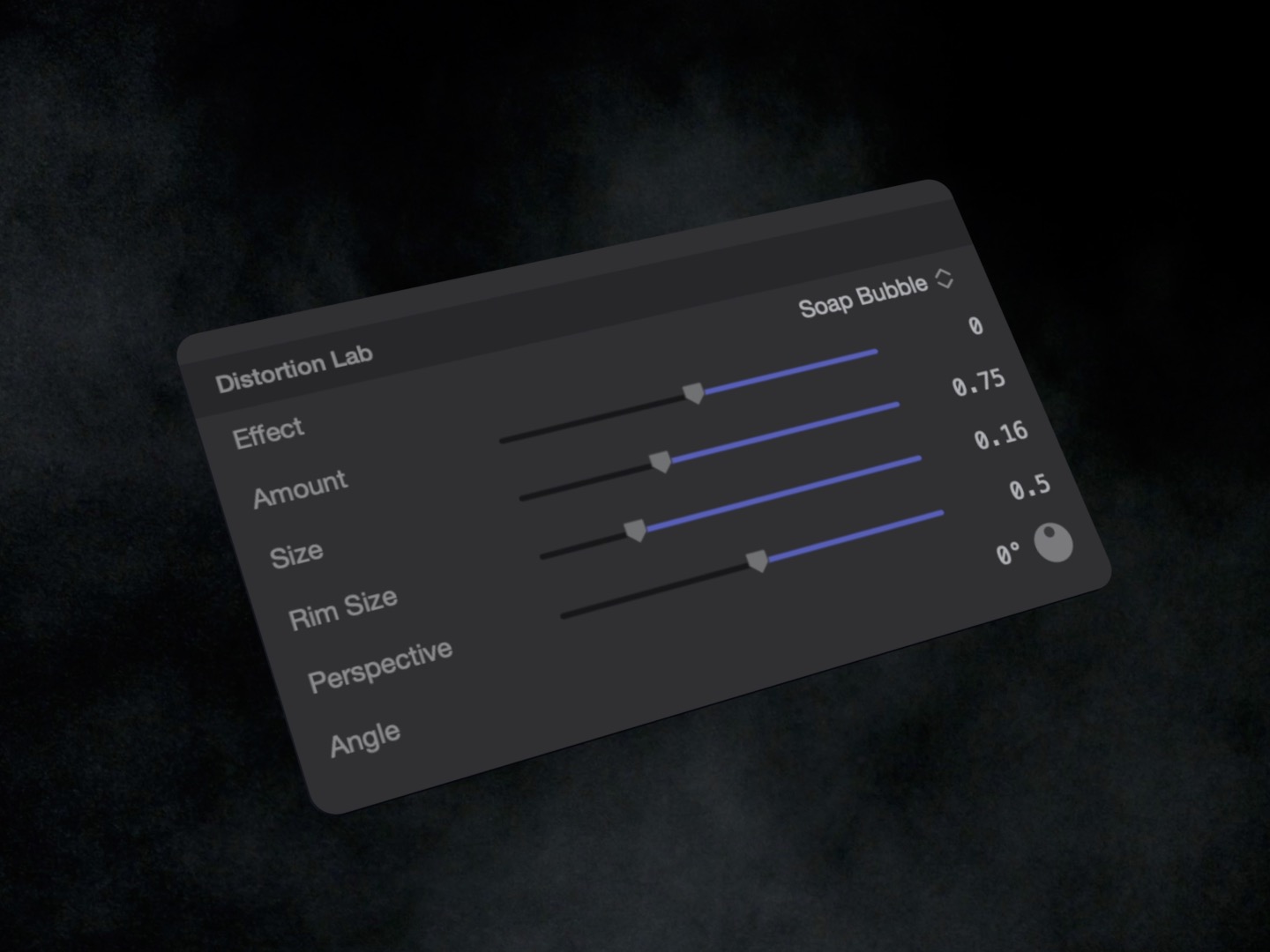
All thirty distortion effects live behind a single Effect popup — one dropdown in the Distortion Lab inspector that replaces the entire effect. Switching from a barrel lens warp to a liquid glass refraction to a kaleidoscopic symmetry takes a single click, with the same Speed, Phase, and Chromatic Aberration controls available regardless of which effect is active. There is no need to swap filters, add a new plugin, or navigate to a different part of the effects browser. The full set is always in the same place.
The thirty effects are organized across six families, each built around a distinct physical or mathematical approach to image warping.
Lens distortions — the foundational optical warps built on closed-form lens mathematics. Barrel bows straight lines outward as a wide-angle lens does, giving footage the exaggerated wide-open look of a fisheye-adjacent optical system. Fisheye takes this further, mapping the full frame to the spherical projection of an extreme ultra-wide lens. Bulge pushes a locatable region of the frame outward from a center point, creating a convex protrusion in the image. Twirl rotates the image around a center point with increasing intensity toward the origin, creating the specific spinning spiral of a magnetic or gravitational distortion. All four are built on the same closed-form lens model — they never wobble or oscillate on still frames the way iterative/approximation-based warp implementations do.
Wave distortions — the rhythmic, oscillating warps that treat the image as a flexible surface responding to periodic force. Ripple applies a concentric wave pattern from a center point — the visual of a stone dropped in water, rings of compression and rarefaction spreading outward through the image. Shockwave expands a single wavefront outward from a point, the burst of a single impulsive event rather than a continuous oscillation. Wave distortions are the natural language of energy, impact, and liquid surface physics in motion graphics.
Noise and heat — the stochastic, non-periodic distortions driven by procedural noise fields rather than mathematical wave functions. Heat simulates the shimmer of hot air over a warm surface — the rising, churning distortion of a desert road, an exhaust vent, or a fire — by applying a temporally evolving noise displacement that reads as convincingly atmospheric. Additional noise-driven distortions produce the roiling, unpredictable warps of turbulent fluid environments where no two frames are alike.
Symmetry — the mirror and fold effects that use the image as raw material for geometric transformation. Kaleidoscopic reflects and tiles the image around a center point into a symmetric mandala pattern, producing the specific visual of a kaleidoscope tube applied to live footage. Tiny Planet applies a polar coordinate transformation that maps the image onto a sphere viewed from directly above — the specific spherical projection that turns a landscape into a miniature globe. Both respond to rotation and position parameters that adjust what region of the original image feeds the transformation.
Liquid and glass — the refraction-based effects that simulate the optical behavior of actual physical materials. Liquid applies a flowing, viscous displacement field that reads as footage seen through moving fluid — the visual of an image at the bottom of a shallow stream. Molten glass simulates the specific distortion of looking through thick, imperfect glass — irregular, slow-moving, with the characteristic bulge and wobble of a glass surface that is not optically flat. Underwater caustics adds the bright, shifting network of refracted light that appears on surfaces under moving water — the caustic pattern of light bent through a moving surface and projected onto a plane below it. Soap bubble produces the thin-film distortion of a soap membrane — the gentle, iridescent-tending warp of a surface with minimal but real thickness. Rain on glass applies the streaked, beaded distortion of water on a vertical glass surface — the specific scattered refraction of individual droplets running and collecting on a pane.
Designer warps — the stylized, animated distortions designed for motion graphics and visual effect contexts rather than physical reference. Animated silk flows the image in smooth, fabric-like waves — the specific motion of a large cloth surface disturbed by wind, producing undulating, directional displacement that reads as both organic and elegant. Additional designer warps in this family cover the full range of artistic distortion from cinematic to abstract.
Distortion That Stays Clean
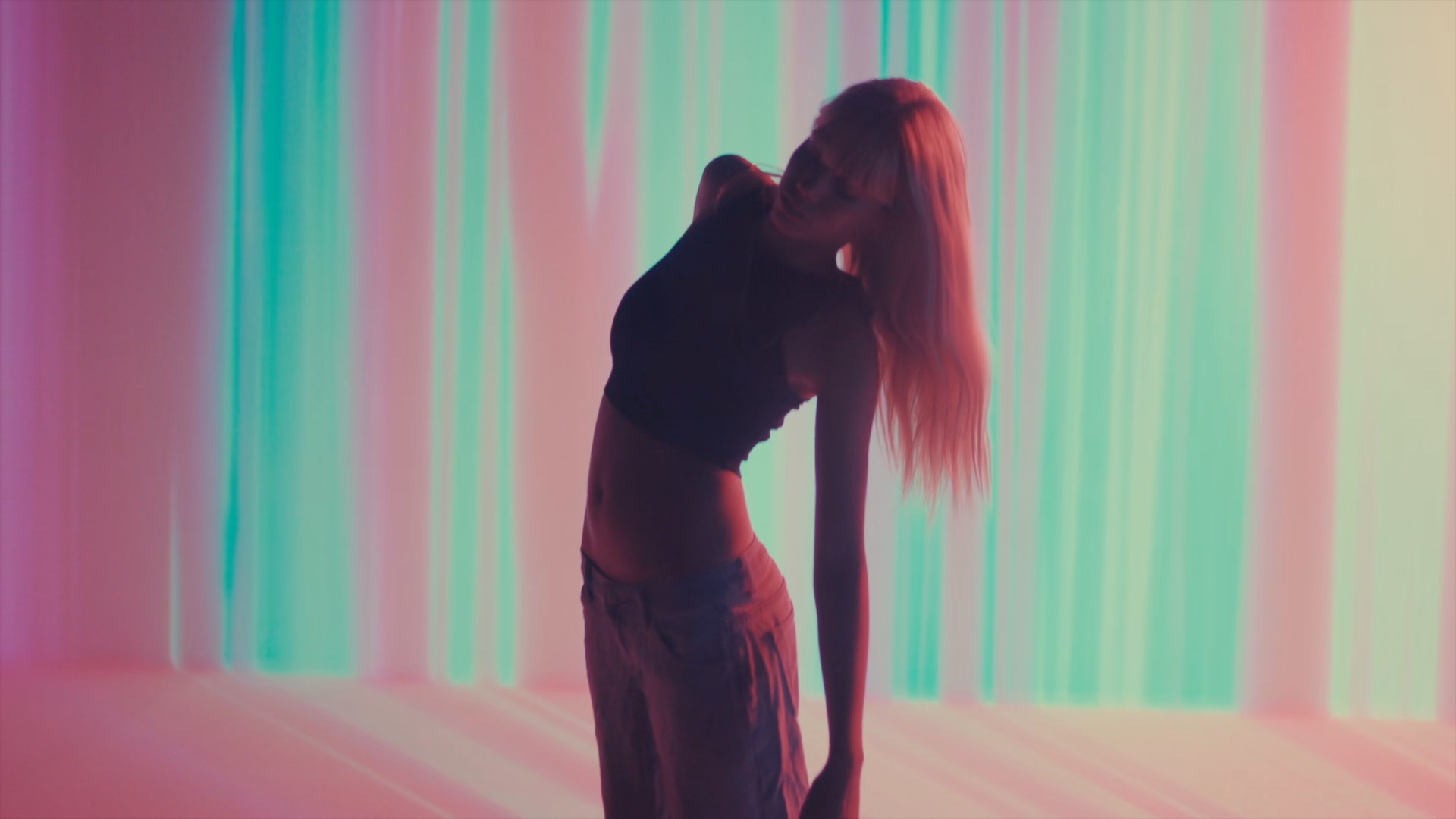
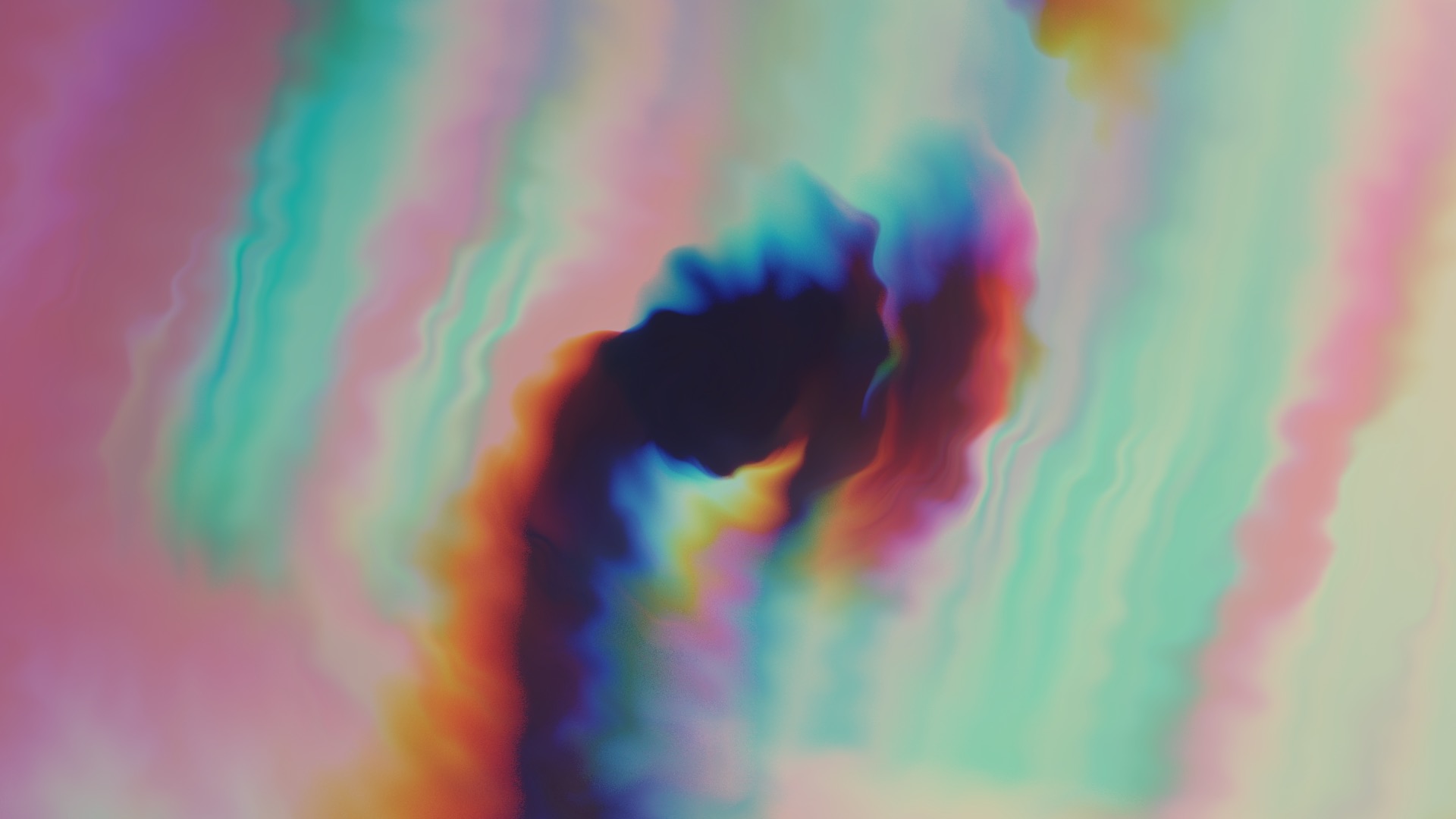
Warp effects have a characteristic failure mode: the edge-ring artifact. When a distortion pulls pixels away from a boundary — the edge of a barrel distortion, the rim of a bulge, the perimeter of a twirl — many implementations produce a visible ring of smearing, aliasing, or hard-edge discontinuity where the distortion meets the undistorted frame. The ring appears because the warp function either has a hard transition at its boundary or lacks sufficient supersampling to smooth the edge of the displacement field.
Distortion Lab eliminates this through two techniques. First, all distortion boundaries use soft falloffs — the transition from maximum distortion to no distortion is gradual and smooth rather than abrupt, so there is no hard edge for the renderer to handle. Second, at Best quality mode, Distortion Lab supersamples the output — rendering at higher than display resolution and downsampling — so that the anti-aliasing at the warp boundary is handled in the sampling stage rather than relying on the distortion math itself to be artifact-free. The closed-form lens model (used for all lens-family effects) avoids the wobble that appears in iterative approximation methods when the convergence is imperfect.
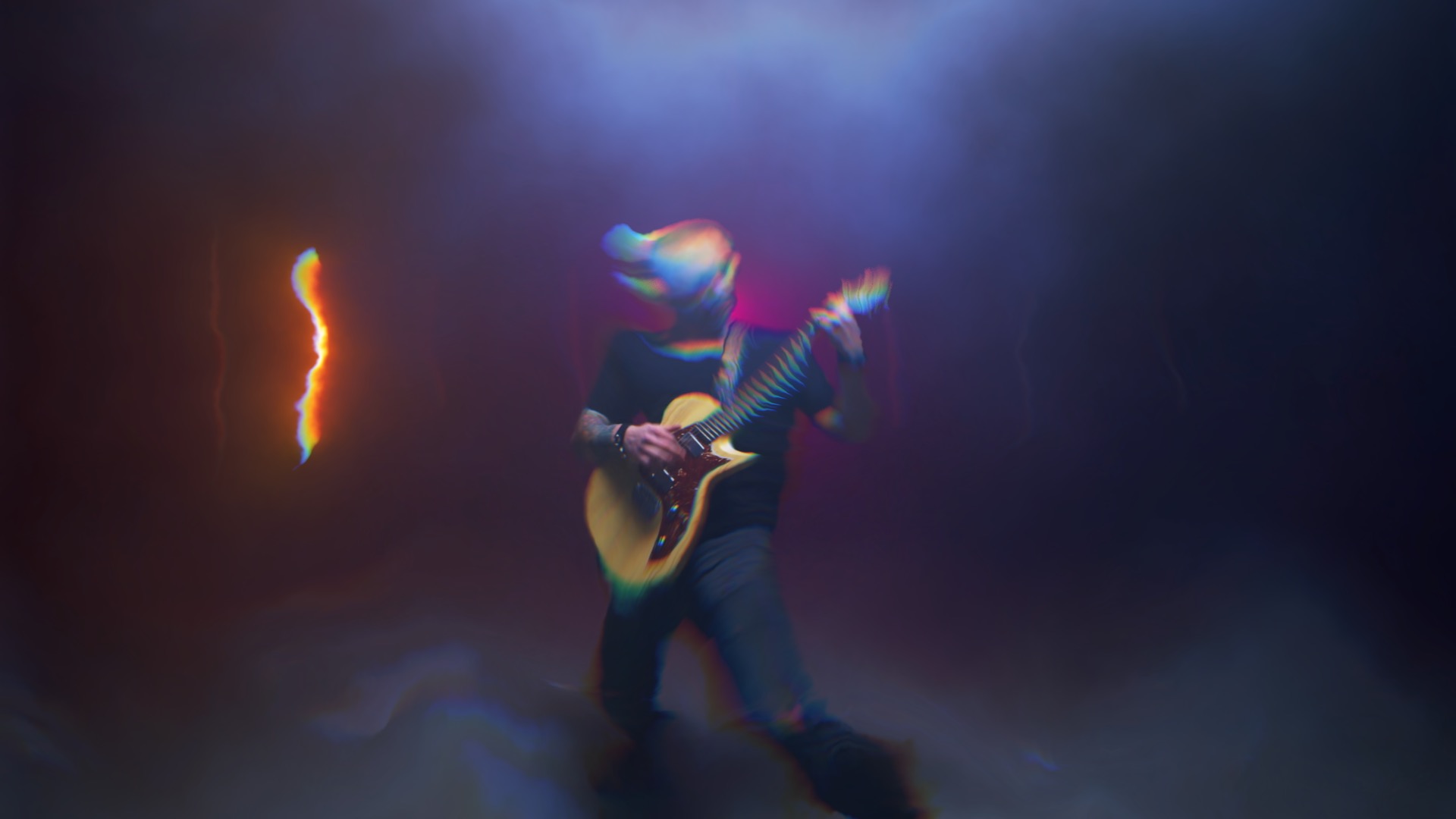
Set It Moving. Split the Light.
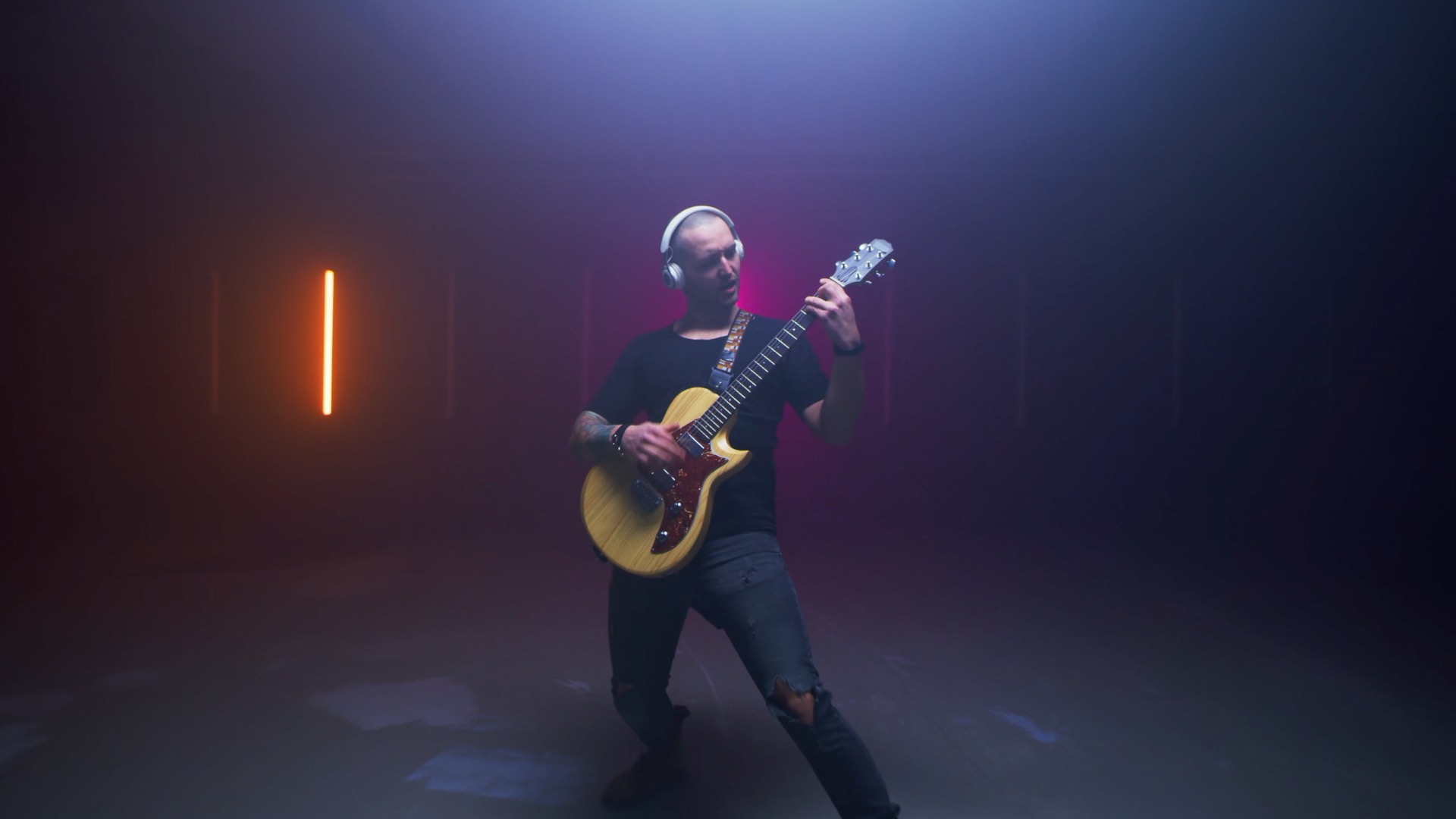
Every one of the thirty effects supports independent animation without keyframing. The Speed control sets how fast the distortion evolves over time — wave effects oscillate faster or slower, noise effects churn at different rates, animated warps flow at different velocities. Set Speed to zero and the effect is frozen at whatever state Phase selects. Set Speed to a negative value and the animation runs in reverse. Phase offsets the starting position of the animation cycle — useful for matching the motion of the distortion to a specific moment in the audio or locking the peak of a ripple to a hit in the music.
The Chromatic Aberration control adds prismatic, lens-style color fringing to any active effect. Real chromatic aberration occurs when a lens cannot focus different wavelengths of light at the same point — red, green, and blue components of the image land at slightly different positions on the sensor, producing color fringing at high-contrast edges. Distortion Lab's Chromatic Aberration simulates this by splitting the warped output into its color channels and offsetting them by a small amount in the direction of the distortion gradient — producing fringing that reads as lens-accurate and photographic rather than a generic RGB split. One slider controls the intensity; it is additive to any of the thirty effects.
"Distortion effects are one of those categories where every editor has a handful they use constantly and a much larger set they never reach for simply because they don't have them. Distortion Lab is the answer to that — thirty effects, six families, one filter, all with the same controls, all clean, all animated. Whatever the shot needs, it's in there."
— Dave Austin, Founder & CEO, Pixel Film Studios
Availability and Pricing
Distortion Lab is available today at pixelfilmstudios.com for $39.95. One-time purchase, no subscription. Requires macOS Ventura 13.0 or later and Final Cut Pro 10.8 or later. Universal binary — native Apple Silicon and Intel. Installs via the PFS Installer app or by manual download from the customer account page.
About Pixel Film Studios
Founded in 2011, Pixel Film Studios is the leading developer of professional visual effects, titles, transitions, and generators built exclusively for Apple Final Cut Pro and Motion. Over the past 14 years, the company has shipped more than 2,000 products and fulfilled millions of orders for video editors, content creators, broadcast designers, and post-production professionals in over 100 countries. Learn more at pixelfilmstudios.com.
Press Contact
Colin Bauer
Director of Communications, Pixel Film Studios
[email protected]