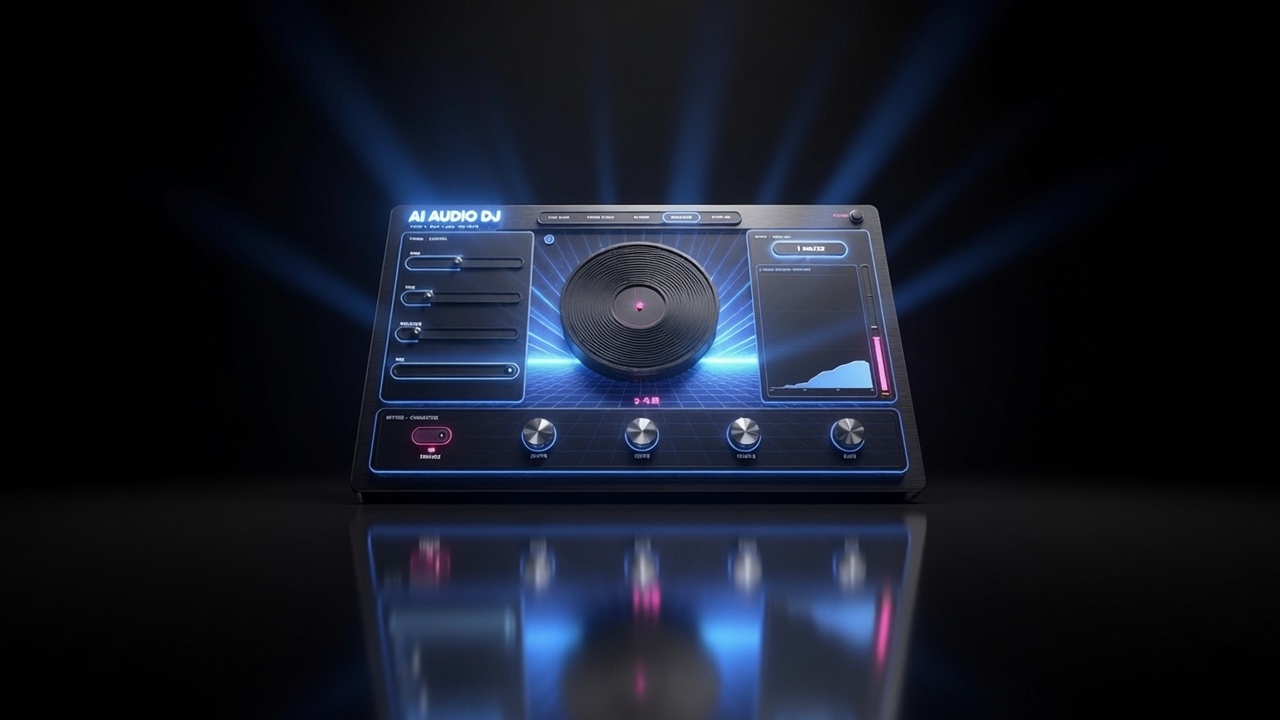
Pixel Film Studios today introduces AI Audio DJ — a plugin for Final Cut Pro that brings five classic DJ and tape manipulation effects directly into the timeline: Tape Stop, Scratch, Rewind, Slow-Mo, and Spin Up. Press Analyze and the plugin listens to the audio clip, detects the BPM — up to 200 BPM — and locks the scratch rhythm to a true musical grid so the back-and-forth is always on the beat, not approximately near it. A glowing central platter visualizer spins at the audio's true playback rate, slowing, stalling, and reversing in real time as each effect engages, shifting from cool blue at full speed through warm orange when a move is active. No DAW. No round-trip. No manual pitch-envelope keyframing. Drop it on the clip. $39.95.
The tape stop, the vinyl scratch, the rewind whip, the slow-motion plunge — these are some of the most recognizable audio effects in the editing vocabulary. They appear in music videos to punctuate a visual cut, in trailers to build tension before a reveal, in social media content to create comedic timing, in broadcast promos to signal a transition, and in documentary to land a moment of emphasis. And until now, producing any of them correctly inside Final Cut Pro meant either leaving the timeline for a DAW, manually drawing a pitch-envelope automation curve across a clip, or using a third-party plugin that approximated the effect without tempo awareness. AI Audio DJ is the real thing — tempo-locked, visually live, natively inside FCP.
Five Signature Moves
AI Audio DJ is built around five distinct time and pitch manipulation effects, each modeled on a specific physical and cultural reference in DJ and tape performance history.
- Tape Stop — the music decelerates to a halt, the pitch dropping as the playback speed falls, until silence. The definitive tension-building move: everything slams to a stop before the drop, before the reveal, before the cut to black. The deceleration curve is adjustable — a short, abrupt stop versus a long, slow wind-down — and the moment of silence before the next element enters is part of the effect's theatrical power.
- Scratch — the record moves back and forth under an imaginary needle in a rhythmic pattern locked to the detected BPM. The scratch is beat-synced: the back-and-forth timing is derived from the tempo of the audio clip, so the rhythm of the scratch sits on the musical grid rather than drifting against it. Speed, depth, and rhythm pattern are adjustable. The scratch effect is what distinguishes AI Audio DJ from a pitch-envelope plugin — without tempo awareness, a scratch cannot be on the beat.
- Rewind — the audio plays in reverse at accelerated speed, the characteristic whipping sound of a tape machine rewinding or a record being spun backward rapidly. The rewind is the whip cut of audio effects: used at the top of a new section to signal an energetic reset, under a comedic callback, or as a transition device that pulls the audio backward before launching the next clip forward. Speed and intensity are controllable.
- Slow-Mo — playback decelerates into a sustained slow-motion state, pitch dropping as time stretches, holding the audio in a slowed, deepened version of itself. Where Tape Stop descends to silence, Slow-Mo descends to a new slower tempo and holds there — the tension-building plunge that keeps the audio present while warping its sense of time. Duration and target speed are controllable.
- Spin Up — the inverse of Tape Stop: playback accelerates from silence to full speed, pitch rising as the imaginary motor brings the platter up to velocity. The Spin Up is how you enter a scene from nothing — audio building from a low, slow crawl into the full-speed present, a sound that signals arrival, resumption, and energy returning after a stop.
BPM Detection: The Beat, Found Automatically
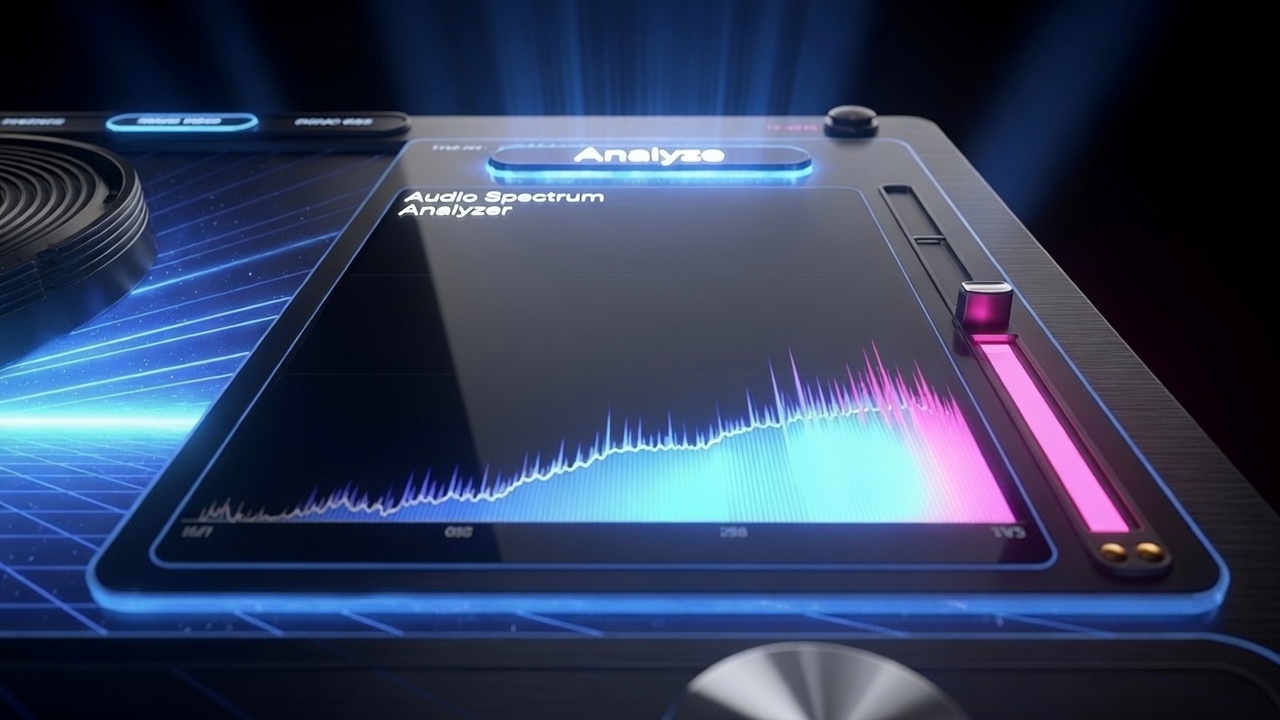
The scratch effect in AI Audio DJ is beat-locked — its rhythm is derived from the detected tempo of the audio, not set manually. This matters because a scratch that drifts off the musical grid sounds wrong immediately: the back-and-forth that should land on the eighth note arrives early or late, and what should feel tight and intentional feels accidental. Getting a scratch on the grid manually requires knowing the exact BPM, calculating the beat duration in milliseconds, and configuring the scratch timing to match. AI Audio DJ handles this automatically.
Press Analyze and the plugin listens to the audio on the clip it is applied to and extracts the BPM directly from the signal — the same approach used by AI Repeater, built for the same reason: Final Cut Pro does not expose project tempo information to audio plugins. The detected tempo is used to calculate beat and subdivision durations across the full range from sub-divisions up to 200 BPM. The scratch rhythm locks to that grid and stays there. Tempo changes in the audio are handled by re-running the analysis pass.
The Platter: A Live Performance Visualizer
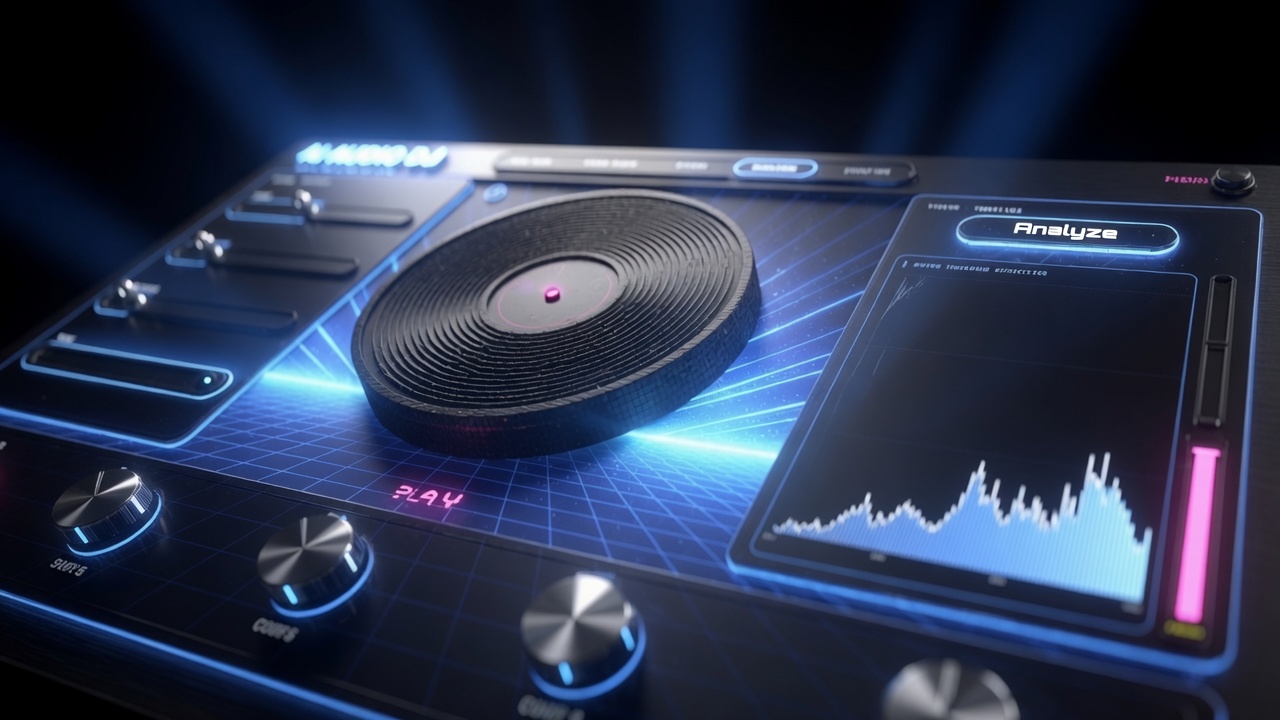
A glowing central platter runs continuously in the AI Audio DJ interface, spinning at the audio's true playback rate at all times. When Tape Stop engages, the platter decelerates visibly, the spin slowing as the pitch drops, until the record appears to stop rotating. When Rewind engages, the platter reverses direction, spinning backward at the accelerated rewind speed. When Slow-Mo engages, the platter slows to the reduced playback rate and holds there. When Spin Up engages, the platter accelerates from rest to full speed, the rotation building as the pitch rises.
The platter's color shifts with the state of the processing: cool blue at full playback speed and no effect engaged; warming toward a star-orange as a move activates; flaring magenta at peak engagement. The visual feedback is immediate and unambiguous — the state of the effect is readable at a glance without watching level meters or reading parameter values. The platter is not cosmetic. It is a real-time display of what the plugin is doing to the audio at every frame.
"The tape stop and the scratch have been editorial punctuation marks for as long as there has been music editing. And the only way to do them right inside Final Cut Pro — on the beat, with the right pitch curve, with the right timing — was to leave FCP entirely. AI Audio DJ brings them home. Five moves, beat detection built in, the platter spinning in real time. It performs like a DJ tool because it thinks like one."
— Dave Austin, Founder & CEO, Pixel Film Studios
Availability and Pricing
AI Audio DJ is available today at pixelfilmstudios.com for $39.95. One-time purchase, no subscription. Requires macOS Ventura 13.0 or later and Final Cut Pro 10.8 or later. Universal binary — native Apple Silicon and Intel. Installs via the PFS Installer app or by manual download from the customer account page.
About Pixel Film Studios
Founded in 2011, Pixel Film Studios is the leading developer of professional visual effects, titles, transitions, and generators built exclusively for Apple Final Cut Pro and Motion. Over the past 14 years, the company has shipped more than 2,000 products and fulfilled millions of orders for video editors, content creators, broadcast designers, and post-production professionals in over 100 countries. Learn more at pixelfilmstudios.com.
Press Contact
Colin Bauer
Director of Communications, Pixel Film Studios
[email protected]